


By the Pine AI Editorial Team | Updated May 2026 | Reviewed using publicly available legal resources
You have 28 days from the issue date on your Brisbane City Council (BCC) infringement notice to lodge an internal appeal. After that, the fine is referred to SPER — the State Penalties Enforcement Registry — and your dispute options narrow sharply. This guide covers every step of the process, the evidence that works, and what happens after you submit.
Understanding Your Brisbane Parking Infringement Notice
Your notice was almost certainly issued by Brisbane City Council (BCC). BCC is the primary parking enforcement authority for the greater Brisbane area. The notice will reference the specific parking regulation you allegedly breached, the location, time, date, and fine amount.
Important distinction: SPER is not the issuer. SPER only enters the picture if you do not pay or dispute within 28 days. Do not contact SPER about a new infringement notice — contact BCC directly.
The notice should include:
- A unique infringement notice number
- The issuing officer's details
- The vehicle registration recorded
- The specific offence and location
Check all of these carefully. Errors on the notice itself — wrong registration, wrong time, wrong location — are grounds for withdrawal.
What Evidence Actually Helps
Not all evidence is equal. Here is a prioritised list of what BCC's review officers look for, in order of effectiveness:
-
App transaction confirmation (EasyPark, ParkMobile, CityPay): A screenshot or PDF showing an active or completed session at the time and location of the alleged offence. Include the session start time, end time, location zone, and transaction ID. This is your strongest evidence for payment-failure disputes.
-
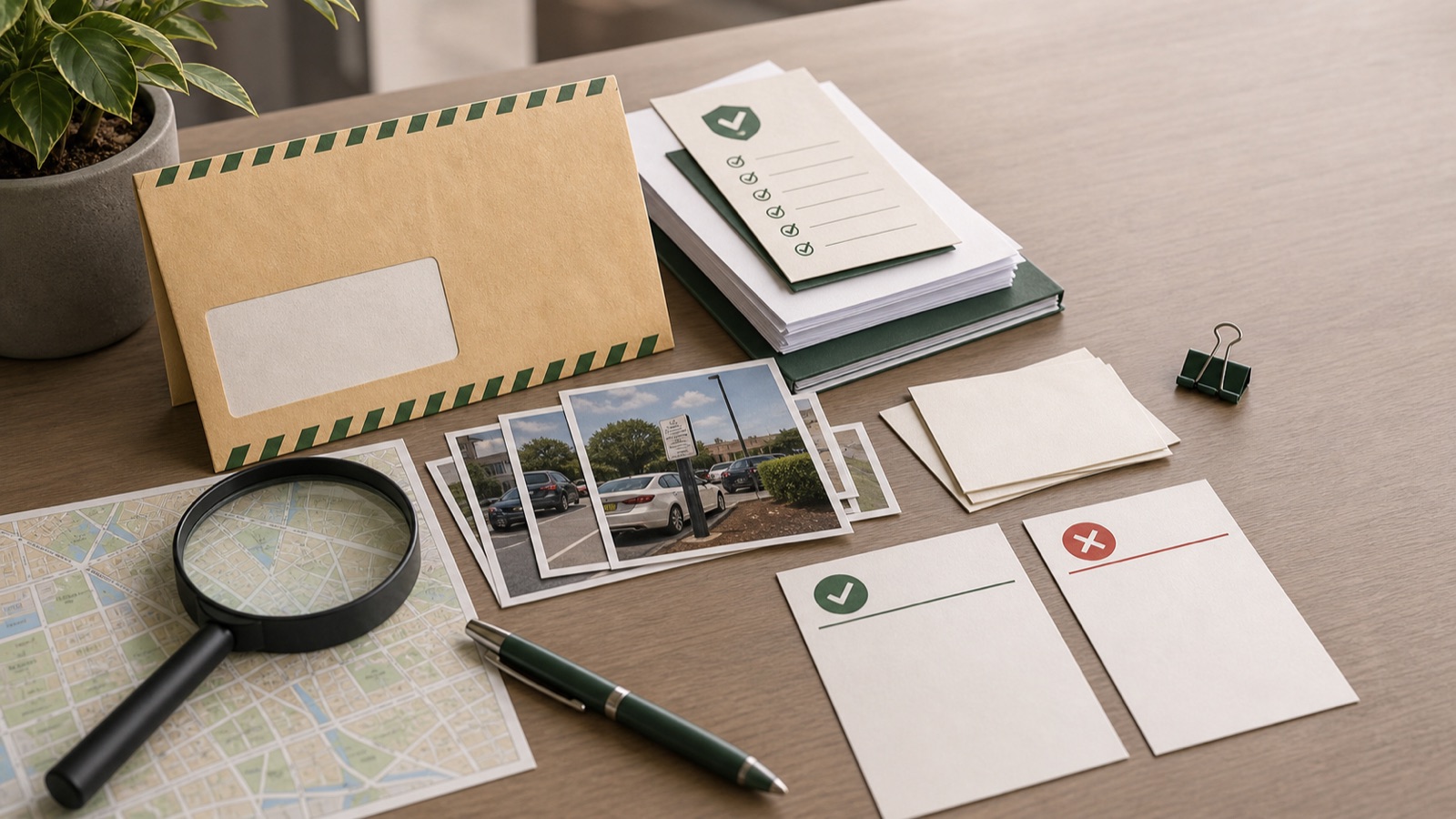
Photographs of the location: Photos taken at or near the time of the offence, showing parking signs, meter condition, or any obstruction. Timestamp-verified photos (from your phone's camera metadata) carry more weight.
-
Photos showing signage issues: If a sign was obscured by vegetation, a construction hoarding, or a parked vehicle, photograph it. Include multiple angles showing what a driver approaching the space would have seen.
-
Medical or emergency documentation: Hospital records, ambulance records, or a medical certificate if you stopped due to a genuine emergency.
-
Witness statement: A written statement from a passenger or bystander who can corroborate the circumstances. Not always required, but helpful in contested cases.
-
Vehicle service records: If the vehicle was being towed, repaired, or was not in your possession, documentation supporting this.
Common Grounds for Disputing a Brisbane Parking Fine
EasyPark or App Payment Failure
This is one of the most common dispute grounds in Brisbane CBD. EasyPark sessions in the Queen Street, Edward Street, and inner-city paid zones are known to occasionally fail to register correctly with BCC's system. The app shows "session active" on your phone, but BCC's officer records an overstay or a no-payment.
A Pine user in Brisbane's Valley parking zone near the CBD experienced exactly this: their EasyPark session showed "active" on their phone throughout the parking period, but BCC issued an infringement notice for the same period. The session confirmation screenshot — showing the session start time, zone, and the "active" status — was included with the internal appeal. The dispute was resolved in the driver's favour.
For these cases, your evidence is the EasyPark transaction receipt and the session confirmation. Attach it clearly labelled to your dispute submission.
Sign Obscured or Inadequate
Parking restrictions are only enforceable if the relevant signs were clearly visible to a driver approaching the space. Grounds include:
- A sign obscured by a tree, bush, or overhanging vegetation
- A sign obscured by a construction hoarding or temporary structure
- A sign that was damaged, missing, or covered
- Confusing or contradictory signs at the same location
Photograph the sign and its surroundings from the perspective of a driver entering the space. Multiple angles help.
Wrong Vehicle Details on the Notice
If the infringement notice records the wrong registration number, wrong vehicle colour, wrong make or model, or wrong location, this is a direct ground for withdrawal. Cross-check every detail on the notice against your own records.
Medical Emergency
If you stopped briefly due to a genuine medical emergency — your own, or a passenger's — that is a recognised ground. Supporting documentation (hospital records, ambulance records, or a GP certificate) strengthens the case. A statutory declaration describing the circumstances can substitute if formal documentation is not available.
Loading and Unloading
If you were actively loading or unloading goods or passengers in a loading zone within the permitted time, this is a valid ground. Be specific about the duration and what was being loaded or unloaded.
Step-by-Step: How to Lodge a BCC Internal Appeal
Step 1: Gather your evidence Before you open the portal, have your evidence ready: infringement notice number, photos, app receipts, any supporting documents. BCC's online form requires evidence uploads — see the note below about file formats.
Step 2: Go to brisbane.qld.gov.au Navigate to the parking infringement dispute or internal review section. You will need your infringement notice number and vehicle registration.
Step 3: Complete the dispute form Describe your grounds clearly and factually. Do not exaggerate. State what happened, when, and why you believe the notice should be withdrawn. Reference your evidence.
Step 4: Upload your evidence Important friction point: BCC's internal appeal form typically requires evidence uploads as JPEG images. PDF files are often rejected by the upload system. If you have receipts or bank statements in PDF format, convert them to JPEG images before uploading. If the portal rejects your uploads, try a different file format or contact BCC to confirm accepted formats.
Step 5: Submit and record your submission details After submitting, note any reference number provided. Take a screenshot of the confirmation page.
Step 6: Wait for BCC's response BCC typically responds by letter, even when you filed online. Response times are typically 4–8 weeks. Do not expect an email acknowledgement immediately.
What Happens After You Submit
Weeks 1–2: BCC logs your appeal and assigns it to a review officer. You will likely not receive an acknowledgement during this period. The portal may not show a status update.
Weeks 3–6: The review officer examines your grounds and evidence. They may contact the issuing officer for their account of events.
4–8 weeks: You receive a response — by post, to the address on the infringement notice. This will be one of three outcomes:
- Notice withdrawn: No further action required. The fine is cancelled.
- Notice reduced: A lesser amount is offered. You can pay the reduced amount or escalate.
- Internal review rejected: The notice is upheld. You now have two options: pay the fine, or escalate to the Magistrates Court.
If rejected: Escalating to the Magistrates Court is a more formal process. You are making a legal challenge rather than an administrative appeal. The standard of evidence required is higher. Consider seeking legal advice if you intend to escalate — Legal Aid Queensland offers guidance for eligible applicants.
What If the Fine Reaches SPER?
If the 28-day window has passed and your fine has been registered with SPER, your options change. SPER manages the debt, not the dispute. Contact SPER at sper.qld.gov.au to understand payment options or whether a late appeal is possible. In some circumstances, SPER may refer the matter back to the issuing body — but this is not guaranteed and involves additional fees.
Frequently Asked Questions
Can I dispute a Brisbane parking fine by post? Yes. You can write to Brisbane City Council Parking Services by post instead of using the online portal. Include your infringement notice number, vehicle registration, a clear explanation of your grounds, and copies (not originals) of your evidence. Allow additional time for postal processing.
What is the deadline to dispute a BCC parking infringement notice? 28 days from the issue date on the notice.
Does SPER handle Brisbane parking disputes? No. SPER handles payment and enforcement of unpaid fines. Disputes for initial BCC infringement notices go to BCC's internal review process. Contact BCC, not SPER, for a new infringement notice dispute.
What happens if BCC rejects my internal appeal? You can pay the fine or escalate to the Magistrates Court. QCAT (Queensland Civil and Administrative Tribunal) is not the standard route for parking infringement disputes in Queensland — the Magistrates Court is the correct escalation pathway.
Will disputing my fine extend the payment deadline? In many cases, lodging an internal review suspends the payment deadline while the review is in progress. Do not assume this — confirm with BCC when you submit your review.
How Pine AI Handles Brisbane Parking Disputes
Pine AI reads your BCC infringement notice details — the notice number, issuing location, alleged offence, date and time — and prepares a targeted internal appeal letter for Brisbane City Council's review process.
For EasyPark or ParkMobile payment failures, Pine structures the letter around the transaction evidence you upload, framing the discrepancy between your app's session record and the officer's recording in the clearest terms. For sign-obscured disputes in CBD zones, Pine drafts the argument referencing the BCC's signage obligations and the specific location details.
Pine also tracks the 28-day deadline from your notice date so you know exactly how long you have before SPER registration. The letter is formatted for BCC's review process — not a generic template.
Continue exploring
Queensland Overview
Browse 3 Pine AI parking ticket guides for Queensland, including dispute, payment, fine, appeal, and enforcement resources.
Australia Overview
Browse 22 Pine AI parking ticket guides for Australian, including dispute, payment, fine, appeal, and enforcement resources.