


Xfinity Internet
Cancel subscription
Simple Steps to Cancel Your Xfinity Internet Service
Guide to canceling Xfinity Internet, including how to contact Xfinity, what happens to your bill, equipment, email, and Xfinity Mobile, refunds and restarts.
- Official Xfinity Internet and billing-owner sources
- 3 provider-specific cancellation paths
- Refund and post-cancellation effects separated from renewal
- Verified August 16, 2026
Choose the Xfinity Internet cancellation path that matches who bills you
Phone · verify the billing owner
 1
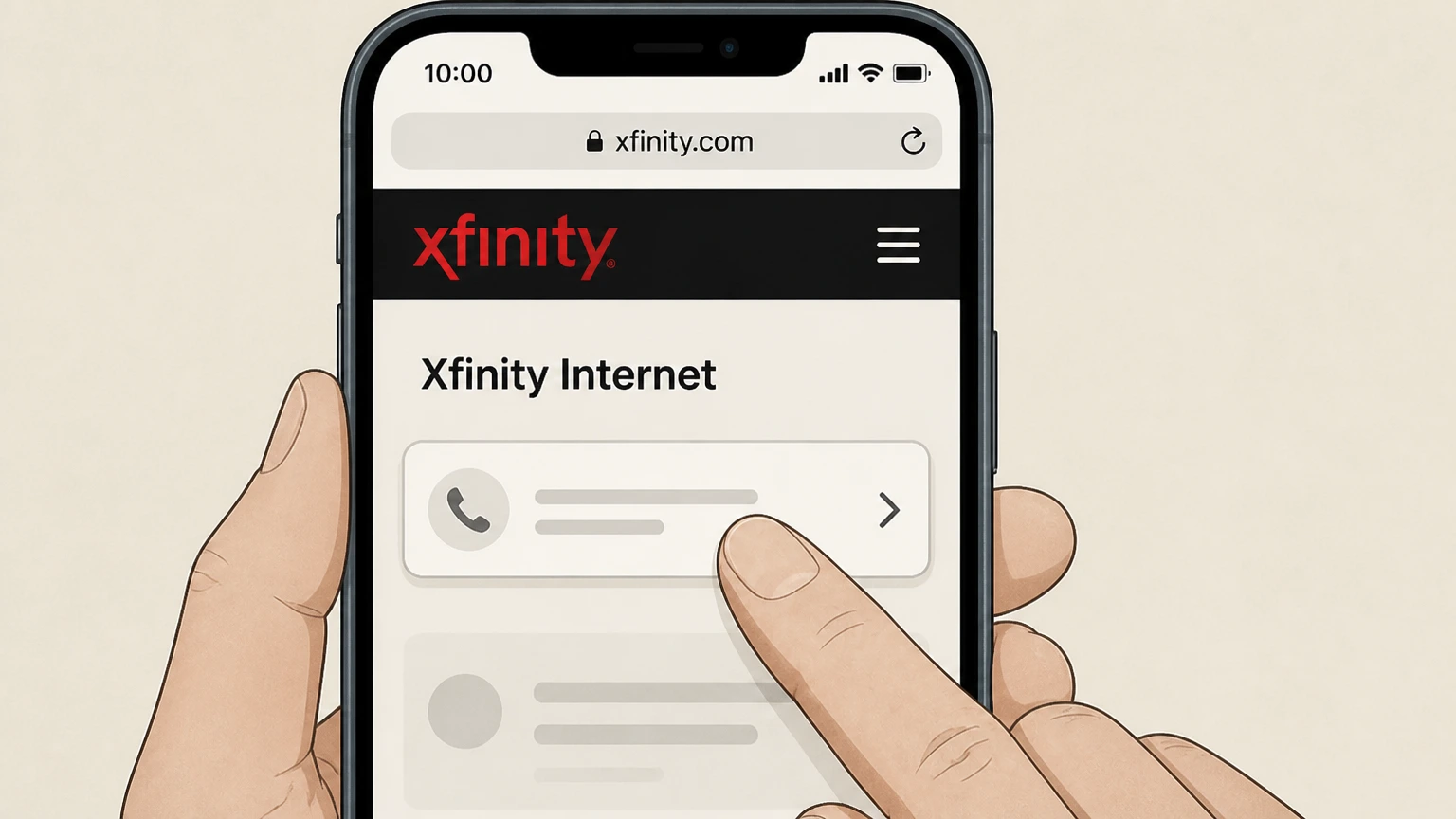
1Find the correct Xfinity phone number
Locate Xfinity’s customer‑service number on xfinity.com/cancel or on your most recent Xfinity bill before you call. Use the Xfinity Internet account named on your receipt, and continue only after the next status in this cancellation path is visible.
 2
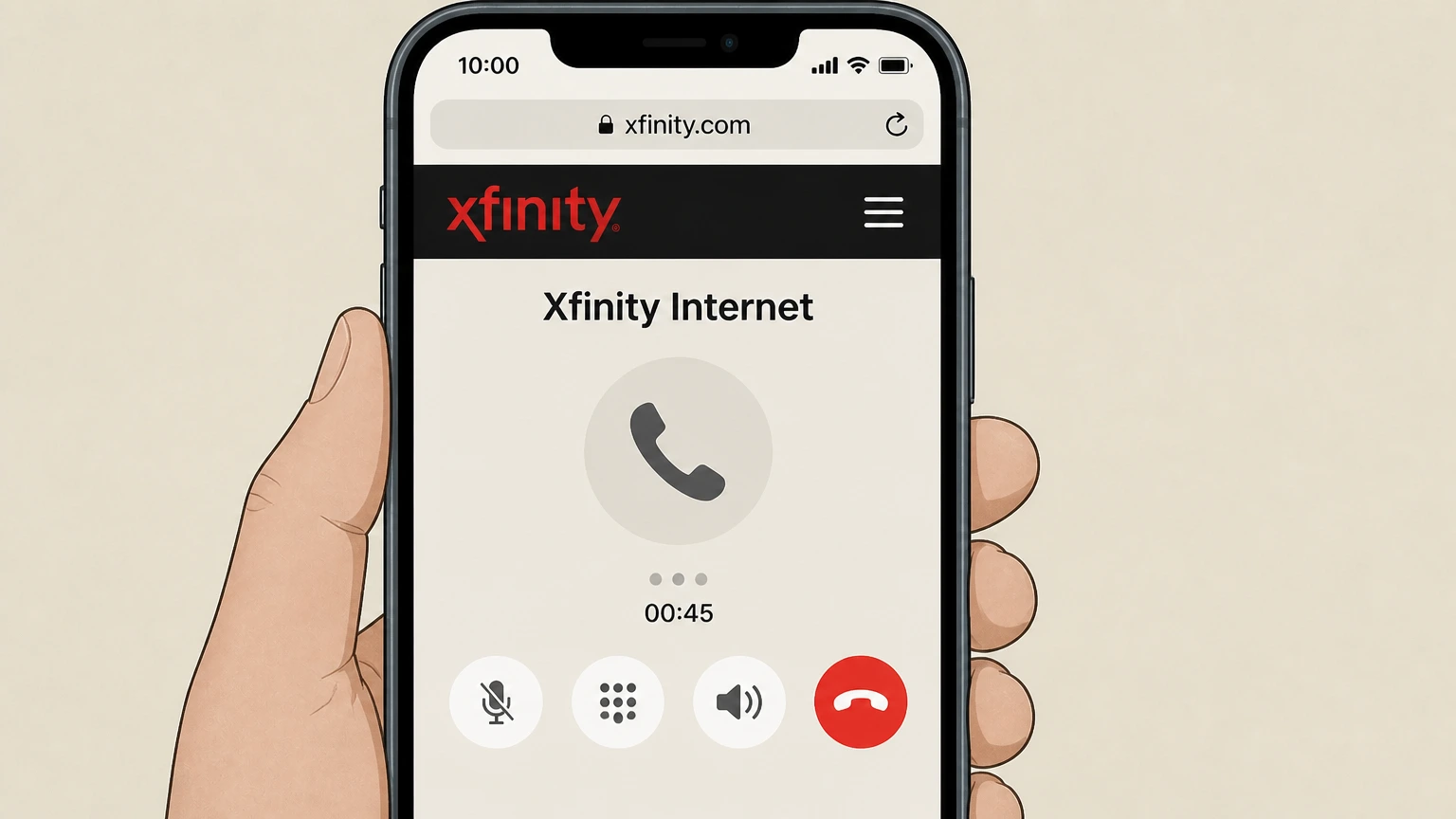
2Call Xfinity for account changes
Place a call to Xfinity and follow the automated prompts until you reach an agent who handles changing or canceling services.
- Let Pine handle it
Pine can help
Too many steps?
Pine can find the right Phone path and handle the cancellation for you.
 3
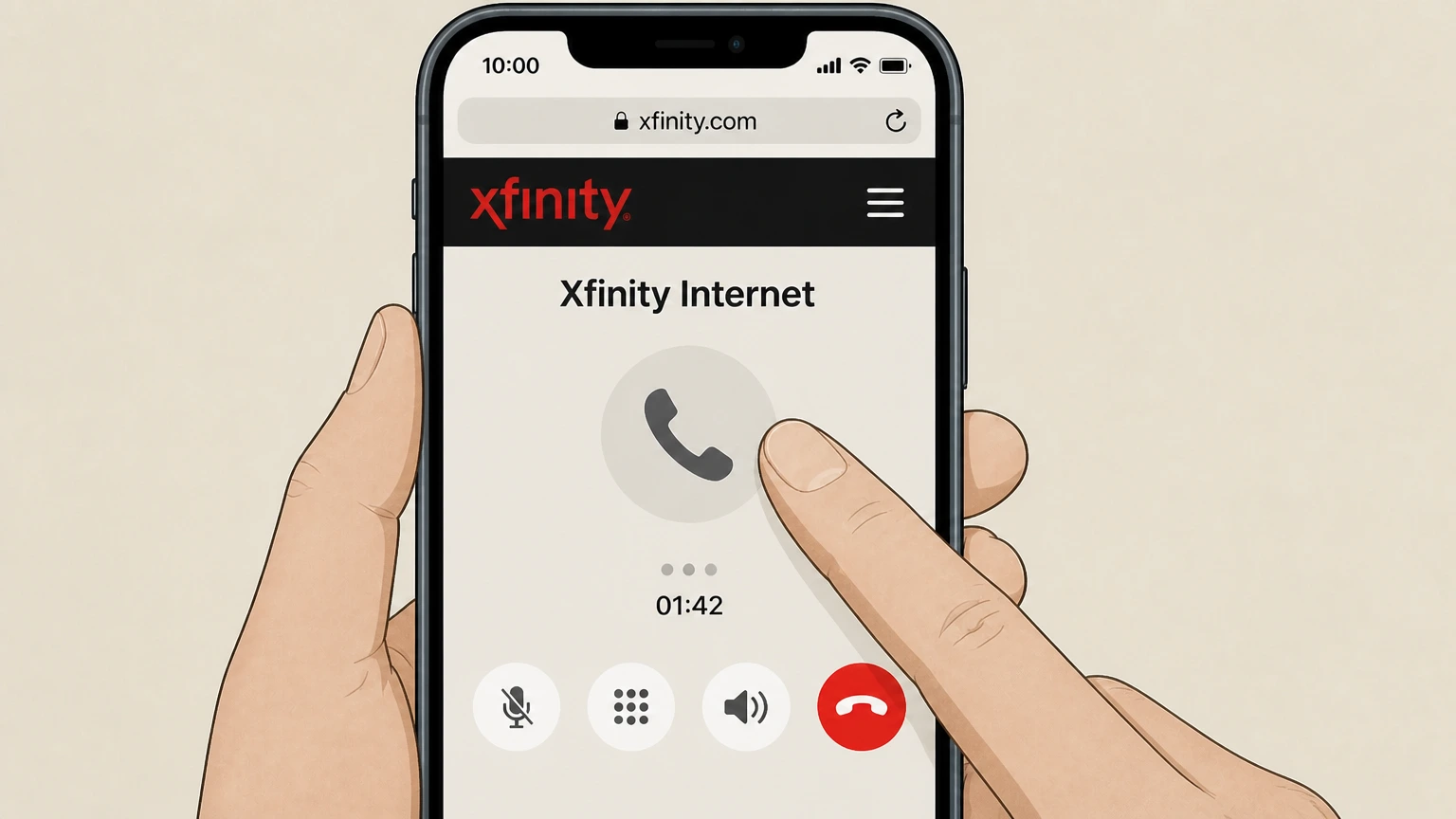
3Verify your identity and account role
Confirm your identity and, if asked, verify that you are the Primary user or an authorized Manager on the Xfinity account so the agent can process cancellations.
 4
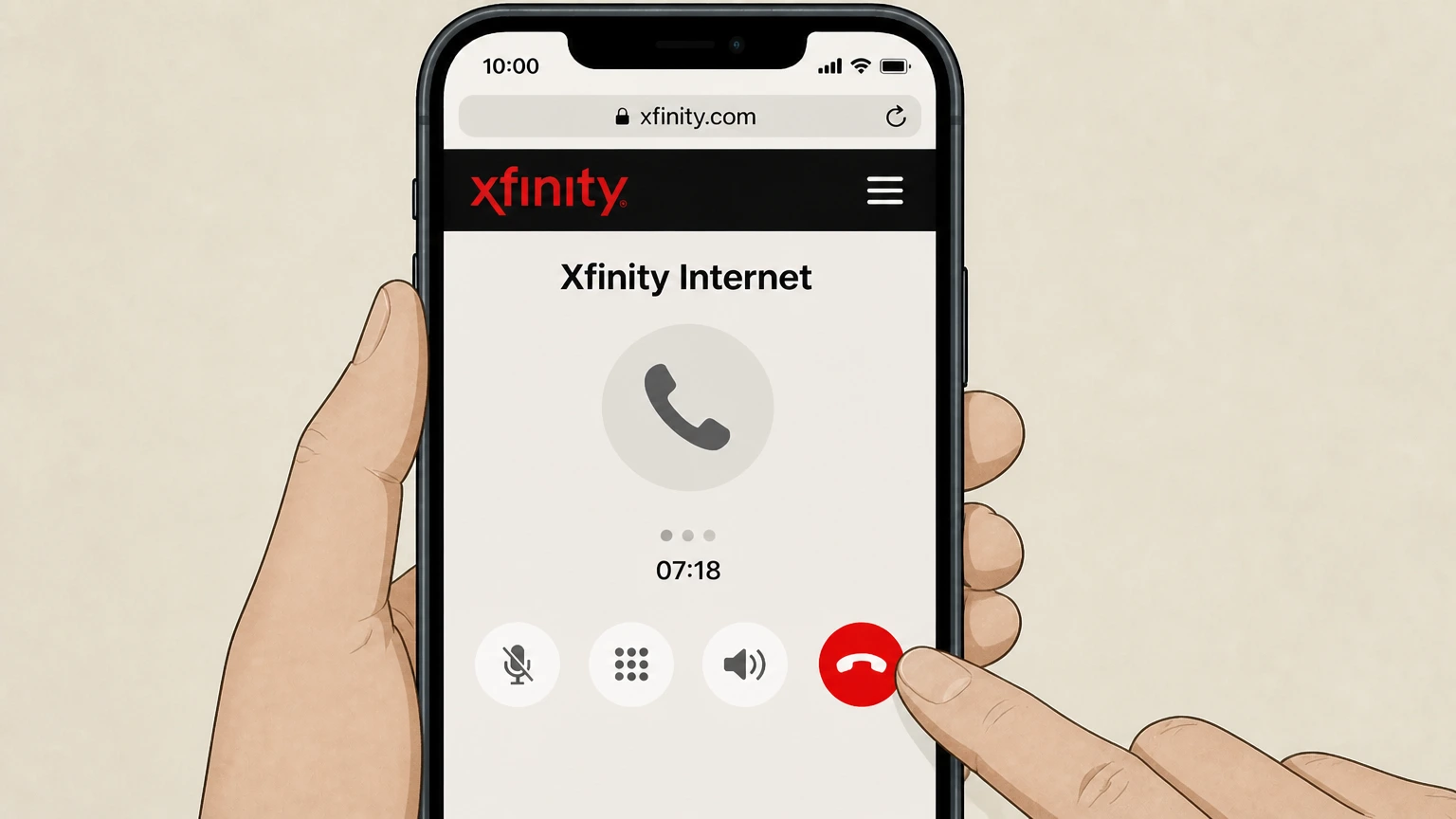
4Request cancellation of Xfinity Internet
Clearly tell the agent you want to cancel Xfinity Internet service and specify whether you want it disconnected immediately or on a future date, if that option is available for your account.
 5
5Review final charges and equipment obligations
Ask the agent to explain any remaining balance, potential early termination fees under a minimum‑term agreement, and which Xfinity Internet equipment you must return.
 6
6Ask for written confirmation
Request that the agent send an email or text confirmation of your cancellation and note any order or reference number they provide for your records.

Web (schedule a cancellation call) · verify the billing owner
 1
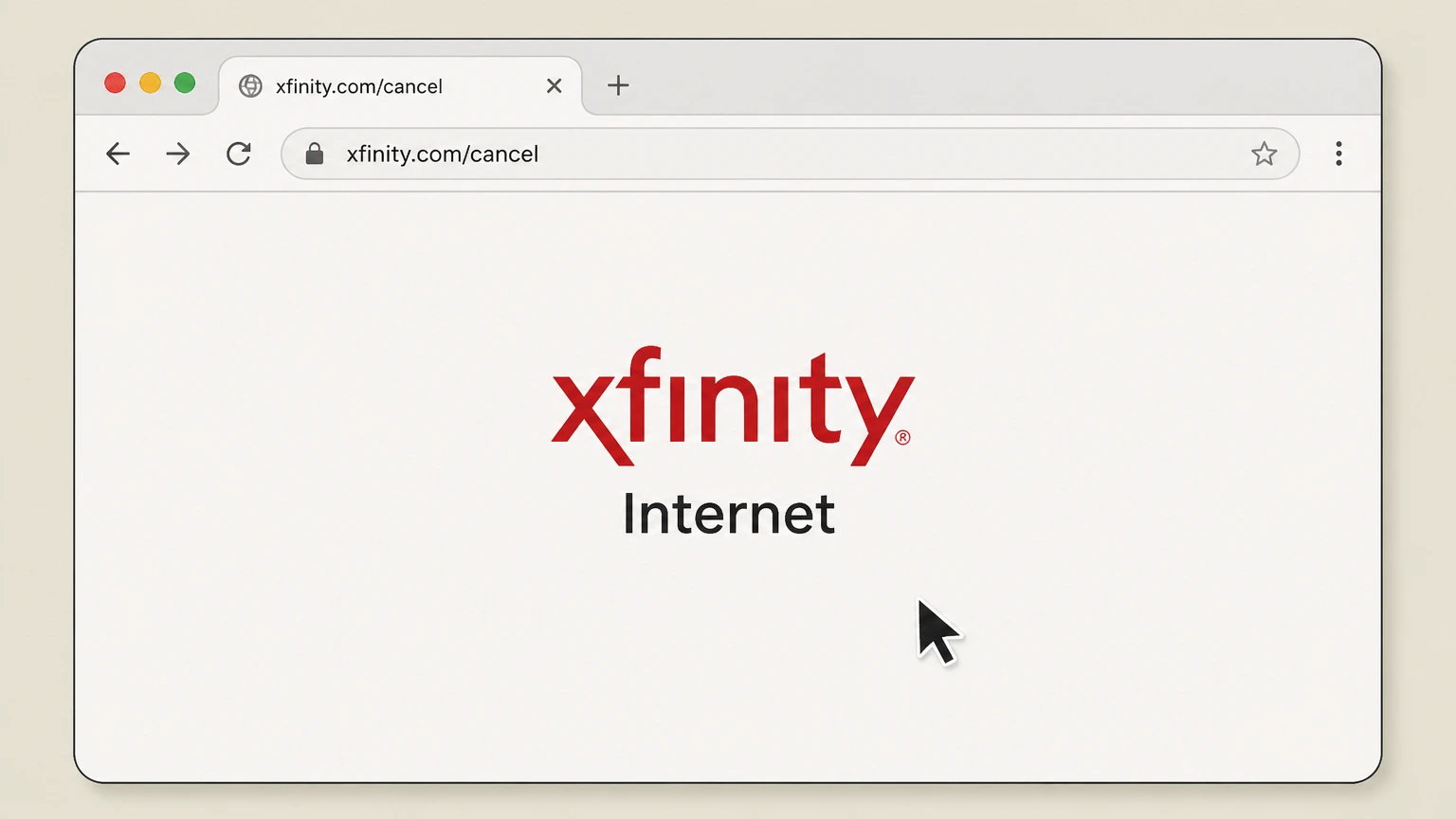
1Open the Xfinity cancellation page
In a web browser, go to xfinity.com/cancel and sign in with your Xfinity ID and password if prompted. Use the Xfinity Internet account named on your receipt, and continue only after the next status in this cancellation path is visible.
 2
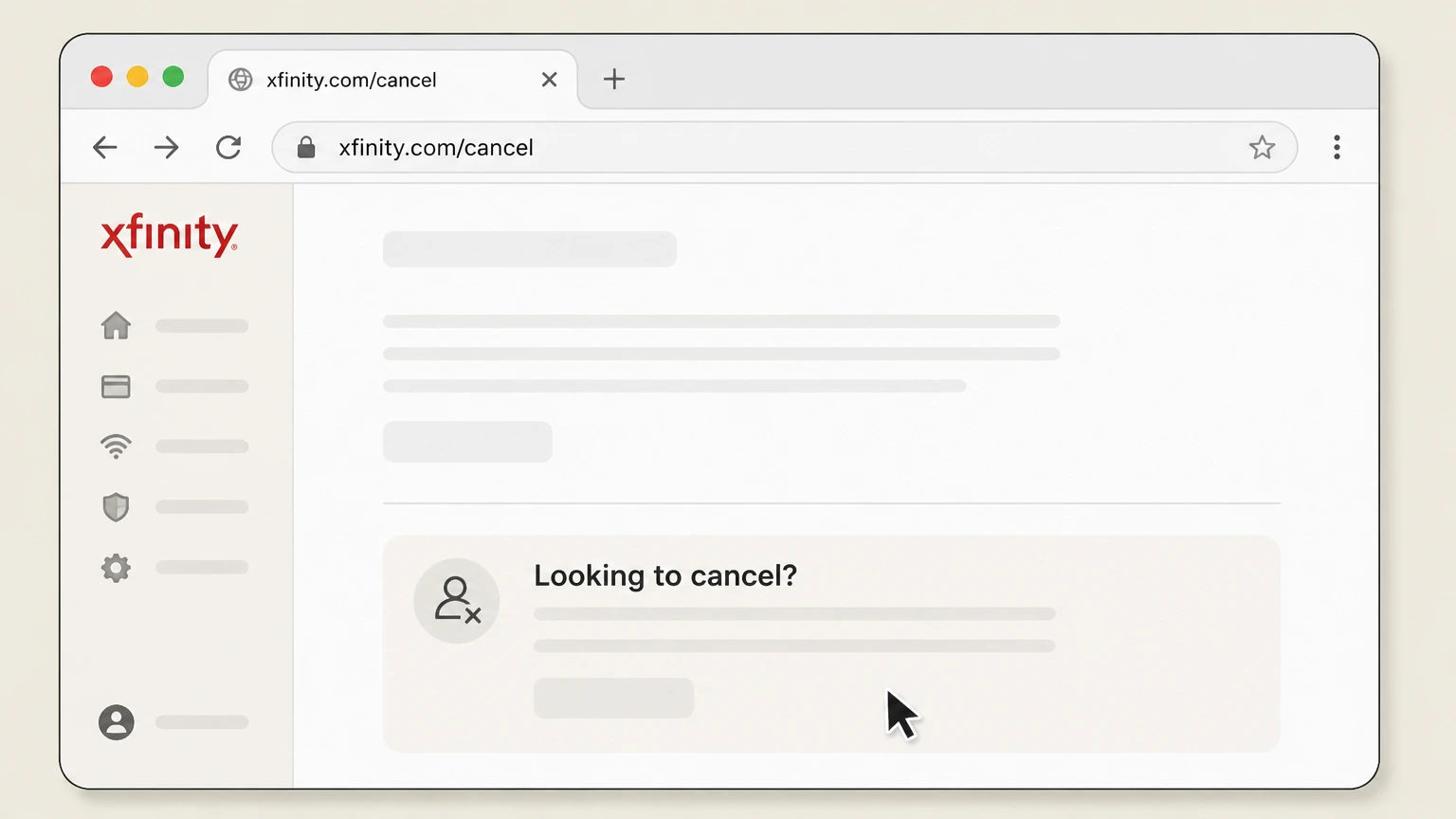
2Navigate to the cancellation section
Scroll to the “Looking to cancel?” section that explains how to cancel your Xfinity services. Use the Xfinity Internet account named on your receipt, and continue only after the next status in this cancellation path is visible.
- Let Pine handle it
Pine can help
Too many steps?
Pine can find the right Web (schedule a cancellation call) path and handle the cancellation for you.
 3
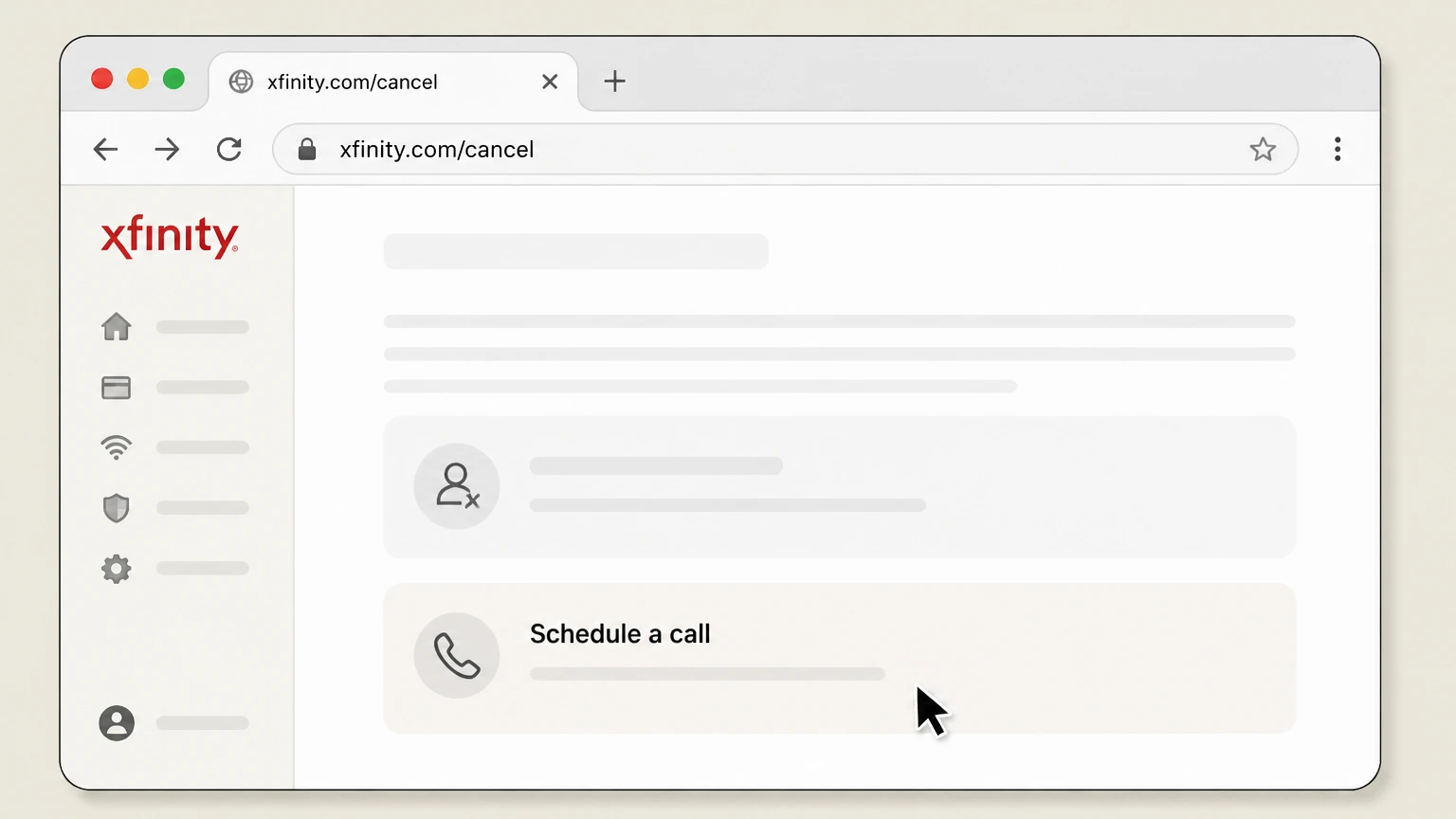
3Select the callback option
Choose the “Schedule a call” option to have an Xfinity agent call you about canceling service. Use the Xfinity Internet account named on your receipt, and continue only after the next status in this cancellation path is visible.
 4
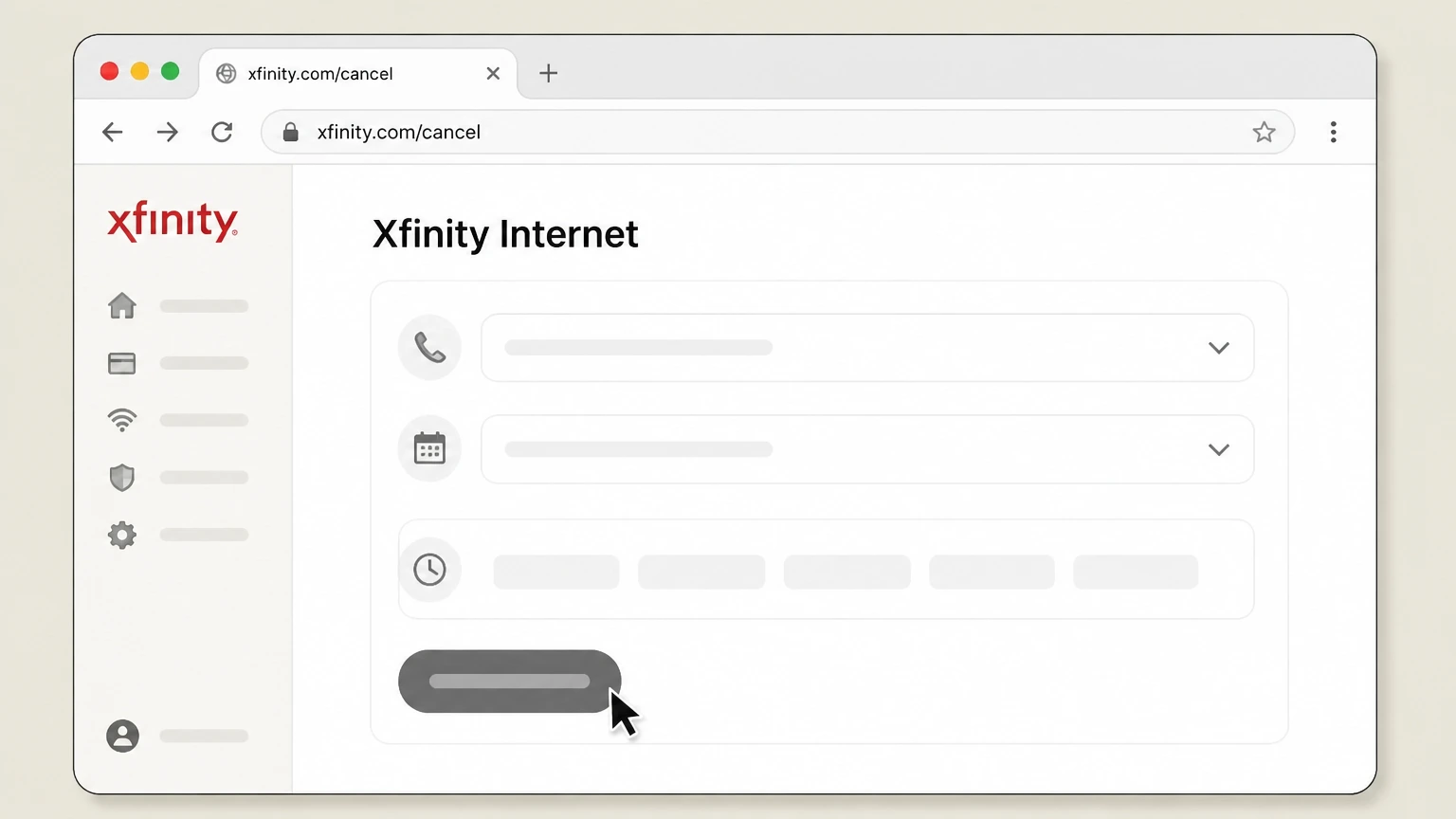
4Submit your callback request
Follow the on‑screen prompts to provide your preferred phone number and choose an available time window for the callback, then submit the form.
 5
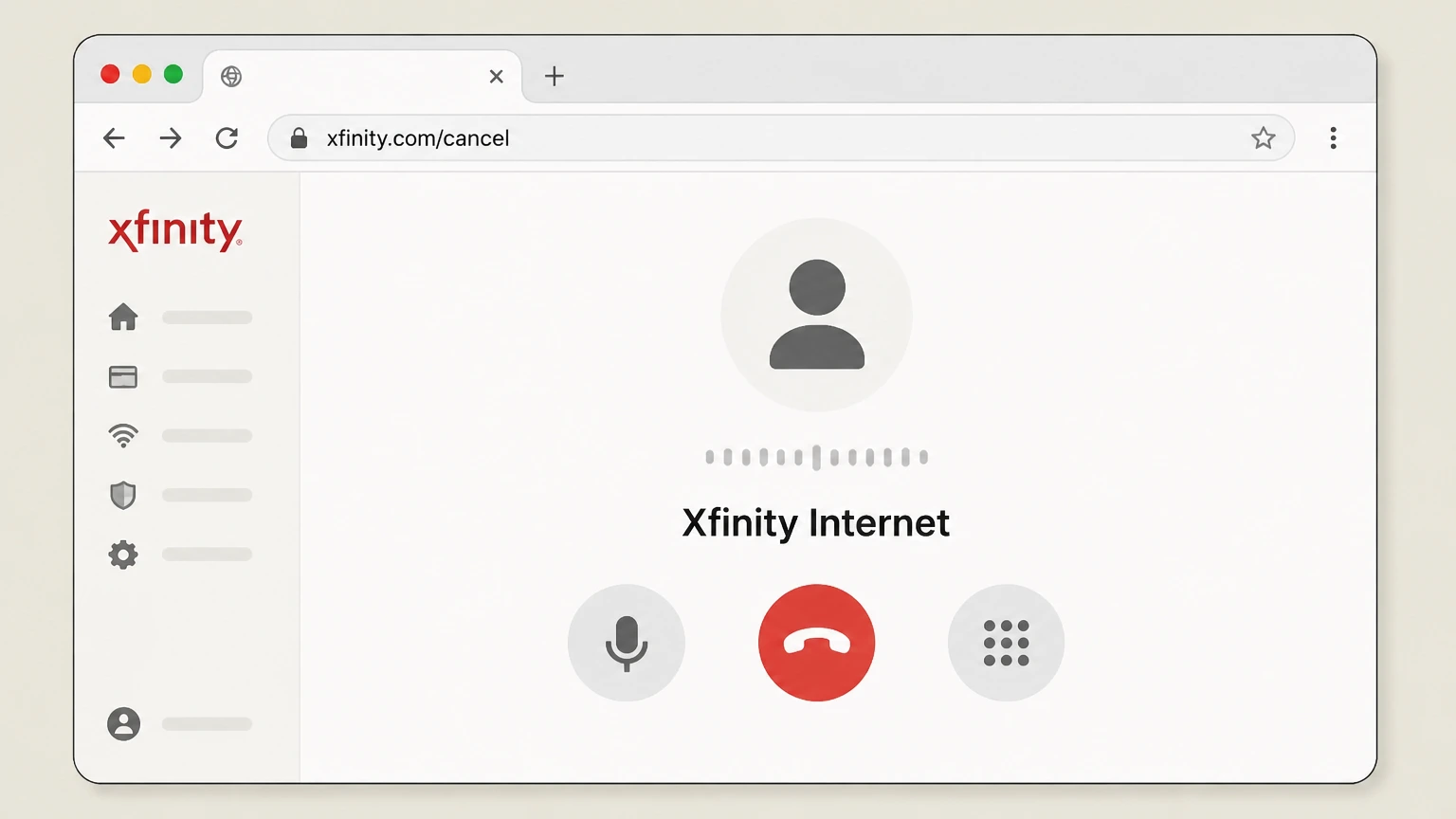
5Request cancellation during the callback
When the Xfinity agent calls at the scheduled time, tell them you want to cancel Xfinity Internet and confirm the date you want service to end.
 6
6Confirm follow‑up and documentation
Ask the agent to send email or text confirmation and to summarize any final charges, credits, or equipment‑return requirements. Use the Xfinity Internet account named on your receipt, and continue only after the next status in this cancellation path is visible.
In person (Xfinity Retail Store) · verify the billing owner
 1
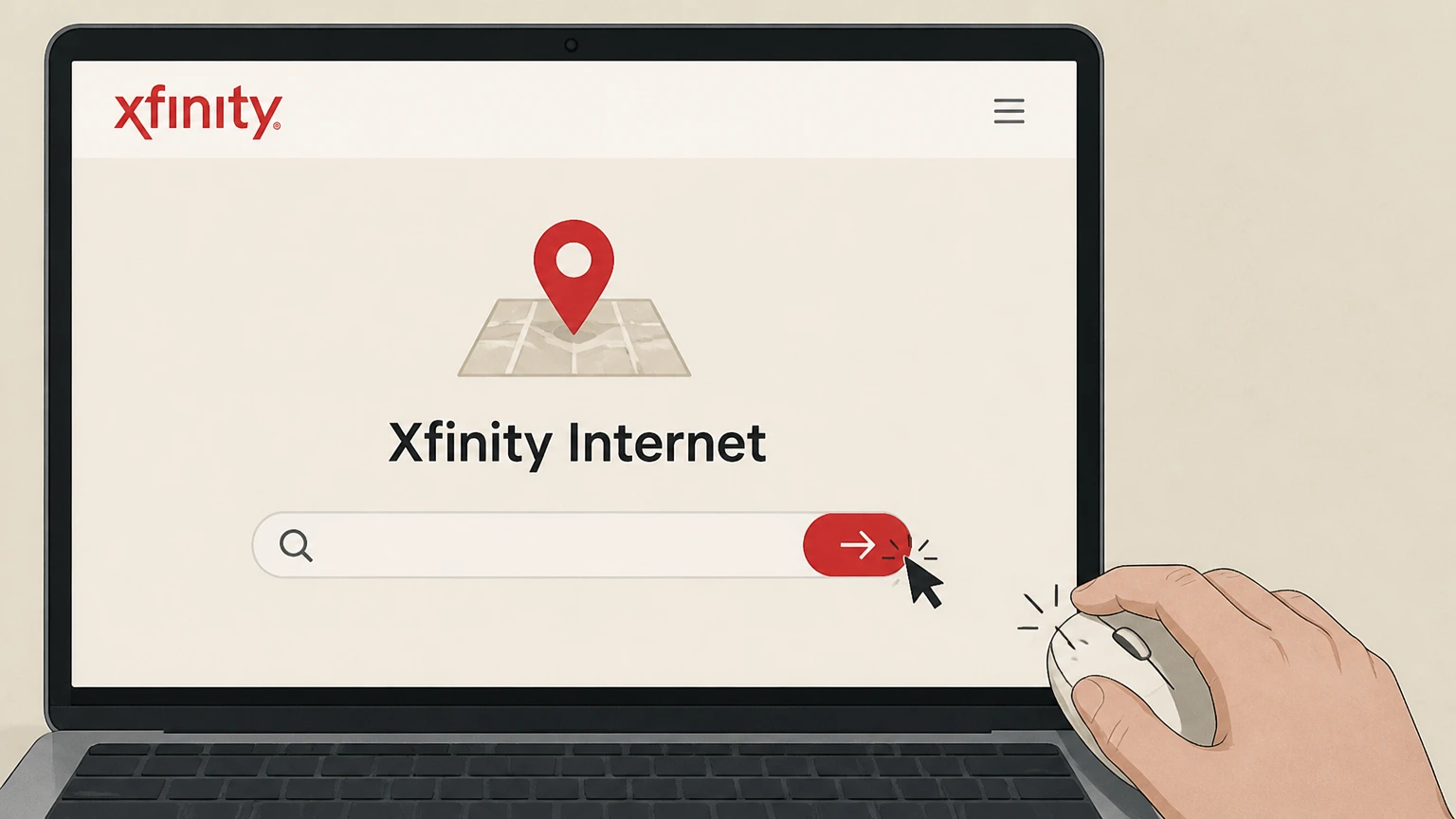
1Locate a nearby Xfinity Retail Store
Use the store locator on xfinity.com or an online search to find an Xfinity Retail Store that handles residential account changes.
 2
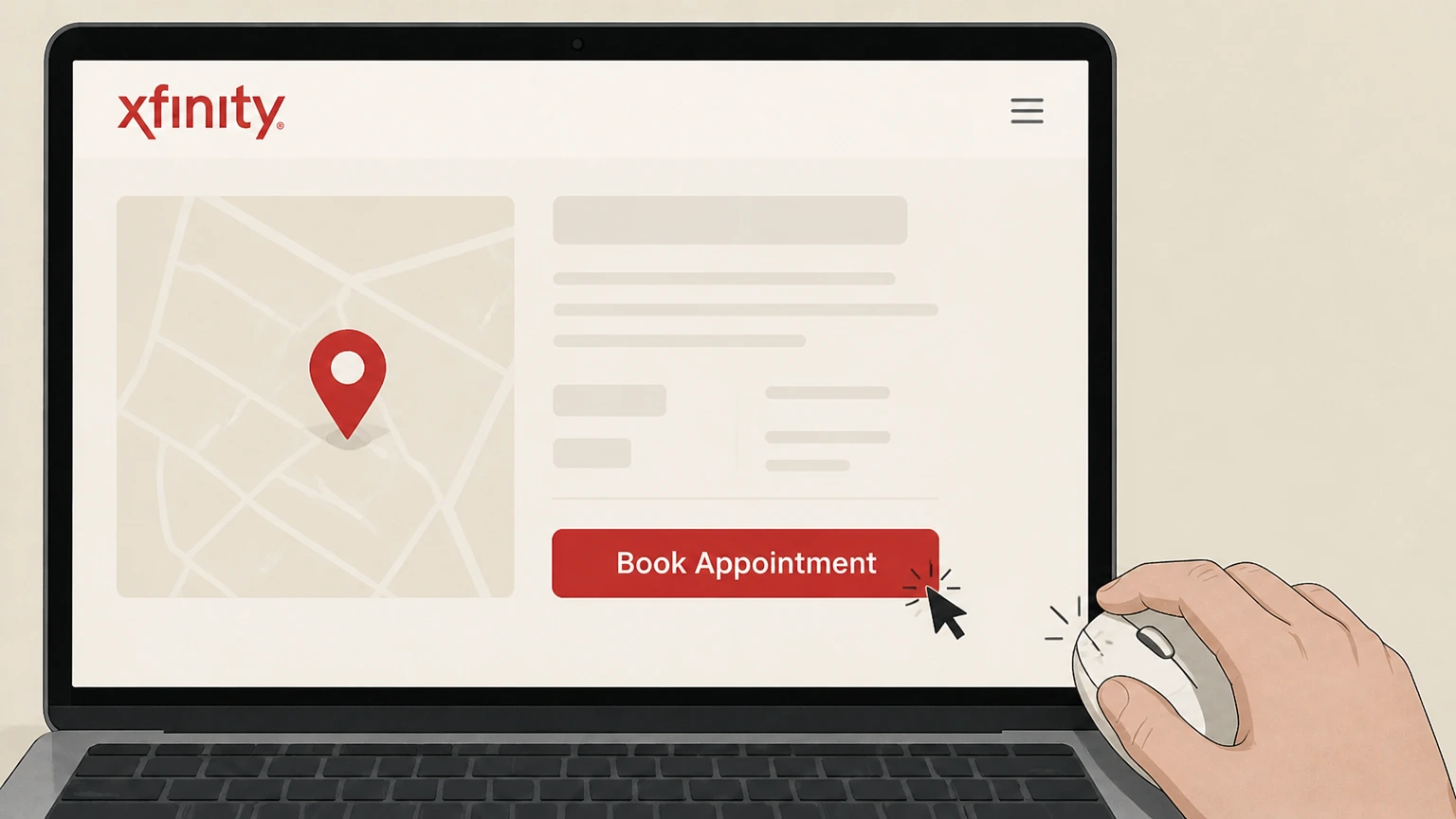
2Schedule a store appointment if available
Open your chosen store’s page and, if offered, select “Book Appointment” to reserve a time for account changes or cancellations.
- Let Pine handle it
Pine can help
Too many steps?
Pine can find the right In person (Xfinity Retail Store) path and handle the cancellation for you.
 3
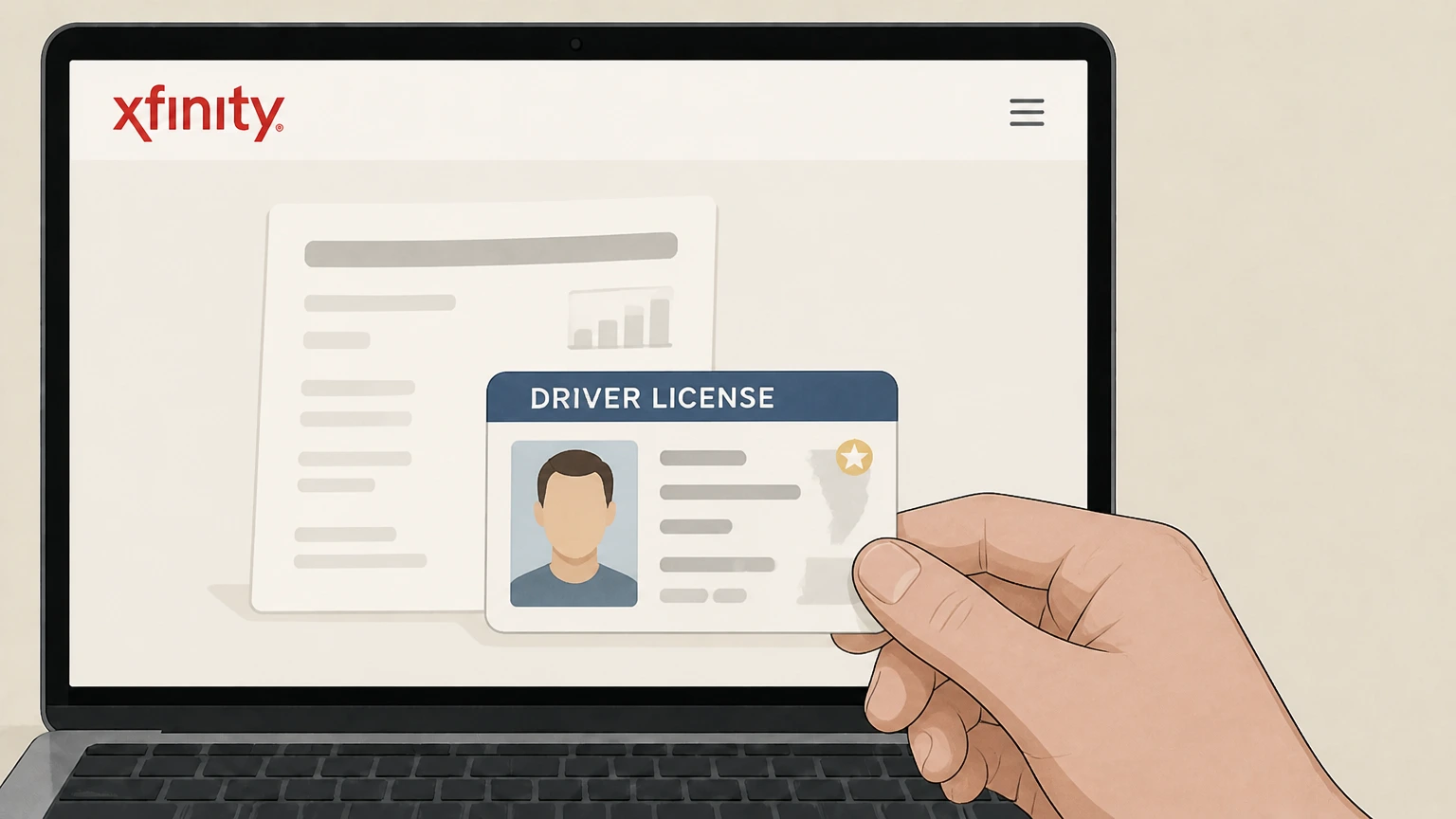
3Bring identification and account details
Take a valid government‑issued photo ID and any helpful account information, such as your account number or a recent bill, to the store.
 4
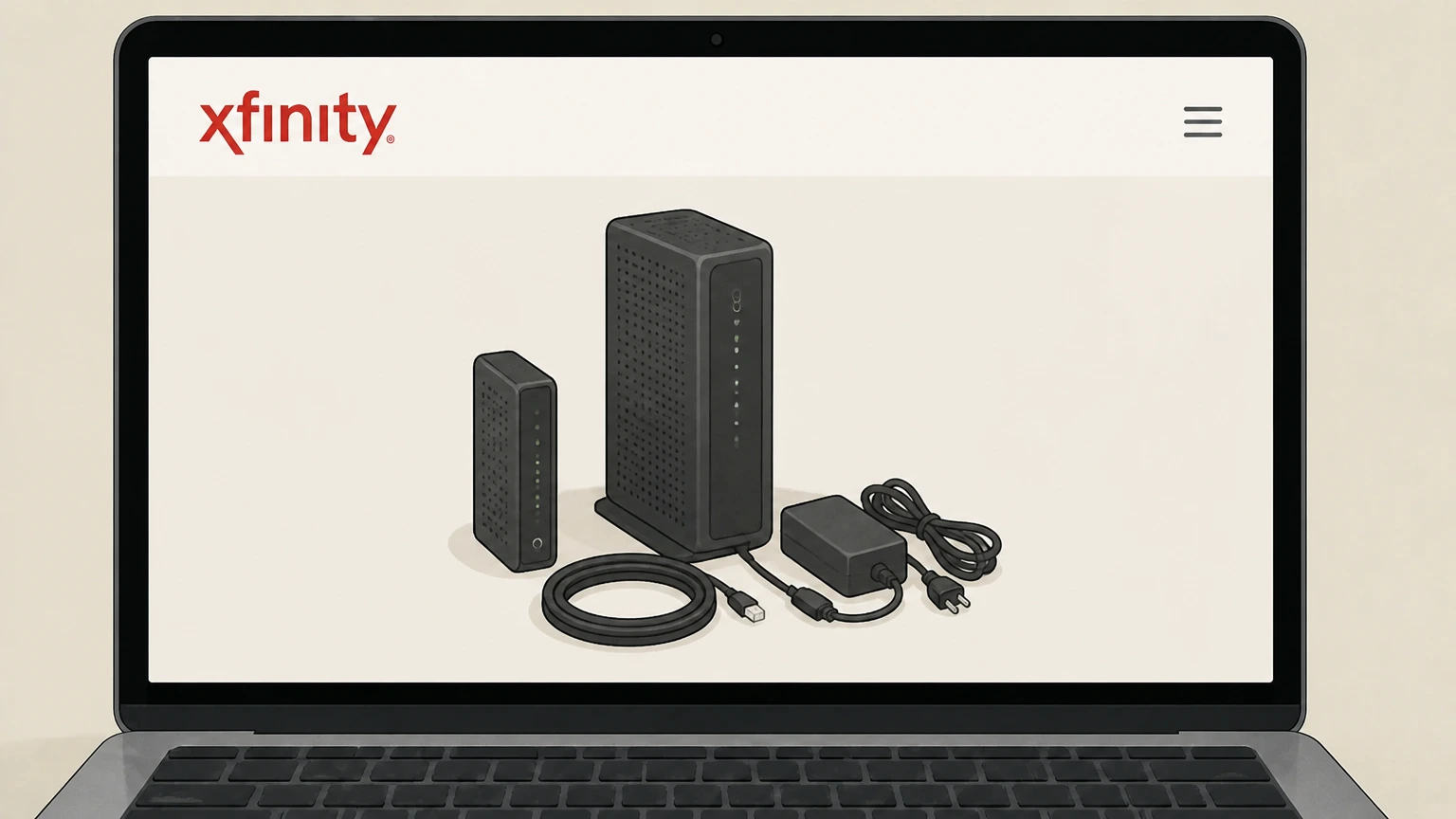
4Bring Xfinity Internet equipment to return
Gather Xfinity‑owned internet equipment you plan to return—such as your gateway or modem—and bring it with you to the store visit.
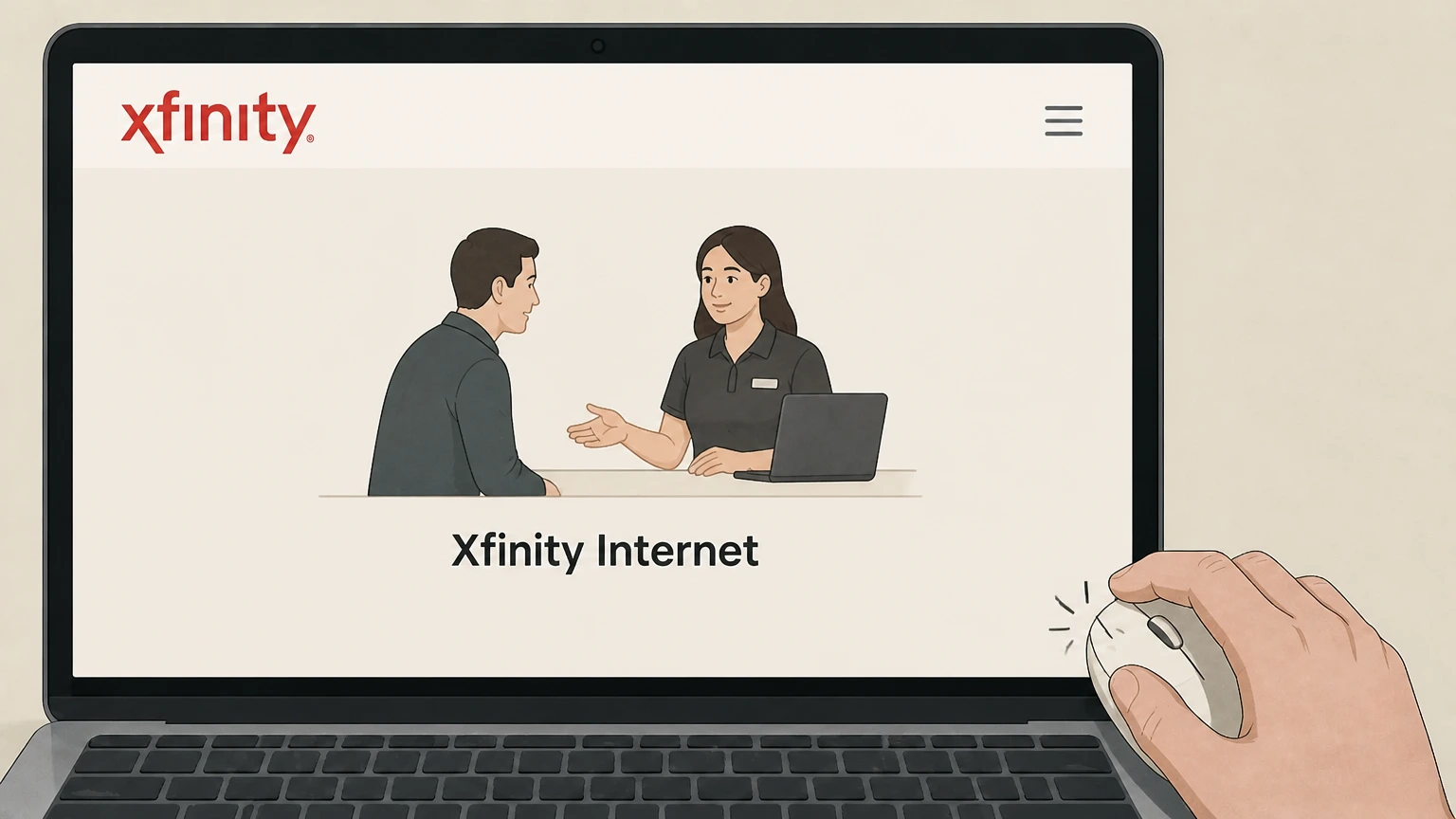 5
5Request cancellation from the representative
Tell the Xfinity representative that you want to cancel Xfinity Internet, verify your identity, and agree on the service end date for disconnection.
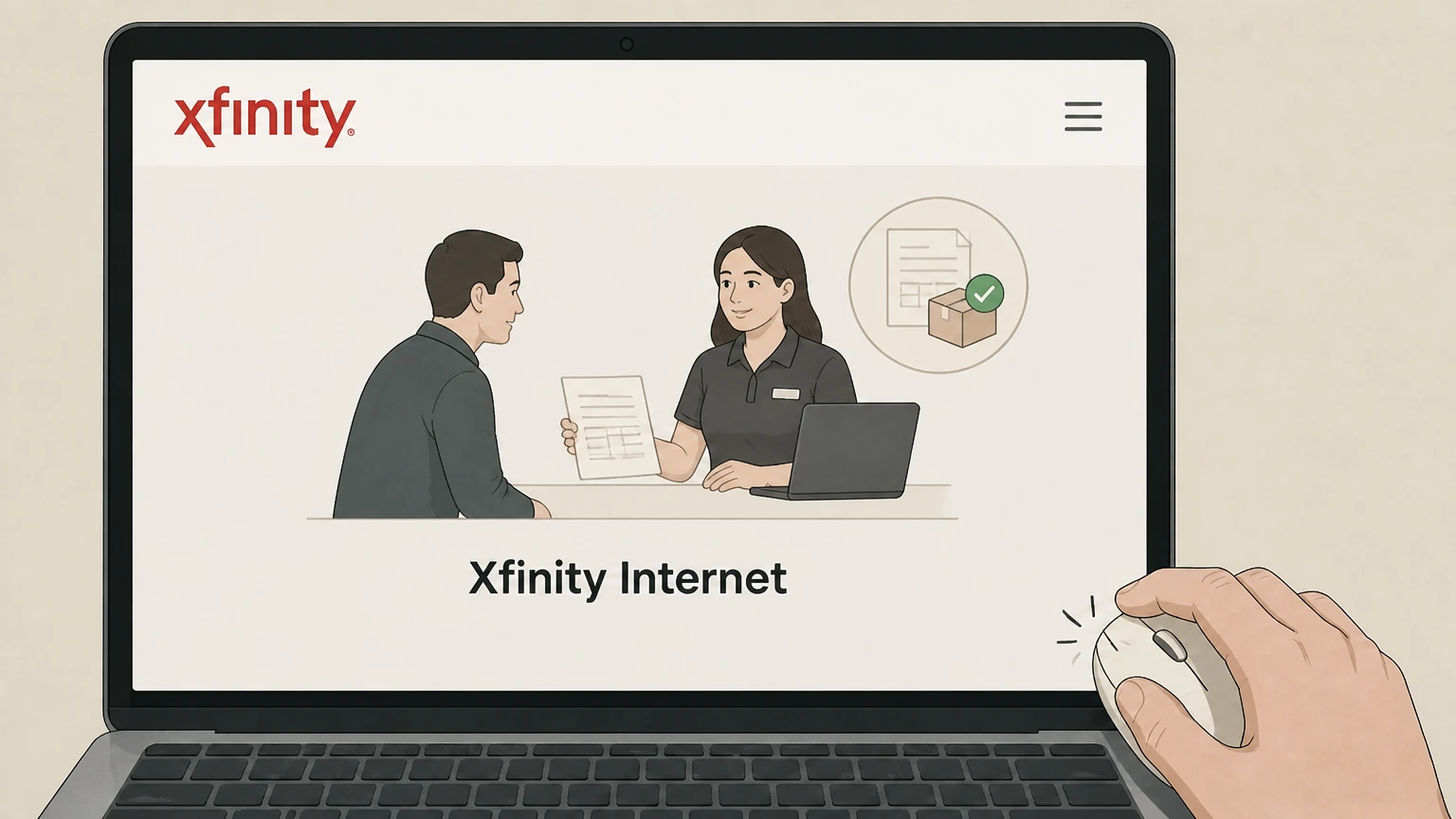 6
6Obtain proof of cancellation and returns
Ask the representative for a printed or emailed receipt showing your cancellation and listing any equipment you returned at the visit.
Refund policy
Refunds after canceling Xfinity Internet
Xfinity calculates your final bill after disconnecting service and receiving your equipment, then issues any eligible refunds according to its Residential Services Agreement and refund policies.
Check my refund options- Prepaid monthly fees may be refunded
- Under the Residential Services Agreement, Xfinity may refund prepaid monthly service fees for periods after the effective date of termination, after subtracting any amounts you still owe and excluding certain non‑refundable fees.assets.xfinity.com
- Credit balances are refunded automatically when possible
- The ‘What to know when canceling your Xfinity services’ article states that about four to six weeks after you disconnect and return Xfinity‑owned equipment, Xfinity will attempt to refund any credit balance to the last payment method on file.xfinity.com
- Final bill precedes refund
- Xfinity billing replies explain that you typically receive a final, readjusted bill a short time after cancellation; any refund is based on that statement, which can include prorates, equipment fees, or early termination fees.forums.xfinity.com
- Alternative refund methods
- If Xfinity cannot refund to your last payment method, support content says they will email you information about claiming a digital refund at xfinityrefunds.com; if you do not act on it, a prepaid card is mailed instead.xfinity.com
- Separate refund policy page
- For specific timelines, eligibility rules, and delivery methods—including refunds on canceled installation orders—Xfinity points customers to the dedicated ‘What to expect with a refund from Xfinity’ support article.xfinity.com
For the latest details on refund processing times, eligible charges, and how refunds are delivered, review Xfinity’s dedicated refund support page or contact Xfinity billing support. See Xfinity’s refund policy
Ways to cancel
Official methods to cancel Xfinity Internet
Xfinity requires you to notify them using supported channels before internet service can be disconnected.
Methods listed in your service agreement
The current Residential Services Agreement states that you must notify Xfinity you want to terminate service using one of the methods listed on xfinity.com/cancel.assets.xfinity.com For your Xfinity Internet account, compare this point with the billing owner and effective date shown in the signed-in account or latest receipt.
Phone and scheduled callbacks
The xfinity.com/cancel page directs customers who need to cancel to call Xfinity, schedule a call, or speak with an expert agent about adjusting or disconnecting service.xfinity.com
Xfinity Retail Stores
Store pages explain that you can cancel one or more Xfinity services during a visit to an Xfinity Retail Store, where staff can complete the disconnect order.xfinity.com
Xfinity Assistant chat
Xfinity store pages list “Cancel through Xfinity Assistant” as an additional way to cancel services, indicating that chat‑based support can process disconnect requests.xfinity.com For your Xfinity Internet account, compare this point with the billing owner and effective date shown in the signed-in account or latest receipt.
Digital Care and direct messaging
Community posts from official Xfinity employees show that cancellation requests can also be handled via secure direct messaging after you contact support, but the actual cancel order is still placed by an agent.forums.xfinity.com
Service end & billing
How service end dates and billing work
Knowing when service actually stops and how your final bill is calculated helps avoid surprises after you cancel.
Termination under a minimum term
If your Xfinity Internet is under a minimum‑term agreement, the Residential Services Agreement allows Xfinity to charge an early termination fee when you cancel before the term ends.assets.xfinity.com
Notice and ongoing charges
Your agreement explains that applicable fees and charges can continue to accrue until service has been disconnected, your Xfinity equipment is returned, and the agreement is terminated, subject to law.assets.xfinity.com
Possible billing‑cycle policy
Xfinity reserves the right, where permitted by law, to keep services active through the end of the billing cycle in which they receive your notice and then terminate at that cycle’s end.assets.xfinity.com
What appears on the final bill
The ‘What to know when canceling your Xfinity services’ article notes that your final bill may include prorated charges, equipment charges, or early termination fees that did not appear on prior bills.xfinity.com
Accessing the final bill
Support content and forum replies explain that you receive and pay your final bill through the same self‑service options as usual, such as your online account or the Xfinity app.xfinity.com
Gateways and other gear
Returning Xfinity Internet equipment after cancellation
Xfinity requires that leased equipment be returned promptly when you disconnect internet service.
Obligation to return Xfinity equipment
The Residential Services Agreement requires you to return all Xfinity‑owned equipment to a local service center or designated agent within about 10 days after services are disconnected, or you may be charged an unreturned equipment fee.assets.xfinity.com
Digital Return Center
Xfinity’s ‘How to return your Xfinity equipment’ article directs customers to the Digital Return Center at xfinity.com/returns to generate return labels or see store‑return options, even after an account is disconnected.xfinity.com
Return at an Xfinity Retail Store
You can bring internet equipment to any Xfinity Retail Store, where a representative will remove it from your account and give you a receipt confirming the return.xfinity.com
Return via UPS with prepaid labels
Xfinity also lets you ship equipment back using a prepaid UPS label from the Digital Return Center; they advise keeping the tracking portion as your return receipt.xfinity.com
Impact on final bill
Support content warns that unreturned rental equipment can appear as charges on your final bill until Xfinity receives and processes the return.xfinity.com For your Xfinity Internet account, compare this point with the billing owner and effective date shown in the signed-in account or latest receipt.
Account & email
What happens to your Xfinity ID and email
Canceling internet changes your account’s services, but some access—especially email—can continue under certain conditions.
Continued use of Comcast.net email
Xfinity states that former customers can keep using their comcast.net email address if they logged into that email account at least once in the 90 days before service was disconnected.xfinity.com
Losing access without recent email use
If you have not logged into your Xfinity email in the 90 days before disconnection, Xfinity indicates that email access may stop, so logging in before canceling helps preserve it.xfinity.com
Using your Xfinity ID after cancellation
Support content and forum replies show that you can still sign in with your Xfinity ID after canceling to confirm that no active services display, view final bills, and track refunds or credits.forums.xfinity.com
App access changes
After cancellation, the Xfinity app remains available for sign‑in but will no longer show active internet service; some features tied to live service, such as real‑time troubleshooting, will no longer function.xfinity.com
Other linked services
Xfinity’s related articles note that other products tied to your account (such as Xfinity On Demand purchases or email) may have their own eligibility rules, so you should review those FAQs before canceling.xfinity.com
Other Xfinity services
Effect of canceling Internet on Xfinity Mobile and bundles
If you have Xfinity Mobile or other Xfinity services, canceling home internet can change how those products work and how much they cost.
Keeping Xfinity Mobile after canceling Internet
Xfinity explains that if you keep Xfinity Mobile without any Xfinity Internet, Voice, or TV service, a separate monthly fee applies to your mobile account (per account or per line, depending on your price plan).xfinity.com
Loss of bundle discounts
Internet‑plus‑mobile offers on Xfinity’s deals and Internet pages highlight discounts that depend on maintaining qualifying Xfinity Internet service; canceling internet can remove those discounts.xfinity.com For your Xfinity Internet account, compare this point with the billing owner and effective date shown in the signed-in account or latest receipt.
Other residential services are separate
Support content distinguishes Xfinity Internet, TV, Voice, Home and Mobile; canceling Internet alone does not automatically cancel other services, which must be adjusted or disconnected separately if you no longer want them.www-support.xfinity.com
Mobile fees on former home‑service customers
The ‘What to know when canceling your Xfinity services’ FAQ warns that when a mobile account holder no longer has Xfinity Internet, Voice, or TV, additional monthly service fees appear on Xfinity Mobile bills.xfinity.com
Restarting services later
The same FAQ notes that restarting Xfinity service later is ‘fast and easy’—you can browse new offers online or contact Xfinity to order a new internet plan if you return.xfinity.com
Money back
Refunds and credits after canceling Xfinity Internet
Final billing adjustments and refunds follow policies in the Residential Services Agreement and Xfinity’s refund guidance.
Refund of prepaid monthly fees
The Residential Services Agreement states that Xfinity may refund prepaid monthly service fees charged for periods after the effective date of termination, after subtracting any outstanding amounts, and notes that some fees are non‑refundable.assets.xfinity.com
Timing of refund for credit balances
The ‘What to know when canceling your Xfinity services’ article says that about four to six weeks after you disconnect and return Xfinity‑owned equipment, Xfinity will attempt to refund any credit balance to your last payment method.xfinity.com
Final statement before refund
Official forum replies from Xfinity employees explain that a final, readjusted billing statement is typically issued within a few weeks of cancellation, and refunds are based on that final bill.forums.xfinity.com
Refund delivery methods
Support content notes that when automatic refunds to the last payment method are not possible, Xfinity will email instructions for claiming a digital refund or, if that is not used, issue a mailed prepaid card.xfinity.com
Separate refund guidance
Xfinity maintains a dedicated ‘What to expect with a refund from Xfinity’ support article for further detail on refund processing, timelines, and methods.xfinity.com For your Xfinity Internet account, compare this point with the billing owner and effective date shown in the signed-in account or latest receipt.
After cancellation
Restarting service or moving instead of canceling
Sometimes transferring or restarting Xfinity Internet is better than fully canceling it.
Option to move services
Xfinity’s move support content encourages customers who are relocating to transfer services to a new address instead of canceling, using online tools at xfinity.com/moving.xfinity.com For your Xfinity Internet account, compare this point with the billing owner and effective date shown in the signed-in account or latest receipt.
Restarting Xfinity service later
The cancellation FAQ notes that restarting Xfinity service is ‘fast and easy’—you can browse offers online or contact Xfinity to re‑establish internet service if your situation changes.xfinity.com
Data and usage policies remain
If you restart Xfinity Internet, ongoing data usage policies (including any area‑specific data plan rules) resume; your agreement points you to dataplan.xfinity.com for current details.assets.xfinity.com
Impact on promotional guarantees
Xfinity’s deals pages highlight ‘cancel anytime’ price‑guarantee offers for some plans; canceling ends that commitment, and restarting later may require choosing from then‑current offers.xfinity.com For your Xfinity Internet account, compare this point with the billing owner and effective date shown in the signed-in account or latest receipt.
Using hotspots during transitions
When moving or between services, Xfinity suggests that customers can stay connected using millions of Xfinity WiFi hotspots, although hotspot access may depend on having an active qualifying account.xfinity.com
What official sources do not confirm
Limits of the public Xfinity Internet cancellation guidance
These points are intentionally qualified because the official sources reviewed on August 16, 2026 do not publish a complete answer.
Documented limitation 1
Some Xfinity support articles (including the live versions of cancellation and refund pages) are heavily JavaScript‑driven; this audit relied on HTML snapshots and linked PDFs, so minor wording or layout details may differ from the live UI.
Documented limitation 2
Exact early termination fee amounts, if any, are not published in the general Residential Services Agreement and depend on plan‑specific minimum‑term agreements that were not accessible; users should confirm their own contract terms with Xfinity.
Documented limitation 3
The internal flow and precise button labels inside Xfinity Assistant chat and callback forms could not be inspected directly; this guide describes only the confirmed entry points and high‑level steps supported by official pages.
Documented limitation 4
Government‑regulator guidance (FTC or CFPB) about general telecommunications cancellation rights was not provider‑specific and therefore was not used to state Xfinity‑specific rights, deadlines, or legal conclusions.
Documented limitation 5
Because PAA data for this query could not be retrieved (HTTP 400 on live request), FAQ topics were derived from Xfinity’s own support content and forums rather than from search‑engine PAA prompts.
Xfinity Internet cancellation FAQ
Questions people search about canceling Xfinity Internet, answered with official provider or billing-platform sources checked on August 16, 2026.
How do I cancel Xfinity Internet service?
Can I cancel Xfinity Internet online without calling?
Who is allowed to cancel an Xfinity Internet account?
What happens to my Xfinity email after I cancel Internet?
What happens to my Xfinity Mobile account if I cancel Xfinity Internet?
How are final bills calculated when I cancel Xfinity Internet?
Do I need to return my Xfinity modem or gateway when I cancel Internet?
When will I get my refund after canceling Xfinity Internet?
Can I restart Xfinity Internet after canceling?
Is there an early termination fee for canceling Xfinity Internet?
Untangle this Xfinity Internet issue.
Let Pine handle the provider follow-up and keep the confirmation in one place.
