


Let's be honest: nobody goes hunting for the best CapCut Pro alternatives just for fun. You're probably here because that monthly subscription is starting to feel a lot heavier than the actual video editing work. As someone who juggles client clips and triple-digit inboxes daily, I hit my own limit with subscription fatigue recently. I wanted to know if there were truly capable free video editing apps out there, or if we are all just stuck paying the "convenience tax." So, I spent the last few weeks rigorously testing the top contenders on real, messy projects. No fluff, no endless feature lists—just a practical breakdown of what actually works. Whether you're tired of the privacy questions or just want a cleaner workflow without the $20 monthly fee, I've narrowed down the noise so you don't have to.
Best CapCut Pro Alternatives
If I had to narrow the list fast, these are the CapCut Pro alternatives I'd put at the top:
- DaVinci Resolve for serious editing, color work, and long-term value
- VN Video Editor if you want the closest mobile-friendly, free CapCut feel
- InShot for quick social edits and a simpler one-time upgrade path
- Clipchamp if you mostly work in the browser and want convenience
- iMovie if you're already in the Apple world and want something painless
- OpenShot if you want a fully free desktop editor and can live with fewer AI extras
The short version? There isn't one perfect replacement, because CapCut Pro sits in an awkwardly appealing middle ground: easy templates, mobile convenience, solid AI tools, and plenty of social-first features. But there are several CapCut Pro free alternative options that make a strong case depending on how you edit.
I'll be honest, I went in expecting very little from some of these. A few were better than they had any right to be.
Why People Look for CapCut Alternatives
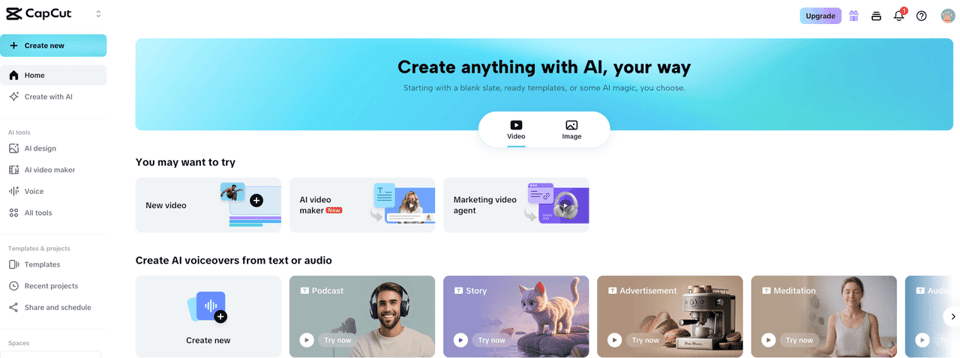
Most people don't start searching for CapCut alternatives because they suddenly love learning new software. They do it because something about the current setup starts to itch.
For me, the main reasons are pretty practical:
- Subscription fatigue. Another monthly charge is fine until it isn't. If you're juggling software for work, those costs pile up quietly.
- Privacy concerns. This is the bit most people miss. Some creators are perfectly comfortable with CapCut. Others would rather use tools with fewer questions hanging over data handling — and it's worth reading CapCut's terms of service yourself before making a call.
- Platform preference. CapCut is strong on mobile, but not everyone wants their whole editing life tied to that workflow.
- Feature mismatch. Sometimes you don't need more effects. You need easier trimming, cleaner exports, or captions that don't make you babysit every line.
- Wanting watermark-free exports without extra friction. That alone sends a lot of people looking elsewhere.
And honestly, there's a more boring reason too: habit breaks. A tool you liked six months ago may not be the tool you want now. If you're editing client clips between 3–5 video calls a week and your inbox is already in the triple digits, you stop caring about novelty pretty quickly. You care whether the tool gets out of your way.
Top 6 Free/Cheap Alternatives
Here's my practical read on the top options.
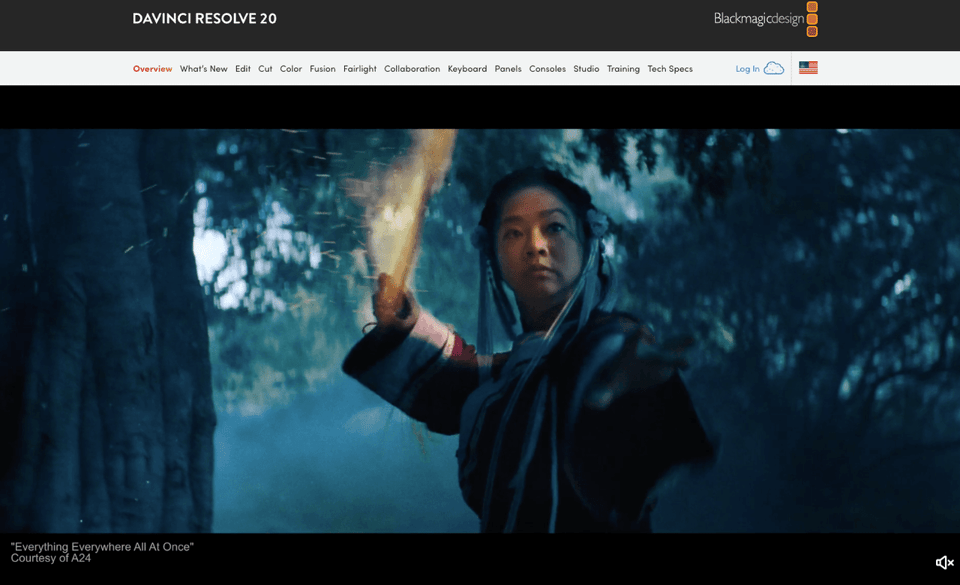
1. DaVinci Resolve
Price: Free, or Studio for a $295 one-time purchase Platforms: Windows, Mac, Linux, iPad
If you want the strongest value on this list, it's hard to ignore DaVinci Resolve. The free version is unusually generous, exports watermark-free, and supports very high-resolution work. Compared with CapCut Pro at $19.99 per month or $179.99 per year, a one-time Studio license looks pretty reasonable if you edit often.
The catch: it's not lightweight. Setup and learning take longer than I wanted. Not deal-breaker long, but worth knowing before you start.
2. VN Video Editor
Price: Completely free Platforms: iOS, Android
This is probably the closest thing to a true free CapCut alternative for mobile users. It's fully free, watermark-free, and includes auto-captions without pushing you toward a paid tier right away.
If your editing style is fast, vertical, and social-first, VN feels familiar enough that the switch isn't dramatic. That matters more than people admit.
3. InShot
Price: Free or about $19.99 one-time for Pro Platforms: iOS, Android
InShot is for people who want something simple and don't need a whole editing universe. I'd use it for short-form content, quick cuts, text overlays, and decent effects without much fuss.
Its one-time Pro option is a nice break from subscription creep. If your main complaint with CapCut Pro is "I'm tired of paying monthly," InShot has a real appeal.

4. Clipchamp
Price: Free or $11.99 per month for Premium Platforms: Web, Windows, iOS, Android
Clipchamp makes sense if you want browser-based editing and don't want another desktop app taking over your machine. The Microsoft integration is helpful if that's already part of your day.
I went straight to the part that mattered most — exporting and captions. It's convenient, but the free plan has limits, and some premium features sit behind the paid version. Still, for quick edits, it's one of the more accessible apps like CapCut.
5. iMovie
Price: Completely free Platforms: Mac, iOS
iMovie is not trying to be trendy, and I mean that as a compliment. It's simple, stable, watermark-free, and gets the basics done with very little drama.
If you're on Apple devices and just want a best video editing app free option that won't eat your afternoon, this is still a strong pick. You won't get the same depth of AI tools, but you may not care.

6. OpenShot
Price: Completely free Platforms: Windows, Mac, Linux
OpenShot is open-source and fully free, which gives it a certain appeal if you want zero subscription pressure. It supports high-resolution export and unlimited tracks.

That said, it's more basic. If you rely heavily on polished AI features, CapCut Pro will feel more modern. But if your needs are straightforward, OpenShot is capable enough.
Here's the quick comparison:
| App | Price | Best for |
|---|---|---|
| DaVinci Resolve | Free / $295 one-time | Advanced editing and color |
| VN Video Editor | Free | Mobile users wanting a CapCut-like feel |
| InShot | Free / ~$19.99 one-time | Quick social edits |
| Clipchamp | Free / $11.99 mo | Browser-based convenience |
| iMovie | Free | Apple users who want simple editing |
| OpenShot | Free | Desktop users who want open-source editing |
If I had to recommend just three: VN for mobile, DaVinci Resolve for power, and InShot for low-friction everyday use.
How to Switch from CapCut Pro
Switching from CapCut Pro is mostly a question of not making your future self miserable.
Here's how I'd do it:
- List the features you actually use. Not the ones you like seeing on the homepage. The ones you use every week: captions, templates, background removal, mobile editing, browser access, whatever matters.
- Export your active projects early. Don't wait until after cancellation to discover a formatting issue.
- Test one replacement on a real edit. I don't guess. I verify. A sample project will tell you more than ten marketing pages ever will.
- Check export limits and watermark rules. Some free plans are generous; some are generous until the last step.
- Move assets and presets if needed. Fonts, logos, intro clips, saved brand elements — this is the annoying part, but it's easier before you're rushed.
My advice: don't install all six options at once. Pick the one that matches your actual workflow. If you edit from your phone while traveling occasionally, VN or InShot makes more sense than forcing yourself into a heavier desktop editor. If you're doing polished client work from home, DaVinci Resolve is probably worth the learning curve. You can also check out VEED's CapCut alternatives guide for another angle on how these tools compare in practice.
How to Cancel CapCut Pro Before Switching
This is where people stall. Not because cancellation is impossible, but because it's one more admin task sitting beside everything else.
Before switching, I'd cancel CapCut Pro only after I'd exported anything important and confirmed the new tool could handle my workflow. The official CapCut subscription cancellation guide walks through the exact steps depending on how you signed up.
The exact steps depend on where you subscribed:
- If you subscribed through Apple, cancel through your Apple subscriptions settings.
- If you subscribed through Google Play, cancel through Google Play subscriptions.
- If you subscribed directly, cancel through your CapCut account billing settings.
A few things I always check:
- The next billing date
- Whether cancellation stops renewal immediately or at period end
- Whether Pro features remain available until the cycle ends
- Whether there are any project or export limitations after cancellation
If you've been putting this off, I get it. This is exactly the kind of task that sits in a project management board for three weeks because it feels too small to prioritize and too annoying to enjoy.
You've chosen an alternative; now it's time to officially cut the monthly fee. Learn how to cancel CapCut Pro without the hassle. Start a task with Pine AI, and you'll only pay when the cancellation is successfully completed.
My Clear Verdict
If CapCut Pro still fits your workflow, keep it. But if cost, privacy, or subscription fatigue are pushing you out, there are solid alternatives now. VN Video Editor is the closest free mobile replacement, DaVinci Resolve is the strongest long-term desktop option, and InShot is the easiest low-cost middle ground. Pick based on how you actually edit, not on which app promises the most.
Frequently Asked Questions
What are the best CapCut Pro alternatives right now?
The best CapCut Pro alternatives depend on how you edit. DaVinci Resolve is strongest for advanced desktop work, VN Video Editor is the closest free mobile replacement, InShot is great for quick social edits, Clipchamp suits browser users, iMovie works well for Apple users, and OpenShot is a solid fully free desktop option.
What is the best free CapCut alternative for mobile editing?
VN Video Editor is one of the best free CapCut alternative options for mobile users. It offers a familiar CapCut-like workflow, watermark-free exports, and auto-captions without pushing you into a paid plan immediately. For fast, social-first editing on iPhone or Android, it is often the easiest switch.
Which CapCut Pro alternative is best for desktop video editing?
For desktop editing, DaVinci Resolve stands out among CapCut Pro alternatives because the free version is powerful, watermark-free, and suitable for high-resolution projects. If you want a simpler fully free desktop editor, OpenShot is another option, though it offers fewer advanced and AI-driven features than Resolve.
How do I switch from CapCut Pro without losing projects or workflow?
Start by listing the CapCut Pro features you actually use, such as captions, templates, or mobile editing. Export active projects before canceling, test one replacement on a real edit, and check watermark or export limits. Moving fonts, logos, and presets early also helps make the transition smoother.
Why are people looking for CapCut Pro alternatives?
Many users start looking for CapCut Pro alternatives because of subscription fatigue, privacy concerns, platform preferences, or a mismatch between features and actual editing needs. Others simply want watermark-free exports, lower costs, or a tool that feels faster and less complicated for everyday content creation.







