

eForms
Cancel subscription
How to Cancel Your eForms Subscription Safely
Learn how to cancel eForms through the right billing provider. Follow official steps, understand access timing, refunds, and the confirmation to keep.
- Official eForms and billing-owner sources
- 1 provider-specific cancellation path
- Refund and post-cancellation effects separated from renewal
- Verified August 16, 2026
Choose the eForms cancellation path that matches who bills you
eForms website · verify the billing owner
 1
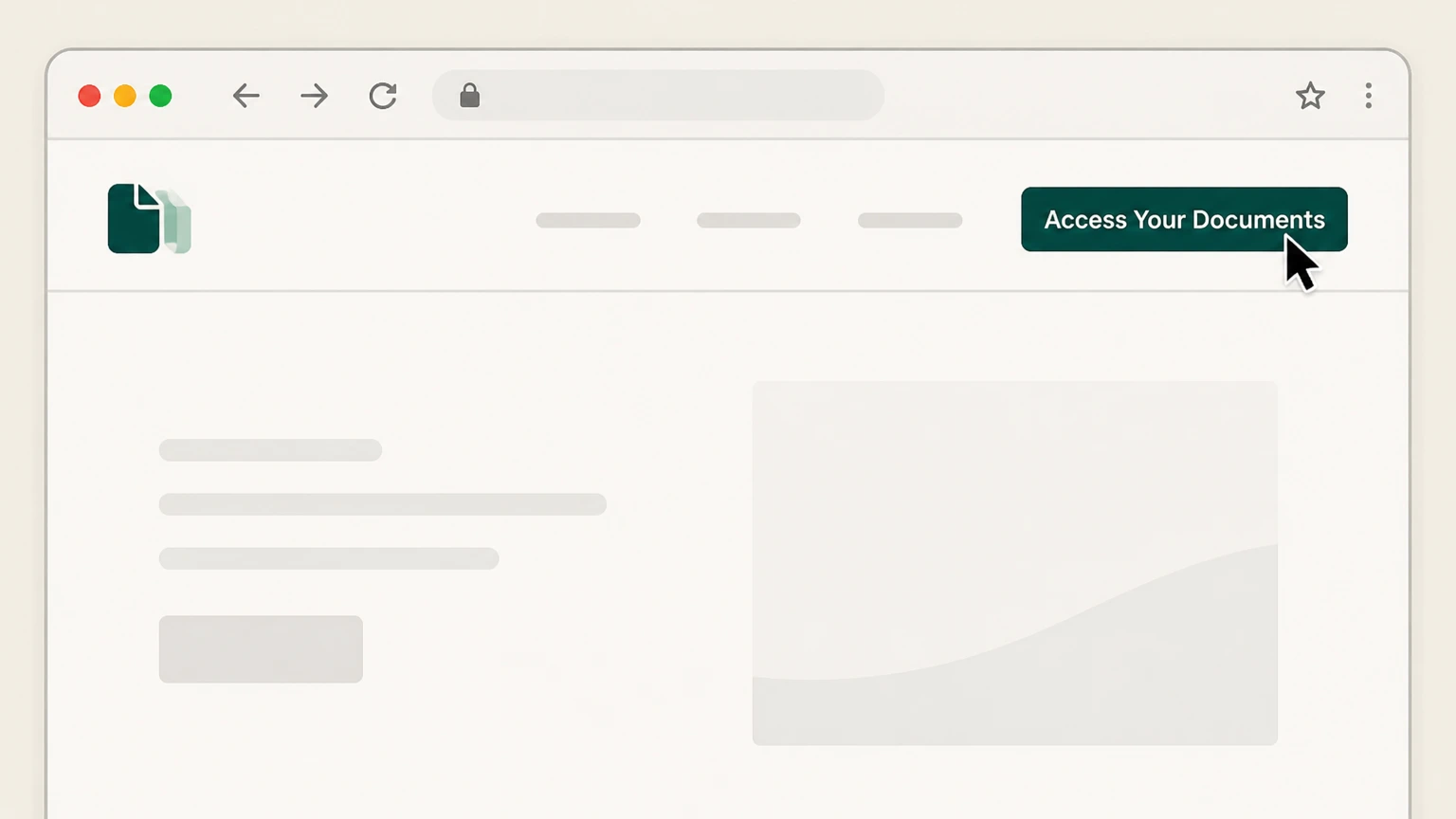
1Open the eForms sign‑in page
In a web browser, go to eforms.com and select “Access Your Documents” in the top navigation. Use the eForms account named on your receipt, and continue only after the next status in this cancellation path is visible.
 2
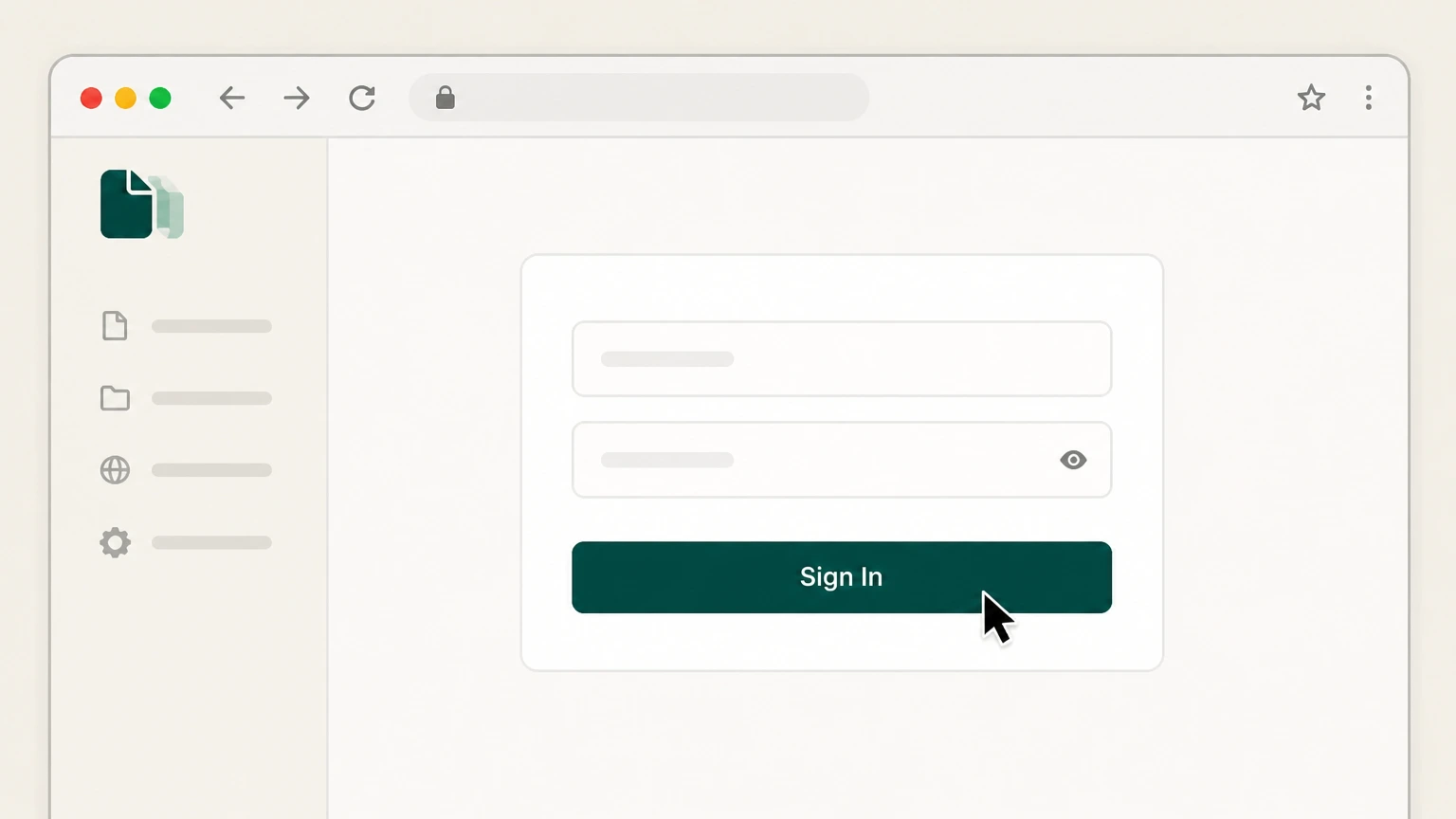
2Sign in to your eForms account
On the Access Your Documents page, sign in using the email address and password tied to your eForms subscription. Use the eForms account named on your receipt, and continue only after the next status in this cancellation path is visible.
- Let Pine handle it
Pine can help
Too many steps?
Pine can find the right eForms website path and handle the cancellation for you.
 3
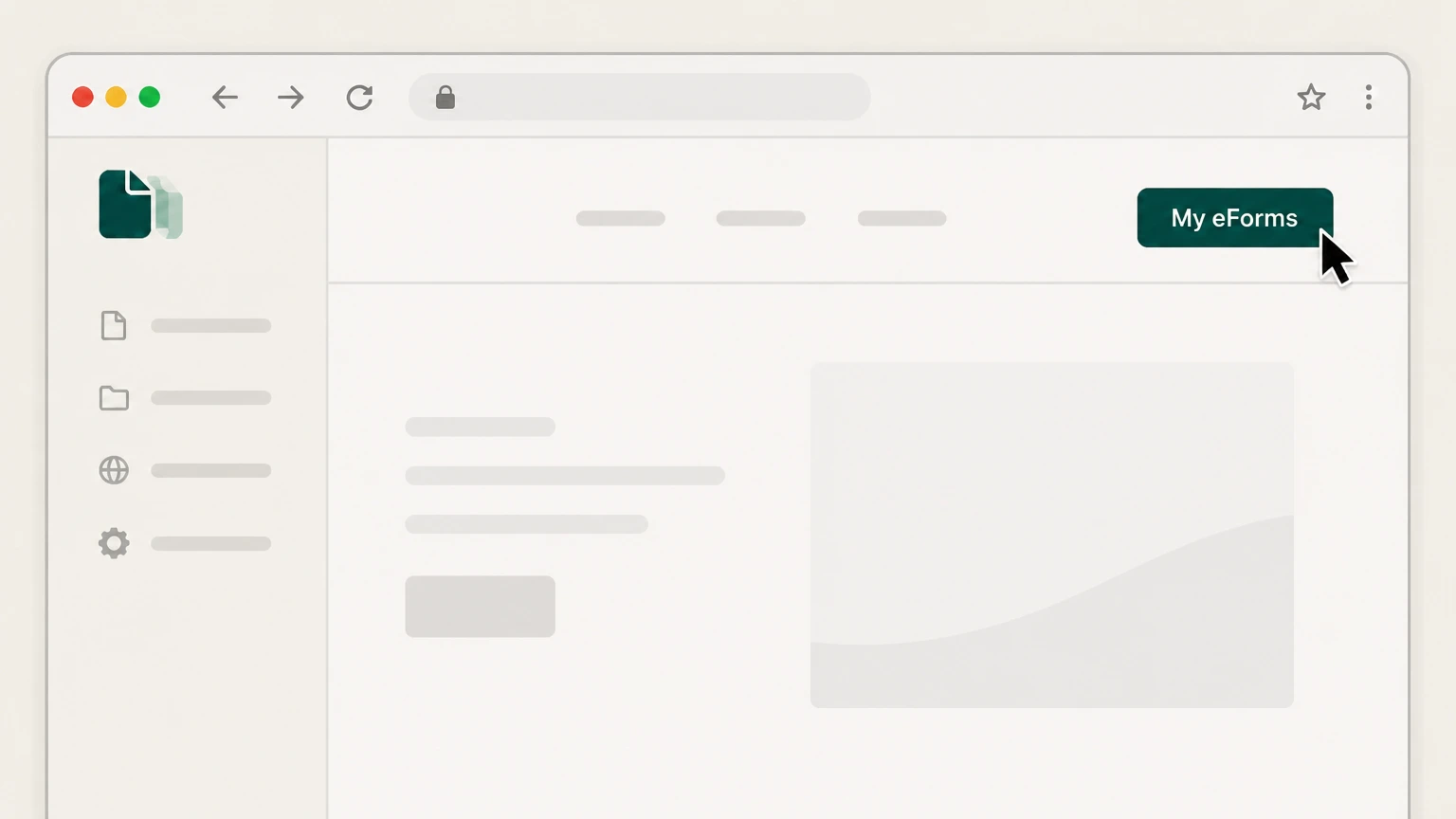
3Go to My eForms
Once signed in, select “My eForms” at the top‑right of the page to open your account area. Use the eForms account named on your receipt, and continue only after the next status in this cancellation path is visible.
 4
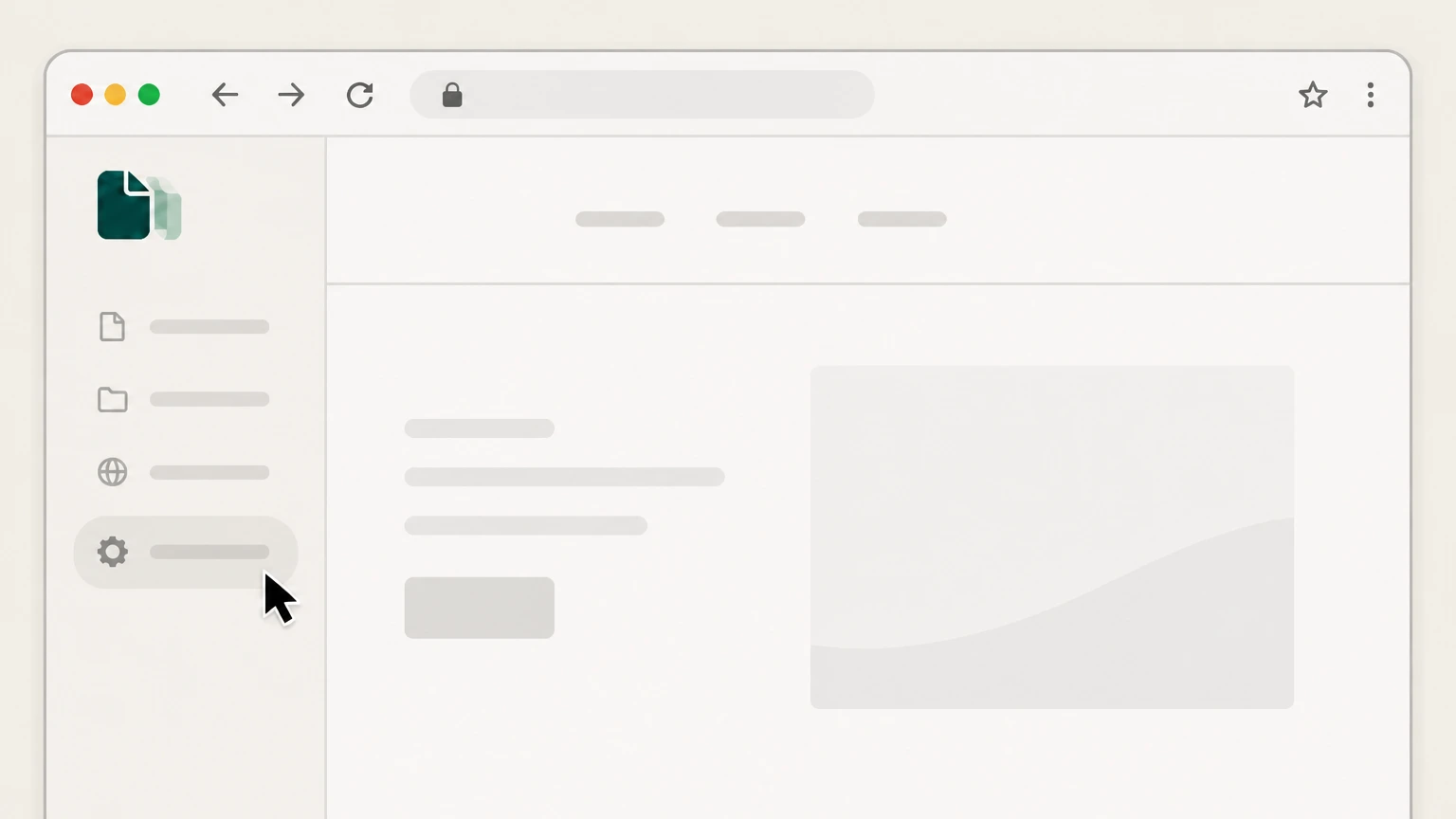
4Open account Settings
In the My eForms menu, choose the “Settings” option to view your subscription details. Use the eForms account named on your receipt, and continue only after the next status in this cancellation path is visible.
 5
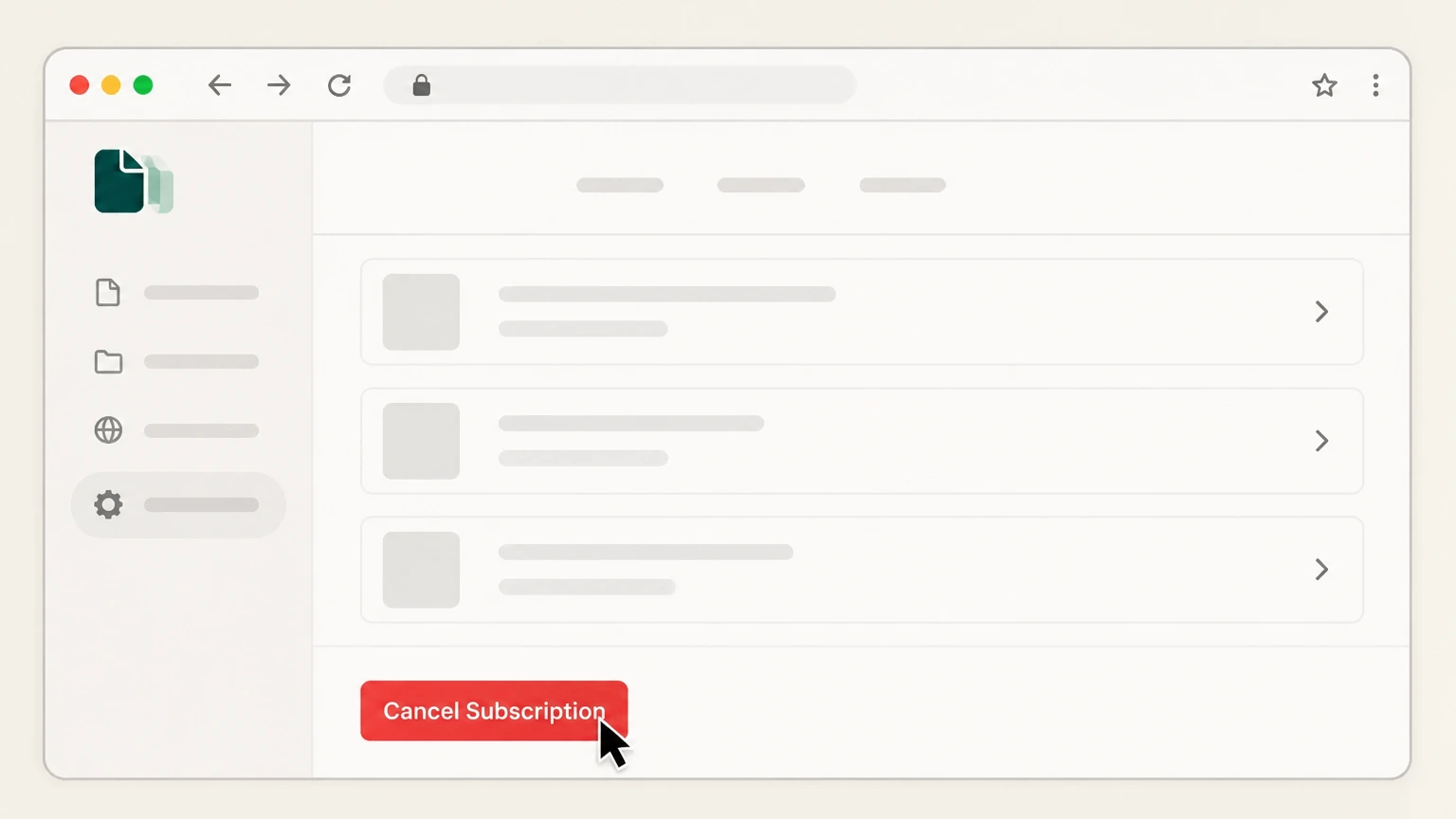
5Select Cancel Subscription
On the Settings page, scroll if needed and select the red “Cancel Subscription” button to stop future renewals. Use the eForms account named on your receipt, and continue only after the next status in this cancellation path is visible.
 6
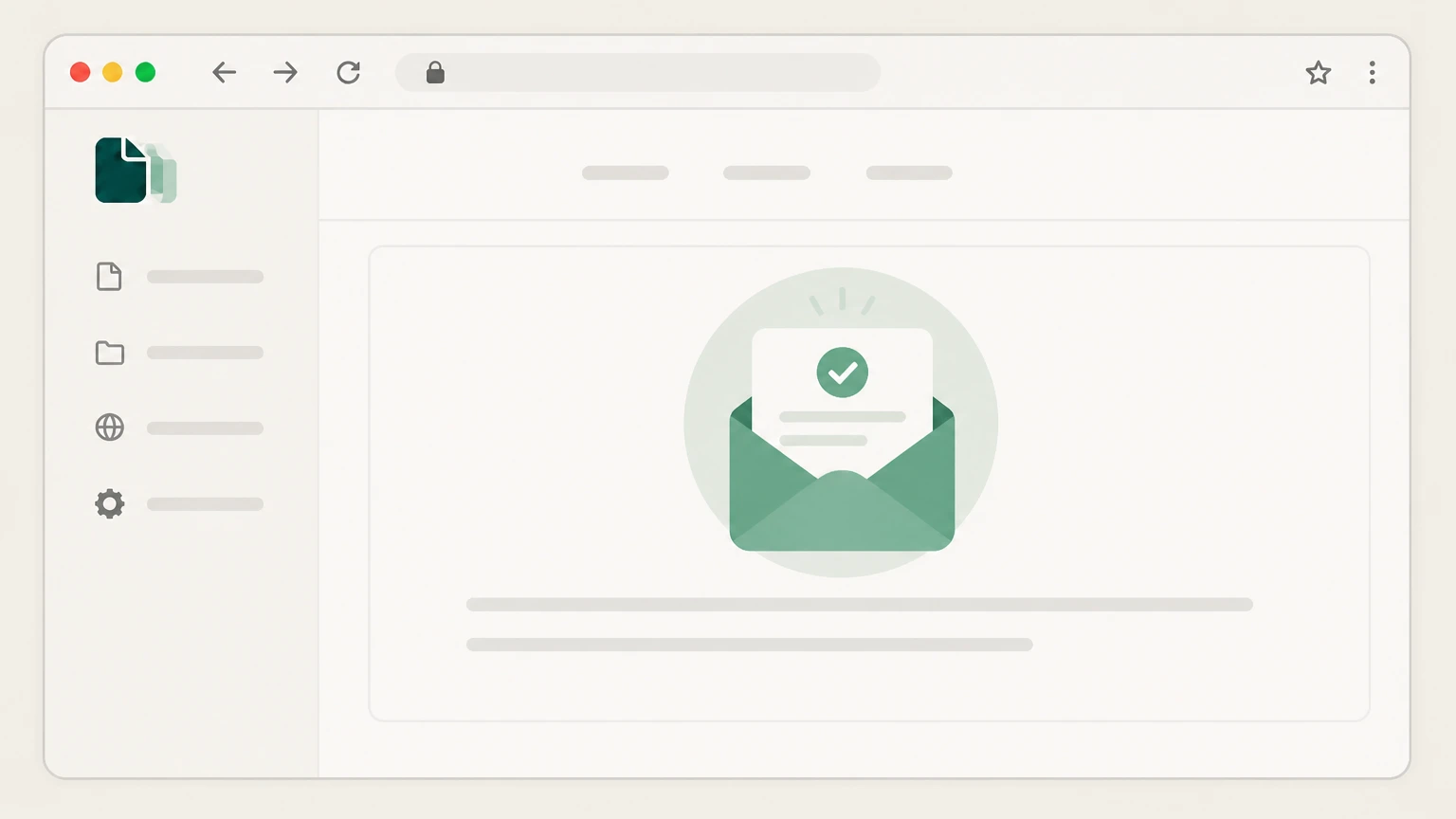
6Save your cancellation confirmation email
After canceling, keep the email confirmation eForms sends you; your subscription stays active until the end of the current billing period.

Refund policy
eForms refund and exchange policy at a glance
eForms’ Terms of Use set out a detailed refund and exchange policy that treats free‑trial cancellations, monthly subscriptions, annual subscriptions, and single‑document purchases differently. Refunds are not guaranteed and depend heavily on the timing of your cancellation and your account activity after each billing period begins.
Check my refund options- Cancel during the 7‑day trial to avoid charges
- If you cancel your Pro Monthly subscription within the 7‑Day Free Trial, eForms states you “will not be charged whatsoever.” Once the seven‑day period ends, a recurring monthly payment is made every month until you cancel.eforms.com
- Monthly subscription refunds are discretionary and activity‑based
- For Monthly Subscriptions canceled after billing begins, the Terms of Use say a refund “may be considered” at eForms’ discretion, and any activity on the account after the recurring billing period begins makes the account ineligible for a refund.eforms.com
- Annual subscriptions may receive prorated consideration
- Annual Subscriptions can be canceled anytime, but eligibility for a full or prorated refund depends on account activity; activity after the annual billing date can negate eligibility, and any prorated amount is considered case‑by‑case based on download history.eforms.com
- Single‑document purchases have limited, discretionary refunds
- Single‑document purchases may be exchanged or refunded at eForms’ discretion, and the Terms of Use specify they cannot be converted into a subscription plan as a substitute for a refund.eforms.com
- Billing errors should be raised with Customer Support
- If you think a billing error has occurred, eForms instructs you in its refund policy to contact Customer Support by email, phone, or live chat to allow a review of the charge and your account activity.eforms.com
For the full, current wording of eForms’ refund and exchange rules, including any updates after this review date, read the official Terms of Use or contact eForms Customer Support. View eForms Terms of Use
Service basics
How eForms subscriptions, trials, and single documents work
Key points about how eForms sells access to its legal document tools so you can see whether you actually have something to cancel.
Pro Monthly plan with 7‑day free trial
eForms’ Pro Monthly plan includes a 7‑Day Free Trial for new customers; after seven days (168 hours) the plan renews monthly at the listed price unless you cancel during the trial window.eforms.com
Pro Annual subscription
The Pro Annual plan provides access to all fillable forms for a full year for a single upfront annual fee and renews every 12 months until canceled.eforms.com
Single‑document purchase is one‑time only
If you buy just a Single Document, eForms states you “will not be subscribed to any ongoing service,” and that purchase gives lifetime access with unlimited edits and downloads for that form.eforms.com
Free blank templates without an account
You can download many blank forms for FREE without registering or entering billing information by using the site search and clicking the “Basic Download” option.eforms.com
Receipts available in My eForms settings
Receipts for transactions are accessible under “My eForms” > “Settings,” where they can be viewed, downloaded, or printed if you need to check what you bought.eforms.com
Cancel options
Where you can cancel an eForms subscription
eForms documents only one primary self‑service cancellation path, which runs entirely through your online account on eForms.com.
In‑account cancellation is the primary method
The FAQ describes cancellation in three steps: sign in, open “My eForms” > “Settings,” and click the red “Cancel Subscription” button, after which you receive an email confirmation.eforms.com
No separate app‑store subscription to cancel
eForms’ Terms of Use and FAQ reference website‑based subscriptions and trials but do not list any Apple App Store or Google Play subscription entry for these consumer plans, so cancellation is handled on eForms.com.eforms.com
Single‑document buyers don’t need to cancel
Because a Single Document purchase is explicitly described as a one‑time charge that does not create an ongoing plan, there is no subscription linked to that purchase to cancel.eforms.com
Customer Support is for issues, not a listed path
eForms encourages users with questions or billing concerns to contact Customer Support by email, phone, or chat, but only the in‑account Cancel Subscription button is formally documented as the standard way to stop renewals.eforms.com
After cancellation
What changes after you cancel eForms
Understanding what continues and what changes once you cancel your plan helps you avoid surprises.
Plan benefits last through the billing period
eForms states that although your subscription is canceled immediately, you “retain access to all services under your plan until the conclusion of the billing period.”eforms.com
Future renewals stop
Once you have used the Cancel Subscription button, your subscription will not renew for another monthly or annual term unless you actively purchase or resubscribe again.eforms.com
Single‑document access continues independently
If you purchased a Single Document, that purchase provides lifetime access with unlimited edits and downloads for that form and is not tied to whether a subscription remains active.eforms.com
Account and stored data remain under eForms’ policies
Canceling a subscription does not itself delete your account or personal data; your information continues to be governed by eForms’ Terms of Use and Privacy Policy unless you separately request deletion where allowed.eforms.com
Refunds
eForms refund and renewal rules for canceled plans
eForms distinguishes between canceling future renewals and getting money back; refunds are discretionary and depend heavily on account activity.
Free trial can be canceled at no cost
eForms explains that if you cancel within the 7‑Day Free Trial period, you will not be charged; if you do not cancel, a Pro Monthly payment is processed after the seventh day and each month until canceled.eforms.com
Monthly subscription refunds depend on activity
The Terms of Use say Monthly Subscriptions can be canceled anytime during the 7‑Day Free Trial at no cost; after billing begins, any refund is discretionary and “account activity” after the recurring period starts can make the account ineligible.eforms.com
Annual subscription may receive prorated consideration
For Annual Subscriptions, eForms may consider a refund or prorated refund depending on the account’s activity and download history; activity after the annual billing date can negate eligibility.eforms.com
Single‑document refunds or exchanges are discretionary
Single‑document purchases may be exchanged or refunded at eForms’ discretion; they cannot be converted into a Subscription Plan in place of a refund.eforms.com For your eForms account, compare this point with the billing owner and effective date shown in the signed-in account or latest receipt.
Billing concerns directed to Customer Support
If you believe there has been a billing error, the refund policy directs you to contact Customer Support by email, phone, or live chat so eForms can review your account.eforms.com
Data & privacy
How eForms handles your data, account, and deletion requests
Canceling billing is separate from how eForms stores or deletes your personal information and documents.
Cancellation is not automatic data deletion
Neither the FAQ nor Terms of Use say that canceling a subscription deletes your personal data or documents; instead, data handling is governed by the Privacy Policy and User Data Deletion procedures.eforms.com
Right to request deletion of personal information
The User Data Deletion page states you can request deletion of personal information that eForms collected and retained, subject to exceptions such as completing transactions or maintaining some financial records for accounting.eforms.com
How to request data deletion
To request deletion of your data, eForms instructs you to submit a verifiable consumer request, either by calling its listed support number or emailing support@eforms.com, then it will delete data unless an exception applies.eforms.com
Possible reasons eForms may deny deletion
eForms may decline deletion when retaining data is necessary to provide requested services, detect fraud or security incidents, debug products, or comply with legal and accounting obligations.eforms.com
Terms of Use and Privacy Policy control overall data use
The Terms of Use incorporate the Privacy Policy by reference and state that information you submit is handled under those policies, including for features like document storage and Lawyer Chat.eforms.com
Troubleshooting
If you cannot find the Cancel Subscription button
Steps you can take, based on eForms’ documented navigation and support channels, if the in‑account cancel option is unclear.
Confirm you are signed in to the correct account
The FAQ and sign‑in page emphasize using the email address tied to your subscription; if you used a social login or multiple emails, verify you are signed in under the account that actually holds the subscription.eforms.com
Navigate through My eForms and Settings
Cancellation is only documented inside “My eForms” > “Settings,” so if you do not see the button, ensure you have reached that exact Settings page from the My eForms menu.eforms.com
Check that you have an active subscription, not a single document
If you only purchased a Single Document, no subscription will appear in Settings because that purchase is described as a one‑time charge with lifetime access and no ongoing plan to cancel.eforms.com
Contact eForms Customer Support for help
If you still cannot locate the Cancel Subscription option, eForms invites users to reach Customer Support via email, phone, or chat using the official contact page so an agent can review your account.eforms.com
Plan types
Differences between eForms subscriptions and other access
Knowing which product you bought helps you interpret charges and what cancellation actually does.
Subscriptions vs. free blank downloads
Subscriptions (monthly or annual) unlock full, fillable use of the document library, while free blank templates can be downloaded via “Basic Download” without any subscription or billing details.eforms.com
Subscriptions vs. Single Document purchases
Subscriptions provide broad site access during the paid period and renew automatically, but Single Document purchases are explicitly one‑time, with lifetime access for that document and no auto‑renewal.eforms.com
Lawyer Chat is a separate, optional feature
eForms’ Terms of Use explain that the Lawyer Chat feature is provided by third‑party legal experts and is distinct from standard document services; using or canceling the chat feature does not replace canceling your eForms subscription.eforms.com
eForms is not a law firm
Both the FAQ and Terms of Use stress that eForms is not a law firm and does not provide legal advice; canceling your plan only affects access to its self‑help tools, not any separate legal representation.eforms.com
What official sources do not confirm
Limits of the public eForms cancellation guidance
These points are intentionally qualified because the official sources reviewed on August 16, 2026 do not publish a complete answer.
Documented limitation 1
Research is limited to openly available pages on eForms.com plus platform and regulator domains specified by the instructions; no internal dashboards or logged‑in billing screens were accessible.
Documented limitation 2
The dossier assumes that consumer Pro Monthly and Pro Annual plans are sold and managed only through eForms.com, because neither the FAQ nor the Terms of Use document any Apple App Store or Google Play subscription entries for these plans.
Documented limitation 3
While the Terms of Use describe refund discretion tied to account activity, they do not define precise thresholds for what level of activity disqualifies a refund; users must rely on case‑by‑case decisions by eForms Customer Support.
Documented limitation 4
Data‑retention durations and exact categories of records kept after a deletion request are not fully specified; the summary reflects only the high‑level exceptions listed on the User Data Deletion page and in the Terms of Use.
Documented limitation 5
Because eForms may update its Terms of Use, pricing, or UI labels after August 16, 2026, users should confirm current wording on the linked official pages before relying on this guide.
eForms cancellation FAQ
Questions people search about canceling eForms, answered with official provider or billing-platform sources checked on August 16, 2026.
Why is eForms charging me?
How do I delete my eForm account?
How legit is eForms?
Is eForms truly free?
How do I cancel my eForms subscription?
Does canceling eForms delete my documents?
What happens after my eForms free trial ends?
Can I get a refund after canceling my eForms subscription?
How do I confirm my eForms subscription was canceled?
Untangle this eForms issue.
Let Pine handle the provider follow-up and keep the confirmation in one place.
