


Clipping Magic
Cancel subscription
How to Cancel Your Clipping Magic Subscription
Learn how to cancel Clipping Magic through the right billing provider. Follow official steps, understand access timing, refunds, and the confirmation to keep.
- Official Clipping Magic and billing-owner sources
- 2 provider-specific cancellation paths
- Refund and post-cancellation effects separated from renewal
- Verified August 16, 2026
Choose the Clipping Magic cancellation path that matches who bills you
Website account page · verify the billing owner
 1
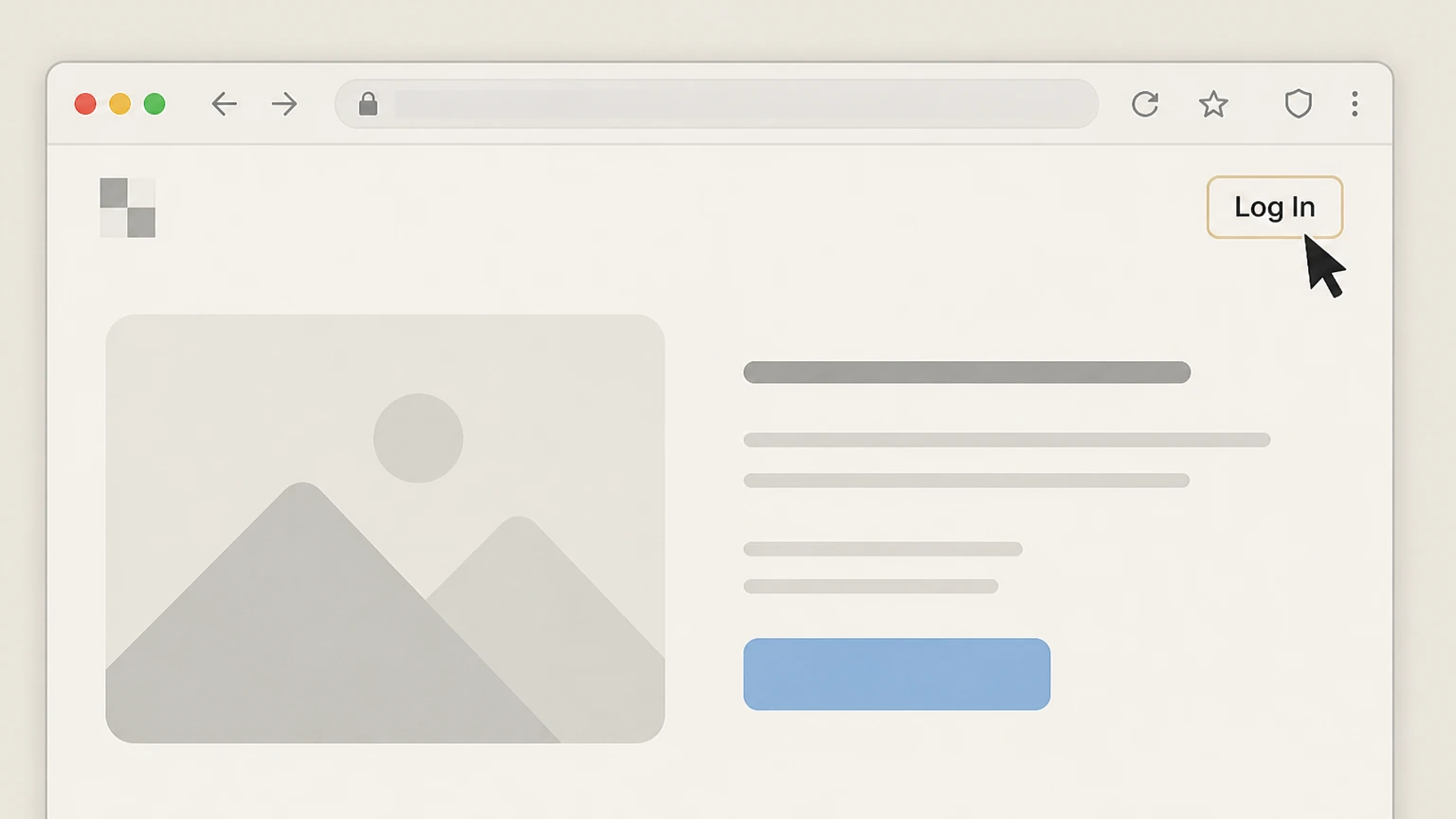
1Open the Clipping Magic website and start sign‑in
Go to https://clippingmagic.com in a browser and select the Log In option in the top navigation. Use the Clipping Magic account named on your receipt, and continue only after the next status in this cancellation path is visible.
 2
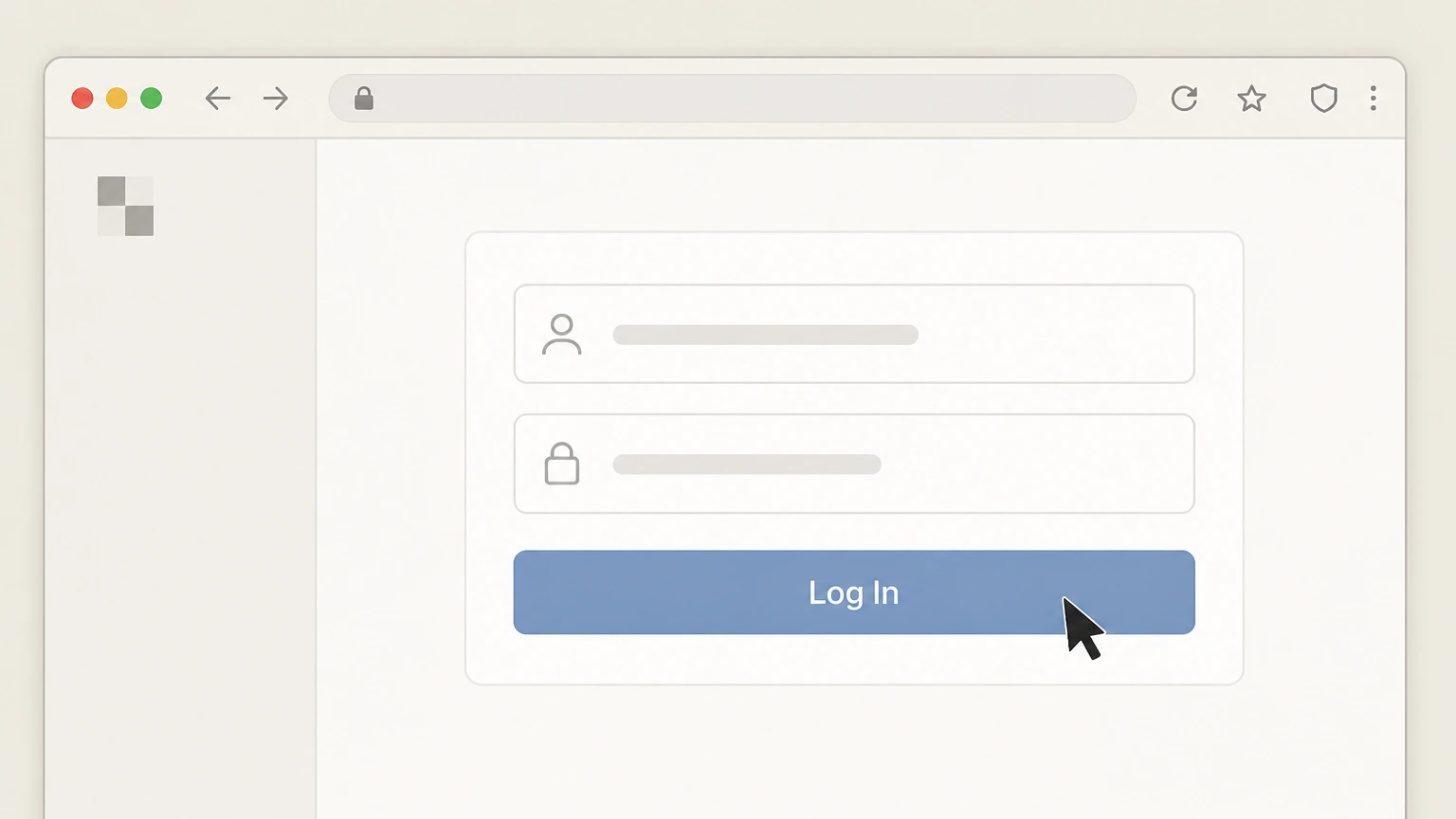
2Sign in to your Clipping Magic account
Enter the email address and password associated with your Clipping Magic subscription and submit the login form. Use the Clipping Magic account named on your receipt, and continue only after the next status in this cancellation path is visible.
- Let Pine handle it
Pine can help
Too many steps?
Pine can find the right Website account page path and handle the cancellation for you.
 3
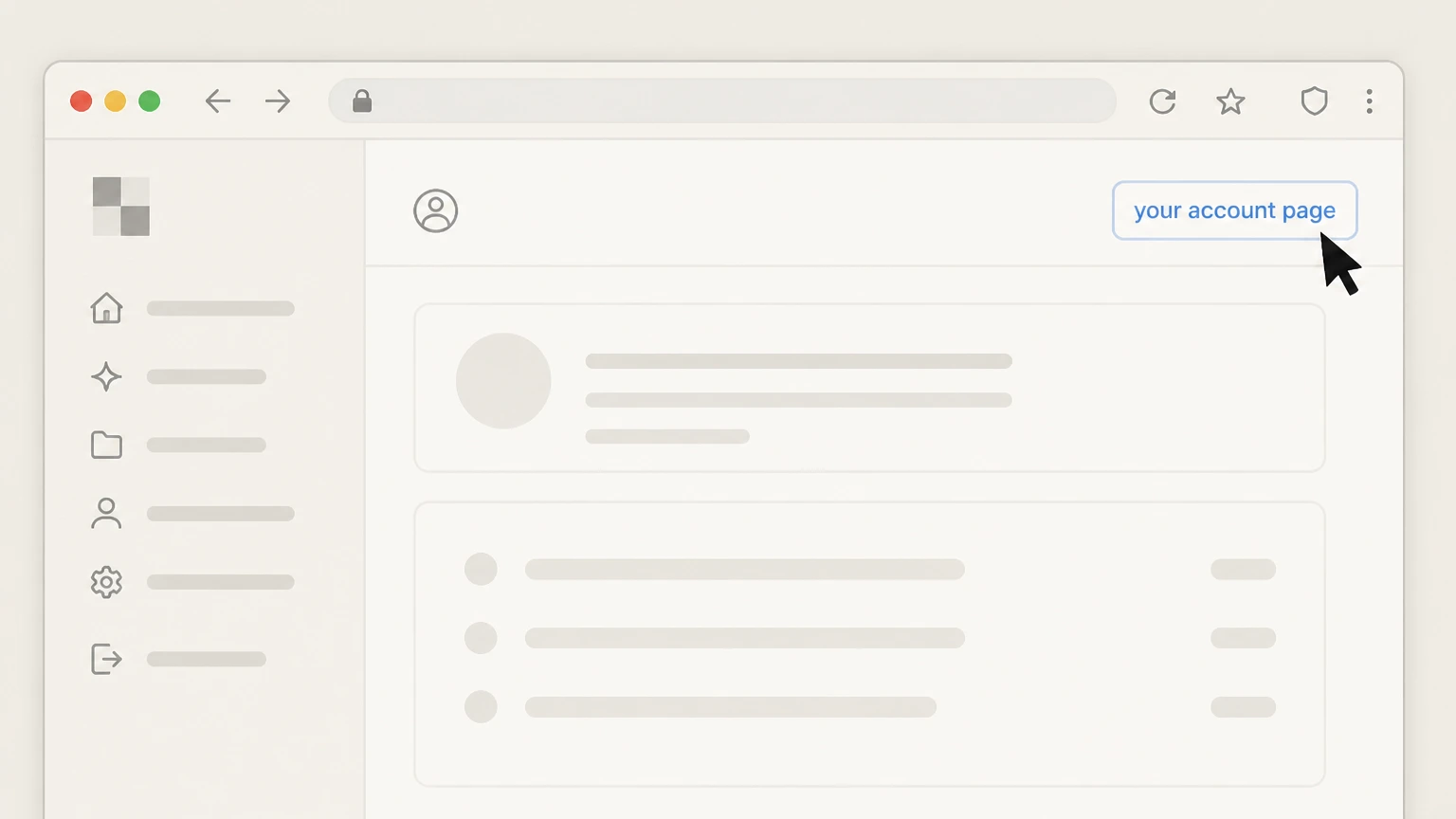
3Open your account page
From the navigation or header area, follow the link labeled your account page to open your account and subscription settings.
 4
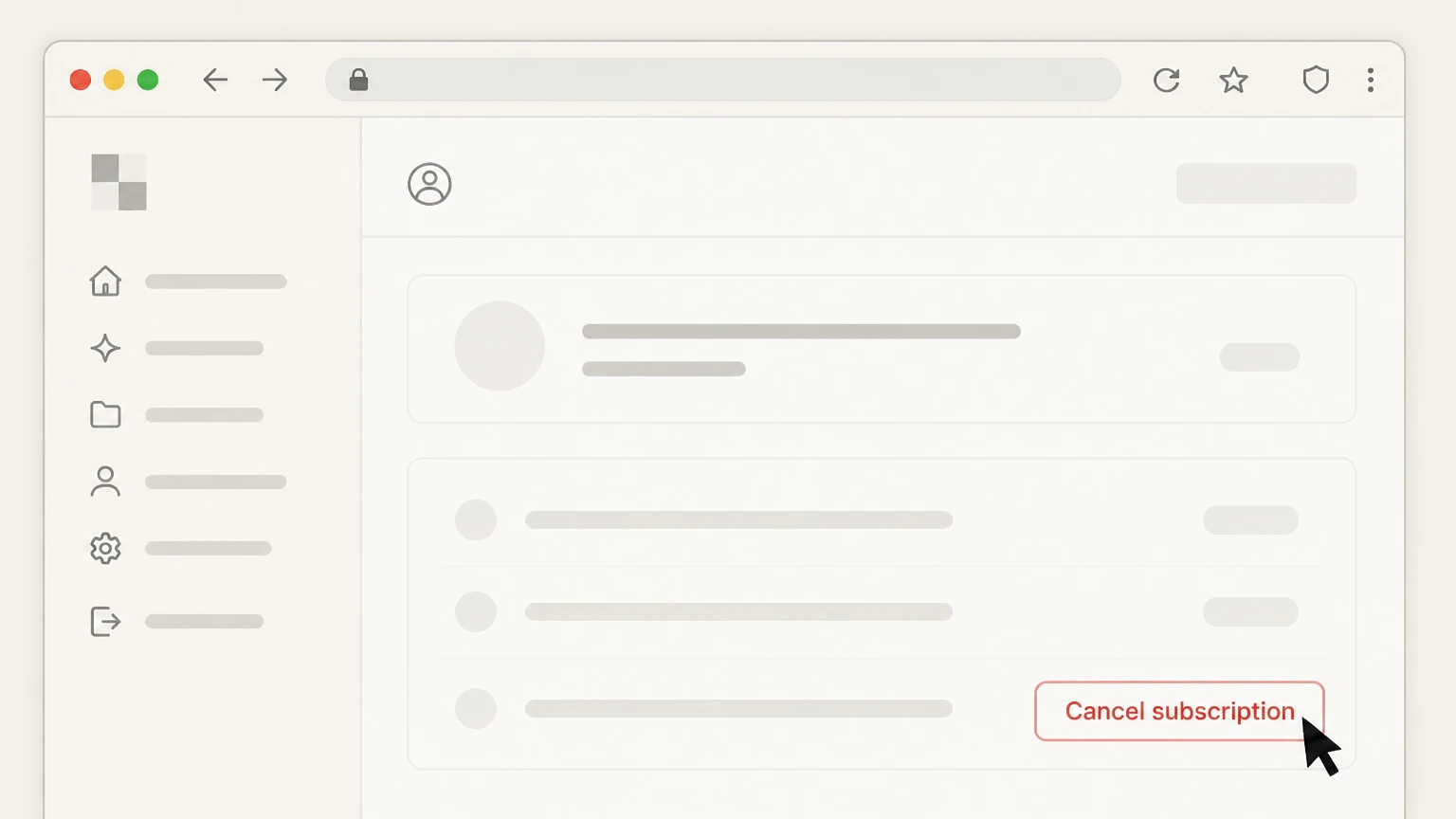
4Choose to cancel your current subscription
In your account or subscription section, locate your active Clipping Magic subscription and select the option to cancel your subscription.
 5
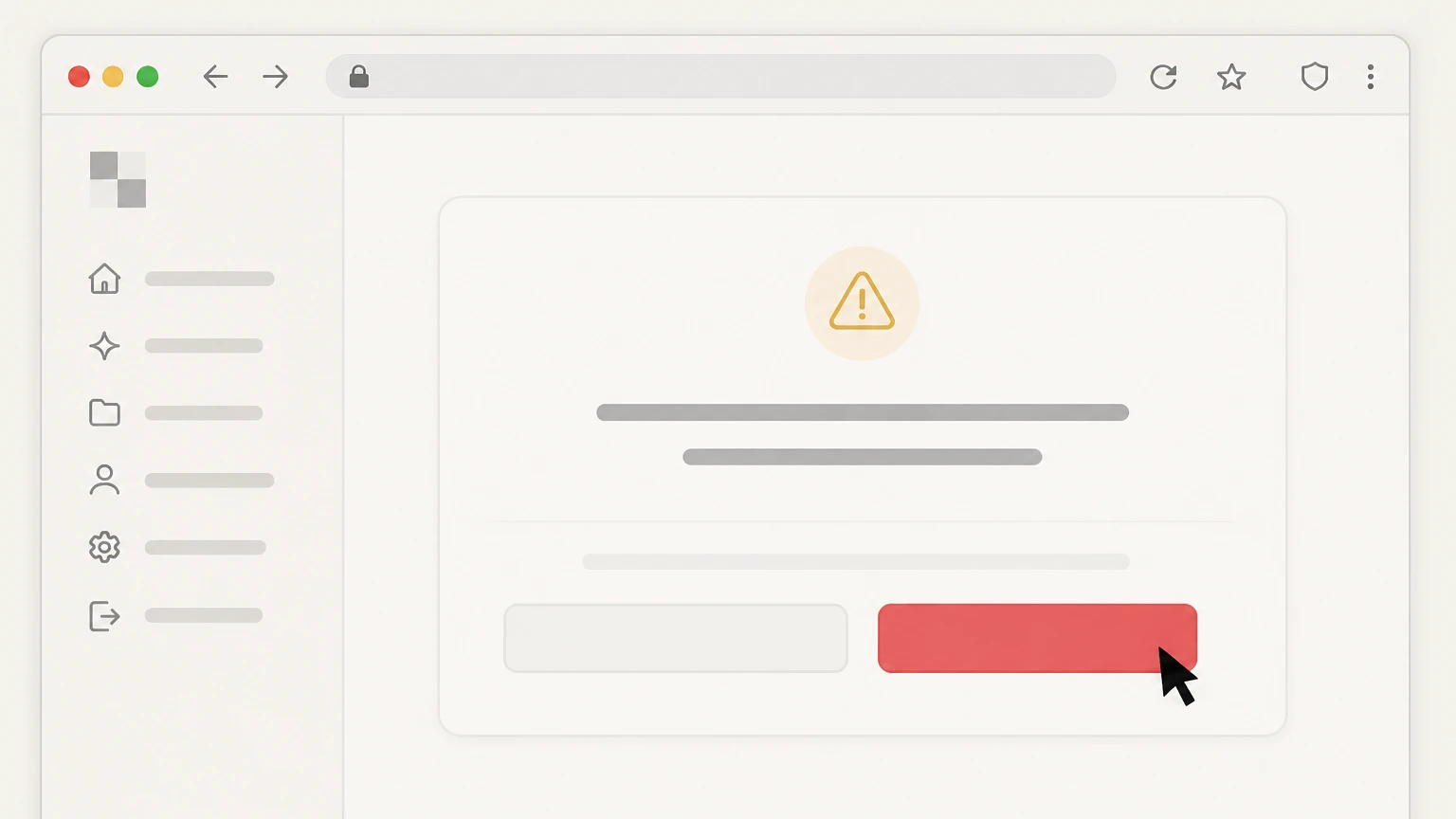
5Confirm the cancellation request
Confirm that you want to cancel when the site asks for confirmation so that automatic billing is turned off. Use the Clipping Magic account named on your receipt, and continue only after the next status in this cancellation path is visible.
 6
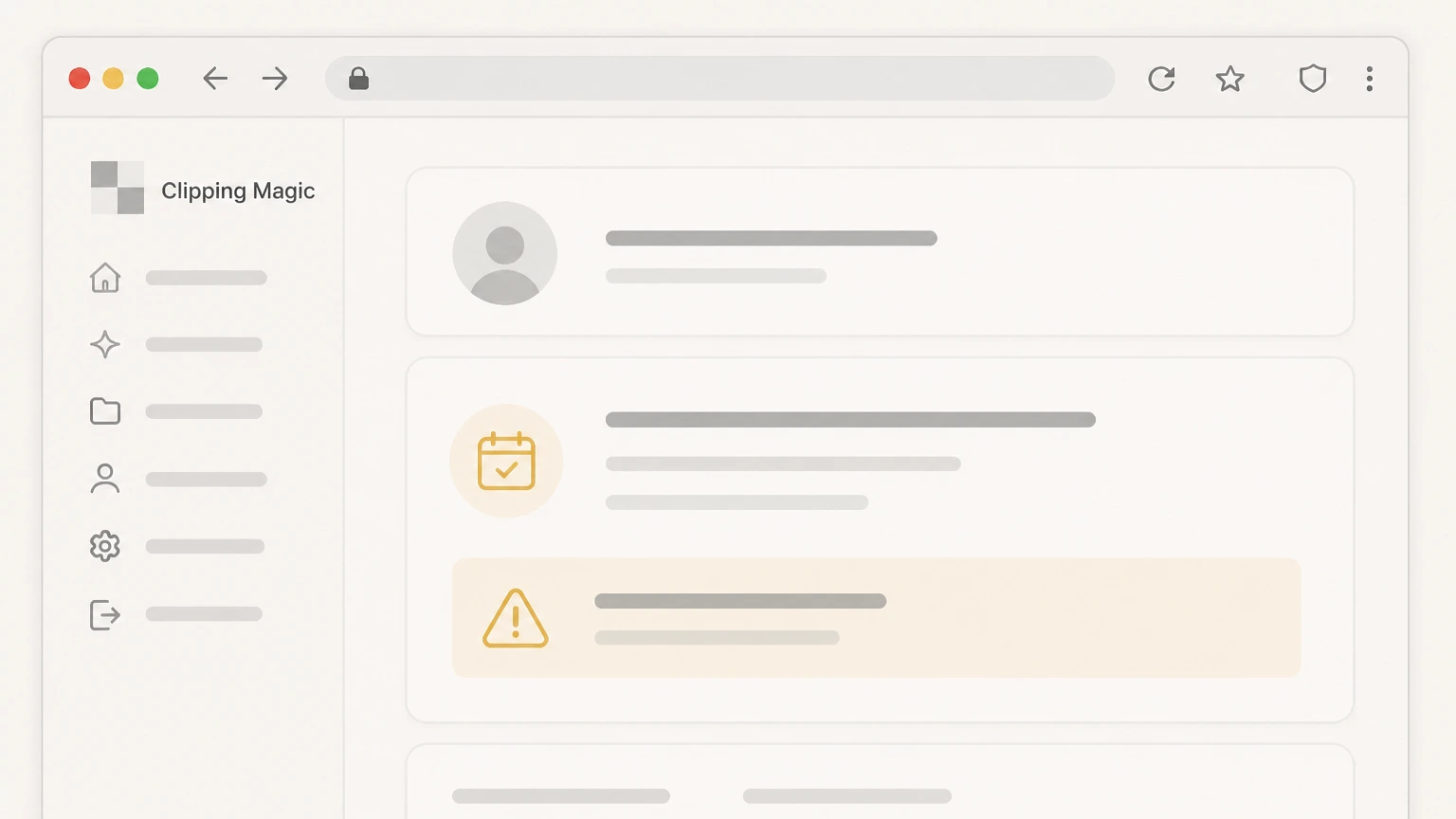
6Verify your subscription end status
Return to your account page and check that the subscription is marked as ending at the end of the current billing period rather than renewing automatically.

PayPal automatic payments · verify the billing owner
 1
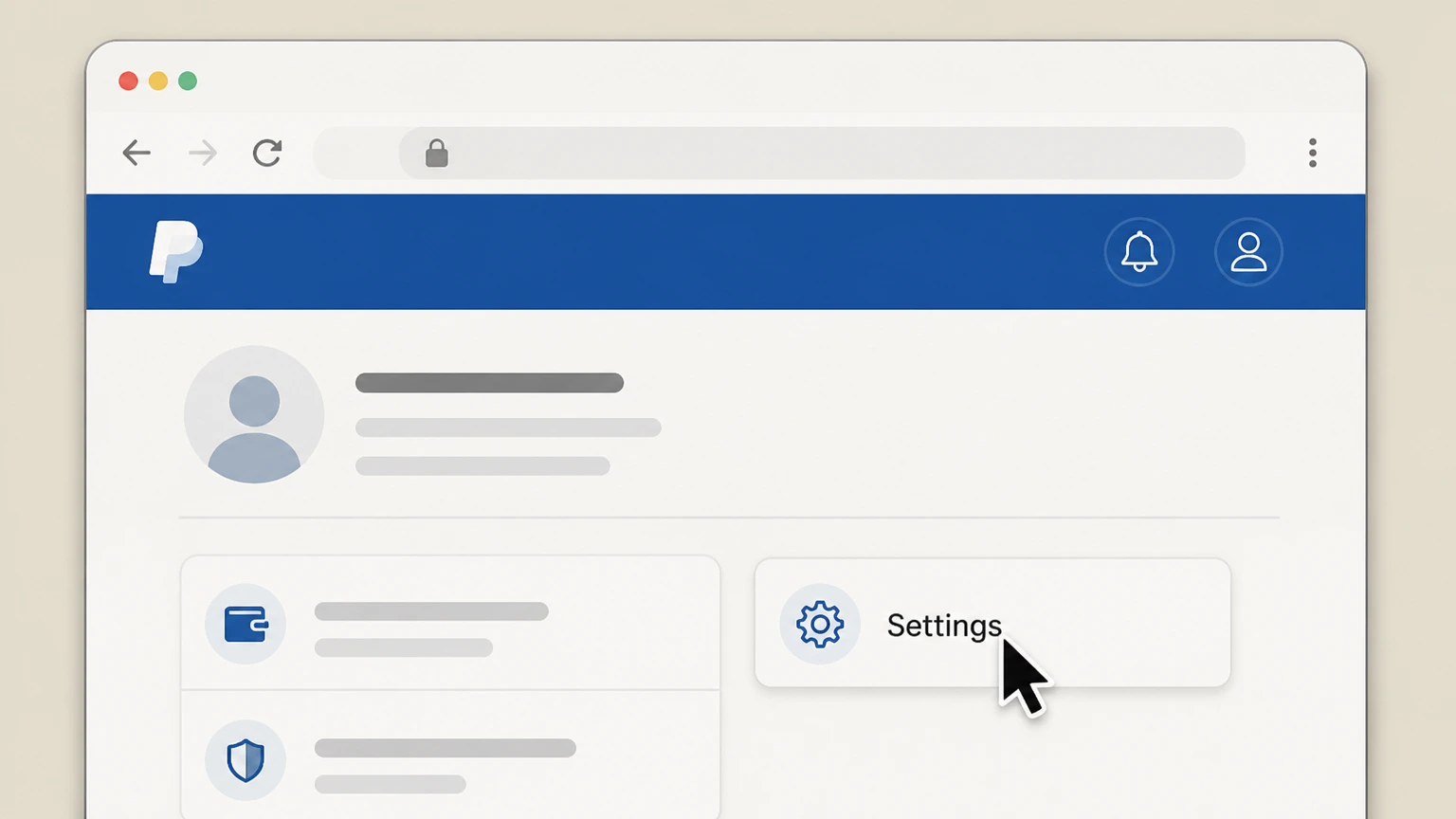
1Open PayPal and go to Settings
Sign in to your PayPal account in a browser or the PayPal app and open the Settings menu. Use the Clipping Magic account named on your receipt, and continue only after the next status in this cancellation path is visible.
 2
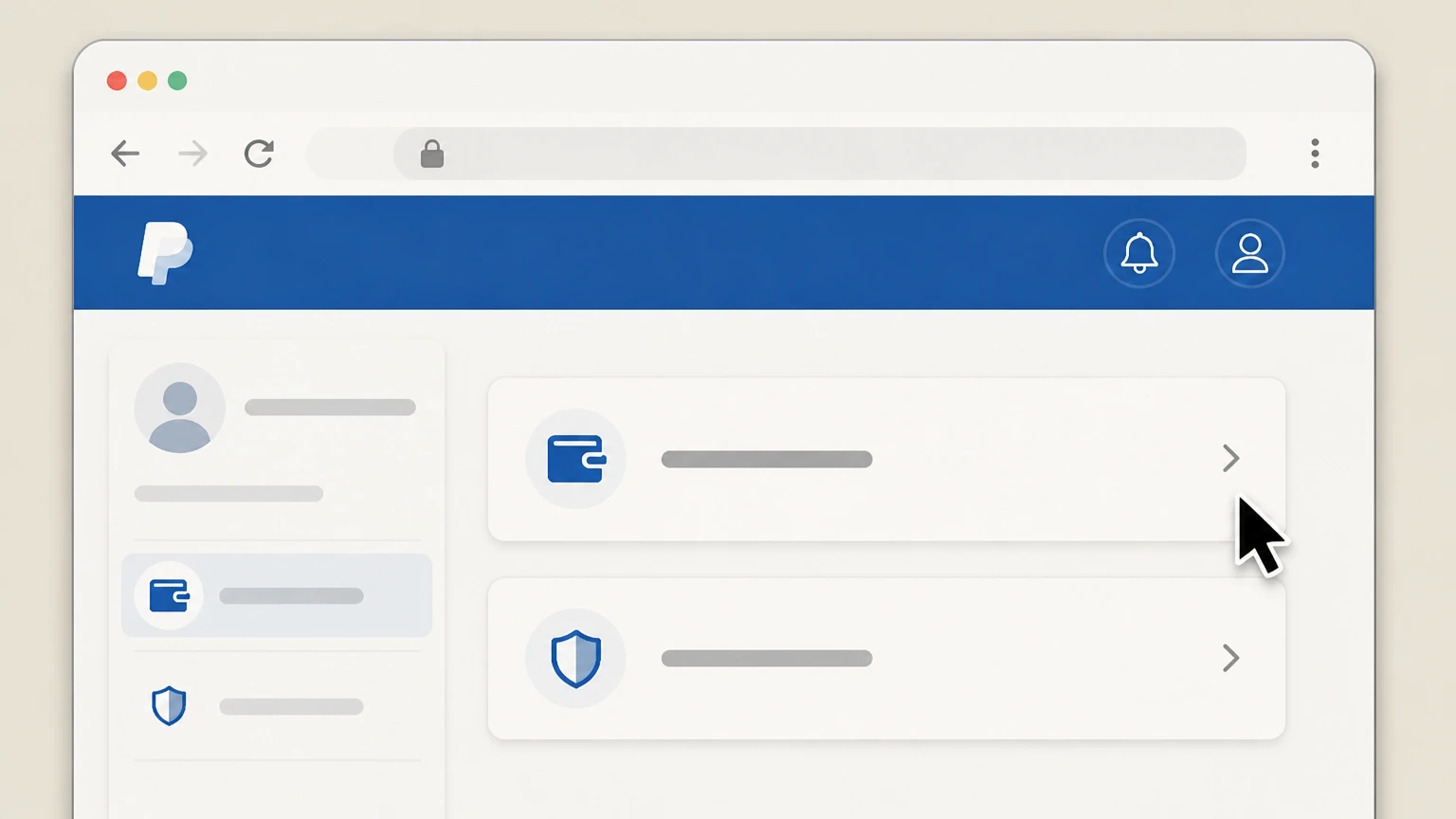
2Open the Payments or Subscriptions section
In Settings, select the Payments section and then choose Automatic payments or Subscriptions and saved businesses. Use the Clipping Magic account named on your receipt, and continue only after the next status in this cancellation path is visible.
- Let Pine handle it
Pine can help
Too many steps?
Pine can find the right PayPal automatic payments path and handle the cancellation for you.
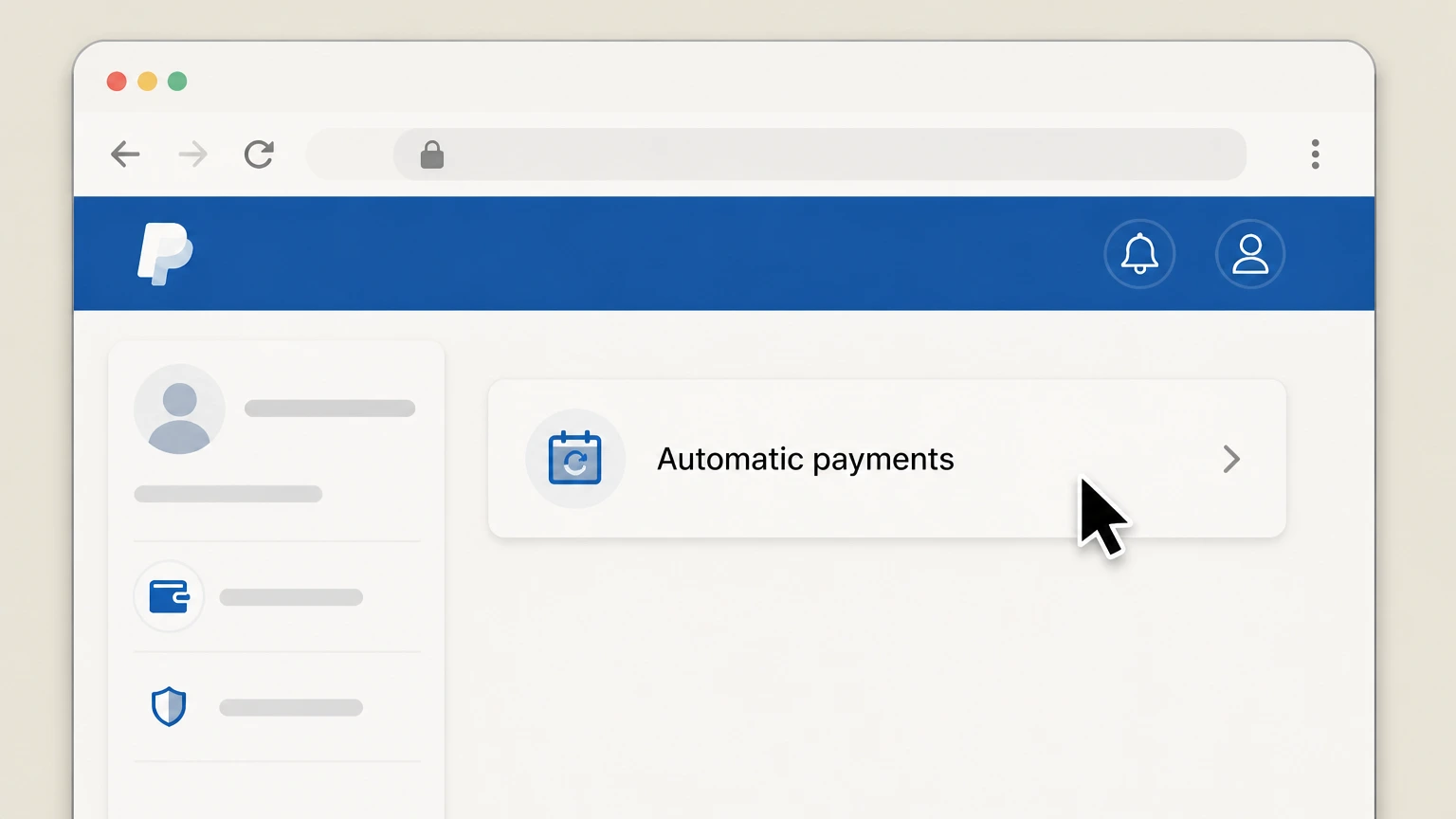 3
3View your automatic payments list
Open the Automatic payments or Subscriptions and saved businesses page to see merchants with active recurring payments. Use the Clipping Magic account named on your receipt, and continue only after the next status in this cancellation path is visible.
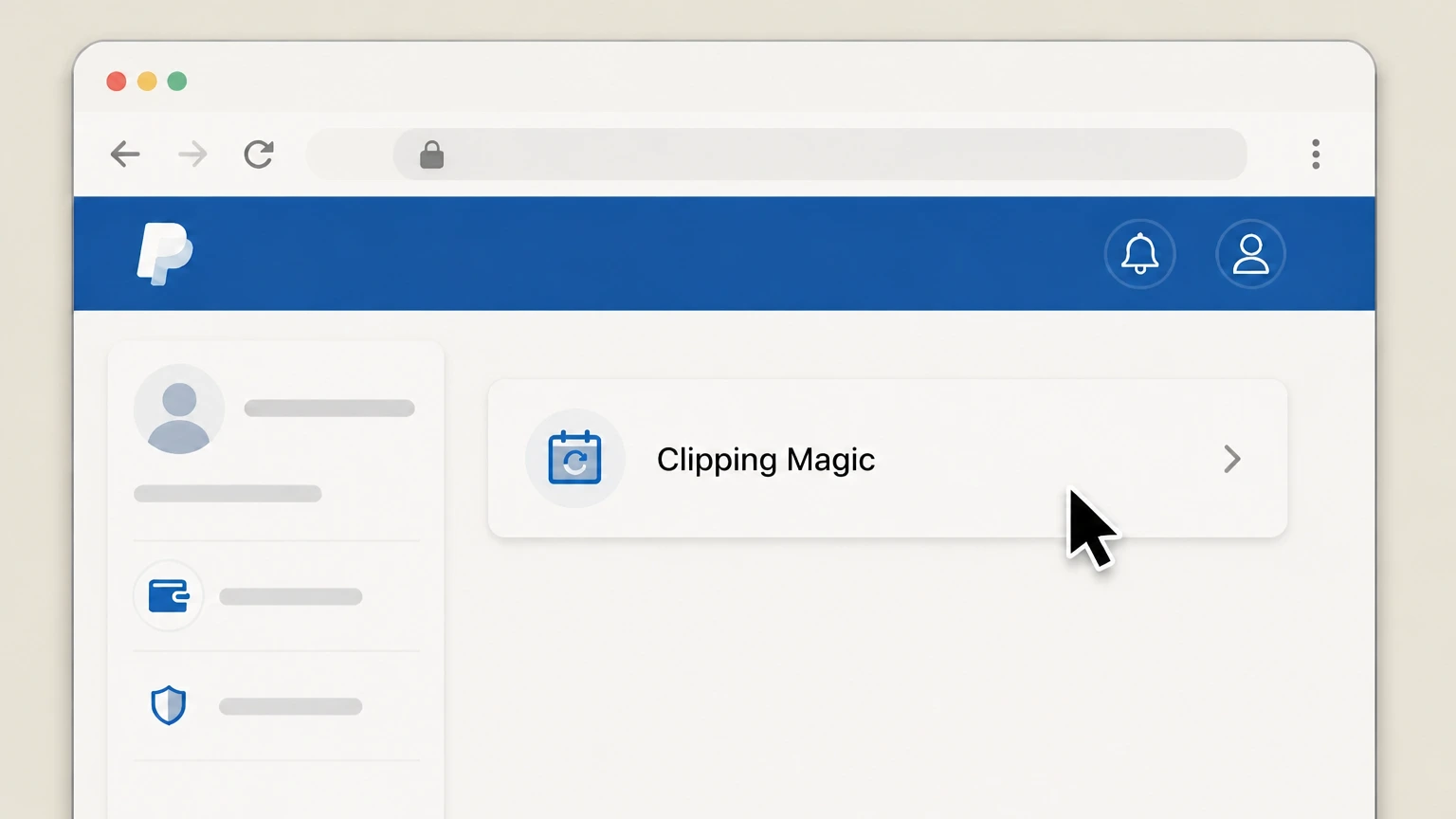 4
4Select Clipping Magic as the merchant
Find and select the Clipping Magic entry in your list of active automatic payments to open its details. Use the Clipping Magic account named on your receipt, and continue only after the next status in this cancellation path is visible.
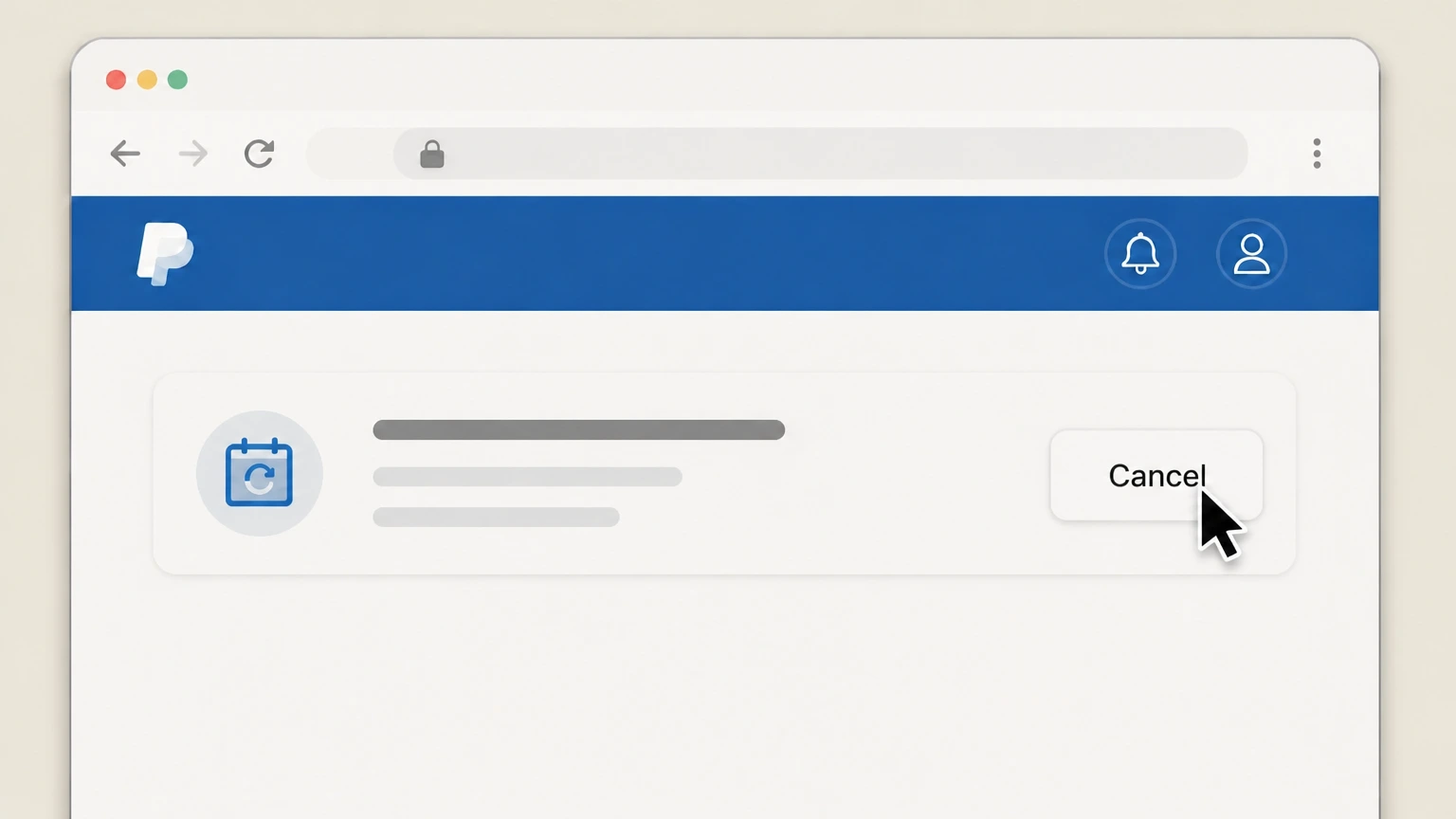 5
5Cancel the automatic PayPal payment
Use the option on the merchant’s automatic payment page to cancel or stop paying with PayPal so future subscription charges to your PayPal account are blocked.
Refund policy
Refunds and billing after you cancel Clipping Magic
Clipping Magic’s documentation treats cancellation as a way to stop future renewals at the end of your billing period, not as a path to automatic refunds. Their pricing pages state that subscription fees are not refundable and that remaining credits are lost when a subscription is canceled. If you believe a charge was made in error or you need an exception, you must contact Clipping Magic support, and if you pay via PayPal you can also stop future wallet payments through PayPal’s Automatic payments settings, though PayPal recommends still resolving the underlying subscription directly with the merchant.
Check my refund options- No automatic refunds for canceled periods
- Clipping Magic’s subscription details explicitly say that subscription fees are not refundable; canceling simply prevents future renewals after the current billing period ends rather than crediting unused time or credits.
- Future auto‑billing stops at period end
- When you cancel via your account page or schedule cancellation, your subscription remains active through the paid‑up billing period and then stops renewing, which ends further charges from Clipping Magic for that plan.
- Remaining credits are forfeited on termination
- Both regular and API subscription details state that remaining credits are lost upon cancellation, so there is no refund or conversion of unused credits into cash or other value once the subscription ends.
- Exception or error refunds require support
- Because the policy only states that fees are not refundable and directs customers needing help to contact support, any request for a goodwill refund or correction of a mistaken charge must be handled individually via the Support page, not through self‑serve tools.
- PayPal can block future payments but not past ones
- PayPal’s guidance on automatic payments explains that canceling an automatic payment stops future PayPal‑funded charges to that merchant but does not reverse completed transactions, so any refund for prior Clipping Magic payments still has to come from Clipping Magic.
If you think a Clipping Magic charge was unauthorized or mistaken, collect your receipts and screenshots, submit a cancellation or billing query through Clipping Magic’s Support page, and if you paid with PayPal you may also review the transaction in PayPal’s Resolution Center. Clipping Magic Support page
Access points
Where you can cancel a Clipping Magic subscription
Clipping Magic concentrates all subscription management on its own website; understanding those access points helps you cancel cleanly.
Primary cancellation is on your account page
Clipping Magic’s pricing and API pricing pages state that you can cancel your subscription at any time with just a few clicks on your account page, and that all subscriptions remain active until the end of the billing period after cancellation.
No Apple App Store or Google Play billing
Official materials describe subscriptions only on clippingmagic.com, and the site lists supported platforms as modern desktop and laptop browsers, indicating that Clipping Magic subscriptions are not sold or managed through Apple’s or Google’s app stores.
Support can cancel if you cannot log in
The Support page offers a "Cancel Subscription / Stop Charging Me" subject and explains that you can log in to cancel immediately or, alternatively, submit billing details (card or PayPal) so support can locate and cancel the subscription for you.
Account page link from pricing screens
On both regular and API pricing pages, the subscription details section links directly to your account page, which is the starting point for tasks such as canceling, upgrading, downgrading, or scheduling the end of a subscription.
After cancellation
What happens to your Clipping Magic subscription when you cancel
Clipping Magic documents clear rules on auto‑renewal, timing, and how long you keep access after you cancel.
Auto‑renewal stops but the period runs to the end
Subscription details state that once you cancel from your account page, your subscription remains usable until the end of the current billing period and then stops renewing; there are "no hoops" and you keep access up to that date.
Subscriptions bill automatically until canceled
Clipping Magic emphasizes that subscriptions are automatically billed until canceled by you, so the default behavior is continuous renewal unless you use your account page or support to stop it.
You can schedule cancellation at period end
The same subscription details explain that there is currently no pay‑as‑you‑go option, but you can schedule a cancellation at the end of the billing period, allowing you to line up the end of service with the next renewal date.
Upgrades and downgrades do not alter renewal date
Clipping Magic notes that you can upgrade or renew your plan any time, with charges and credits applied immediately, and you can downgrade without changing the billing date—your next bill then reflects the new plan’s credit cap.
API and regular plans behave the same on cancel
The API pricing page repeats the same subscription‑details block as regular pricing, indicating that both regular and API plans follow the same rules for cancellation timing, auto‑renewal, and access to the end of the billing period.
Credits and rollover
How credits and rollover work when you cancel
Credits are central to how Clipping Magic bills for usage, and cancellation affects both unused and rollover credits.
Credits are tied to active subscriptions
Pricing pages explain that while subscribed you can upload and edit unlimited images with live preview, and credits control how many watermark‑free results you can download; unused credits can roll over up to a cap while your subscription remains active.
Remaining credits are forfeited on cancellation
The subscription details explicitly state that remaining credits are lost upon cancellation, meaning that any credits in your balance at the time the subscription ends will not be available afterward.
Rollover stops when the subscription ends
Because rollover is described only in the context of active plans with monthly or yearly billing and caps, once your subscription ends after cancellation, credits no longer roll forward and any unused amounts are simply lost.
No pay‑as‑you‑go purchase option
Clipping Magic notes that there is currently no pay‑as‑you‑go option; instead you manage usage by changing plan levels or scheduling cancellation at the end of your billing period to match your credit needs.
API credits follow the same rules
API pricing reiterates that one credit equals one image and that remaining credits are lost when a subscription is canceled, aligning treatment of unused credits across both interactive and API plans.
Fees and refunds
Clipping Magic’s refund and fee rules on cancellation
Official subscription details and PayPal guidance define what you can expect regarding refunds, disputes, and fee reversals when you cancel.
Subscription fees are generally not refundable
Clipping Magic’s subscription details clearly state that subscription fees are not refundable, signaling that canceling primarily stops future renewals rather than generating a refund of past charges.
Cancellation stops future charges, not past ones
The pricing pages explain that subscriptions are automatically billed until canceled and continue until the end of the billing period; canceling therefore prevents new charges after the period’s end but does not retroactively reverse previously billed periods.
Seeking refunds requires contacting Clipping Magic
Because the policy simply states that fees are not refundable and refers customers with questions to support, any request for a goodwill or error‑based refund would need to be made directly to Clipping Magic via its support form.
PayPal can stop future wallet payments
PayPal’s automatic‑payments help article explains that you can find a merchant in your Automatic payments list and cancel the automatic payment, which blocks future charges to your PayPal account even if the merchant account itself remains open.
PayPal stresses merchant contact for contracts
PayPal’s subscription guidance notes that canceling a payment method on PayPal typically stops PayPal funding only and may not cancel the underlying service contract, so they recommend also contacting the service provider—in this case, Clipping Magic—for formal cancellation.
Data & privacy
Account, image, and log data after you cancel
Clipping Magic’s privacy policy describes how account, purchase, and image‑processing data are handled independently from subscription status.
Image processing records are kept indefinitely
The privacy policy states that image processing records associated with an account are retained indefinitely, meaning canceling your subscription does not automatically delete prior image‑processing records.
Subscription actions are logged with details
Clipping Magic records subscription details such as the date and time of subscription, plan selection, and a log of actions like plan changes or cancellations along with your IP address, creating an internal history of subscription activity.
Purchase and payment metadata are stored
When you make a purchase, Clipping Magic stores purchase records including metadata about the payment method, such as reference email, card type, last four digits, expiration date, and billing address, though it relies on processors like Stripe and PayPal for full card details.
Cancellation does not equal account deletion
Because the privacy policy discusses retaining account‑associated processing records indefinitely and logging subscription changes, canceling a subscription appears to stop billing and usage access while leaving the account and its historical records intact unless you pursue separate account‑deletion options.
Third‑party processors handle sensitive payment data
Clipping Magic explains that it uses PCI‑compliant processors (including Stripe and PayPal/Braintree) and does not store full payment card details itself, so canceling a subscription affects Clipping Magic’s access and billing but the card or wallet remains managed by those processors.
Plan types
Differences between API and regular Clipping Magic plans
Both API and regular subscriptions share cancellation rules, but the API plans have some specific considerations for developers.
Same cancellation mechanics for all plans
Both the regular pricing and API pricing pages include an identical subscription details block stating that you can cancel any time from your account page, with access continuing until the end of the current billing period and remaining credits lost upon cancellation.
API subscriptions add programmatic usage
API plans are marketed for server‑side or automated background removal via an API key, but their billing and cancellation behavior—automatic renewal until you cancel, non‑refundable fees, credit rollover caps—match those of regular interactive plans.
Account API reflects subscription status
The Server API documentation describes an /account endpoint that returns your subscription plan and subscriptionState (such as active, pastDue, or ended), allowing developers to verify programmatically that a subscription has been canceled or has lapsed.
Single account can hold both usage types
API pricing pages link back to the regular subscription plans, and the /account API responds with both credits and subscription status, indicating that cancellation of an API plan is still controlled from the same Clipping Magic account as interactive use.
Access problems
If you can’t log in to cancel Clipping Magic
Clipping Magic provides a support workflow specifically aimed at canceling subscriptions and stopping charges when you cannot access your account.
Use the support form’s cancellation subject
On the Support page, select the "Cancel Subscription / Stop Charging Me" subject to signal that you need help ending billing, and provide your contact email so support can respond.
Provide card or PayPal billing details
The form asks for details that help locate your subscription, including name on the card, last four digits, billing ZIP/postal code, PayPal email for PayPal charges, date and amount of the last charge, and any alternative email addresses used at signup.
Explain why you are canceling
A "Why are you cancelling?" text field lets you briefly describe your situation, such as lost login access or an email address you can no longer use, which can assist support in verifying and processing your request.
Support can cancel on your behalf
The support text explains that you can log in to cancel immediately, but if you cannot, providing the requested billing information allows support staff to locate the account and, as implied by the subject, stop charging you.
Retain your own cancellation evidence
Because Clipping Magic logs subscription actions and PayPal provides transaction histories, it is prudent to keep confirmation emails or screenshots of the support submission and any PayPal automatic‑payment changes in case of future billing disputes.
Planning ahead
Scheduling your Clipping Magic subscription to end
Clipping Magic explicitly supports scheduling cancellation to align service end with your billing period, which can be useful for budget planning.
Schedule cancellation at billing‑period end
Subscription details on both regular and API pricing pages state that although there is no pay‑as‑you‑go option, you can schedule a cancellation at the end of the billing period, allowing you to decide in advance when service should stop.
Keeps full access until the scheduled end
Because all subscriptions last until the end of the billing period even after you cancel or schedule cancellation, you continue to have full access and can use remaining credits up until that date.
Helps avoid surprise renewals
By scheduling the end of your subscription ahead of time rather than waiting until just before renewal, you reduce the risk of forgetting to cancel and being billed for an extra month or year that Clipping Magic’s policy says is not refundable.
Applies equally to monthly and yearly plans
The subscription details are written generically and appear under both monthly and yearly pricing tables, indicating that the ability to schedule cancellation at period end applies to all plan durations.
What official sources do not confirm
Limits of the public Clipping Magic cancellation guidance
These points are intentionally qualified because the official sources reviewed on August 16, 2026 do not publish a complete answer.
Documented limitation 1
Exact button labels and menu names inside logged‑in Clipping Magic account pages (for example, the precise text of the cancellation button) are inferred from pricing copy and link text and could change without public notice.
Documented limitation 2
Public documentation confirms that cancellation is done from "your account page" but does not expose the full step‑by‑step in‑account workflow, so some navigation details are necessarily generalized.
Documented limitation 3
Clipping Magic’s materials state that subscription fees are not refundable but do not describe whether any discretionary or error‑based refunds are ever granted in practice.
Documented limitation 4
There is no explicit public statement that canceling only the PayPal automatic payment reliably closes the Clipping Magic subscription; guidance relies on PayPal’s generic documentation, which advises also canceling with the merchant.
Documented limitation 5
The privacy policy explains data retention and logging broadly but does not spell out a dedicated, self‑serve account‑deletion flow tied to subscription cancellation, so the interaction between canceling a subscription and later deleting an account remains partially unspecified.
Clipping Magic cancellation FAQ
Questions people search about canceling Clipping Magic, answered with official provider or billing-platform sources checked on August 16, 2026.
How do I cancel Clipping Magic online?
Can I cancel Clipping Magic from an Android app or Google Play?
Can I cancel Clipping Magic free if I only used the preview?
What happens to my Clipping Magic credits when I cancel?
Will I get a refund when I cancel my Clipping Magic subscription?
How long do I keep access after cancelling Clipping Magic?
Can I schedule my Clipping Magic subscription to end at the next renewal?
What if I can’t log in to cancel my Clipping Magic subscription?
How do I stop Clipping Magic from charging my PayPal account?
Does cancelling Clipping Magic delete my images or account?
Untangle this Clipping Magic issue.
Let Pine handle the provider follow-up and keep the confirmation in one place.
