


Bloomberg Businessweek
Cancel subscription
How to Cancel a Bloomberg Businessweek Subscription
Cancel Bloomberg Businessweek using the correct billing route. Follow official steps, understand when access ends, how refunds work, and which confirmation to.
- Official Bloomberg Businessweek and billing-owner sources
- 3 provider-specific cancellation paths
- Refund and post-cancellation effects separated from renewal
- Verified August 16, 2026
Choose the Bloomberg Businessweek cancellation path that matches who bills you
Cancel a Bloomberg.com subscription that includes Businessweek · verify the billing owner
 1
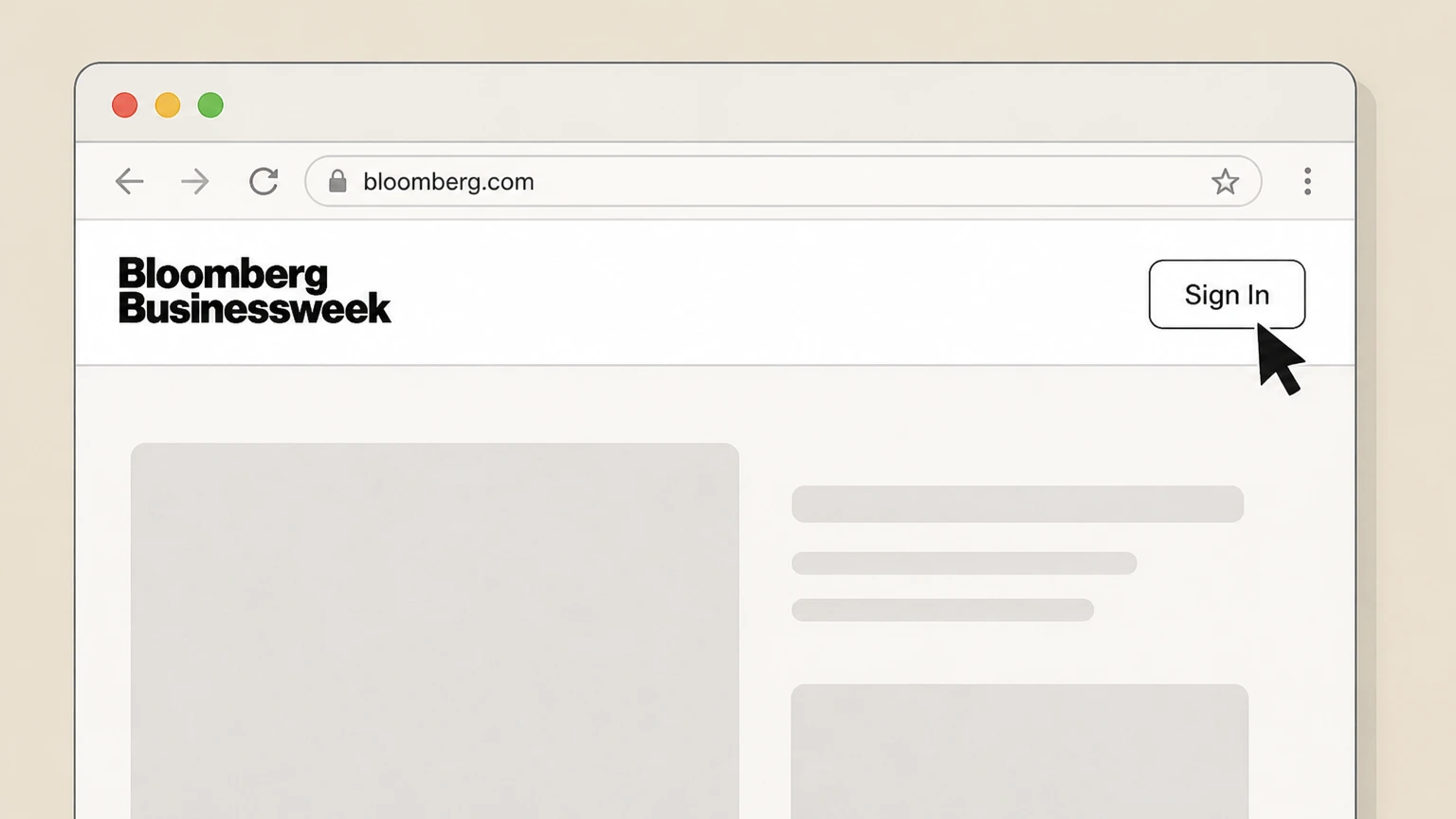
1Go to Bloomberg.com and select Sign In
In a web browser, go to bloomberg.com and select the Sign In option. Use the Bloomberg Businessweek account named on your receipt, and continue only after the next status in this cancellation path is visible.
 2
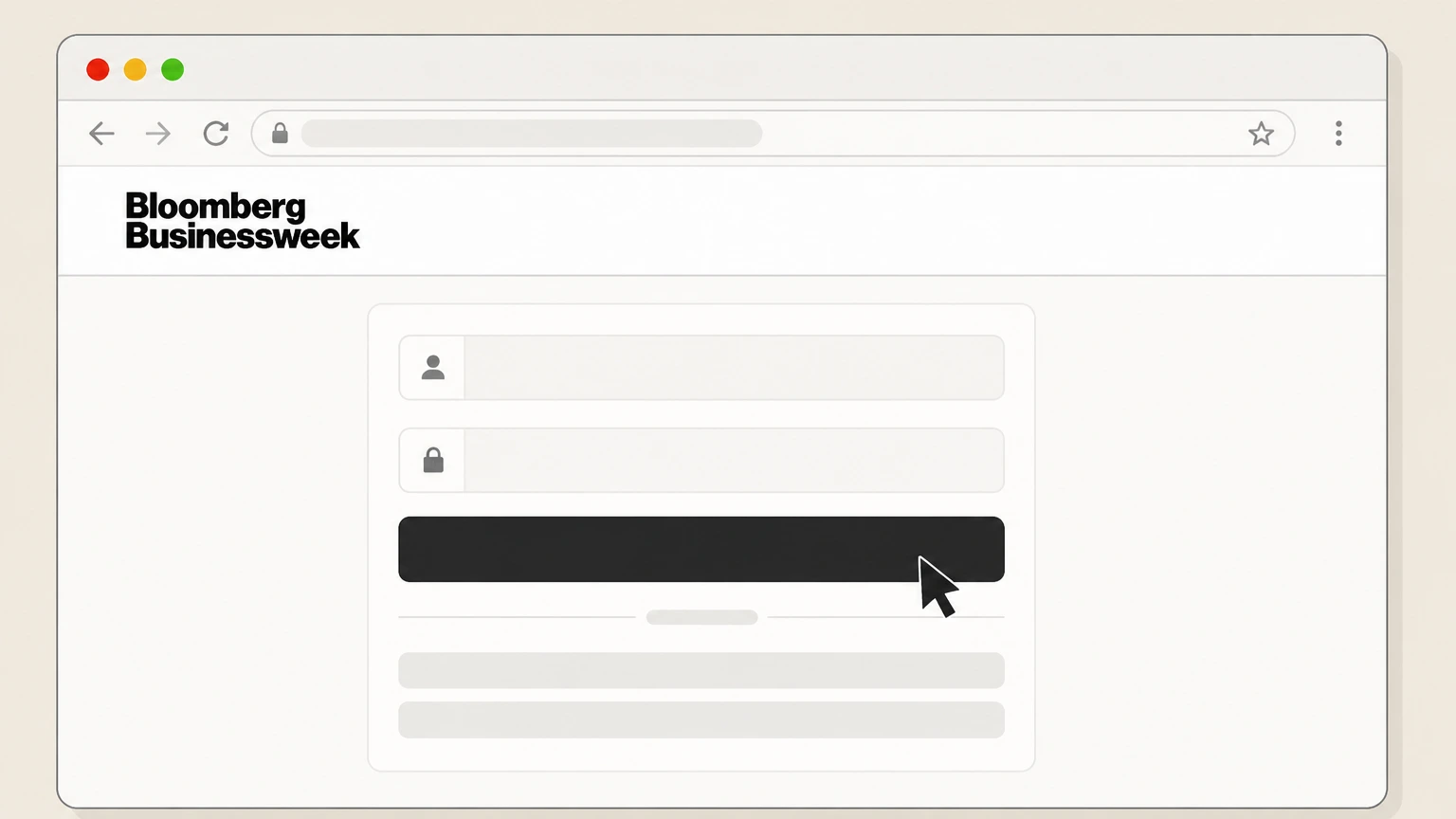
2Sign in with your Bloomberg.com account
Enter the email address and password associated with your Bloomberg.com subscription and complete any verification. Use the Bloomberg Businessweek account named on your receipt, and continue only after the next status in this cancellation path is visible.
- Let Pine handle it
Pine can help
Too many steps?
Pine can find the right Cancel a Bloomberg.com subscription that includes Businessweek path and handle the cancellation for you.
 3
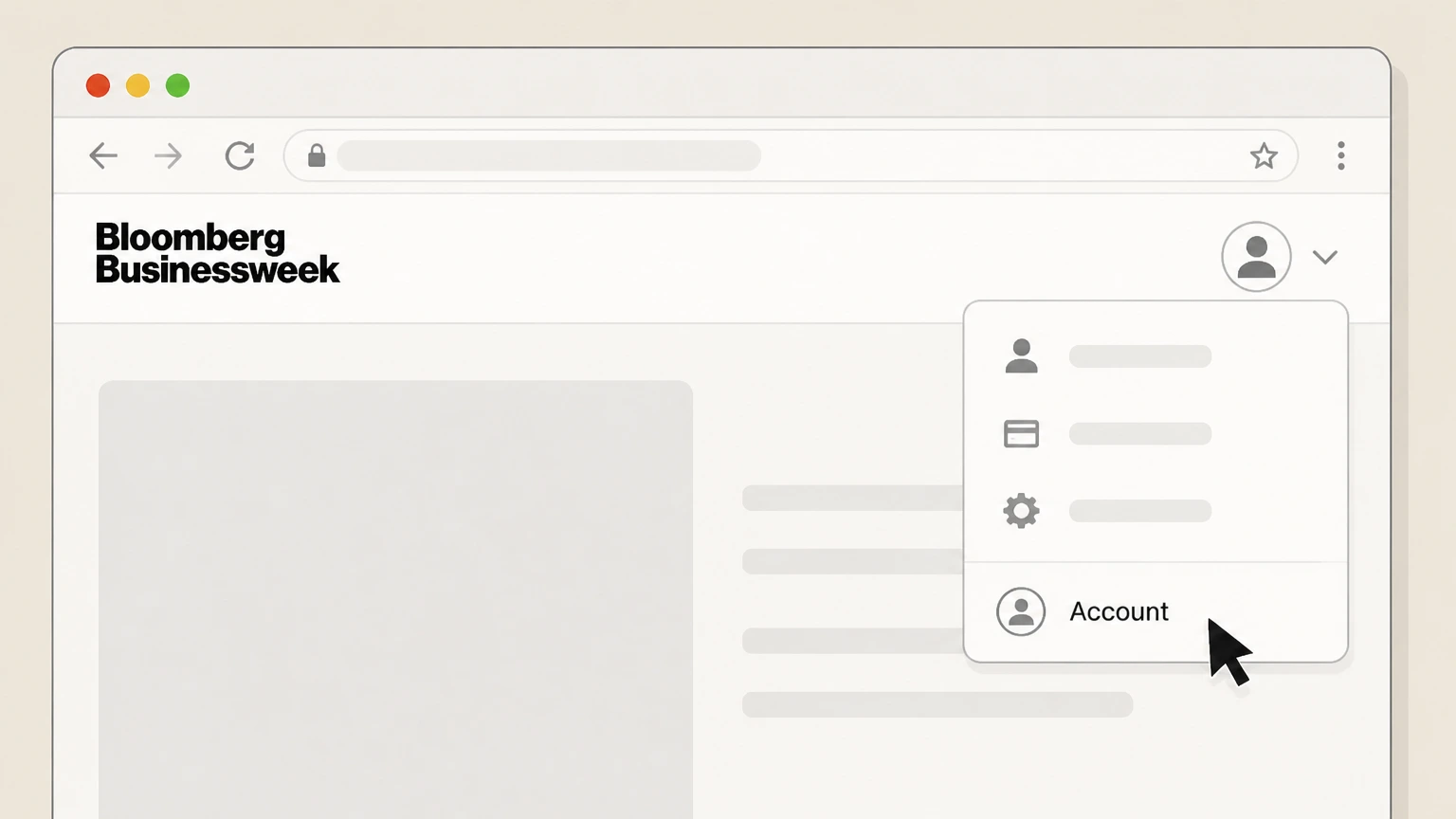
3Open your Account menu and choose Account
After signing in, open your account menu and select the Account option. Use the Bloomberg Businessweek account named on your receipt, and continue only after the next status in this cancellation path is visible.
 4
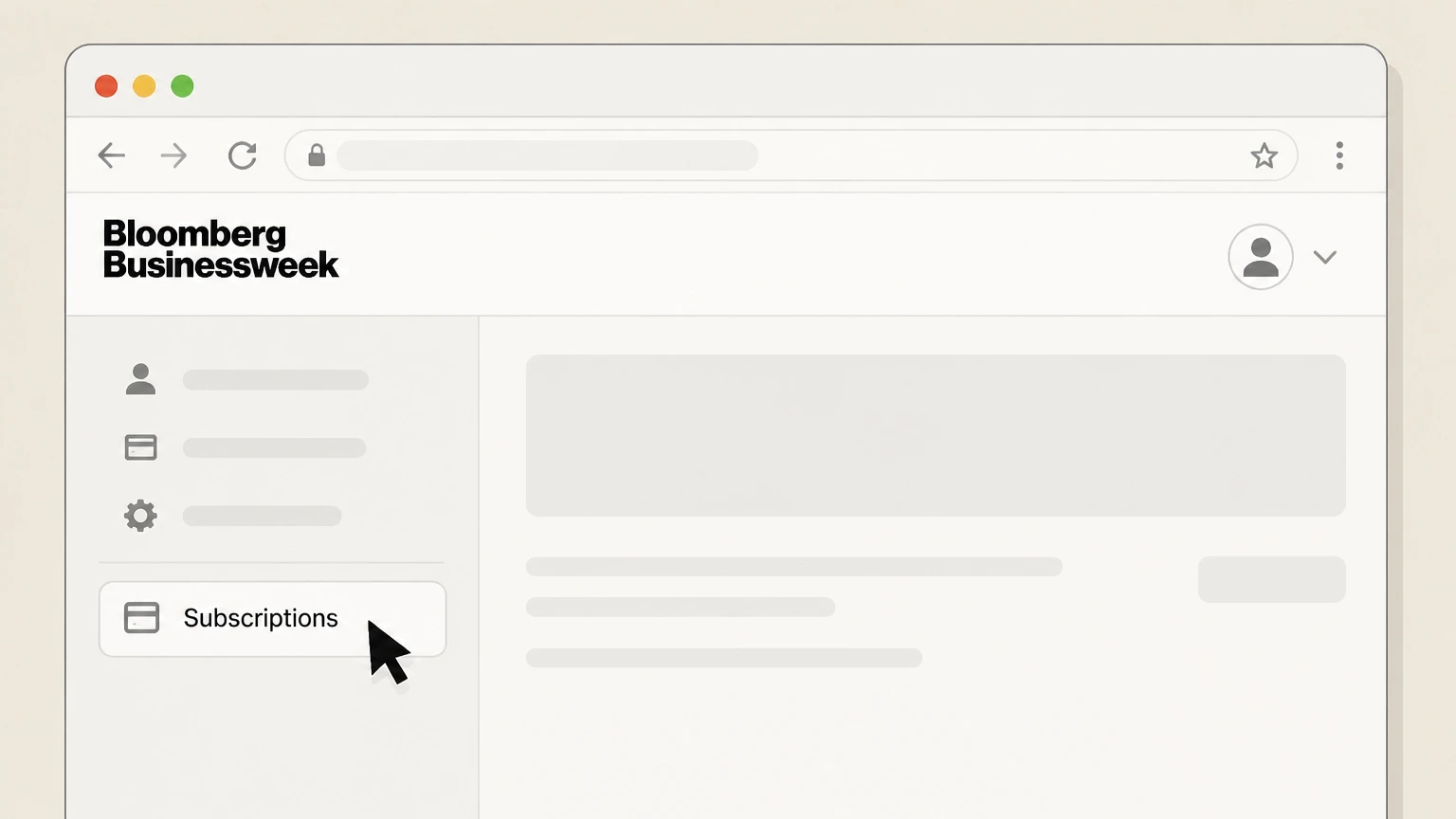
4Open the Subscriptions section
In your account area, navigate to the Subscriptions section for your active Bloomberg.com plan. Use the Bloomberg Businessweek account named on your receipt, and continue only after the next status in this cancellation path is visible.
 5
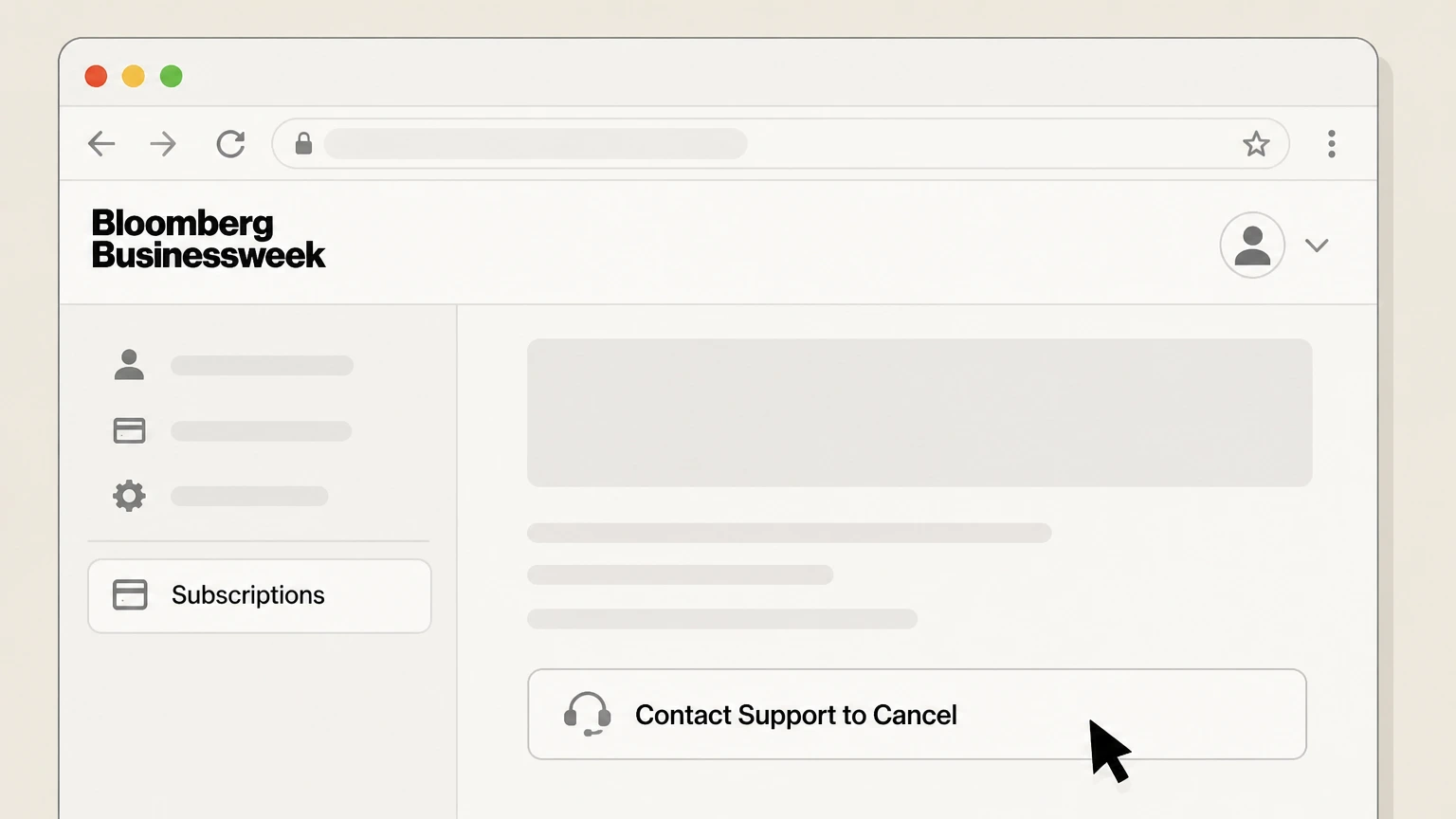
5Select Contact Support to Cancel
For the relevant subscription, choose the Contact Support to Cancel option to start a cancellation request. Use the Bloomberg Businessweek account named on your receipt, and continue only after the next status in this cancellation path is visible.
 6
6Submit your cancellation request and save confirmation
Follow the prompts to confirm cancellation, then save any on‑screen or emailed confirmation that shows auto‑renewal is stopped and when access ends.

Cancel a stand‑alone Bloomberg Businessweek print magazine subscription · verify the billing owner
 1
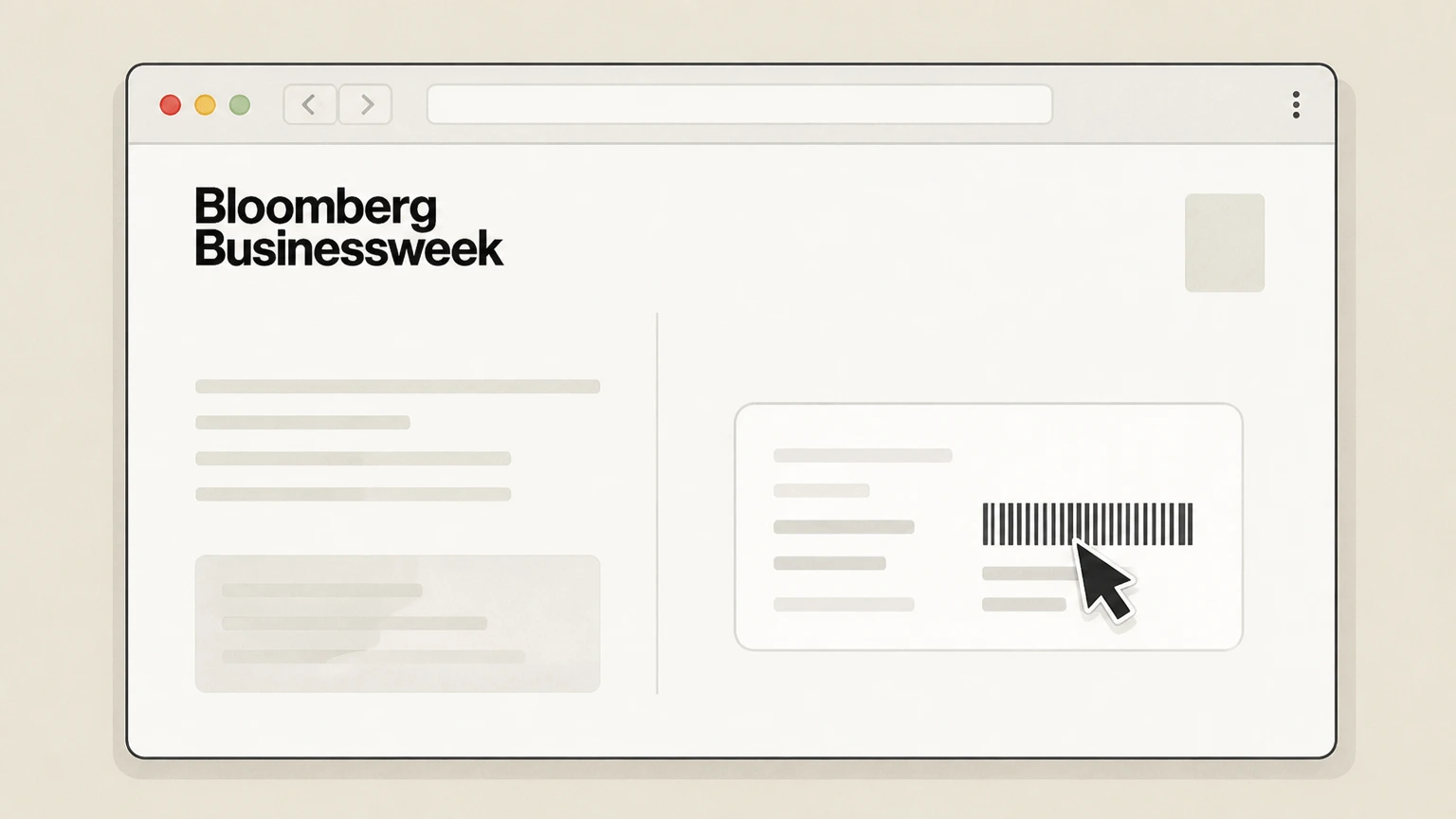
1Locate your Businessweek account number
Find your Businessweek account number on a recent mailing label, renewal notice, or billing statement. Use the Bloomberg Businessweek account named on your receipt, and continue only after the next status in this cancellation path is visible.
 2
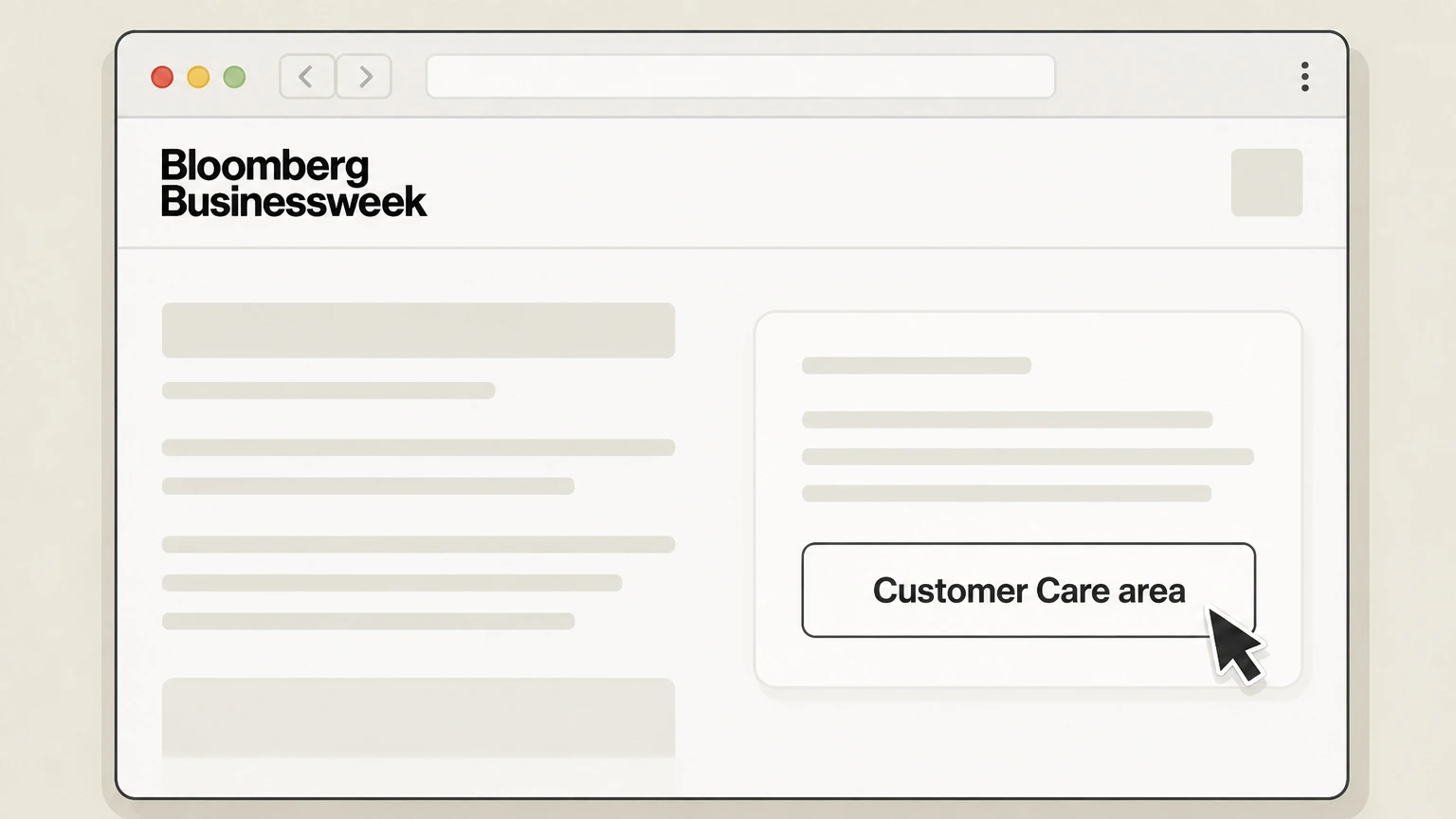
2Open the Businessweek Customer Care site from Bloomberg Help
From Bloomberg’s Help Center article “How do I cancel my Businessweek magazine subscription?”, follow the link to the Businessweek Customer Care area in your browser.
- Let Pine handle it
Pine can help
Too many steps?
Pine can find the right Cancel a stand‑alone Bloomberg Businessweek print magazine subscription path and handle the cancellation for you.
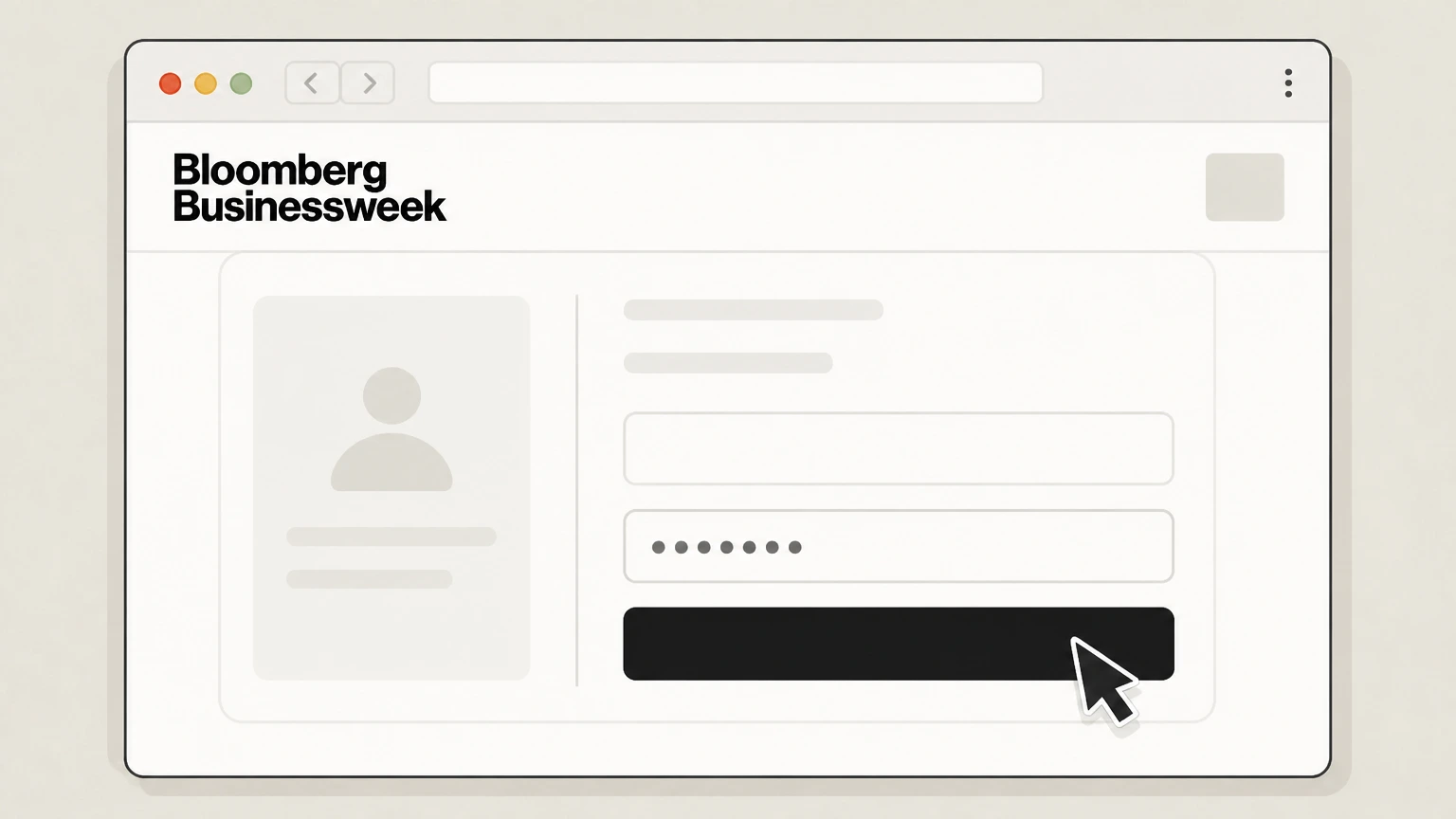 3
3Log in with your account number
On the Customer Care site, enter your account number and any requested personal details to access your Businessweek subscription. Use the Bloomberg Businessweek account named on your receipt, and continue only after the next status in this cancellation path is visible.
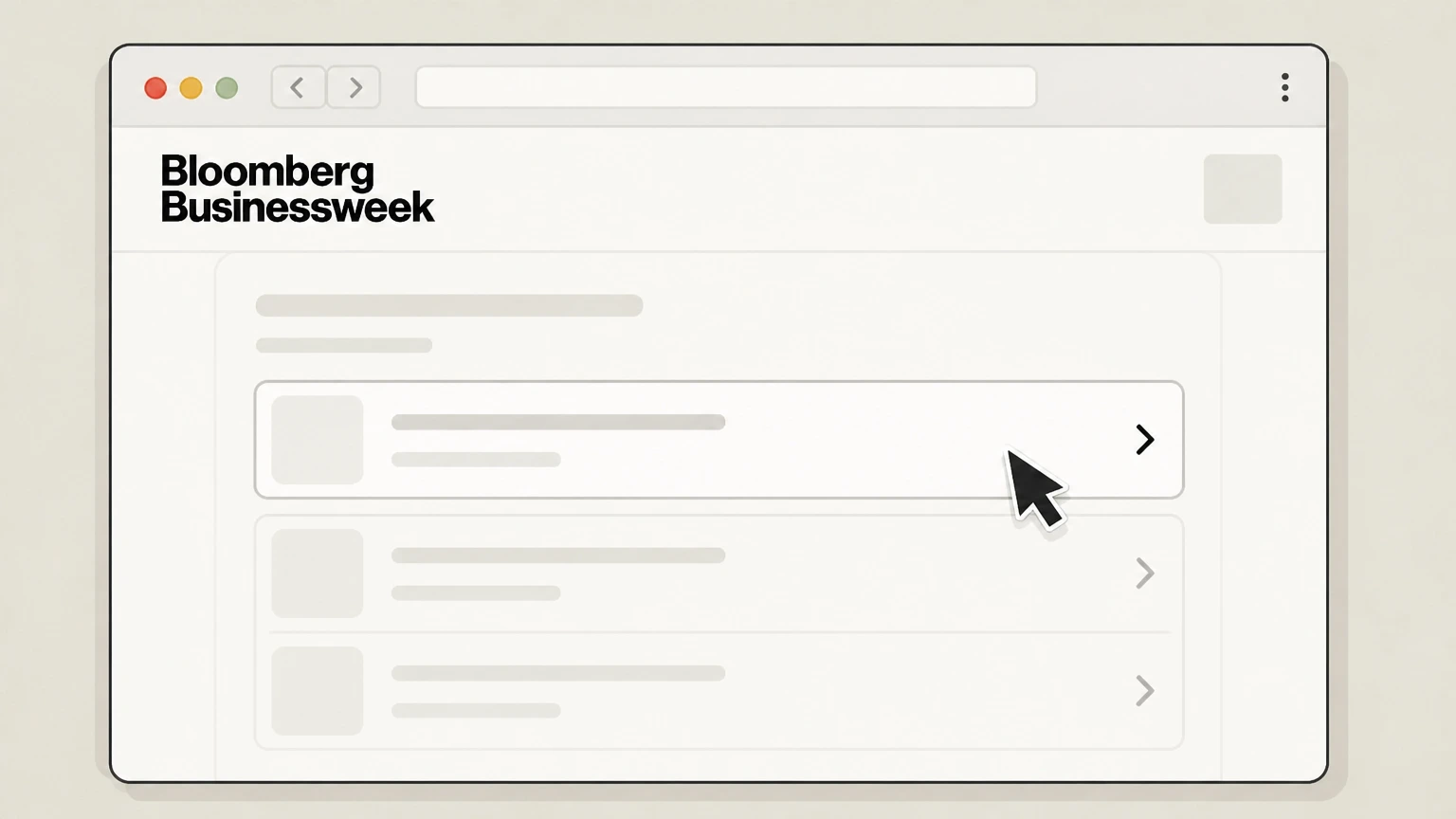 4
4Open your subscription details
Within your Customer Care account, select your active Businessweek subscription to view its details. Use the Bloomberg Businessweek account named on your receipt, and continue only after the next status in this cancellation path is visible.
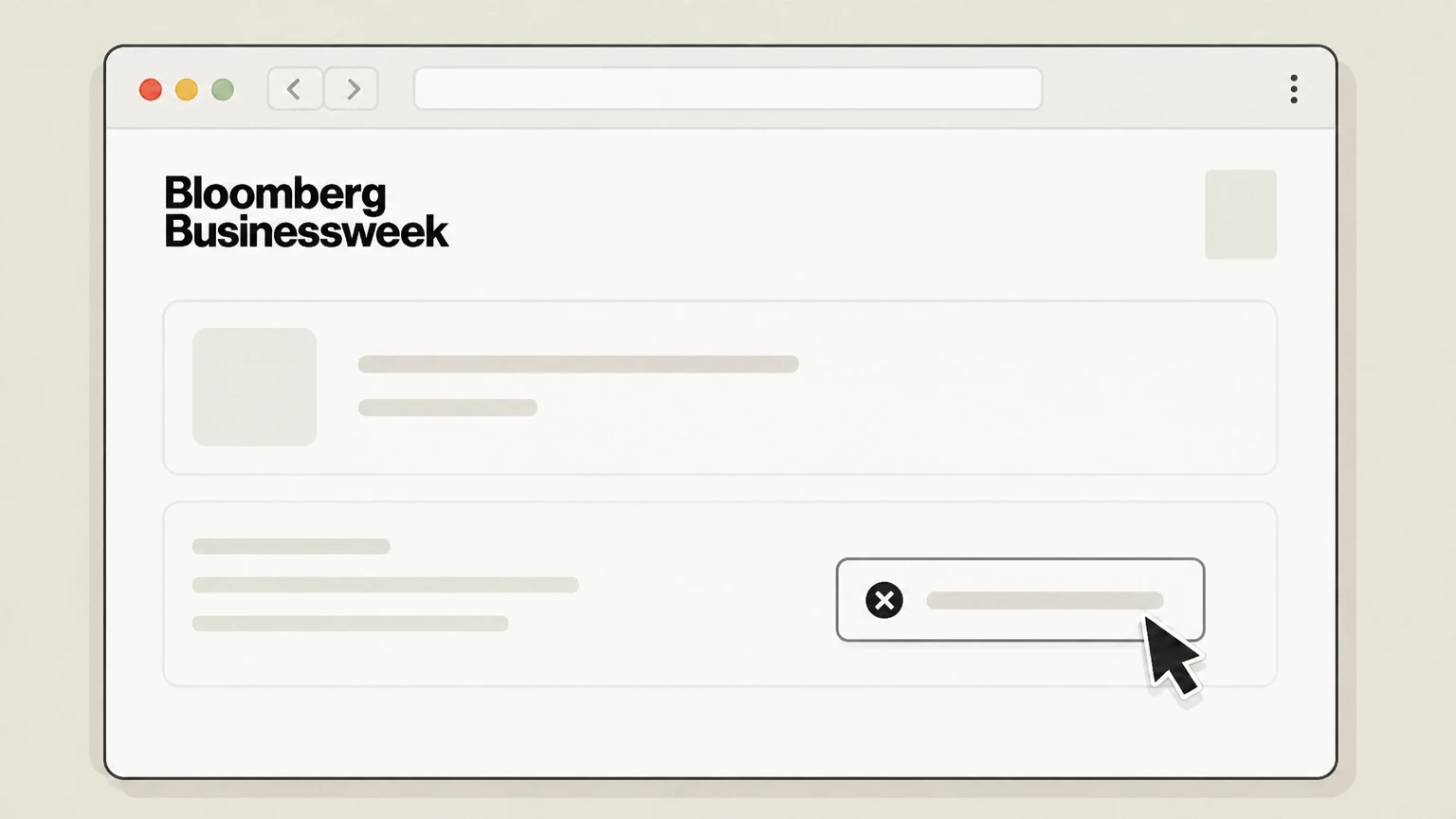 5
5Choose the option to cancel or stop renewal
Use the available control in your subscription details to cancel the subscription or stop automatic renewal going forward. Use the Bloomberg Businessweek account named on your receipt, and continue only after the next status in this cancellation path is visible.
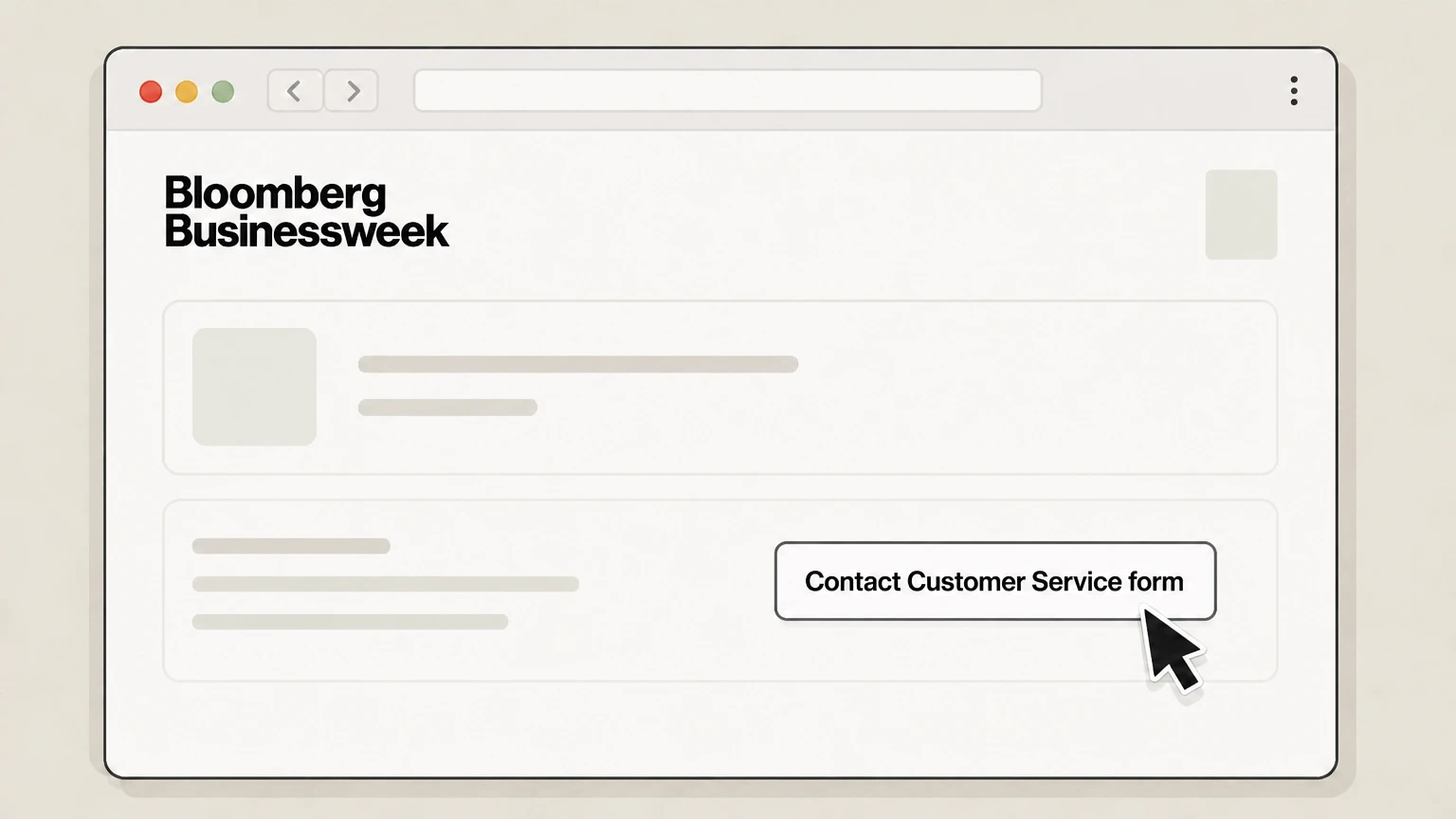 6
6If needed, submit the Contact Customer Service form
If you prefer or cannot log in, open the Contact Customer Service form from the same Help Center article and submit a written request to cancel with your name, address, and account number.
Cancel an Apple‑billed Bloomberg or Businessweek subscription on iPhone · verify the billing owner
 1
1Open Settings
Open the Settings app on your iPhone. Use the Bloomberg Businessweek account named on your receipt, and continue only after the next status in this cancellation path is visible.
 2
2Tap your name
At the top of Settings, tap your name to open your Apple ID settings. Use the Bloomberg Businessweek account named on your receipt, and continue only after the next status in this cancellation path is visible.
- Let Pine handle it
Pine can help
Too many steps?
Pine can find the right Cancel an Apple‑billed Bloomberg or Businessweek subscription on iPhone path and handle the cancellation for you.
 3
3Open Subscriptions
In Apple ID settings, tap Subscriptions to view your active and expired subscriptions. Use the Bloomberg Businessweek account named on your receipt, and continue only after the next status in this cancellation path is visible.
 4
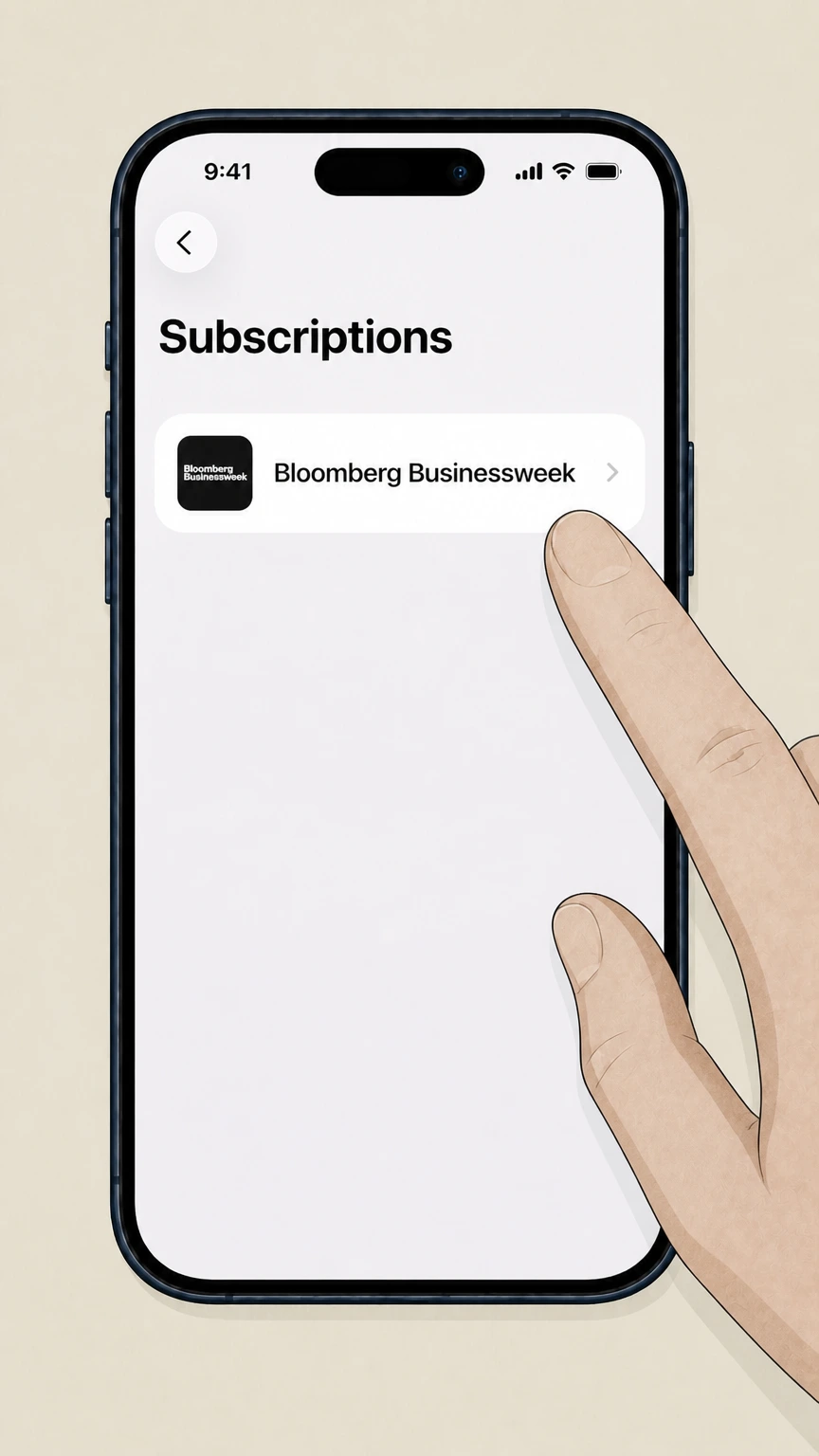
4Select Bloomberg Businessweek
In the list of subscriptions, tap the Bloomberg Businessweek or Bloomberg subscription entry you want to cancel. Use the Bloomberg Businessweek account named on your receipt, and continue only after the next status in this cancellation path is visible.
 5
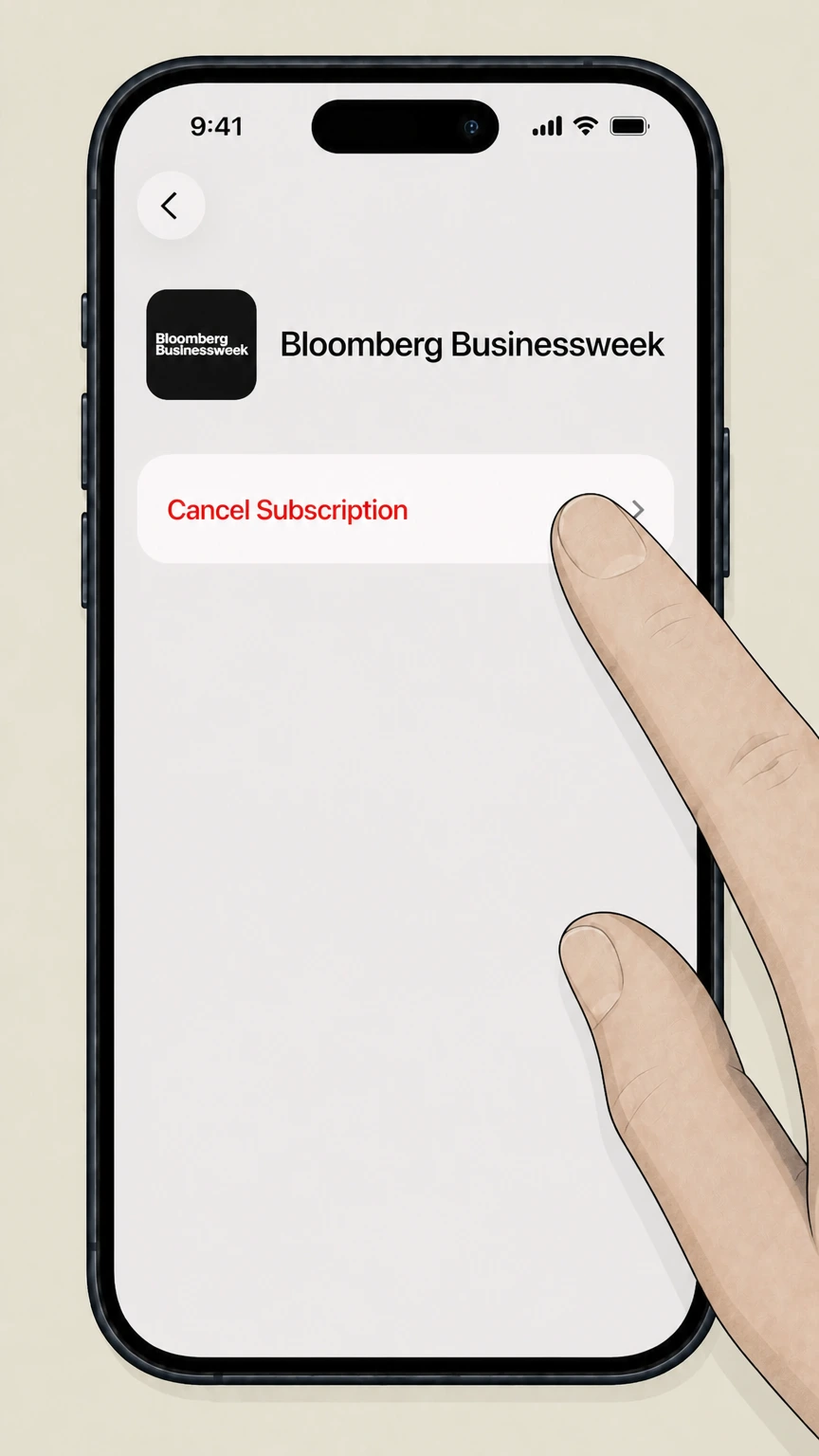
5Cancel the subscription
Tap Cancel Subscription (or Cancel Free Trial) and confirm to stop future billing through Apple; access normally continues until the current period ends.
Refund policy
Refund rules for Bloomberg Businessweek subscriptions
Refund eligibility depends on how you subscribe to Businessweek and whether your plan is digital via Bloomberg.com, print via Businessweek Customer Care, or billed through a third party such as Apple or an agency.
Check my refund options- Bloomberg.com digital subscriptions are generally non‑refundable
- Bloomberg’s Subscription Terms explain that canceling a monthly or annual Bloomberg.com subscription stops future renewals but does not provide a refund—prorated or otherwise—for the remainder of the current billing period, although Bloomberg may grant refunds or credits at its discretion.bloomberg.com
- Businessweek print customers can receive refunds for undelivered issues
- The Businessweek magazine help article states that when you cancel, a refund will be issued for all remaining copies that have not yet been mailed at the time of cancellation, and that you should disregard bills received after canceling.bloomberg.com
- Agency‑sold Businessweek subscriptions refund through the agency
- For Businessweek subscriptions purchased via an agency, Bloomberg instructs subscribers to direct any refund request to that agent, meaning Bloomberg’s own refund practices for magazine or digital plans will not apply.bloomberg.com
- Apple controls refunds for App Store subscriptions
- When you subscribe through Apple, Bloomberg’s Apple‑specific help article sends you to Apple’s official cancellation instructions; Apple’s subscription terms govern whether a refund is available and how to request it.bloomberg.com
- Other third‑party platforms follow their own policies
- Bloomberg’s Subscription Terms state that if you purchased your subscription through a third party, you should refer to the terms provided by that third party, which will control any cancellation‑related refunds or credits rather than Bloomberg’s own digital or print rules.bloomberg.com
If your situation does not clearly match these categories—for example, you have both a Bloomberg.com digital plan and a Businessweek print subscription with overlapping billing—contact Bloomberg’s Help Center and, if applicable, your third‑party billing provider to confirm how cancellation will affect charges and refunds on each account. Visit Bloomberg Help Center
Who bills you
Work out who controls your Businessweek billing
Different Businessweek setups cancel in different places, so confirm the billing owner before you try to stop charges.
Check the merchant on your bank or card statement
If the charge lists Bloomberg.com or Bloomberg L.P., your subscription is billed directly by Bloomberg and is managed through your Bloomberg.com account and its subscription controls.bloomberg.com
Look for Apple on receipts and statements
If Apple is named as the merchant, Bloomberg’s Help Center directs you to follow Apple’s subscription cancellation instructions rather than contacting Bloomberg to cancel.bloomberg.com For your Bloomberg Businessweek account, compare this point with the billing owner and effective date shown in the signed-in account or latest receipt.
Identify stand‑alone Businessweek magazine bills
If your paperwork or label refers specifically to Bloomberg Businessweek Customer Care or a magazine account number, you are likely on a dedicated print subscription managed through the Businessweek Customer Care site and form linked from Bloomberg’s Help Center.bloomberg.com
Watch for agency‑sold subscriptions
Bloomberg’s magazine help article notes that if you bought Businessweek through a subscription agency, any refund request must go back to that agent instead of Bloomberg or Businessweek Customer Care.bloomberg.com
Remember other third‑party platforms
Bloomberg’s Subscription Terms state that subscriptions purchased through a third party should be changed or canceled under that party’s terms rather than through Bloomberg.com.bloomberg.com For your Bloomberg Businessweek account, compare this point with the billing owner and effective date shown in the signed-in account or latest receipt.
Digital plans
What changes when you cancel a Bloomberg.com subscription
Digital subscriptions that include Businessweek follow Bloomberg.com’s Subscription Terms rather than print‑only magazine rules.
Auto‑renewal stops at the next billing date
Bloomberg’s Subscription Terms explain that monthly or annual subscriptions purchased via Bloomberg.com continue to renew until you cancel; canceling stops future monthly or annual charges after the current paid period.bloomberg.com
Access normally continues through the paid term
When you cancel a monthly or annual Bloomberg.com subscription, your digital access and associated subscriber benefits continue until the end of the current billing period, even though no further renewals will be billed.bloomberg.com
No standard refunds for digital periods already paid
The Subscription Terms state that canceling monthly or annual plans does not entitle you to a refund for the remainder of the current billing period; any refund or credit is at Bloomberg’s discretion.bloomberg.com
Businessweek access tied to the underlying plan
Businessweek issues and Businessweek‑branded content accessed via Bloomberg.com or the Bloomberg app are governed by the same subscription and cancellation rules as the digital plan that provides that access.bloomberg.com
Separate from free newsletters or marketing emails
Unsubscribing from newsletters such as Businessweek Daily only changes email delivery and does not cancel a paid Bloomberg.com or Businessweek subscription.bloomberg.com For your Bloomberg Businessweek account, compare this point with the billing owner and effective date shown in the signed-in account or latest receipt.
Print magazine
What changes when you cancel Businessweek magazine
Print‑only Businessweek subscriptions are managed through a dedicated Customer Care system and have different refund behavior than digital plans.
Customer Care portal handles most print cancellations
Bloomberg’s Help Center instructs dissatisfied Businessweek magazine subscribers to use their account number to access the Businessweek online Customer Care area and cancel there.bloomberg.com For your Bloomberg Businessweek account, compare this point with the billing owner and effective date shown in the signed-in account or latest receipt.
Refunds for undelivered issues
The same help article states that when you cancel a Businessweek magazine subscription, a refund is issued for all remaining copies that have not yet been mailed at the time of cancellation.bloomberg.com
Ignore bills after cancellation is processed
Bloomberg explains that after canceling, you should disregard any further bills you receive for that Businessweek magazine subscription, because the account is considered closed once the cancellation and refund are processed.bloomberg.com
Agency subscriptions follow agency rules
If your Businessweek subscription was purchased through an agency, Bloomberg directs you to send any refund request to that agent rather than to Bloomberg’s own customer service.bloomberg.com
Print rules differ from Bloomberg.com digital Terms
Print magazine refunds for undelivered issues are more generous than Bloomberg.com’s digital Subscription Terms, which generally do not offer prorated refunds for the current billing period.bloomberg.com
Proof & confirmation
How to confirm a Businessweek cancellation worked
After you cancel, use these checks to ensure no further Businessweek charges or deliveries occur.
Look for a Bloomberg or Customer Care confirmation
For Bloomberg.com digital plans, save any email or on‑screen message confirming cancellation; for print Businessweek, retain the Customer Care confirmation or a copy of the submitted cancellation form.bloomberg.com
Verify renewal status in your Bloomberg.com account
After canceling a digital subscription via “Contact Support to Cancel,” revisit your Account > Subscriptions area later to confirm the plan is marked as canceled or non‑renewing.bloomberg.com
Check Apple’s subscription screen for Apple‑billed plans
On iPhone, the Subscriptions screen in Settings should show an expiration date or inactive status for the Bloomberg or Businessweek subscription once cancellation through Apple has been completed.support.apple.com
Monitor card or bank statements after the next renewal date
Review statements after the date when your next renewal would have occurred to ensure no new charges from Bloomberg.com, Apple, or a Businessweek agency appear for the canceled subscription.bloomberg.com
Confirm print delivery has stopped
For the magazine, verify that printed copies stop arriving after the end of the paid‑through period and that any promised refund for unmailed issues has appeared or been applied by the agency.bloomberg.com
After cancellation
Access and data after you cancel Businessweek
Canceling Businessweek affects billing and access but does not automatically erase every aspect of your Bloomberg relationship.
Digital access ends at period close, not immediately
Bloomberg’s Subscription Terms say that for monthly and annual plans, cancellation takes effect at the end of the current billing period, so you keep digital access, including Businessweek content, until that date.bloomberg.com
Print delivery stops once remaining issues are accounted for
For stand‑alone magazine subscriptions, Businessweek’s Help Center states that cancellations trigger a refund for undelivered issues and bring print delivery to an end.bloomberg.com For your Bloomberg Businessweek account, compare this point with the billing owner and effective date shown in the signed-in account or latest receipt.
Email marketing and newsletters are separate controls
Unsubscribing from newsletters like Businessweek Daily or marketing emails changes how Bloomberg contacts you but does not cancel a paid Businessweek subscription or refund past charges.bloomberg.com
Account and profile data may remain with Bloomberg
Bloomberg’s Terms and privacy notices focus on stopping subscriptions and controlling marketing use of your data; they do not state that canceling a subscription automatically deletes your Bloomberg.com account or all stored data.bloomberg.com
Professional services are managed separately
Bloomberg’s Service Center and professional product pages make clear that enterprise or Terminal services use different account and billing systems; canceling Businessweek does not affect these products.service.bloomberg.com
Other setups
Institutional, agency, and other third‑party Businessweek access
Some readers get Businessweek through employers, schools, or media partners; those accounts cancel differently from consumer subscriptions.
Corporate and academic access via Bloomberg enterprise
Bloomberg’s Service Center describes enterprise products managed through corporate accounts; if you receive Businessweek as part of a corporate or institutional arrangement, your internal administrator typically handles changes or cancellation.service.bloomberg.com
Agency‑managed magazine subscriptions
Bloomberg’s Businessweek help article specifies that subscriptions purchased through agencies are refunded by the agency, so you must follow that agency’s cancellation and refund process.bloomberg.com
Subscribed through Apple’s App Store
If your Businessweek or Bloomberg subscription was purchased in an iOS app, Bloomberg’s Help Center sends you to Apple’s official subscription cancellation instructions; Apple’s own rules control access end dates and any refunds.bloomberg.com
Subscribed through other digital platforms
Bloomberg’s Subscription Terms state that if your subscription was purchased through a third party rather than Bloomberg.com, that third party’s terms govern cancellation and refunds.bloomberg.com
Gift or promotional access
Gift and free subscriptions are covered in Bloomberg’s Subscription Terms; when those offers end, future paid access generally continues unless the recipient or account holder cancels under the same rules as a standard digital subscription.bloomberg.com
If things go wrong
Troubleshooting Businessweek cancellations that don’t stick
If you still see charges or deliveries after trying to cancel, use these escalation steps.
Confirm you canceled with the correct billing owner
If you tried to cancel on Bloomberg.com but Apple or an agency is billing you, charges will continue until you complete cancellation with that billing provider instead.bloomberg.com
Check for multiple overlapping subscriptions
You may have both a Bloomberg.com digital plan and a Businessweek magazine subscription; canceling only one can still leave some Businessweek access and charges active. Verify each account separately.bloomberg.com
Use Bloomberg’s Help Center chat for unresolved issues
Bloomberg’s help articles invite you to click the chat bubble for additional support if you cannot resolve a subscription problem, including cancellations that do not seem to process.bloomberg.com
Contact Apple Support for App Store billing issues
If the Apple subscription page shows an active Bloomberg or Businessweek subscription you believe you canceled, follow Apple’s help article to manage or escalate the issue with Apple Support.support.apple.com
Document your attempts and responses
Keep dated screenshots of your account pages, Apple subscription screen, or Businessweek Customer Care messages so you can demonstrate when you requested cancellation if you later dispute charges with a billing party or card issuer.bloomberg.com
What official sources do not confirm
Limits of the public Bloomberg Businessweek cancellation guidance
These points are intentionally qualified because the official sources reviewed on August 16, 2026 do not publish a complete answer.
Documented limitation 1
Direct access to some Bloomberg.com pages, including parts of the subscriptions configurator, is restricted by robots.txt, so specific current prices, plan names, and some interface labels could not be safely verified and were therefore not included.
Documented limitation 2
The Businessweek Customer Care portal itself is hosted on a third-party domain linked from Bloomberg’s Help Center; due to domain restrictions, its interface and exact button labels could not be directly inspected, so instructions refer generically to cancellation options within that portal.
Documented limitation 3
Google Play-specific Bloomberg or Businessweek cancellation instructions from Bloomberg, if any, could not be located within the allowed domains; Android cancellation guidance is therefore only referenced at a high level from Google’s generic subscription help and not modeled as a standalone route.
Documented limitation 4
Bloomberg does not publish a dedicated consumer-facing policy describing account or data deletion tied to subscription cancellation; statements about account persistence after canceling are inferred from the absence of deletion language in Subscription Terms and privacy notices.
Bloomberg Businessweek cancellation FAQ
Questions people search about canceling Bloomberg Businessweek, answered with official provider or billing-platform sources checked on August 16, 2026.
How do I cancel Bloomberg Businessweek?
How do I permanently cancel a subscription?
How do I cancel a subscription that won't cancel?
Why is Bloomberg charging me?
Where do I log in to manage my Bloomberg subscription that includes Businessweek?
How do I cancel a Bloomberg Businessweek print subscription?
What happens to my access after I cancel a Bloomberg.com subscription?
Can I get a refund when I cancel Bloomberg Businessweek?
Does canceling Bloomberg Businessweek delete my Bloomberg.com account?
Untangle this Bloomberg Businessweek issue.
Let Pine handle the provider follow-up and keep the confirmation in one place.
