


Bicycling
Cancel subscription
How to Cancel Your Bicycling Subscription Online
Learn how to cancel Bicycling through the right billing provider. Follow official steps, understand access timing, refunds, and the confirmation to keep.
- Official Bicycling and billing-owner sources
- 3 provider-specific cancellation paths
- Refund and post-cancellation effects separated from renewal
- Verified August 16, 2026
Choose the Bicycling cancellation path that matches who bills you
Cancel a direct-billed Bicycling print subscription online · verify the billing owner
 1
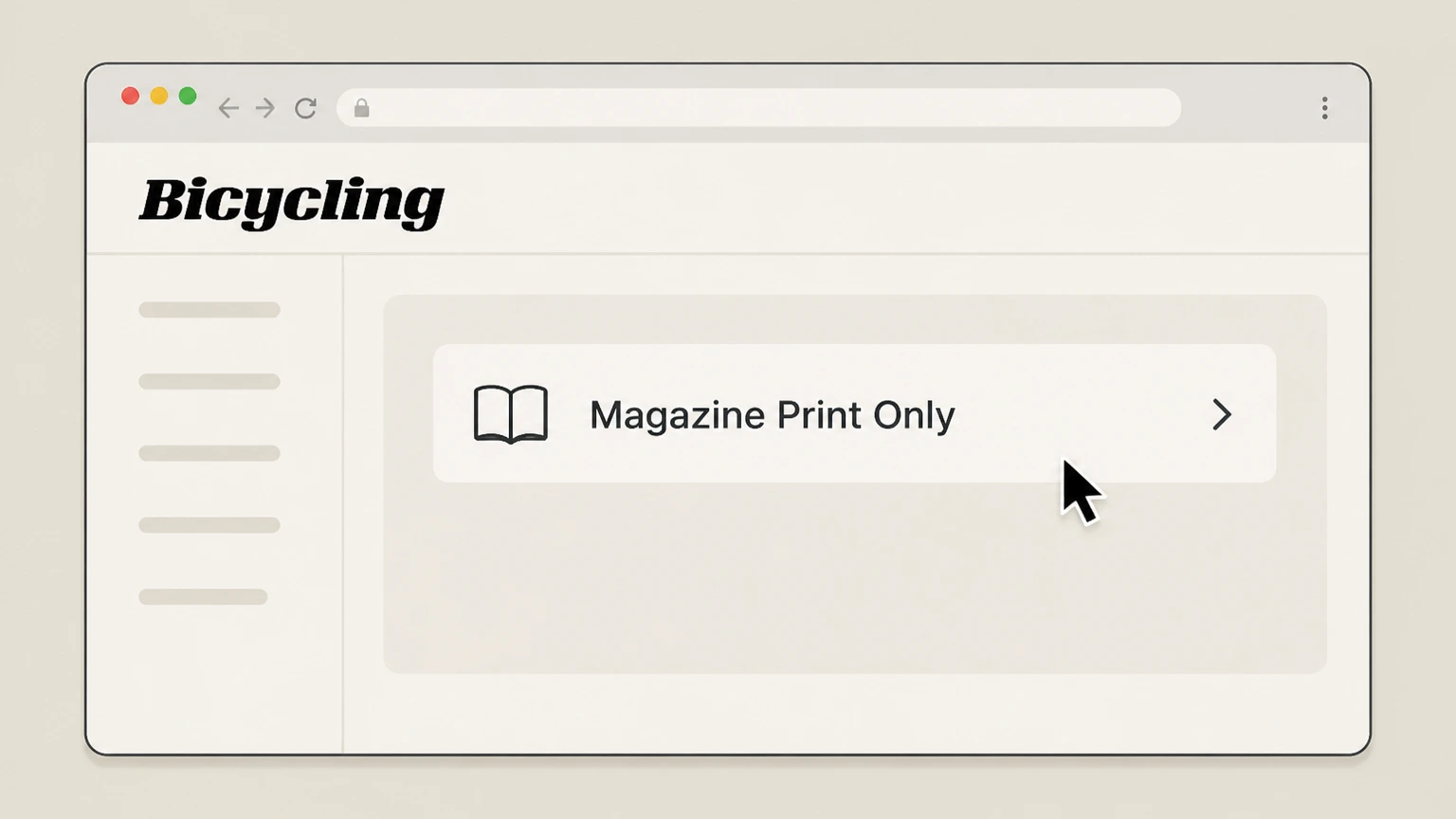
1Open the Bicycling Customer Service page and choose the print portal
In a browser, go to Bicycling’s Customer Service page and click “Magazine Print Only” to open the print‑subscription portal. Use the Bicycling account named on your receipt, and continue only after the next status in this cancellation path is visible.
 2
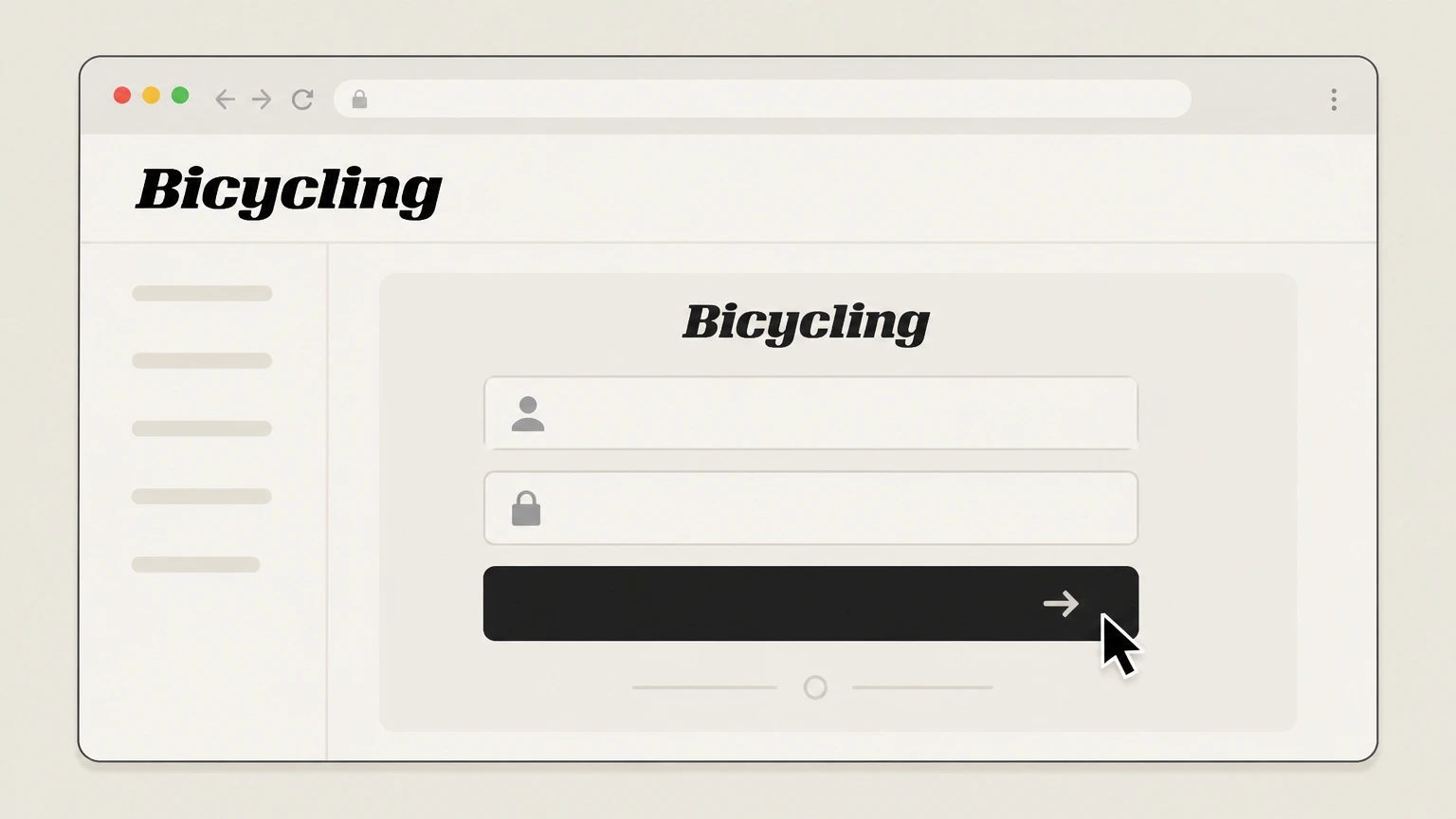
2Sign in to your print subscription account
In the print portal, sign in or locate your account using the subscription details requested (such as email, account number, or mailing address).
- Let Pine handle it
Pine can help
Too many steps?
Pine can find the right Cancel a direct-billed Bicycling print subscription online path and handle the cancellation for you.
 3
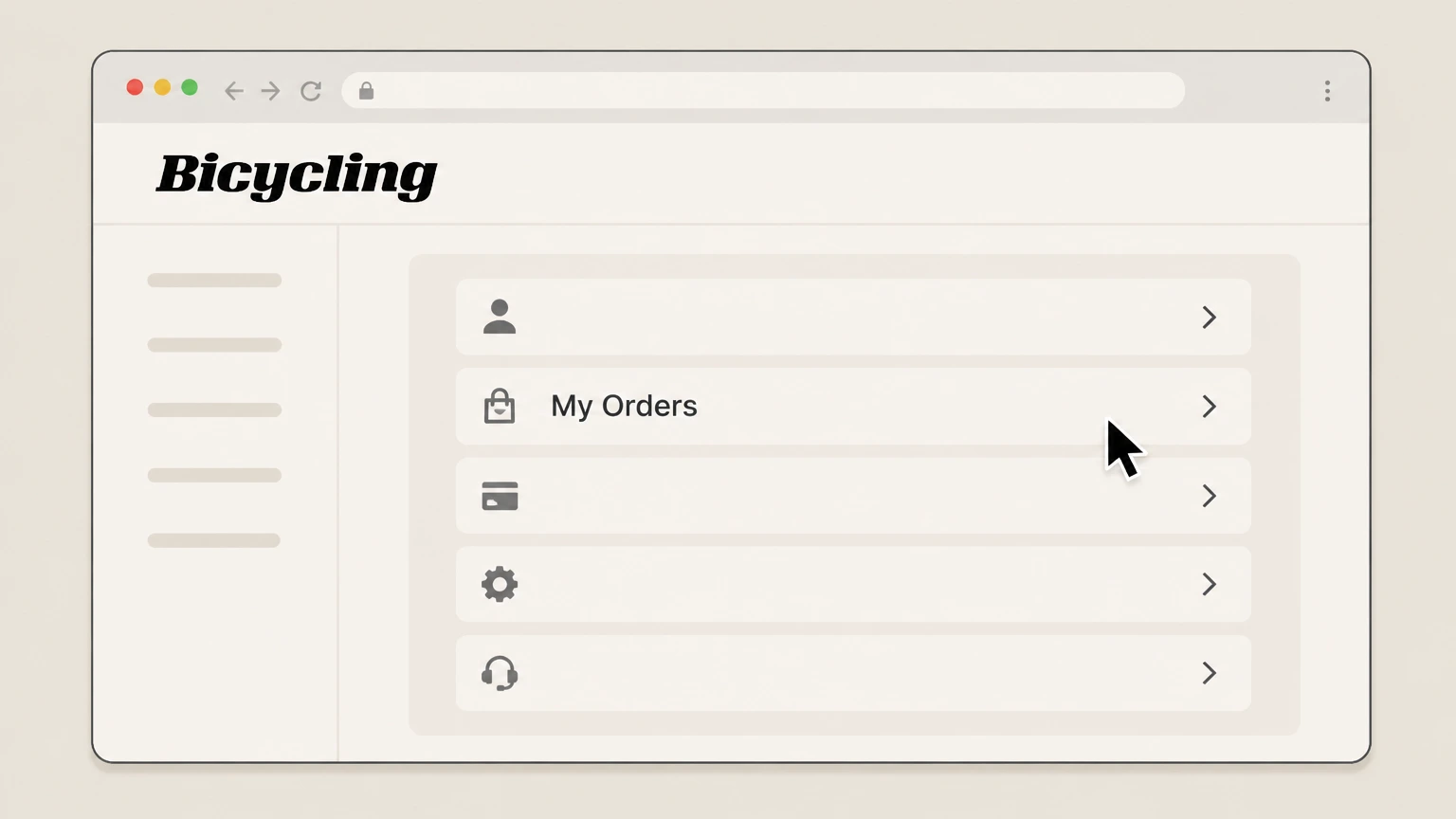
3Open your subscription list in My Orders
Once signed in, open “My Orders” to see your current Bicycling print subscription and related orders. Use the Bicycling account named on your receipt, and continue only after the next status in this cancellation path is visible.
 4
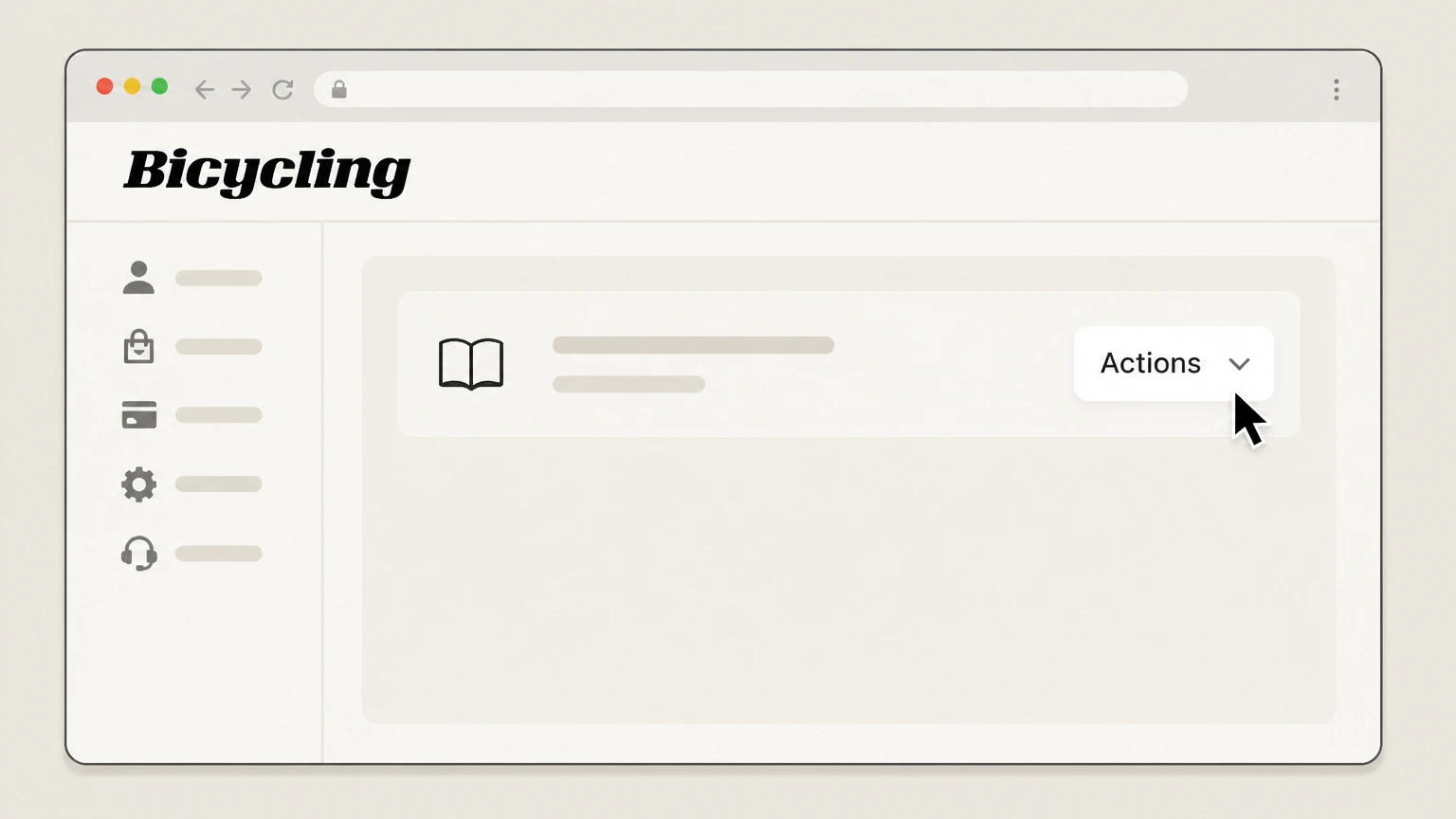
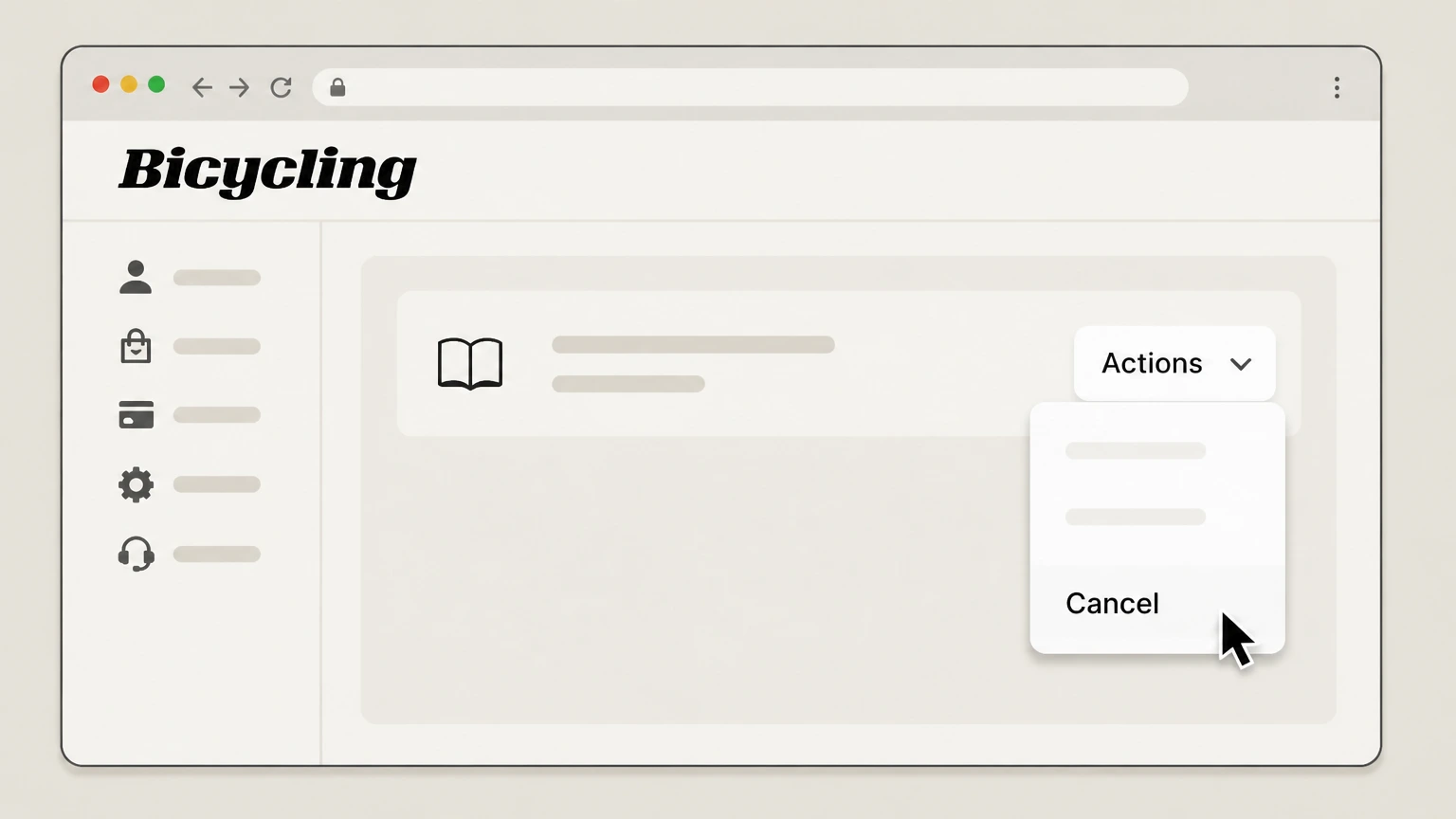
4Open the Actions menu for your Bicycling subscription
In My Orders, use the “Actions” menu next to your active Bicycling subscription to see the available management options. Use the Bicycling account named on your receipt, and continue only after the next status in this cancellation path is visible.
 5
5Cancel an unpaid subscription from the Actions menu
If the order is still unpaid and a “Cancel” option appears, select “Cancel” in the Actions menu to stop that Bicycling subscription.
 6
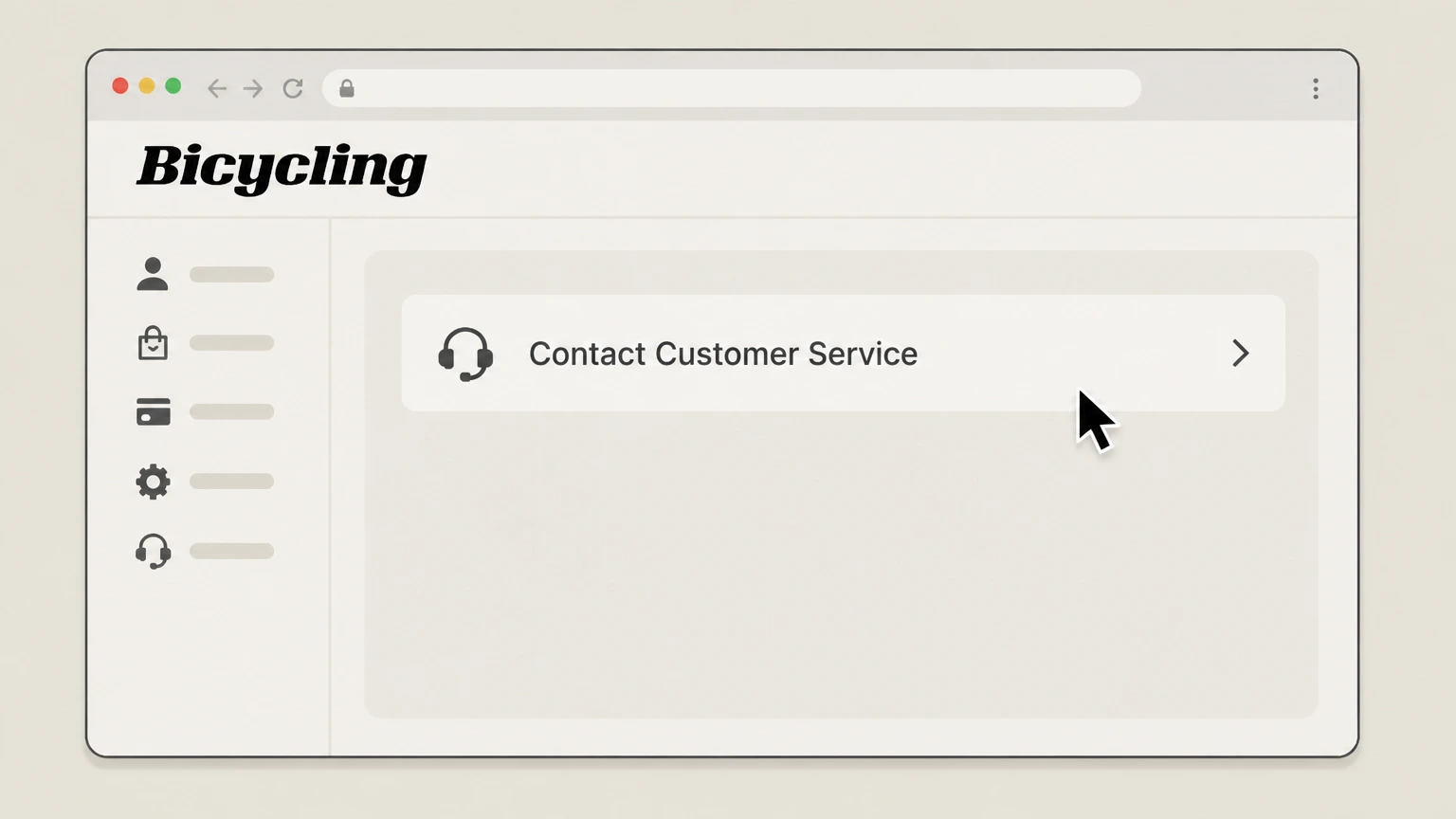
6For paid or auto-renewing print service, request cancellation from customer service
If the subscription is already paid or enrolled in the Continuous Service Program, use the portal’s Contact Customer Service details to ask that your Bicycling print subscription be canceled and removed from automatic renewal.

Cancel a Bicycling All Access or Premium membership · verify the billing owner
 1
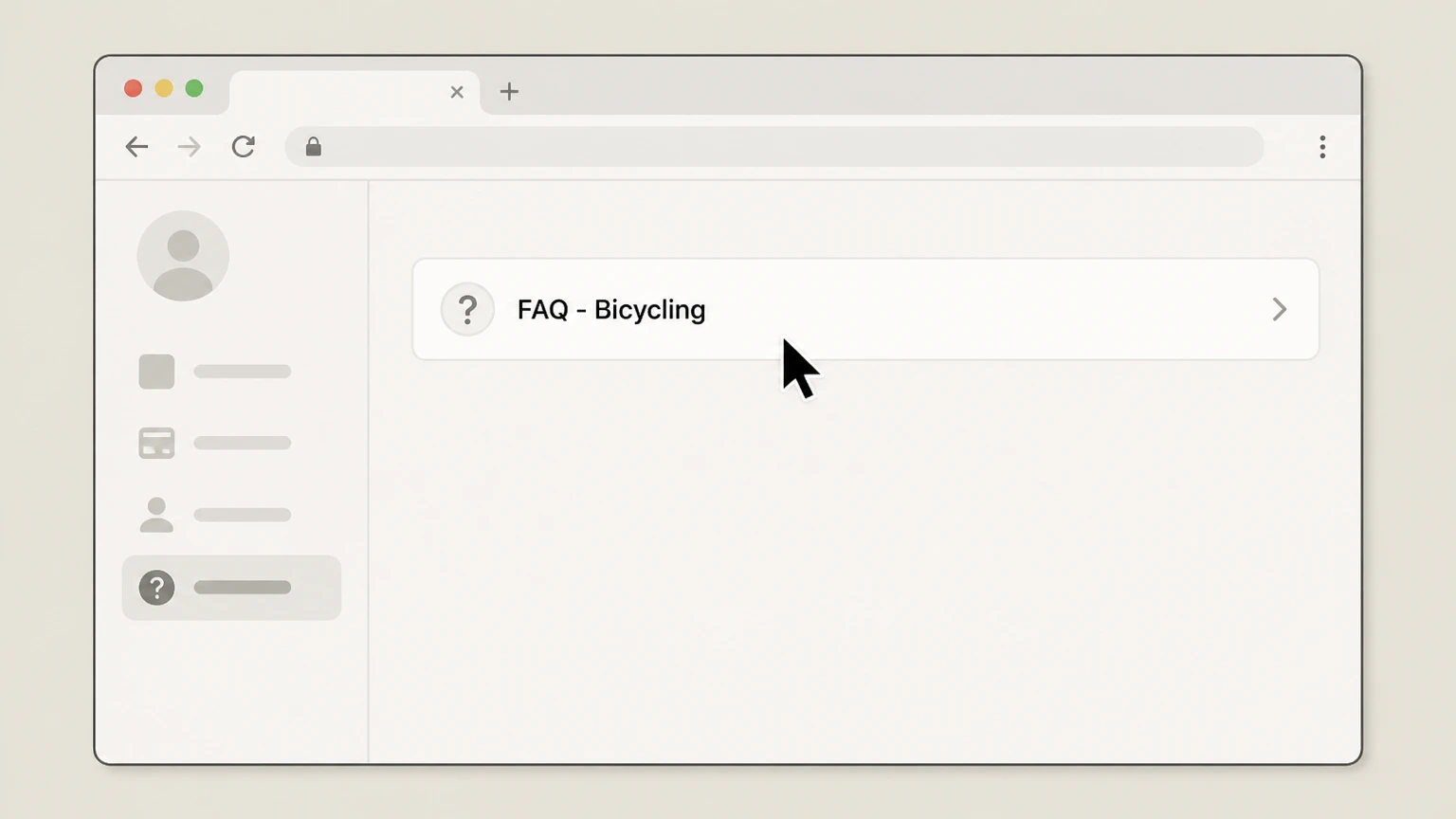
1Open the Bicycling subscription FAQ
In a browser, open Bicycling’s subscription FAQ page for managing your account and memberships. Use the Bicycling account named on your receipt, and continue only after the next status in this cancellation path is visible.
 2
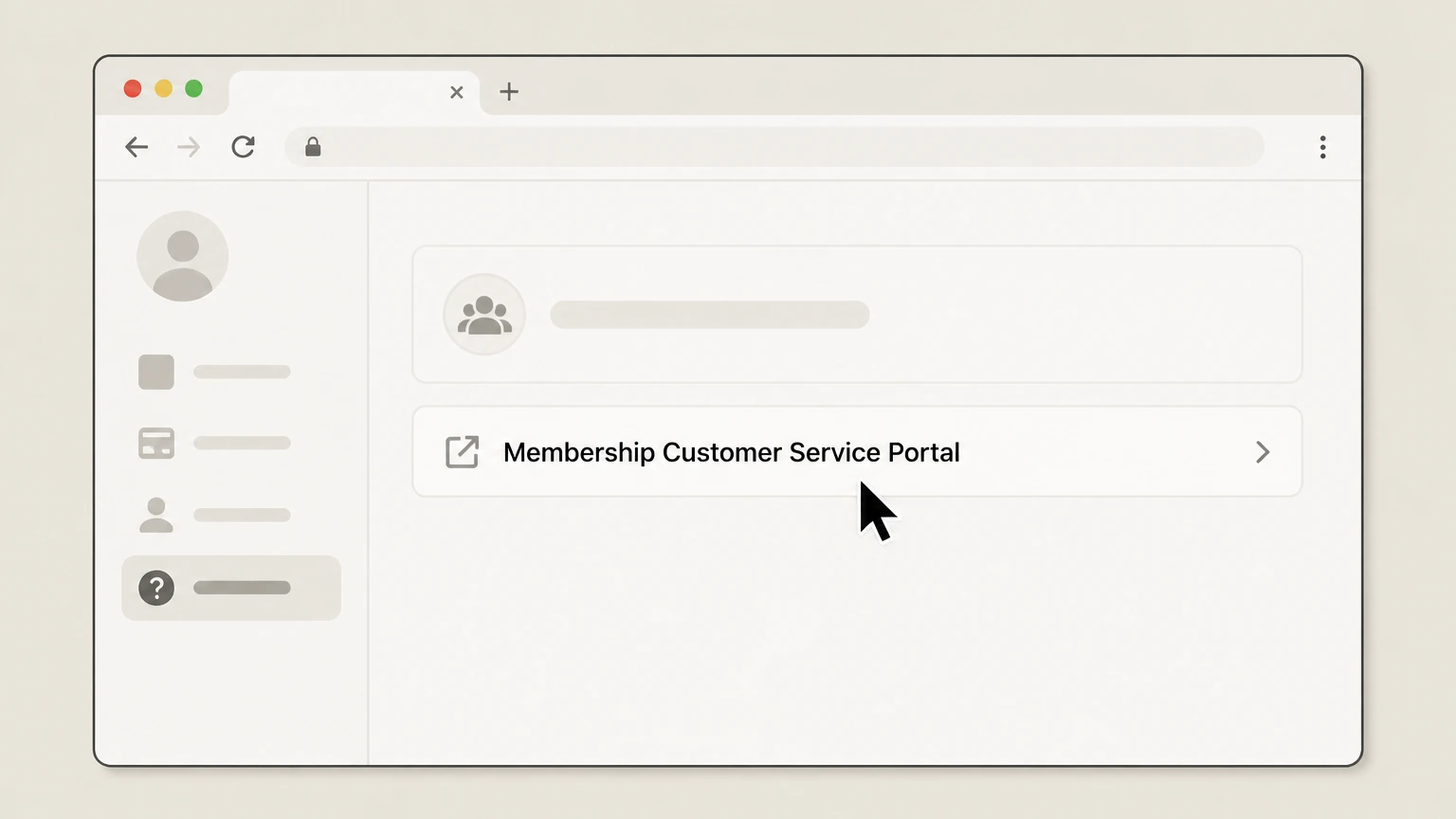
2Go to the Membership Customer Service Portal
In the “Bicycling Members” section, click “Membership Customer Service Portal” to open the All Access membership account portal. Use the Bicycling account named on your receipt, and continue only after the next status in this cancellation path is visible.
- Let Pine handle it
Pine can help
Too many steps?
Pine can find the right Cancel a Bicycling All Access or Premium membership path and handle the cancellation for you.
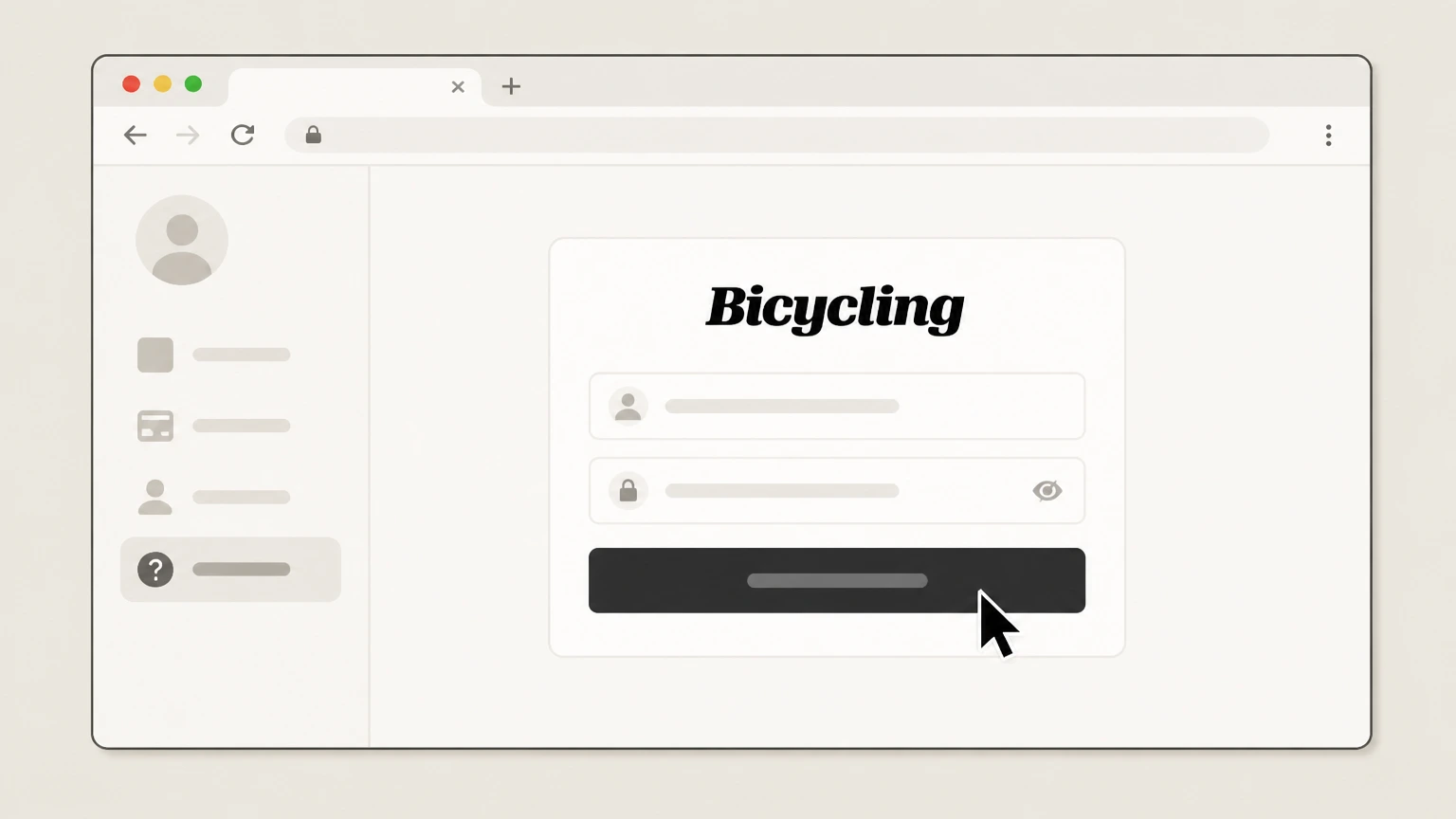 3
3Sign in with your membership email
Sign in to the membership portal using the same email address you used when purchasing your Bicycling All Access or Premium membership.
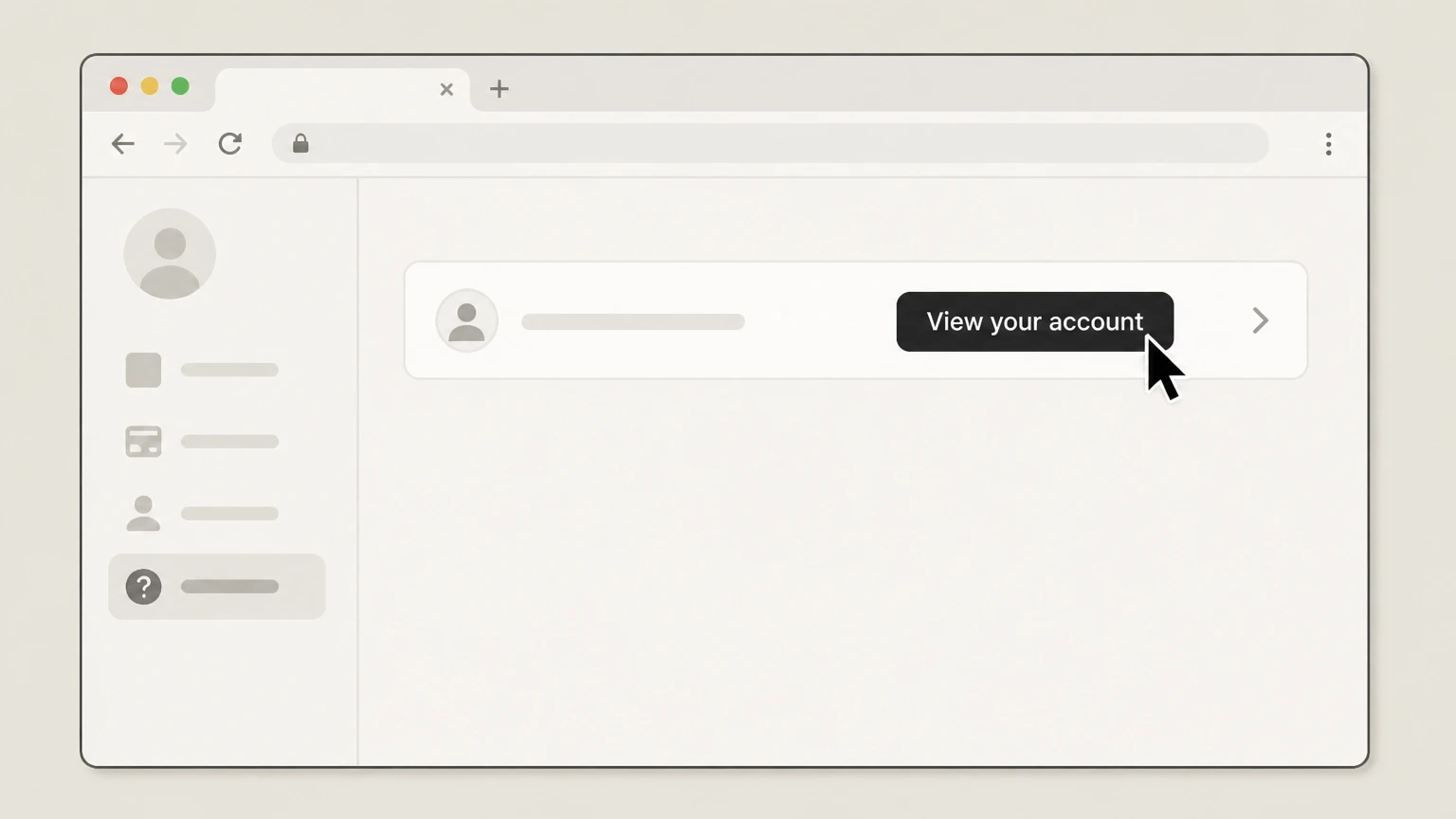 4
4View your membership account details
In the portal, open your account overview so you can see which Bicycling membership is active and how it is set to renew.
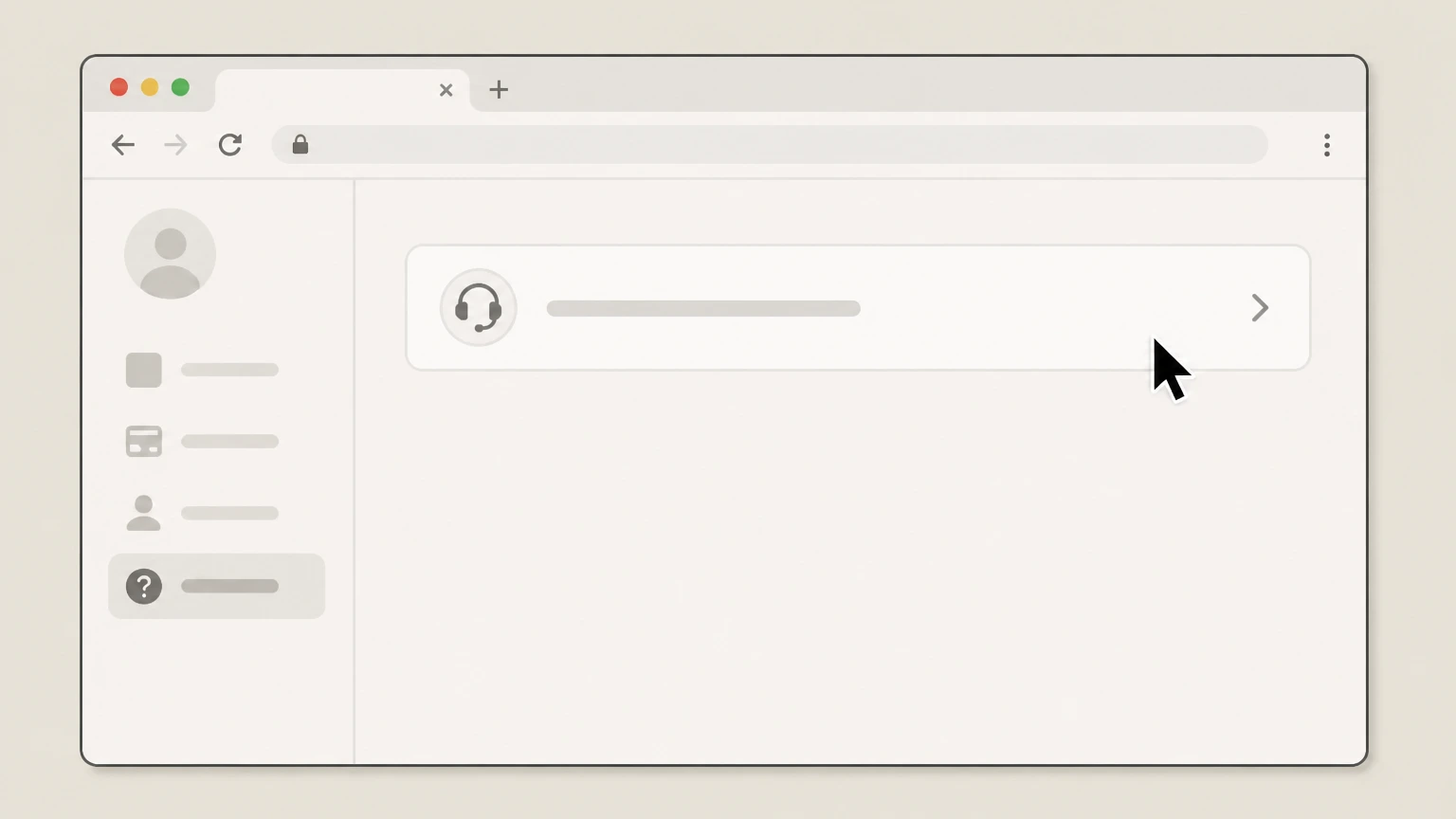 5
5Ask membership customer service to cancel and stop renewals
Use the membership support contact details shown in the FAQ or portal to request that your Bicycling All Access or Premium membership be canceled and that future auto‑renewals be stopped, and ask them to confirm your final access date in writing.
Cancel a Bicycling subscription billed through Apple · verify the billing owner
 1
1Open Settings on your iPhone or iPad
On your iPhone or iPad, open the Settings app. Use the Bicycling account named on your receipt, and continue only after the next status in this cancellation path is visible.
 2
2Tap your name at the top of Settings
In Settings, tap your name at the top to open your Apple ID account settings. Use the Bicycling account named on your receipt, and continue only after the next status in this cancellation path is visible.
- Let Pine handle it
Pine can help
Too many steps?
Pine can find the right Cancel a Bicycling subscription billed through Apple path and handle the cancellation for you.
 3
3Open the Subscriptions list
In your Apple ID settings, tap “Subscriptions” to see subscriptions billed through your Apple account. Use the Bicycling account named on your receipt, and continue only after the next status in this cancellation path is visible.
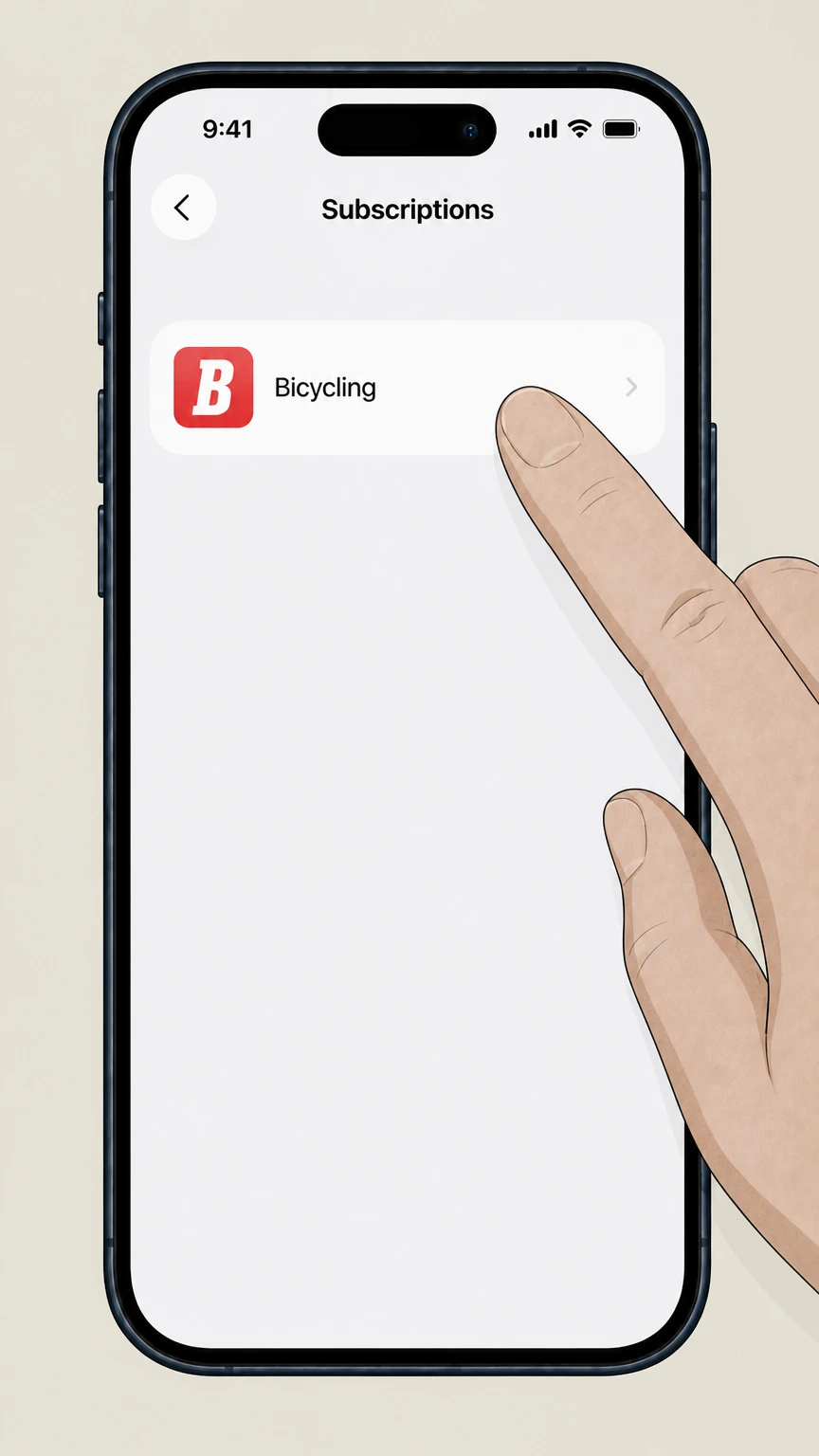 4
4Select the Bicycling subscription
In the Subscriptions list, tap the active “Bicycling” subscription to open its details. Use the Bicycling account named on your receipt, and continue only after the next status in this cancellation path is visible.
 5
5Cancel the subscription
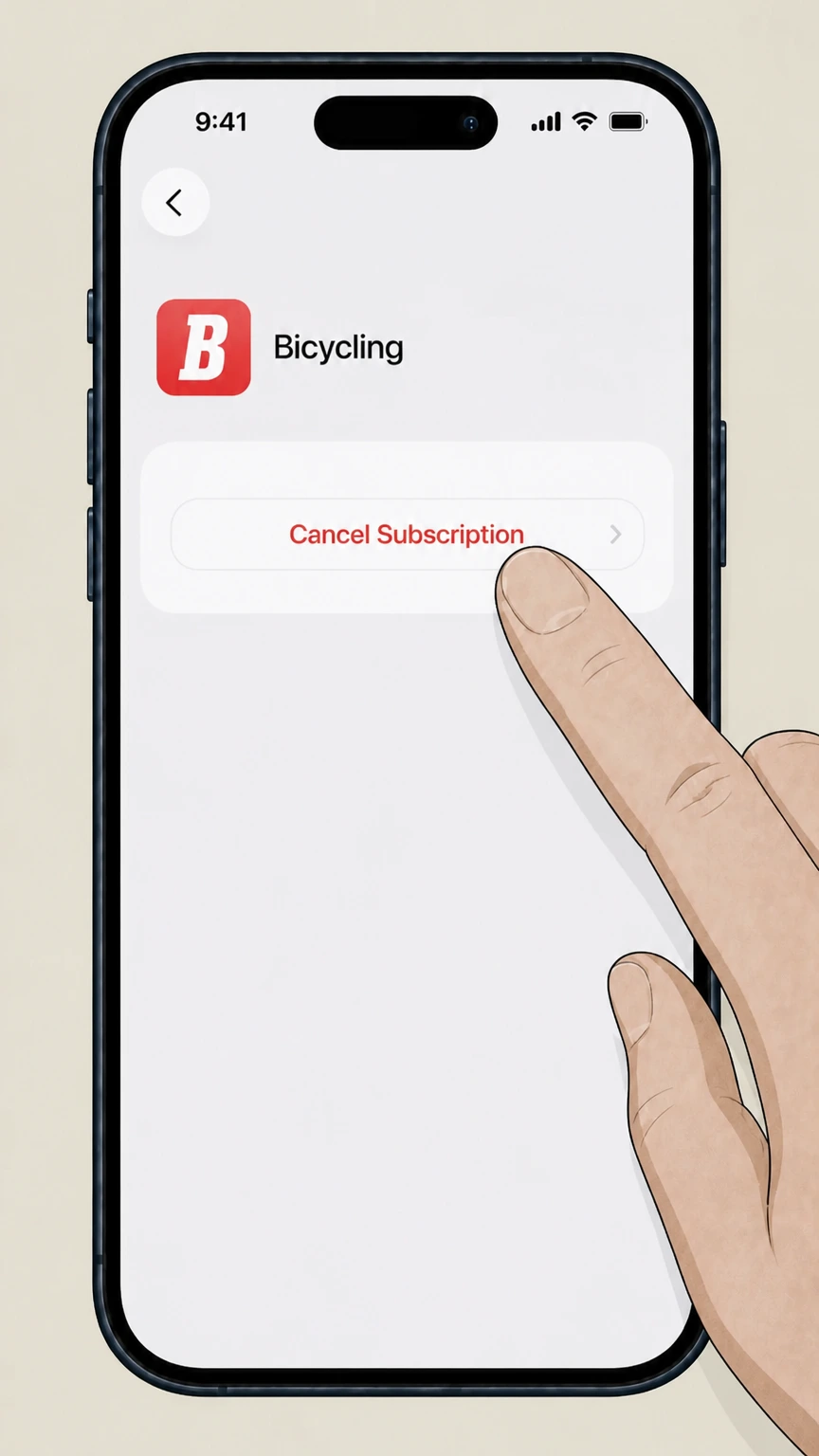
On the Bicycling subscription page, tap “Cancel Subscription” and confirm to stop future renewals; Apple will show the date when your access will end.
Refund policy
Refunds and access when canceling Bicycling
Official Bicycling and Apple sources describe how cancellation affects your billing and access, but detailed refund rights are only given for gift subscriptions and must otherwise be confirmed with the billing platform that charged you.
Check my refund options- Unpaid print subscriptions can be canceled without payment
- Bicycling’s FAQ says you may cancel unpaid subscriptions by logging into your account at service.bicycling.com and choosing “Cancel” from the Actions menu on My Orders, so those orders should not be billed at all once canceled.w1.buysub.com
- Paid print subscriptions and memberships are handled by support
- For paid print subscriptions and membership accounts, Bicycling directs you to email or call customer service rather than promising automatic refunds; any partial refunds or credits will depend on your specific offer and applicable law, which are not detailed on the public site.w1.buysub.com
- Gift subscriptions have a narrow cancellation-and-refund window
- The gift FAQ states you have 14 days after purchase to cancel a gift subscription if it has not been redeemed; after that time, or once redeemed within 14 days, gift subscriptions are non‑refundable and must be redeemed within one year.bicycling.com
- Apple subscriptions keep access through the paid period
- The Bicycling App Store listing notes that no cancellation of the current subscription is allowed during the active period; turning off auto‑renew stops future billing but you keep access until the end of the current term, and any additional refund must be requested from Apple.apps.apple.com
- Other digital storefronts follow their own refund rules
- For Google Play, Kindle, NOOK, and Zinio, Bicycling simply notes that digital editions are sold in those stores; their respective subscription and refund policies govern any money-back requests, so you must work with the store directly.w1.buysub.com
If you believe you are entitled to a refund beyond the standard behavior described here, contact the company that charged your card (Bicycling/Hearst, Apple, or another store) and reference its current subscription or refund policy when you request an adjustment. See Apple’s refund guide
Billing owners
Work out who bills your Bicycling subscription
Correct cancellation steps depend on whether Hearst/Bicycling or an app store or other storefront billed your subscription. Use your receipt and account to identify the billing owner before you try to cancel.
Check where you manage your account
Bicycling’s Customer Service page links to separate portals for “Magazine Print Only” subscriptions and for All‑Access (Digital + Print) or Premium memberships, indicating those offers are billed and serviced directly by Hearst/Bicycling.bicycling.com
Look for Hearst/Bicycling on your receipt
If your credit card or email receipt references Hearst, Bicycling, or directs you to service.bicycling.com or print.bicycling.com to manage the subscription, Bicycling/Hearst is the billing owner and its portals or customer service control cancellation and auto‑renew.w1.buysub.com
Confirm if Apple bills you
If you started your subscription from within the Bicycling iOS app and see the charge in your Apple purchase history, billing is handled by Apple; the App Store listing explains that subscriptions are billed to your iTunes (Apple) account and auto‑renew unless you turn it off.apps.apple.com
Check for other digital storefronts
Bicycling’s FAQ notes that digital editions are sold through the Apple App Store, Google Play Store, Barnes & Noble NOOK, Amazon Kindle, and Zinio, so if your receipt comes from one of those stores, you must manage or cancel the subscription in that storefront’s account settings.w1.buysub.com
Use membership labels on the website
Articles and member‑exclusive pages on Bicycling.com reference All Access and Premium memberships; if your receipt or account mentions these names and not Apple, your membership is tied to Bicycling’s membership portal rather than an app store.bicycling.com
Print service
Cancel or update Bicycling print subscriptions
Bicycling’s print subscriptions are managed through Hearst’s service portal, which lets you cancel some orders online and request changes, including removal from the Continuous Service Program.
Use the print customer-service portal
Bicycling directs print‑only subscribers to a dedicated portal via the “Magazine Print Only” link on its Customer Service page, which leads to Hearst’s service system where you can log into your account.bicycling.com
Cancel unpaid print subscriptions online
According to the Bicycling FAQ, you may cancel unpaid subscriptions by logging into your account at service.bicycling.com and choosing “Cancel” from the “Actions” menu on “My Orders,” which stops the subscription before payment is processed.w1.buysub.com
Handle paid print subscriptions via customer service
The same FAQ explains that paid print subscriptions cannot be fully canceled online; instead, you must email or call customer service to request cancellation, at which point they confirm what service remains and update your account.w1.buysub.com
Leave the Continuous Service Program
If you no longer wish to be in the Continuous Service Program for automatic renewals, Bicycling instructs you to log into your account at service.bicycling.com or email customer service, so they can remove your print subscription from auto‑renew.w1.buysub.com
Understand print frequency and delivery
Bicycling’s FAQ notes that your first print issue usually arrives in about eight weeks and that the magazine currently publishes once a year; the digital version is available immediately in the app, which can help when you time cancellation around your print service.w1.buysub.com
All Access & Premium
Manage Bicycling All Access and Premium memberships
All Access and Premium memberships are Bicycling’s primary way to bundle website access, member perks, and the annual print magazine; they are managed in a separate membership portal and supported by a dedicated member support team.
Use the membership customer-service portal
The Bicycling FAQ provides a “Membership Customer Service Portal” link for All Access (print and digital) members, noting that you can view your account and update details such as mailing address, email address, and payment method there.w1.buysub.com
All Access as the primary access point
Bicycling’s FAQ states that All Access membership is now the primary access point for everything Bicycling offers, including full access to Bicycling.com, the yearly print magazine, and membership benefits, and notes that existing print subscribers can upgrade via the shop.w1.buysub.com
Member-exclusive content and tools
Member‑exclusive sections on Bicycling.com and articles describing Premium or All Access membership highlight perks like training programs, expert guides, and exclusive stories, confirming that site access is tied to your membership status.bicycling.com
Membership support for account changes and cancellation
The FAQ and Customer Service page list dedicated membership support contacts and invite members to contact customer service about their account if they need help beyond the portal, which includes requesting cancellation or changes to renewal status.w1.buysub.com
Site sign-in uses the purchase email
Bicycling’s FAQ explains that to sign into the website you must use the same email address used when purchasing your membership, underscoring that website access is closely linked to your membership account.w1.buysub.com
Digital editions
Cancel Bicycling bought in app stores or other digital stores
If you bought Bicycling as a digital edition through Apple or another storefront, that store—not Bicycling—controls billing and cancellation, although Bicycling’s FAQ explains where those editions are sold.
Apple App Store in-app subscriptions
The Bicycling iOS app listing shows monthly and yearly in‑app subscriptions billed to your Apple account and notes that subscriptions automatically renew unless auto‑renew is turned off at least 24 hours before the end of the current period.apps.apple.com
Cancel Apple‑billed subscriptions in Settings
Apple’s support article on canceling subscriptions explains that you cancel App Store subscriptions, including magazine apps like Bicycling, through Settings > your name > Subscriptions > [subscription] > Cancel Subscription on your device.support.apple.com
Other digital storefronts listed by Bicycling
Bicycling’s FAQ states that digital editions are sold via the Apple App Store, Google Play Store, Barnes & Noble NOOK, Amazon Kindle, and Zinio; you must search for Bicycling in each store and manage or cancel the subscription in that account.w1.buysub.com
Existing-subscriber app access
For digital magazine access, the FAQ describes signing into the app as an existing subscriber by entering your email and ZIP code after downloading the app, which links your print or digital subscription to in‑app reading.w1.buysub.com
Store accounts control renewal and expiration
Because Apple and other storefronts bill and manage these digital subscriptions, Bicycling’s own portals generally cannot change their renewal status; instead, you should rely on the expiration date or status shown in the relevant store account.w1.buysub.com
After cancellation
What happens to your Bicycling access after canceling
Cancellation usually stops future renewals while allowing you to keep any remaining prepaid access. Exact behavior varies between direct‑billed print or membership plans, Apple app subscriptions, and gift subscriptions.
Print subscriptions and Continuous Service
Bicycling’s FAQ focuses on stopping unpaid orders online and removing accounts from the Continuous Service Program; once customer service processes your request, your print service should not renew automatically, and any remaining issues depend on your specific offer.w1.buysub.com
All Access and Premium memberships
Membership documentation emphasizes account management and member benefits rather than explicit end‑of‑term rules, but in practice you should expect your All Access or Premium membership to remain active through any already‑paid term while future renewals are stopped.w1.buysub.com
Apple‑billed app subscriptions
The Bicycling App Store listing states that subscriptions renew automatically unless auto‑renew is turned off 24 hours before renewal, and that no cancellation of the current subscription is allowed during the active period, meaning you retain access until the current paid term ends.apps.apple.com
Digital storefront subscriptions
For Google Play, Kindle, NOOK, and Zinio, Bicycling notes only that these stores sell digital editions; your access and end date after cancellation are defined by each store’s subscription settings and receipts, not by Bicycling’s own portals.w1.buysub.com
Gift subscriptions
Bicycling’s gift FAQ explains that gift subscriptions do not renew and typically end one calendar year from the date the recipient redeems the gift, so once that term ends, access stops without further billing.bicycling.com
Refunds
Refund expectations for Bicycling subscriptions
Bicycling’s current public pages provide limited, offer‑specific refund details. In most cases, cancellation stops future renewals and you keep service for your current paid term; gift subscriptions and Apple purchases have more explicit rules.
Unpaid print subscription orders
The Bicycling FAQ allows you to cancel unpaid subscriptions online through the Actions menu in My Orders; because payment was not completed, canceling simply stops the subscription from being billed or starting.w1.buysub.com
Paid print subscriptions and membership plans
For paid print subscriptions and memberships, Bicycling directs you to email or call customer service rather than offering a self‑serve refund tool; any refund or credit would depend on the terms of your original offer and applicable law, which are not detailed publicly.w1.buysub.com
Gift subscription refunds
The gift FAQ specifies that you have 14 days after purchase to cancel a gift subscription if it has not yet been redeemed; after that period or once redeemed, the gift is non‑refundable, and gifts must be activated within one year of purchase.bicycling.com
Apple App Store subscription refunds
Apple’s general refund article explains that you can request refunds for App Store purchases, including subscriptions, through Apple’s Report a Problem website; refunds are reviewed by Apple and are separate from simply turning off auto‑renew in Settings.support.apple.com
Other digital storefronts
For subscriptions bought through Google Play, Kindle, NOOK, or Zinio, Bicycling’s FAQ does not describe refunds; instead, refunds and billing disputes are governed by each storefront’s own policies and must be handled directly with that store.w1.buysub.com
Gifts & special cases
Gifts, sweepstakes orders, and special Bicycling cases
Beyond standard subscriptions and memberships, Bicycling also supports gift subscriptions and addresses situations like sweepstakes orders that accidentally created a subscription.
Gift subscriptions don’t auto-renew
The gift subscriptions FAQ explains that Bicycling gift subscriptions end one calendar year from the day the recipient redeems the gift and do not renew automatically, so they will expire without additional charges unless the recipient later buys a new subscription.bicycling.com
Canceling unredeemed gifts
According to the same FAQ, you can cancel a gift subscription within 14 days of purchase if it has not yet been redeemed; after that window or once redeemed, the gift becomes non‑refundable.bicycling.com
Sweepstakes-generated subscriptions
The Bicycling FAQ notes that if you entered a sweepstakes and inadvertently ordered a magazine subscription, you can cancel that subscription by logging into your account at service.bicycling.com or by emailing customer service.w1.buysub.com
Upgrading existing print subscribers to All Access
For current print subscribers, the FAQ states that All Access membership is now the main way to reach all Bicycling benefits and that existing subscribers can upgrade through offers linked from the Bicycling shop.w1.buysub.com
Fielding general subscription questions
Bicycling’s shop FAQ and subscription FAQ emphasize that customer care can assist with questions about orders, email changes, and other account adjustments when self‑service tools do not cover your particular situation.shop.bicycling.com
Keep proof
Records to keep when canceling Bicycling
Keeping the right records makes it easier to resolve billing or access issues after canceling, especially when different platforms (Hearst, Apple, or other stores) may be involved.
Print account identifiers
Because Bicycling’s FAQ uses your mailing address and account information for changes and cancellations in the print portal, keep your account number and mailing address handy so customer service can quickly locate your print subscription.w1.buysub.com
Membership email address
Membership access to Bicycling.com relies on the email address used at purchase, so save that email and any membership confirmation messages; you will need them to sign in and to verify your account when requesting cancellation.w1.buysub.com
Store receipts for digital editions
For digital subscriptions via Apple, Google Play, Kindle, NOOK, or Zinio, your store receipt and order history are the primary records of billing and renewal dates; Bicycling’s FAQ points to those storefronts for managing the subscriptions.w1.buysub.com
Confirmation of canceled auto-renewal
After turning off auto‑renew in the print portal or with Apple, rely on the status or expiration message shown in the portal or in your Apple Subscriptions list to confirm that your subscription will not renew.w1.buysub.com
Customer service correspondence
Because Bicycling routes many edge cases—like paid print cancellations and membership questions—through email or phone support, keep copies of any emails or notes from those conversations in case a future charge or access issue arises.w1.buysub.com
What official sources do not confirm
Limits of the public Bicycling cancellation guidance
These points are intentionally qualified because the official sources reviewed on August 16, 2026 do not publish a complete answer.
Documented limitation 1
Public documentation does not explicitly describe self-serve cancellation controls inside the All Access/Premium membership portal, so this guide recommends using the portal primarily to verify account details and then contacting membership support to cancel.
Documented limitation 2
Bicycling’s current public pages do not publish a general refund policy for paid print or membership subscriptions beyond the gift-subscription window, so readers should confirm any refund expectations directly with customer service or the billing platform.
Account-specific qualification 3
The public Bicycling sources reviewed on August 16, 2026 cannot determine account-specific contract terms, promotions, regional rules, or interface variations. Confirm those details in the signed-in account or with the company that posts the charge before acting.
Bicycling cancellation FAQ
Questions people search about canceling Bicycling, answered with official provider or billing-platform sources checked on August 16, 2026.
How do I cancel my Bicycling magazine subscription online?
How do I cancel Bicycling All Access or Premium?
How do I cancel Bicycling if I subscribed in the iPhone or iPad app?
What happens to my Bicycling access after I cancel?
Can I get a refund when I cancel Bicycling?
What if I ordered Bicycling from Google Play, Kindle, NOOK, or Zinio?
How do I contact Bicycling customer service about my subscription?
Who owns Bicycling magazine?
Does canceling the Bicycling app cancel my website membership?
Is Bicycling magazine still available in print?
Untangle this Bicycling issue.
Let Pine handle the provider follow-up and keep the confirmation in one place.
