


Fubo
Cancel subscription
How to Cancel Your Fubo Subscription Online Safely
Learn how to cancel Fubo through the right billing provider. Follow official steps, understand access timing, refunds, and the confirmation to keep.
- Official Fubo and billing-owner sources
- 3 provider-specific cancellation paths
- Refund and post-cancellation effects separated from renewal
- Verified August 16, 2026
Choose the Fubo cancellation path that matches who bills you
Fubo website (direct billing) · verify the billing owner
 1
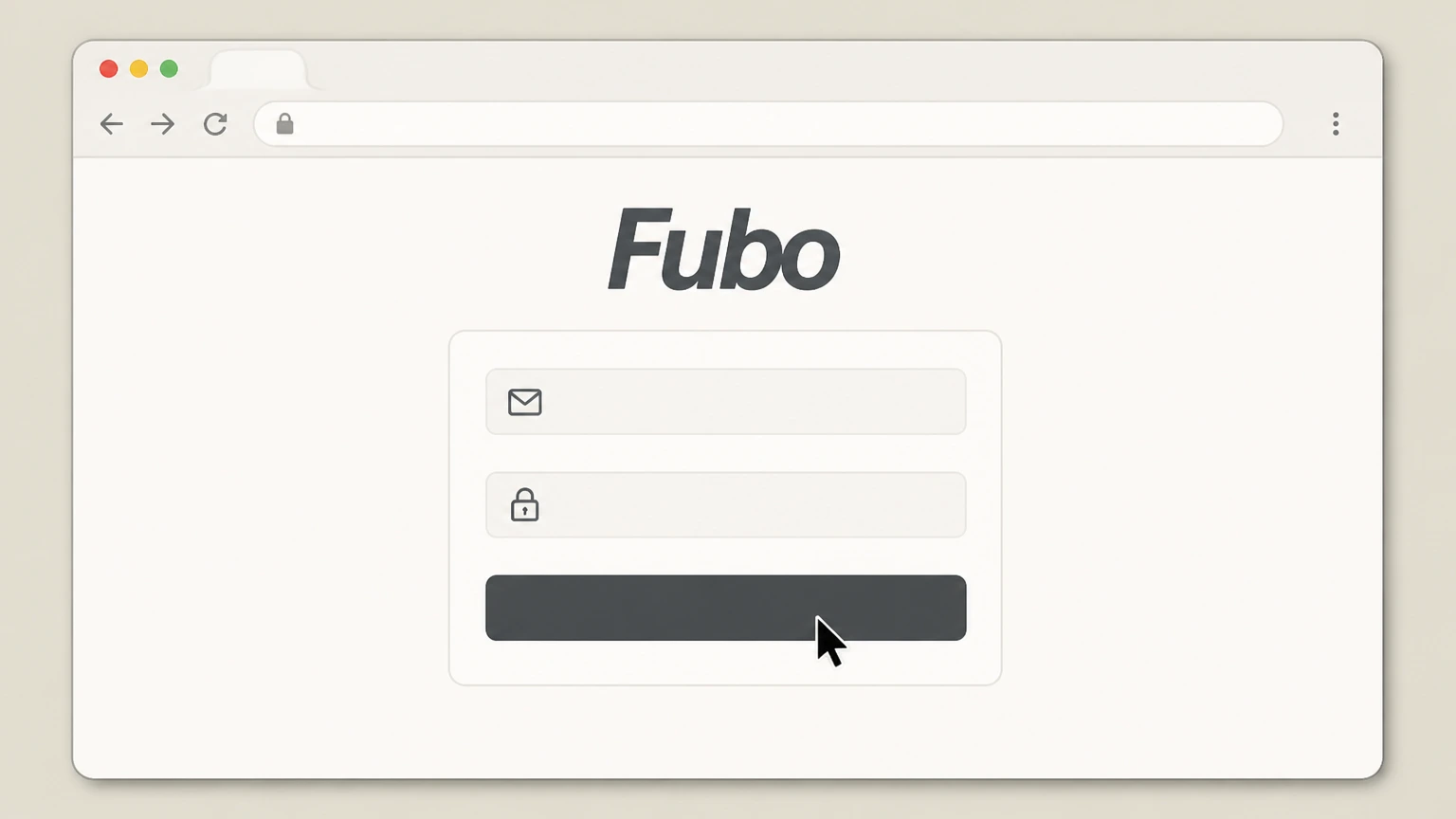
1Sign in to your Fubo account on the web
Go to fubo.tv in a browser and sign in with the email address and password for your Fubo account. Use the Fubo account named on your receipt, and continue only after the next status in this cancellation path is visible.
 2
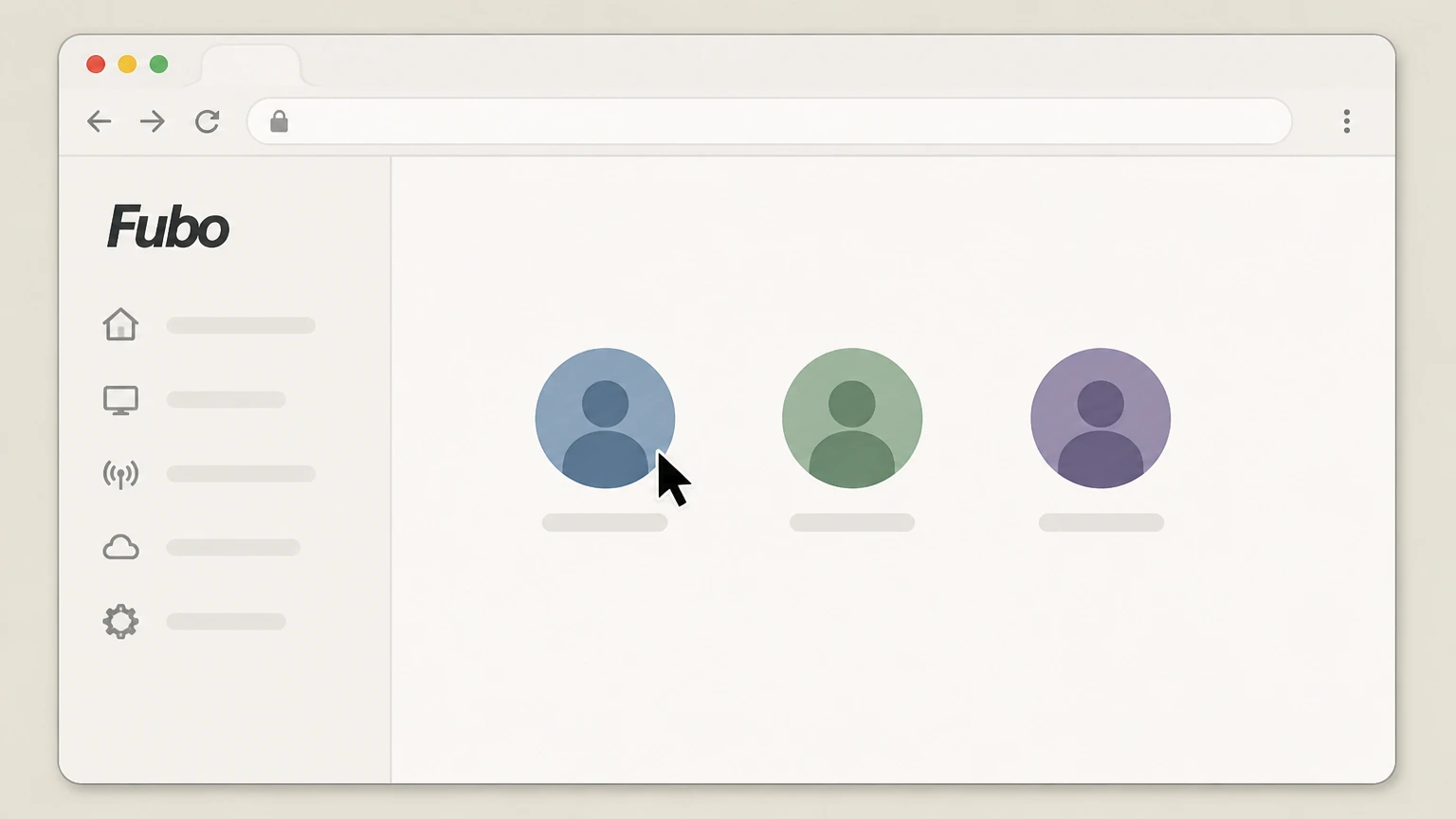
2Choose your viewing profile
If Fubo prompts you, select the profile you normally use to watch so you can reach the main home screen.
- Let Pine handle it
Pine can help
Too many steps?
Pine can find the right Fubo website (direct billing) path and handle the cancellation for you.
 3
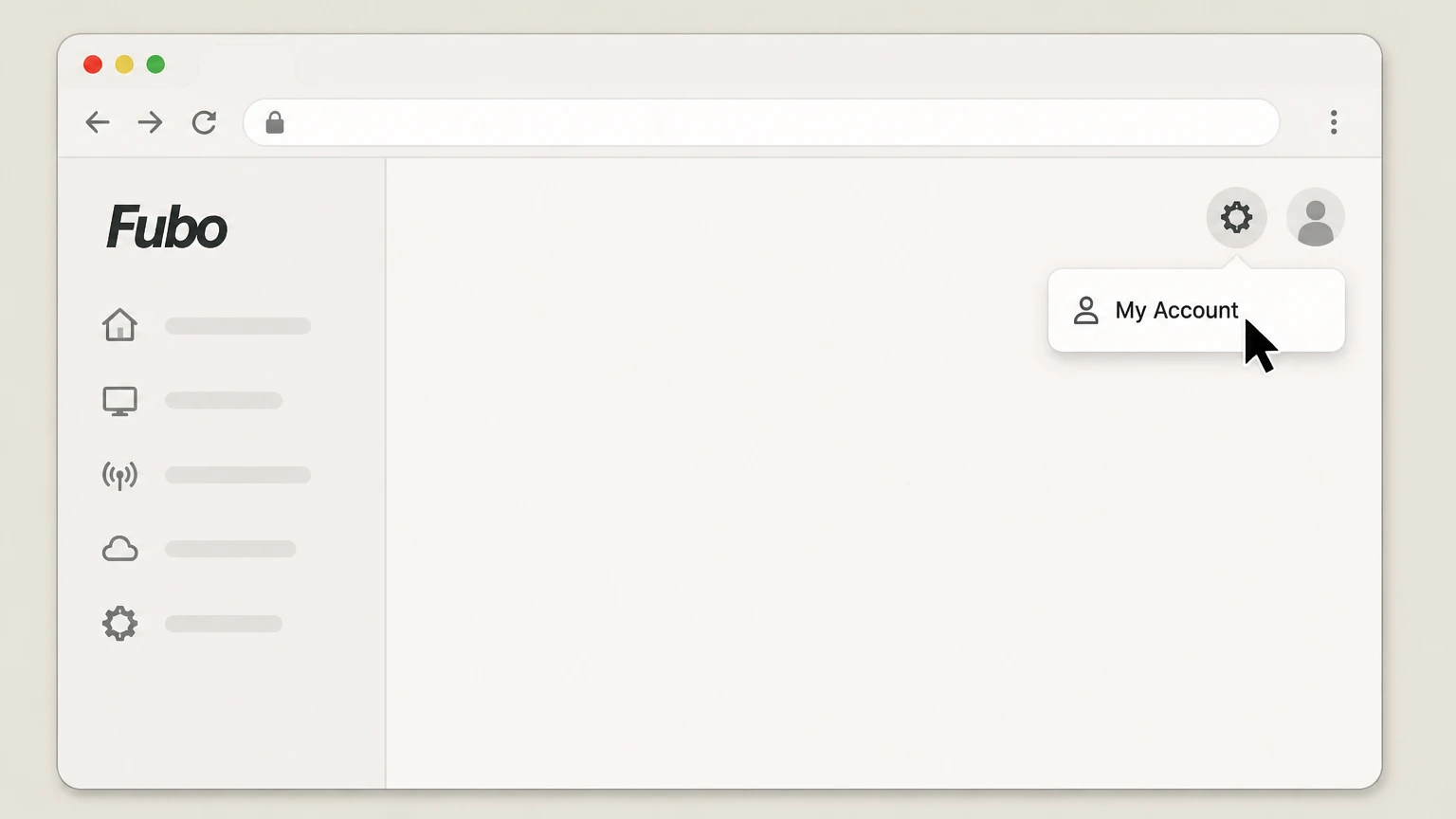
3Open My Account from the settings icon
Select the settings icon near the top of the screen and choose My Account from the dropdown menu. Use the Fubo account named on your receipt, and continue only after the next status in this cancellation path is visible.
 4
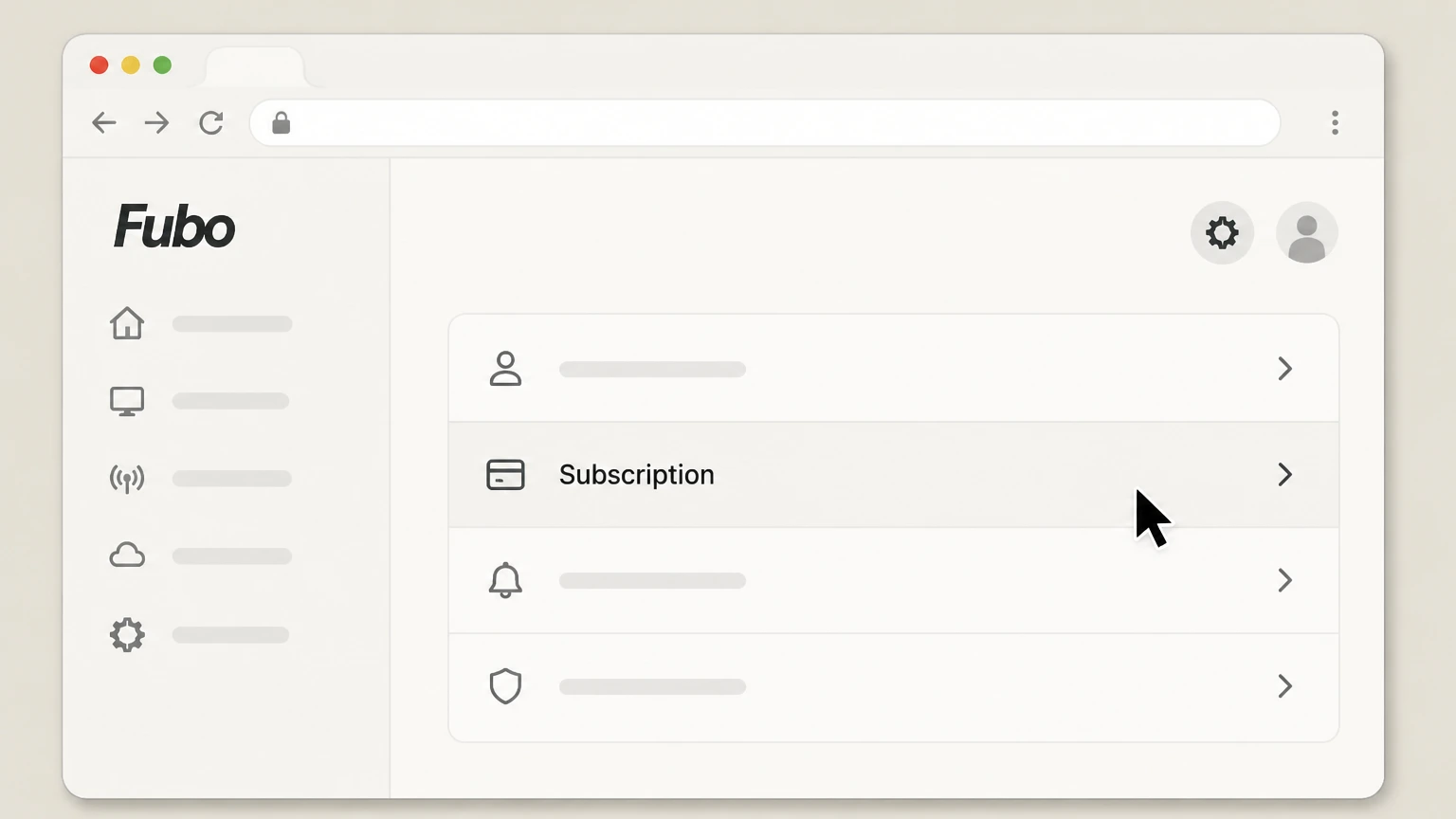
4Open the Subscription section
On the My Account page, select the Subscription option to view your current plan details. Use the Fubo account named on your receipt, and continue only after the next status in this cancellation path is visible.
 5
5Cancel the subscription and confirm
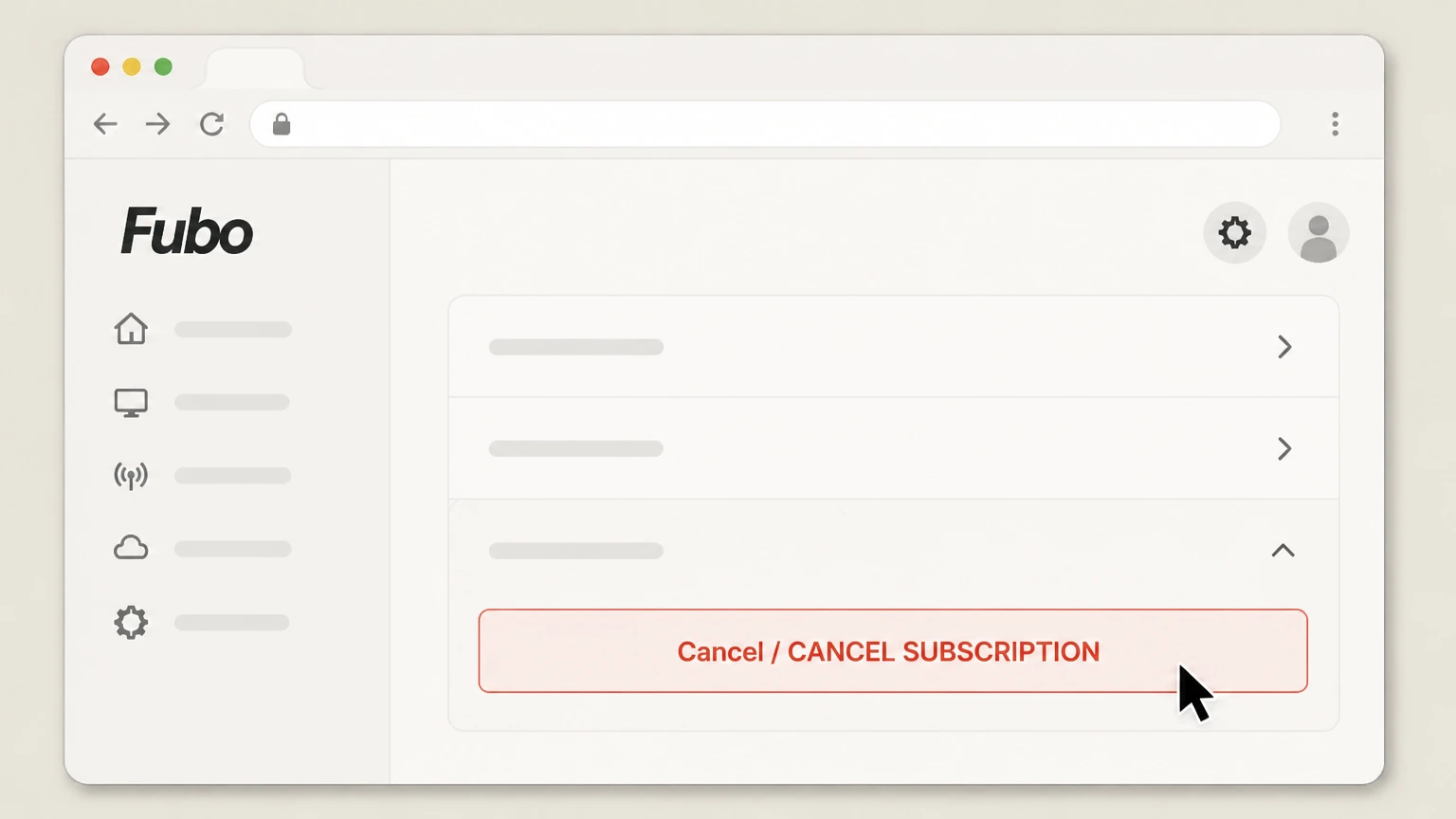
At the bottom of the Subscription page, select Cancel, then on any offer screen choose Cancel Subscription to finish cancellation.

Roku website (Roku‑billed Fubo) · verify the billing owner
 1
1Open Roku subscriptions in a browser
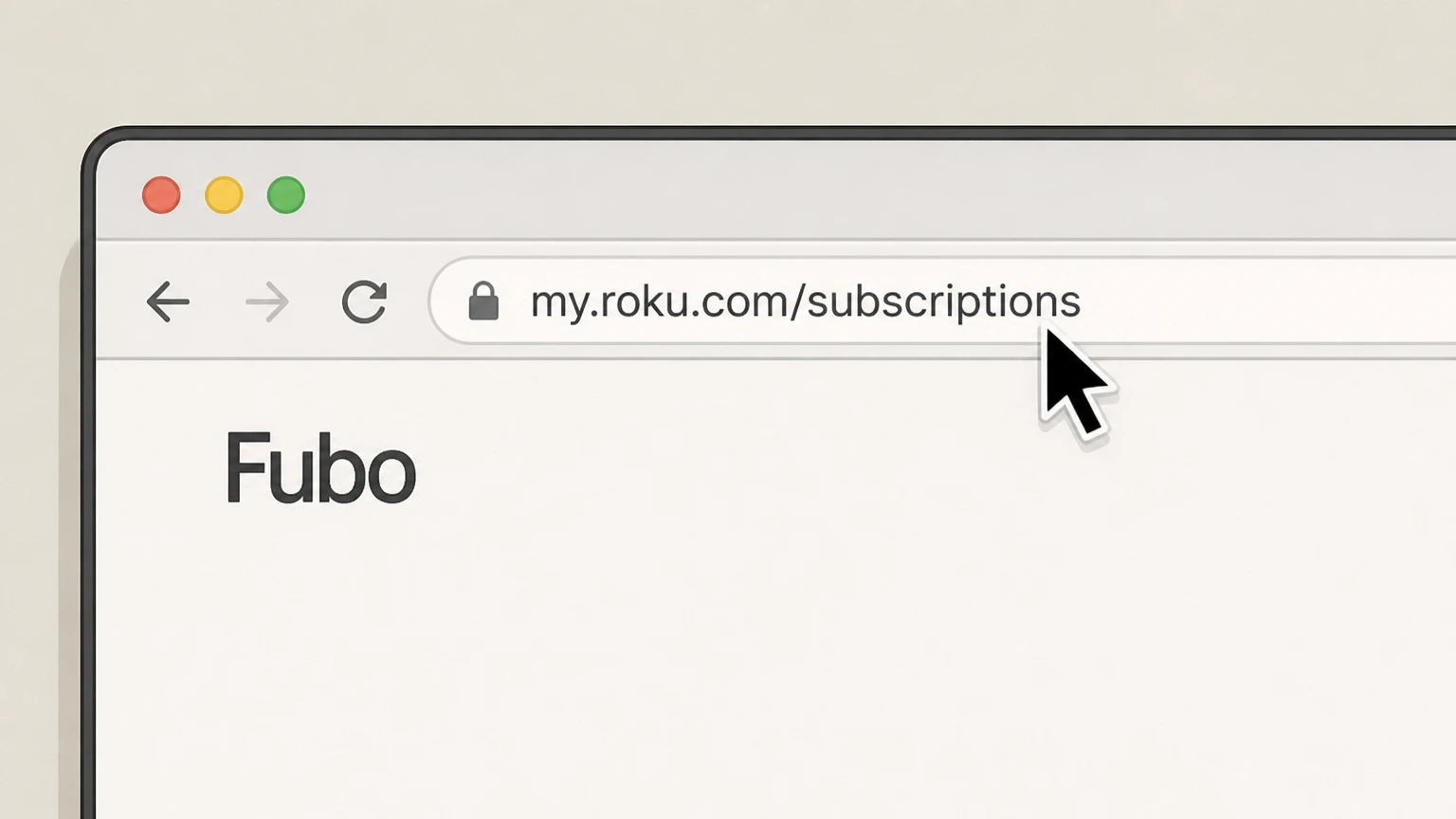
Go to my.roku.com/subscriptions in a web browser to view subscriptions billed through your Roku account. Use the Fubo account named on your receipt, and continue only after the next status in this cancellation path is visible.
 2
2Sign in to the correct Roku account
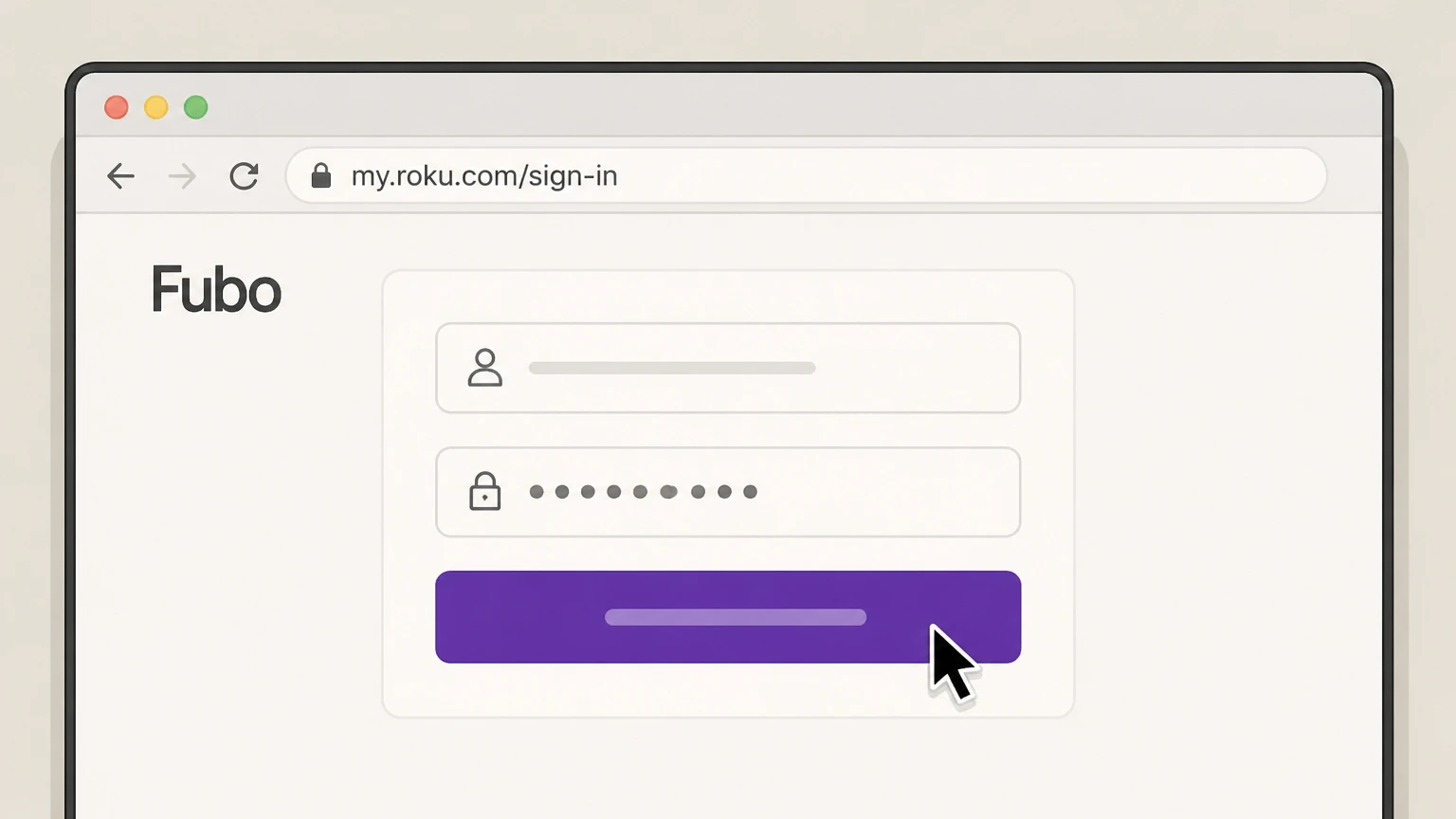
Sign in with the Roku account credentials that are billed for your Fubo subscription. Use the Fubo account named on your receipt, and continue only after the next status in this cancellation path is visible.
- Let Pine handle it
Pine can help
Too many steps?
Pine can find the right Roku website (Roku‑billed Fubo) path and handle the cancellation for you.
 3
3Locate your Fubo subscription
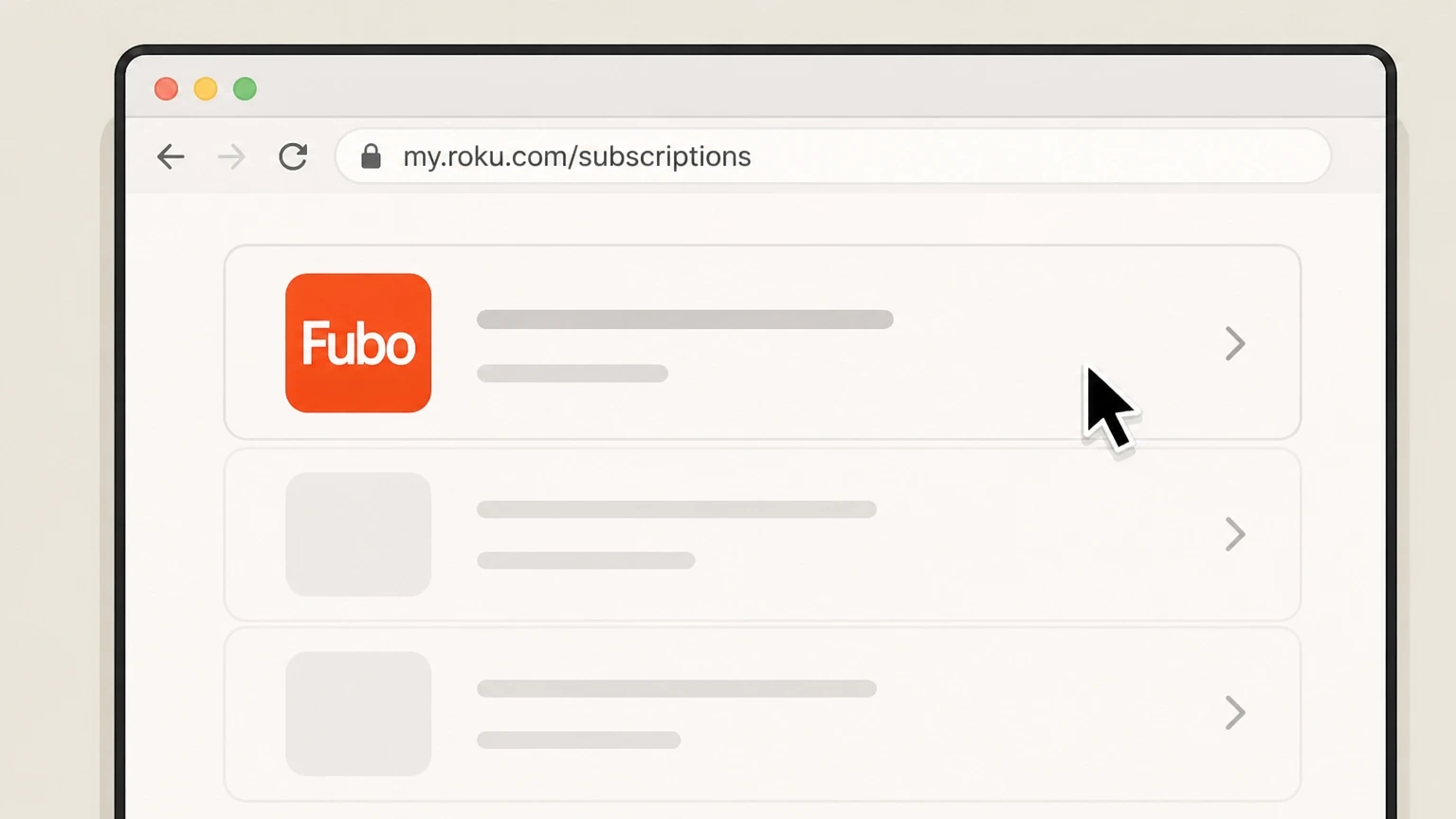
On the My Subscriptions page, find the Fubo plan entry in the list of active subscriptions. Use the Fubo account named on your receipt, and continue only after the next status in this cancellation path is visible.
 4
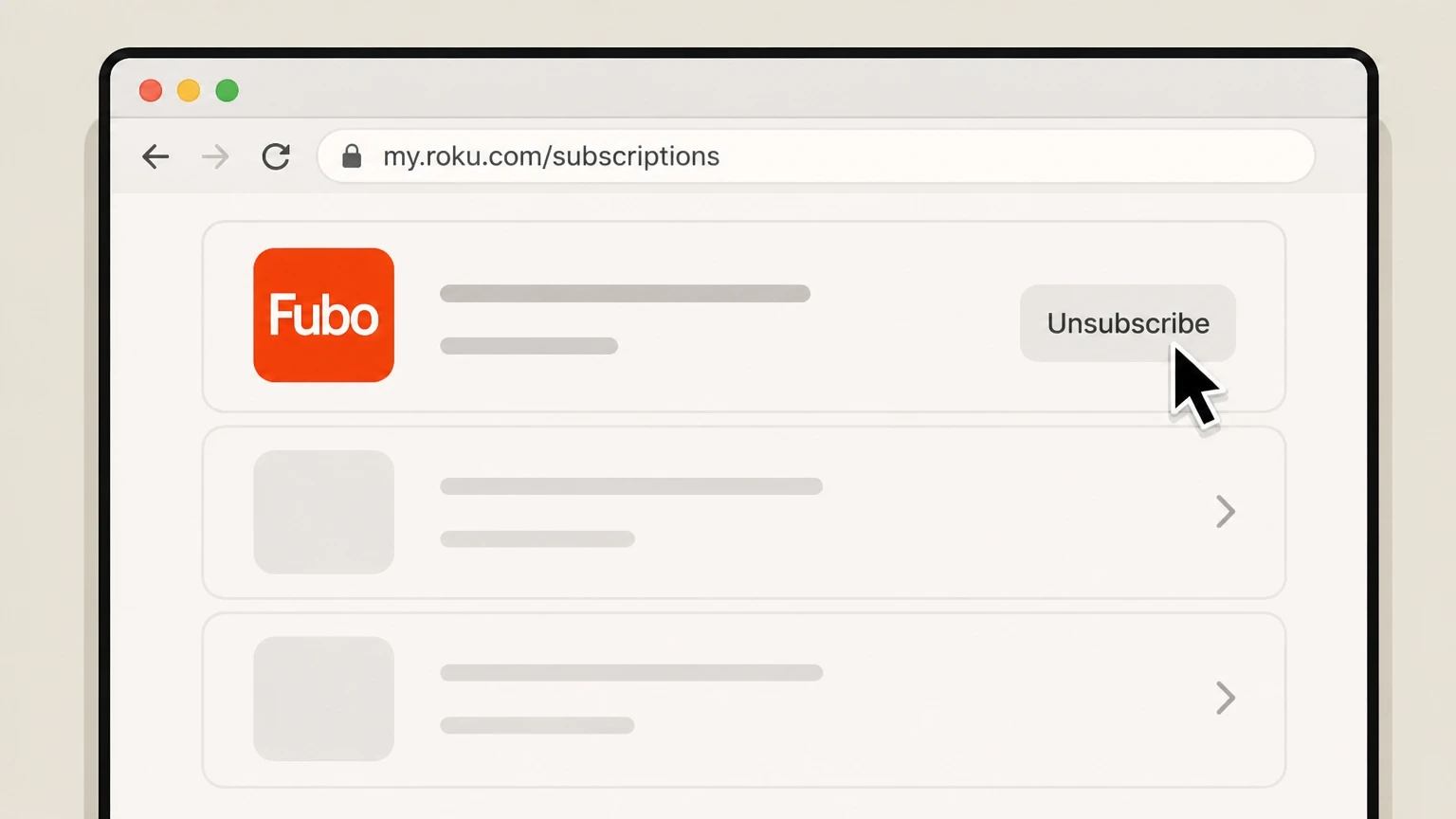
4Select Unsubscribe for Fubo
Next to your Fubo plan, select Unsubscribe to start canceling the Roku‑billed subscription. Use the Fubo account named on your receipt, and continue only after the next status in this cancellation path is visible.
 5
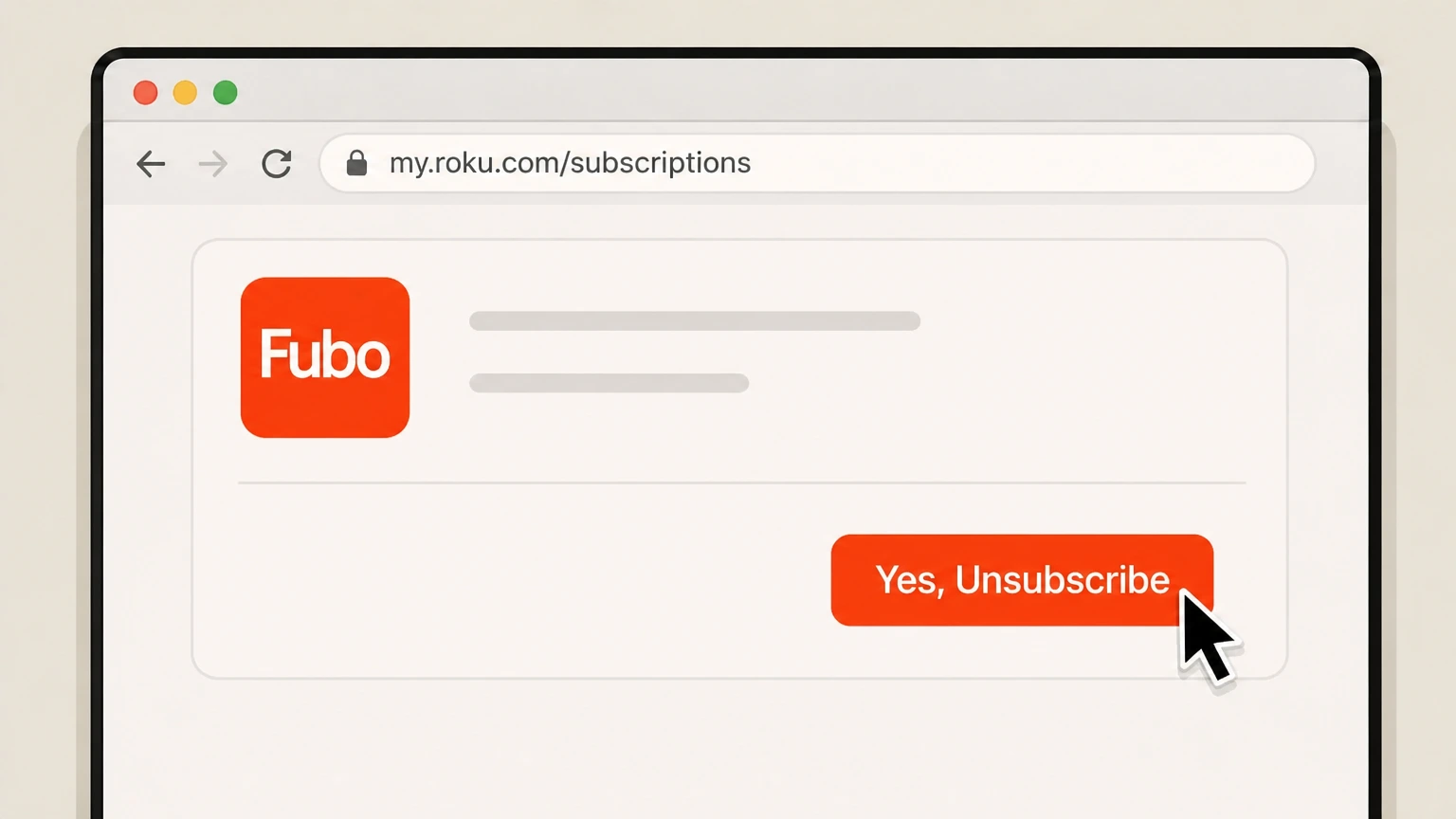
5Confirm cancellation on Roku
On the confirmation screen, select Yes, Unsubscribe to confirm turning off auto‑renew for Fubo. Use the Fubo account named on your receipt, and continue only after the next status in this cancellation path is visible.
Roku device (Roku‑billed Fubo) · verify the billing owner
 1
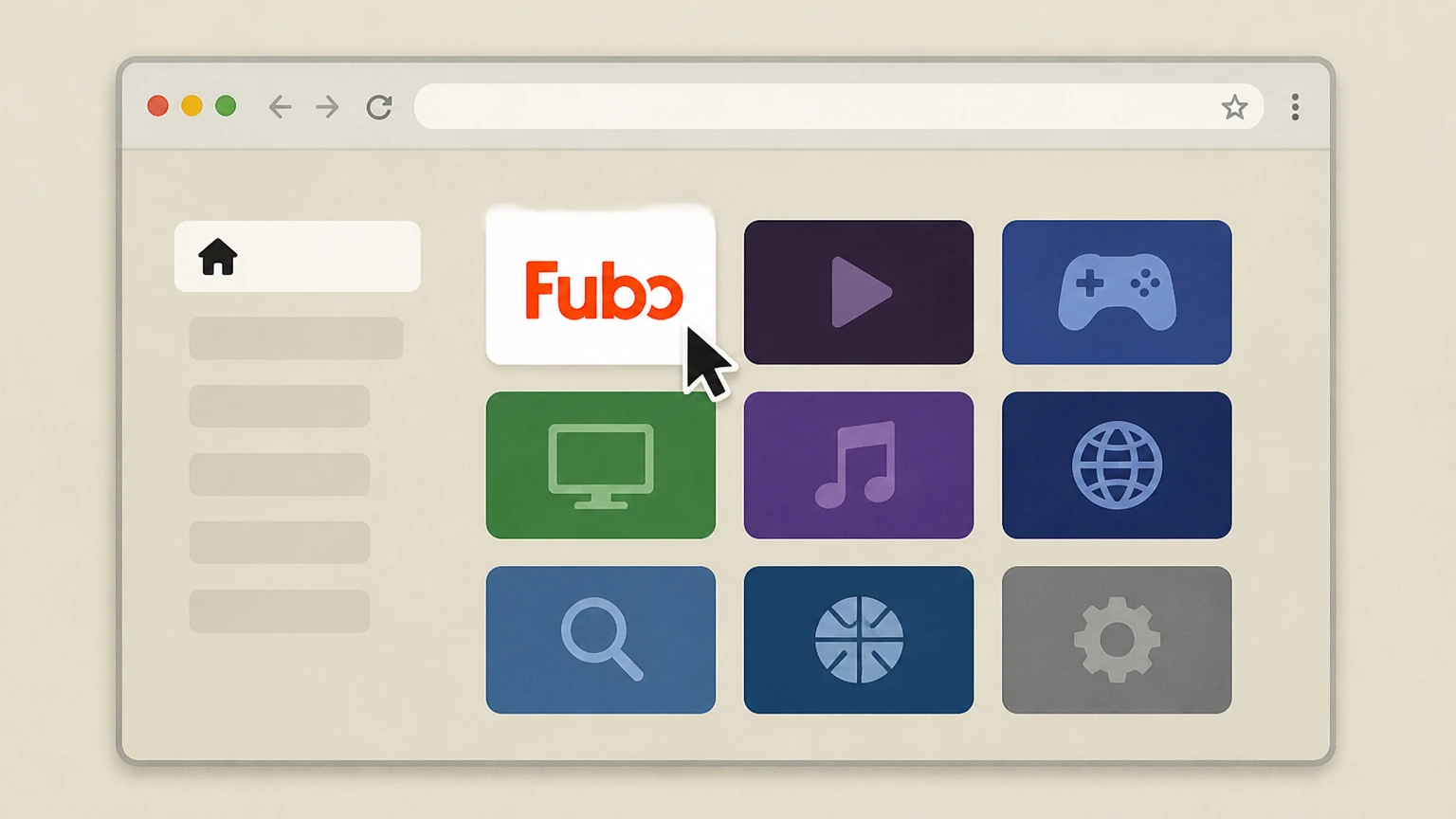
1Open the Roku home screen
Press the Home button on your Roku remote to go to the main home screen with your channel grid. Use the Fubo account named on your receipt, and continue only after the next status in this cancellation path is visible.
 2
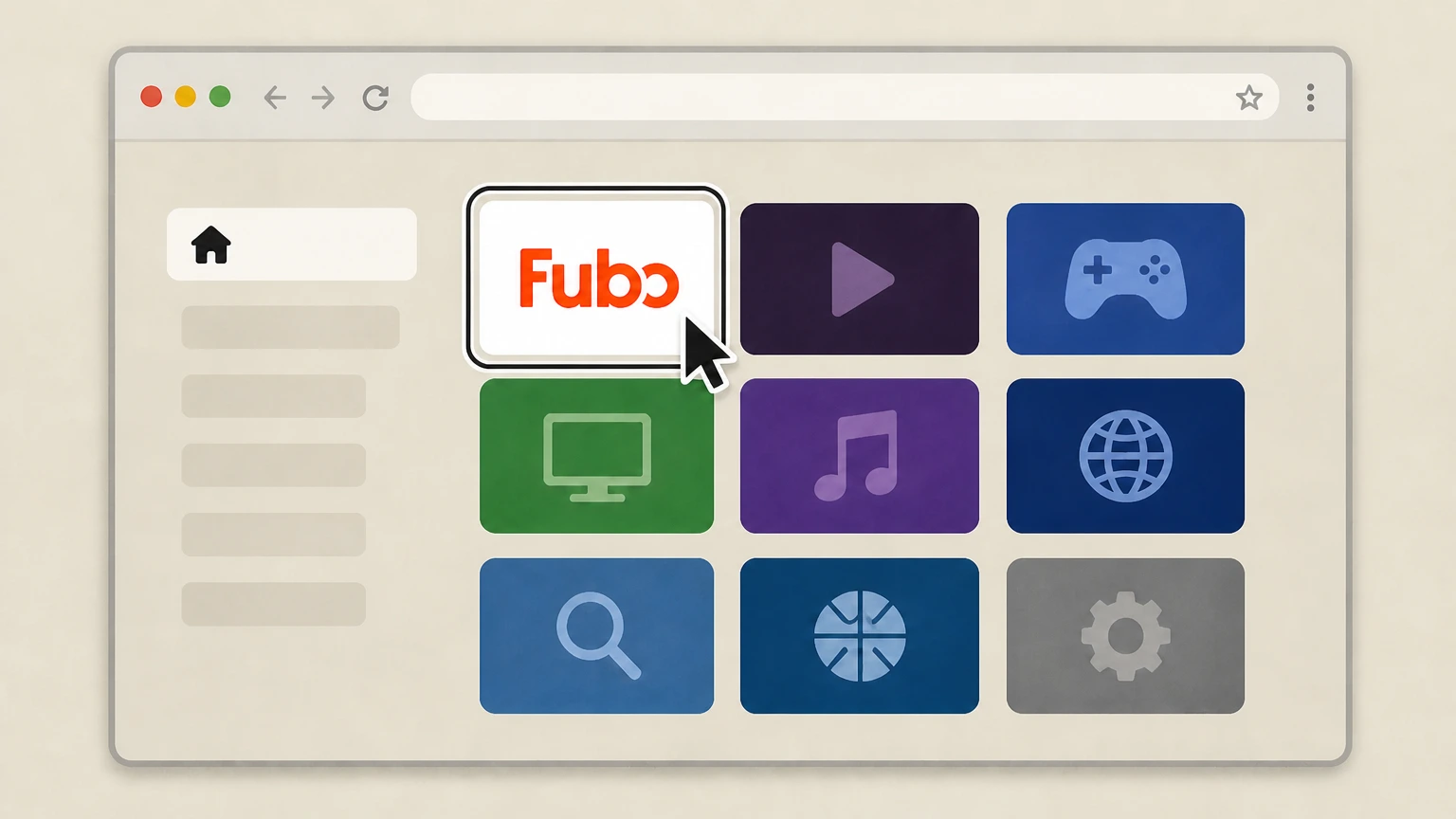
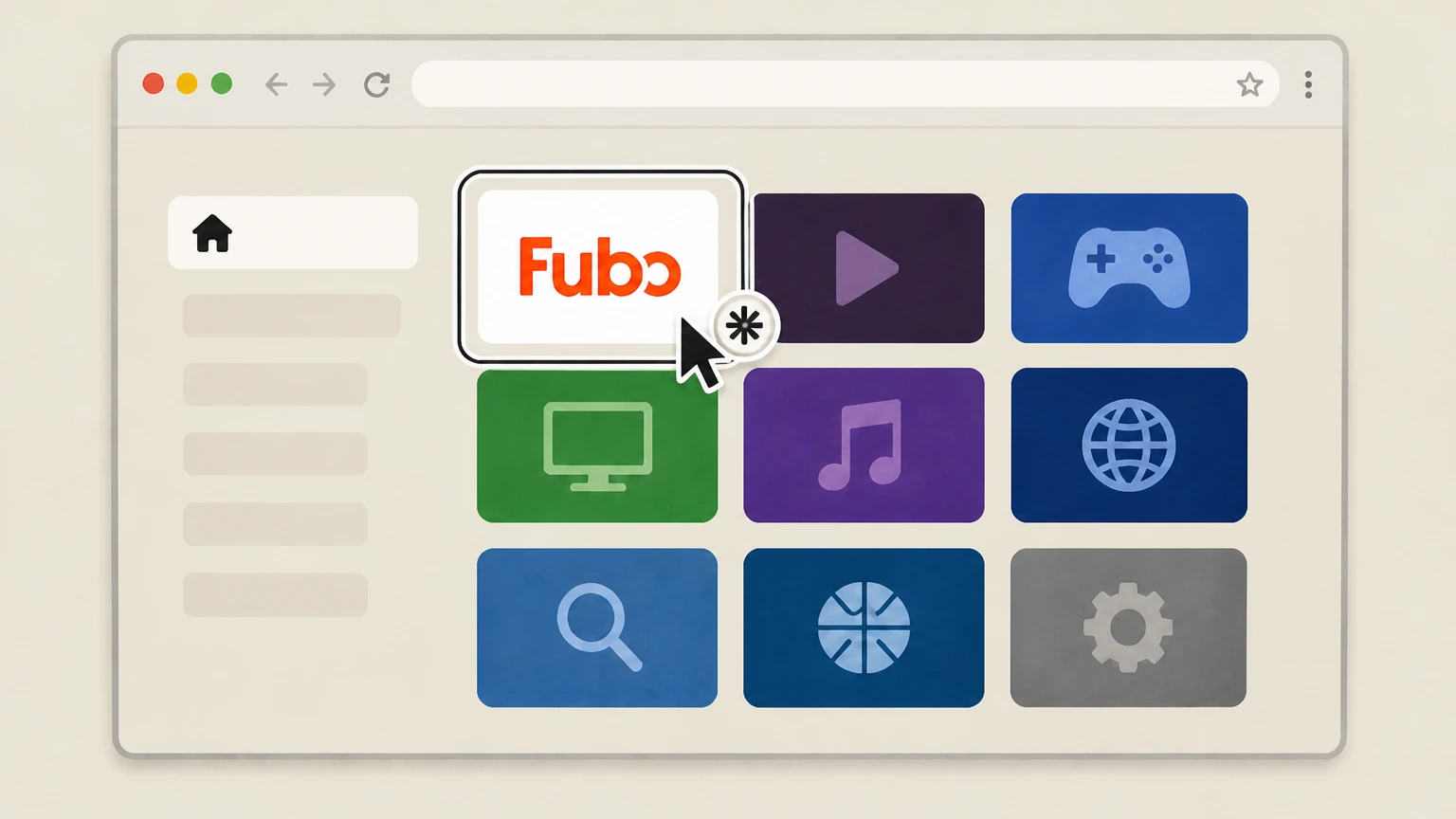
2Highlight the Fubo channel tile
Use the directional pad to move through the channel grid and highlight the Fubo channel you use to watch. Use the Fubo account named on your receipt, and continue only after the next status in this cancellation path is visible.
- Let Pine handle it
Pine can help
Too many steps?
Pine can find the right Roku device (Roku‑billed Fubo) path and handle the cancellation for you.
 3
3Open channel options with the star button
Press the star (*) button on your Roku remote to open the options menu for the highlighted Fubo channel. Use the Fubo account named on your receipt, and continue only after the next status in this cancellation path is visible.
 4
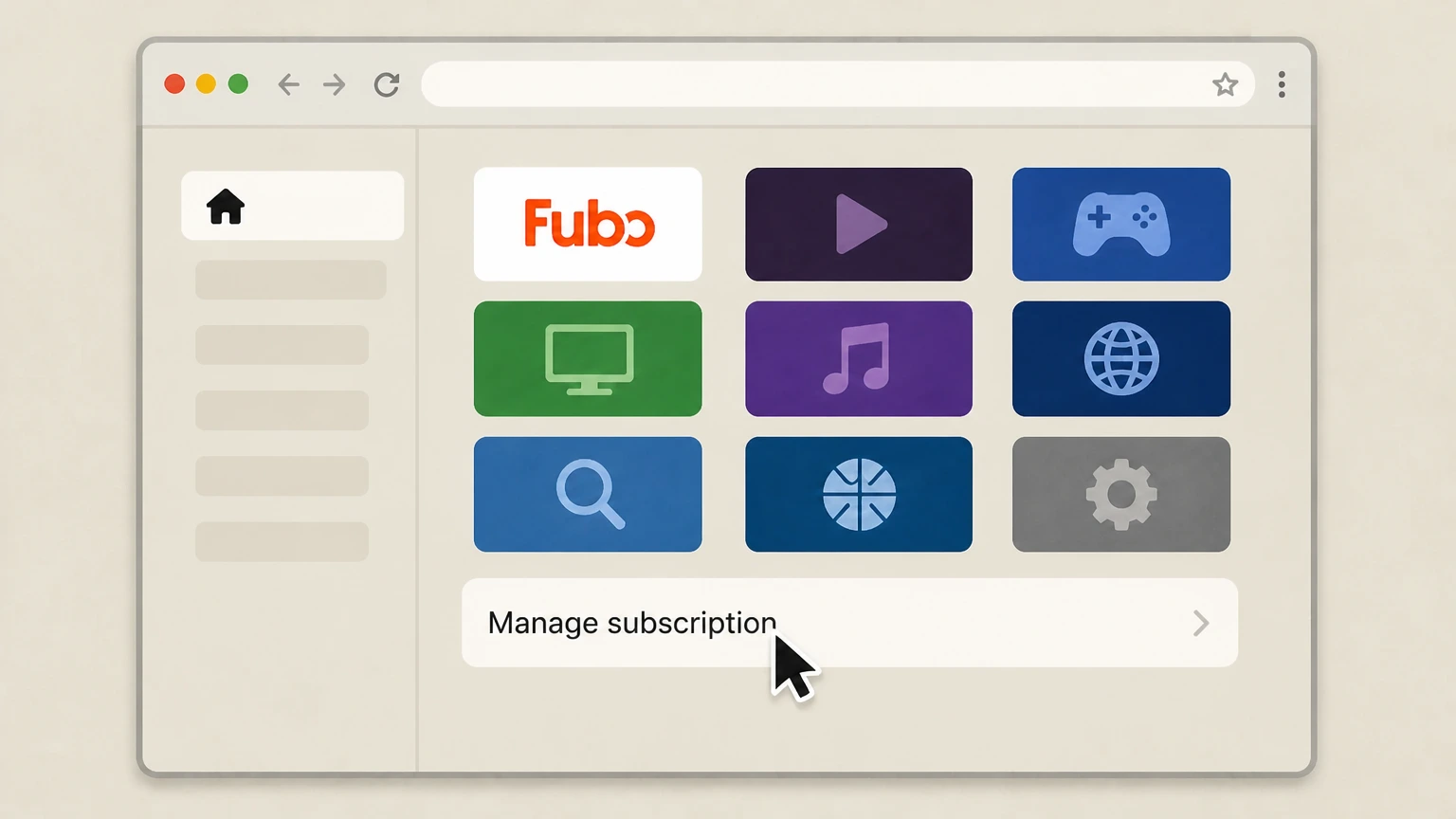
4Select Manage subscription
In the options menu, choose Manage subscription to view your Roku‑billed Fubo renewal date and options. Use the Fubo account named on your receipt, and continue only after the next status in this cancellation path is visible.
 5
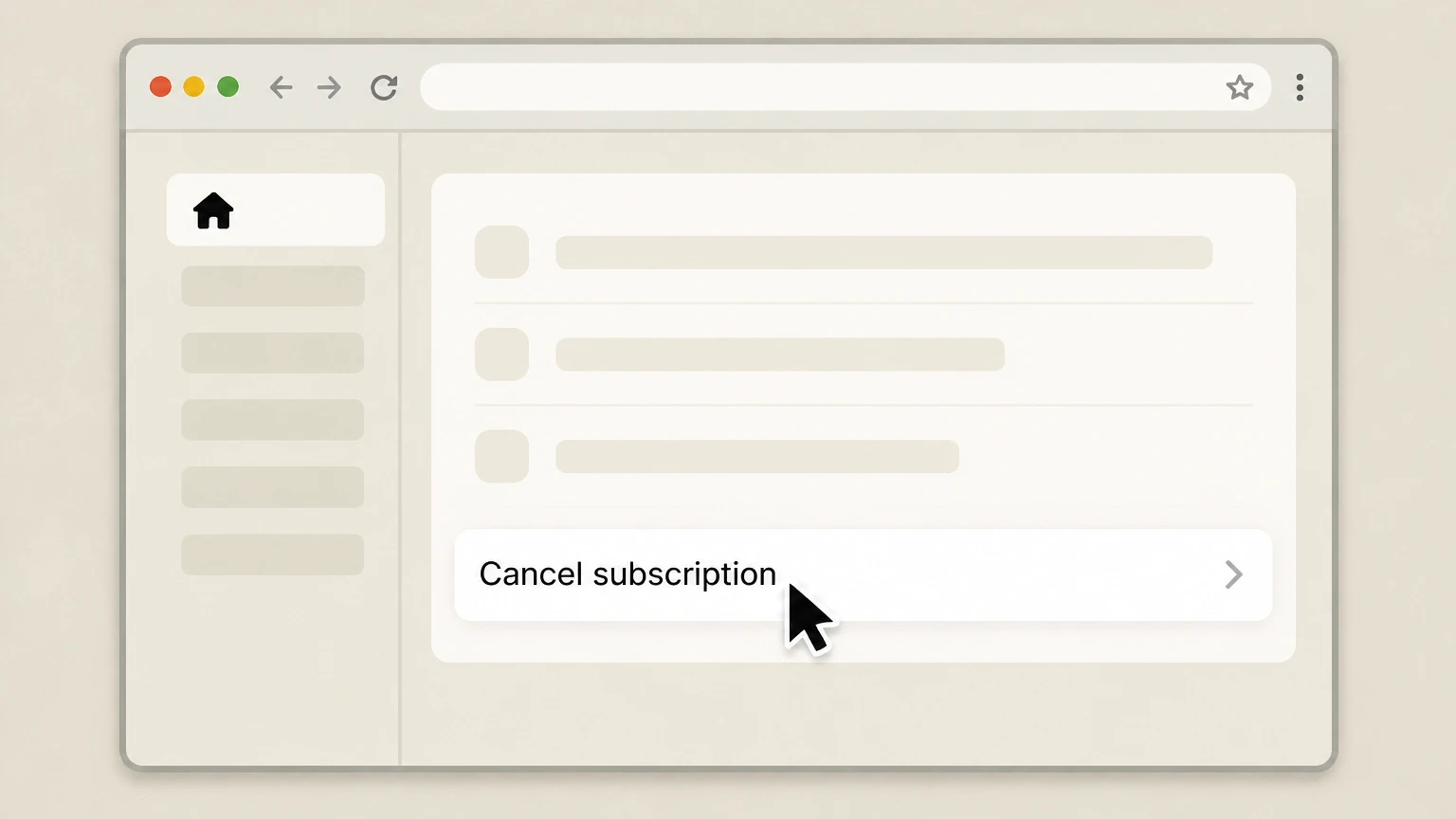
5Choose Cancel subscription
From the Manage subscription screen, select Cancel subscription to begin canceling your Fubo subscription. Use the Fubo account named on your receipt, and continue only after the next status in this cancellation path is visible.
 6
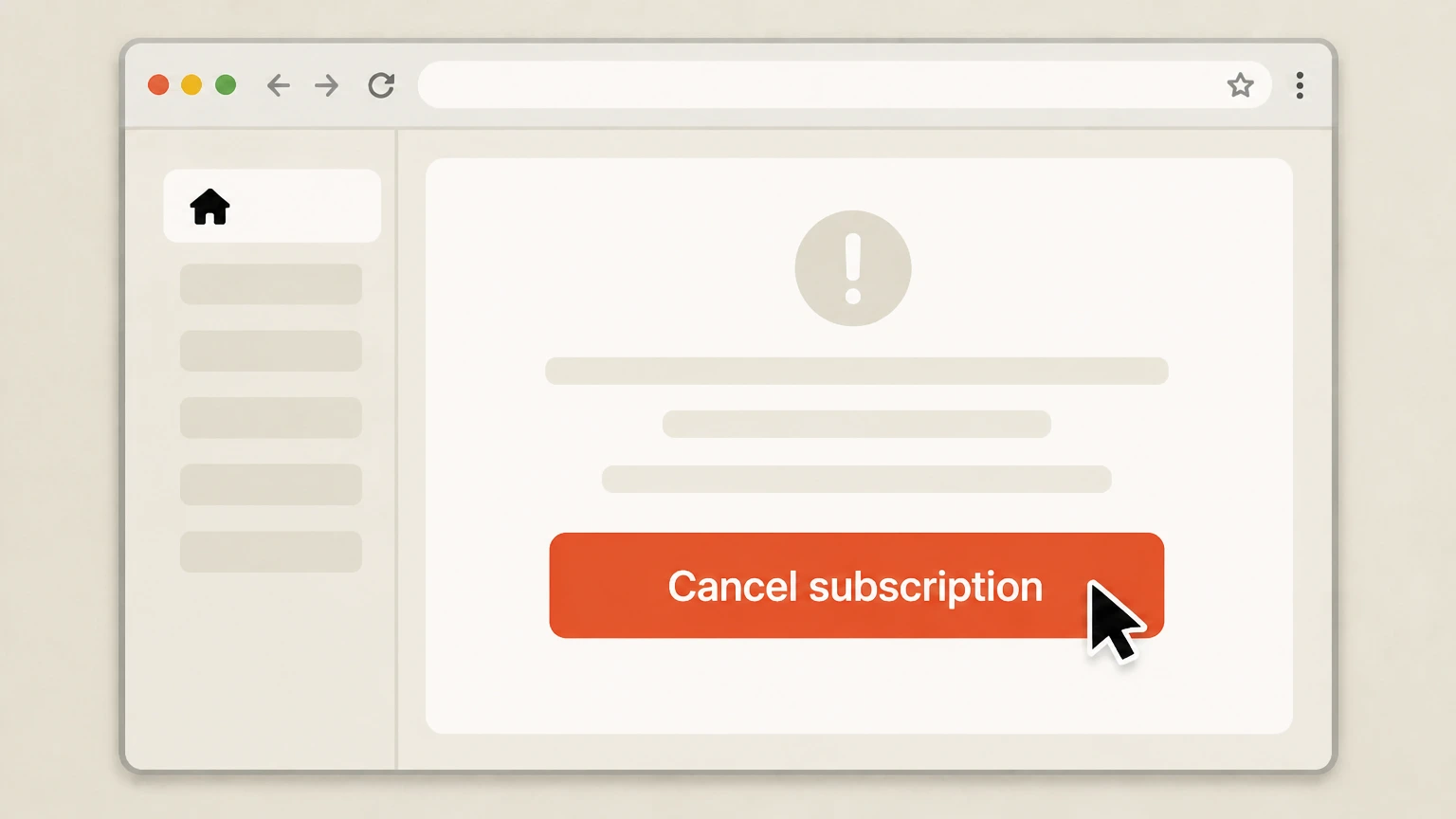
6Confirm cancellation on the confirmation screen
On the confirmation message that appears, select Cancel subscription again to finalize the cancellation for Fubo. Use the Fubo account named on your receipt, and continue only after the next status in this cancellation path is visible.
Refund policy
Fubo refunds, renewals, and what happens to charges after you cancel
Fubo’s official policy is that canceling mainly affects future renewals; refunds for time already billed are rare and depend on how and where you subscribed.
Check my refund options- No refunds for prepaid or partial months of Fubo service
- Fubo’s cancellation policy states that if you choose to cancel, your current paid subscription continues through the end of your billing cycle and Fubo does not provide refunds for prepaid or partial months of service.
- Free‑trial charges depend on where you signed up
- For trials started on Fubo’s website, canceling during the free trial ends access immediately and prevents the first charge. For trials begun through Roku, canceling during the trial stops renewal but access continues until the trial’s scheduled end date.
- Promotional offers can include early‑cancellation fees
- Fubo notes that while most plans have no cancellation fee, promotional offers with a commitment period may charge an early cancellation fee if you cancel before that period finishes. The specific terms are detailed in the offer and Fubo’s Terms of Service.
- Roku, Apple, and Google Play have their own refund rules
- If your Fubo subscription is billed through Roku or an app store, refund eligibility is generally governed by that platform’s policies. Roku, Apple, and Google Play each publish their own subscription and refund rules, and requests usually must be made directly to them.
- Stopping renewal versus canceling an order
- Fubo’s help materials distinguish between stopping subscription renewals and other issues such as mistaken charges or duplicate accounts. Canceling stops future renewals; past charges or disputes require contacting Fubo support or, for Roku‑billed plans, Roku support for review.
If you believe you were charged incorrectly or have questions about refunds that Fubo’s articles do not answer, review your subscription status in My Account, then contact Fubo support or (for Roku‑billed plans) Roku support through their official help centers for case‑specific assistance. Visit Fubo Help Center
Billing owner
Work out who actually bills your Fubo subscription
Fubo’s cancellation path depends on whether Fubo or Roku bills you. Checking this before you start prevents failed cancellations and surprise charges.
Check Account Details on fubo.tv
Log in at fubo.tv/account and review Account Details. Fubo says directly billed accounts show standard subscription information, while Roku‑billed accounts are labeled as a Roku subscription and must be managed via Roku, not Fubo.
Use the cancellation article’s sign‑up paths
Fubo’s U.S. cancellation article currently lists two sign‑up paths—direct on the Fubo website and through Roku. If you know you joined using a Roku device purchase flow, treat your subscription as Roku‑billed for cancellation.
Confirm billing from your statements
If your card or bank statement lists Fubo or fubo.tv as the merchant, you are likely billed directly and should cancel on fubo.tv. If it lists Roku, your plan is managed through Roku and needs to be canceled via Roku’s subscription tools.
Third‑party app stores beyond Roku
Fubo’s financial filings indicate that some plans are sold via third‑party app stores in addition to its website. If your email receipt or account clearly shows another app store (such as Apple or Google Play) as the billing party, you must cancel following that store’s subscription‑management process, not through Fubo support.
Access and features
What changes after you cancel a paid Fubo plan
Canceling Fubo mainly stops future renewals; most paid benefits stay active until your current period ends, with some continued free access afterward for eligible users.
Paid access continues to period end
Fubo’s cancellation policy says that when you cancel a paid subscription, your plan continues through the end of the current billing cycle; auto‑renew then stops and you are not billed for future periods.
No refunds for prepaid or partial months
Fubo states that it does not provide refunds for prepaid or partial months of service. Canceling stops future renewals but does not generate a prorated refund for unused days in the current cycle.
Free‑trial behavior differs by sign‑up path
If you signed up on Fubo’s website and cancel during a free trial, access to Fubo ends immediately. If you signed up through Roku and cancel during a free trial, the subscription terminates at the end of the trial instead of immediately.
Fubo Free may remain after expiry
Fubo explains that after a paid subscription or trial expires, some former subscribers can log in and choose Go to free content instead, accessing the Fubo Free tier with a more limited, ad‑supported channel lineup.
Account data and DVR on reactivation
Fubo notes that when you reactivate a subscription that was scheduled to cancel, your billing date, add‑ons, settings, favorited content, and Cloud DVR recordings remain available, indicating that data is preserved at least through cancellation and reactivation. It does not state how long recordings persist after a long‑expired account.
Trials & promos
Free trials, reminders, and promotional commitments
Fubo treats trials and promotional plans differently from standard month‑to‑month subscriptions, especially around when access ends and whether early cancellation fees might apply.
Website trials end immediately on cancel
For trials started on Fubo’s website or via its sales team, Fubo’s cancellation policy says that canceling during the free trial terminates your subscription immediately and removes access to Fubo; another trial will not be granted.
Roku trials last until trial expiry
If you began your Fubo trial through Roku and cancel during that trial, Fubo states that your subscription remains active until the free‑trial period ends, after which access stops and billing does not begin.
Trial duration and availability can change
Fubo’s free‑trial marketing page notes that free trials may not be available on all plans, can be discontinued, and that detailed trial duration appears in the plan details you see when signing up.
Email reminders before trial ends
On its free‑trial page, Fubo describes sending an email reminder before your free trial ends so you can decide whether to continue. You should not rely on reminders alone; always check your renewal date in My Account if you want to avoid a first charge.
Promotional offers may include commitments
Fubo’s cancellation policy cautions that some promotional offers include a commitment period and may charge an early cancellation fee if you cancel before that commitment ends, even though most standard plans have no cancellation fee.
Roku billing
Key points for Roku‑billed Fubo subscriptions
Fubo and Roku jointly control Roku‑billed subscriptions. Understanding what must be done in Roku’s systems prevents failed cancellations and mis‑directed support requests.
Roku subscriptions are managed only by Roku
Fubo’s help center repeatedly states that if you subscribed through Roku, your Fubo subscription automatically renews each month and is managed through your Roku account. Account changes, including cancellation, must therefore be done in Roku’s subscription tools.
Two main ways to cancel with Roku
Fubo documents two Roku‑managed routes: cancel online at my.roku.com/subscriptions using Unsubscribe for Fubo, or cancel on your Roku device by highlighting the Fubo channel, opening Manage subscription, and choosing Cancel subscription.
Access lasts until Roku billing period ends
Roku’s subscription help and Fubo’s cancellation article both indicate that when you turn off auto‑renew for a Roku‑billed subscription, the channel remains active until the end of the current billing cycle or free‑trial period, after which access stops automatically.
Reactivating from Roku to Fubo billing
Fubo’s restart article explains that some users with previously Roku‑billed subscriptions can reactivate via fubo.tv instead, entering a card so future billing is handled directly by Fubo rather than Roku.
Where to escalate Roku billing issues
For Roku‑billed accounts, Fubo directs customers with billing questions to Roku’s customer‑support contact form under Questions about my account or billing → Manage your subscriptions so Roku can review and adjust charges they control.
Fubo Free
How Fubo Free interacts with cancellation
Fubo Free is Fubo’s ad‑supported free tier. It can appear after a cancellation, which sometimes causes confusion about whether a paid subscription really ended.
Fubo Free for former subscribers
Fubo states that some former subscribers whose paid subscription or trial has expired can still watch over 170 free ad‑supported channels without a paid plan through Fubo Free on supported devices.
How you access Fubo Free after expiry
After your paid subscription expires, Fubo says you can log in at fubo.tv with your prior credentials and choose Go to free content instead, which loads the Fubo Free experience rather than a paid plan.
Look for the “welcome back” message
If you see a welcome back message inviting you to restart your subscription when logging in, Fubo explains that any channels you’re seeing at that point are part of Fubo Free, not an active paid subscription.
Device limits for Fubo Free
Fubo notes that, at this time, Fubo Free is not available on Roku or Samsung TV devices and is initially limited to select former subscribers on select devices. Availability may expand over time.
Free tier versus paid subscription
Although Fubo Free includes many channels and a familiar interface, Fubo clearly says it does not include the full programming lineup of paid plans. Sports rights and some premium channels remain limited to paid subscriptions.
Confirmation
How to confirm your Fubo cancellation worked
Verifying your subscription status is essential so you do not rely on assumptions, app removal, or missing emails as proof of cancellation.
Look for the on‑screen confirmation page
For direct Fubo cancellations, Fubo describes a dedicated confirmation page that appears after you complete all steps. You should wait for this screen and note the messaging before closing your browser.
Check Subscription or Account Information
Fubo’s support articles say you can confirm status by logging in to your account and reviewing the Subscription or Account Information sections, which show whether your plan is active, set to cancel, or fully canceled, along with the termination date and time if scheduled.
Understand “set to cancel” versus “canceled”
Fubo explains that accounts set to cancel still have full access until the end of the current billing cycle and show an upcoming expiration date, while canceled accounts have no paid access and instead display reactivation options when you sign in.
Recognize Fubo Free access after expiry
If you have canceled and later log in to see limited channels alongside a welcome back prompt, Fubo clarifies that this is Fubo Free content and not a continuation of paid service, so you will not incur new subscription charges unless you reactivate.
If you still see unexpected charges
Fubo’s billing‑issue guidance recommends checking for multiple Fubo accounts, verifying your subscription status in Account Information, and then contacting Fubo or Roku (for Roku‑billed plans) if charges continue after the displayed cancellation date.
Troubleshooting
Common problems when canceling Fubo and how to avoid them
Most cancellation difficulties come from billing‑owner confusion or incomplete steps. Fubo’s and Roku’s official articles highlight the issues to watch for.
Canceling in the wrong place
Many users try to cancel a Roku‑billed Fubo subscription on fubo.tv, but Fubo’s help center makes clear that Roku‑billed accounts must be canceled from Roku; Fubo support cannot stop Roku billing from its own systems.
Not completing the final confirmation
Fubo’s website flow may show discount or keep‑your‑plan offers. Its article stresses that your account is not canceled until you click the final Cancel Subscription button and see a confirmation page.
Assuming uninstalling an app cancels billing
Roku and Google Play documentation both warn that uninstalling an app or removing a channel tile does not cancel a subscription. You must use subscription‑management menus (Manage subscription, Subscriptions on Google Play, etc.) to turn off auto‑renew.
Logging into the wrong Fubo account
Fubo notes that some users have multiple accounts under different emails. If you still see charges after canceling, Fubo suggests checking whether another account or email address is associated with the active subscription.
Misreading ongoing access as a failed cancel
Because Fubo and Roku both allow access to continue until the end of the billing period, you may still stream after canceling. Fubo explains this is expected and advises using Account Information to confirm that your subscription is set to end on the displayed date.
What official sources do not confirm
Limits of the public Fubo cancellation guidance
These points are intentionally qualified because the official sources reviewed on August 16, 2026 do not publish a complete answer.
Documented limitation 1
Fubo’s public documentation does not state precisely when Cloud DVR recordings or other stored data are permanently deleted after a long‑expired subscription, so this guide cannot guarantee a retention period beyond cancellation and short‑term reactivation scenarios.
Documented limitation 2
Current Fubo help articles list website and Roku as the supported U.S. sign‑up and billing paths; while filings mention third‑party app stores, there is no provider‑specific cancellation article for Apple or Google Play, so any iOS or Android guidance here is conditional and based on generic Apple and Google Play help pages.
Documented limitation 3
Fubo and Roku do not publish granular notice deadlines, grace periods, or dispute‑resolution timelines for every promotional offer type; therefore this guide avoids specific day‑count guarantees and instead points to high‑level rules (such as no refunds for partial months and possible early‑cancellation fees on commitment offers).
Documented limitation 4
Official sources do not provide a unified list of all devices that currently support Fubo Free, only that it is available to select former subscribers on select devices and not on Roku or Samsung TV; device availability and experience may change without clear advance notice.
Fubo cancellation FAQ
Questions people search about canceling Fubo, answered with official provider or billing-platform sources checked on August 16, 2026.
How do I cancel my Fubo subscription?
How to cancel Fubo on Roku
Cancel Fubo free trial
How to cancel Fubo on iPhone
How to cancel FuboTV on phone
How do I check which company bills my Fubo account?
Why is it so difficult to cancel Fubo?
Why is Fubo not letting me unsubscribe?
Unable to cancel Fubo subscription
Untangle this Fubo issue.
Let Pine handle the provider follow-up and keep the confirmation in one place.
