

Hooked on Phonics
Cancel subscription
How to Cancel Your Hooked on Phonics Subscription
Cancel Hooked on Phonics using the correct billing route. Follow official steps, understand when access ends, how refunds work, and which confirmation to save.
- 3 cancellation paths matched to the billing owner
- Renewal timing and access outcome explained
- Refund requests routed to the company that billed you
- Confirmation steps included for every path
Choose the Hooked on Phonics cancellation path that matches who bills you
Apple App Store (iPhone/iPad) · verify the billing owner
Apple App Store (iPhone/iPad)
 1
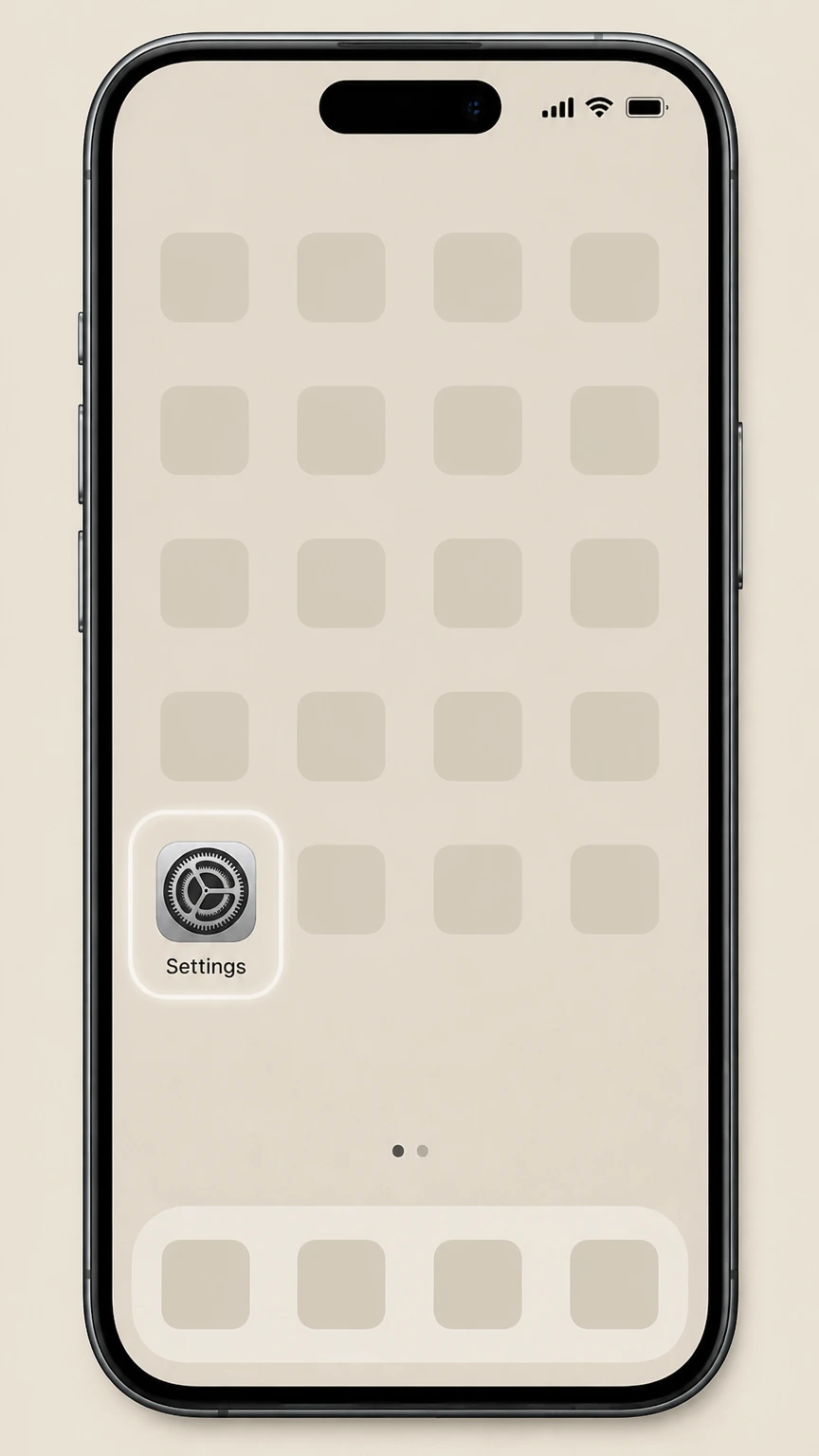
1Open Settings
Open the Settings app on your iPhone or iPad.
 2
2Tap your name
In Settings, tap your name at the top to open your Apple ID account settings.
- Let Pine handle it
Pine can help
Too many steps?
Pine can find the right Apple App Store (iPhone/iPad) path and handle the cancellation for you.
 3
3Open Subscriptions
Tap Subscriptions to see the list of subscriptions billed through your Apple ID.
 4
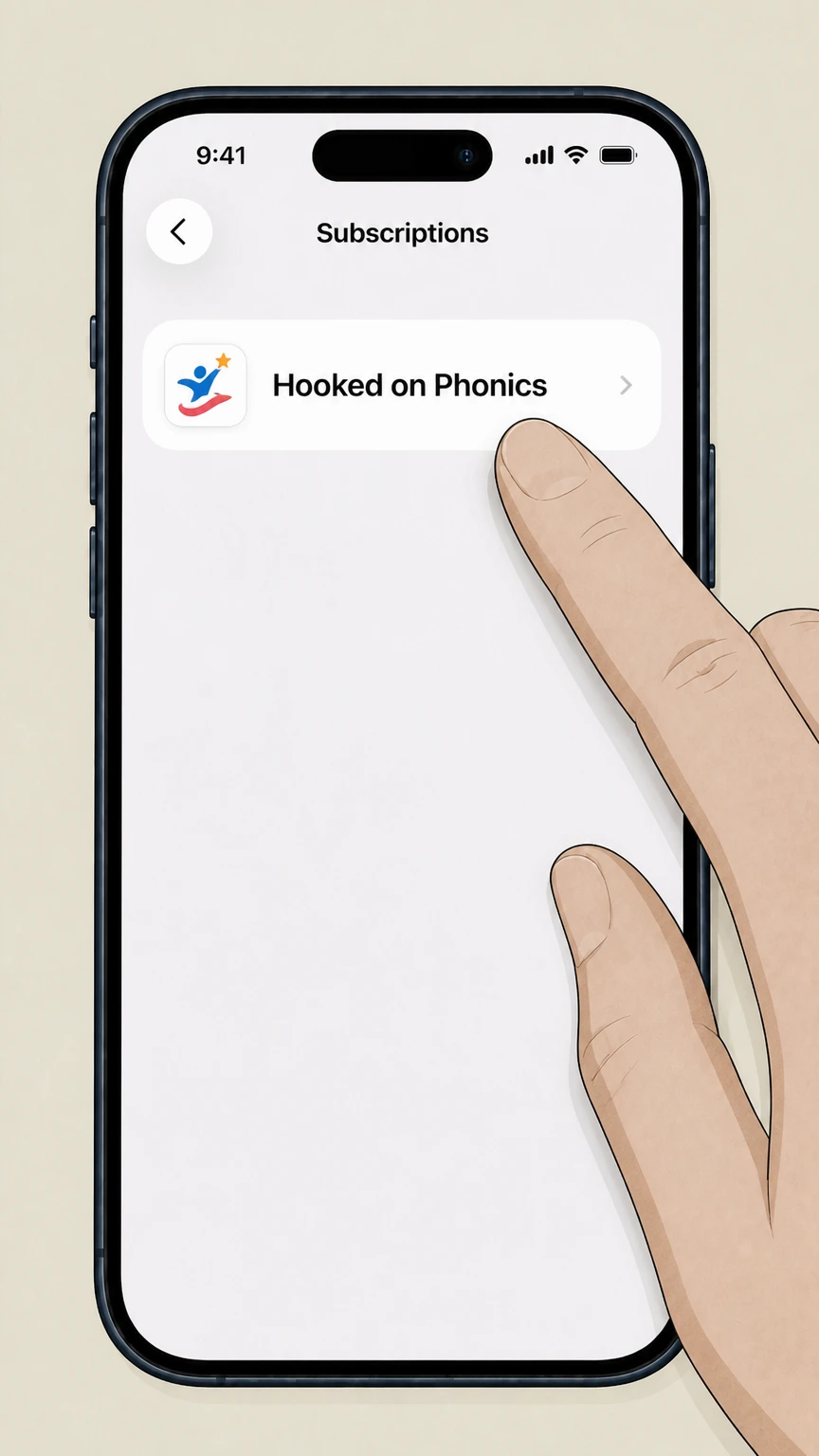
4Select Hooked on Phonics
In the Active list, tap the Hooked on Phonics subscription to open its details.
 5
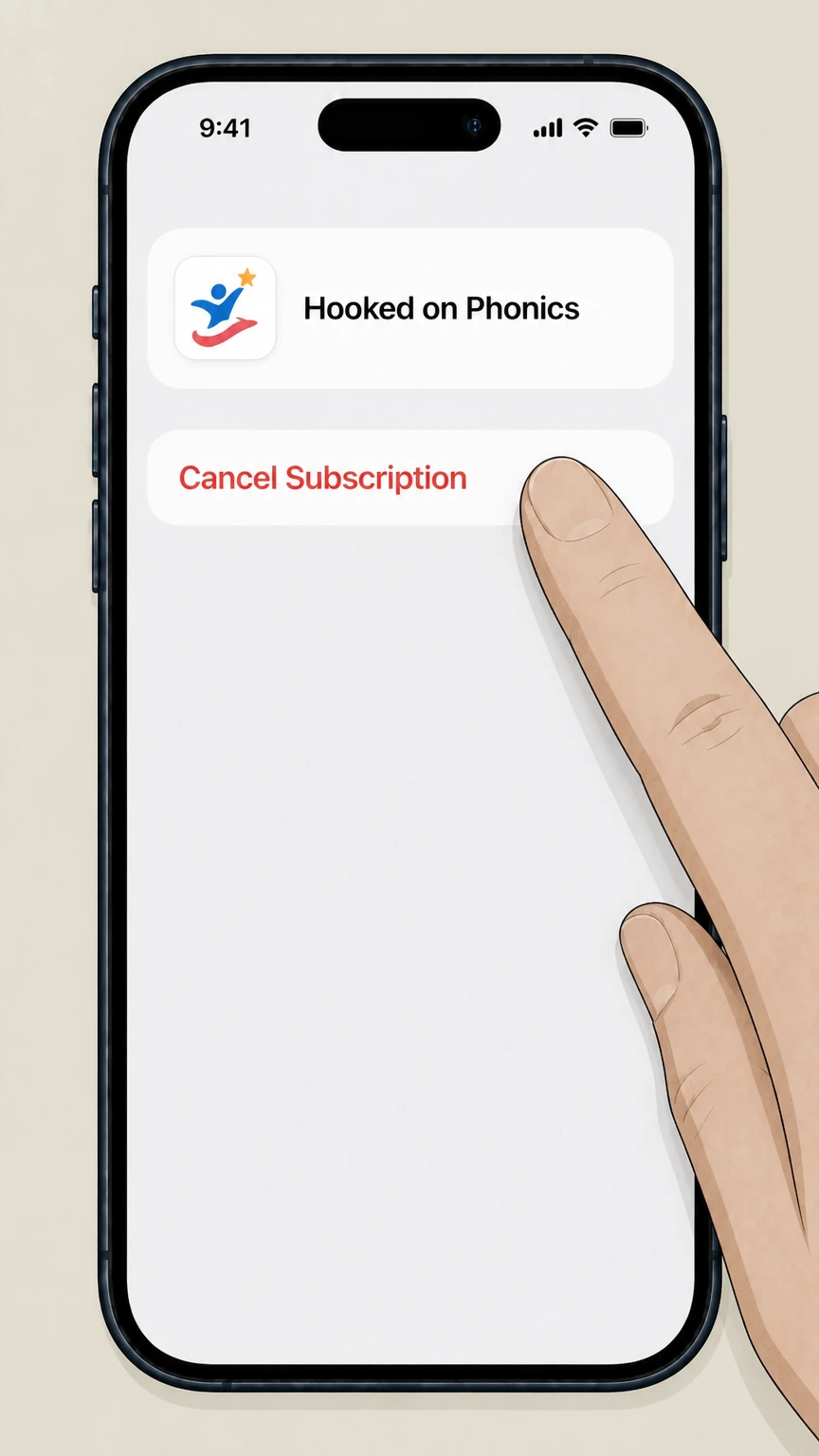
5Cancel the subscription
Tap Cancel Subscription and follow the prompts; the status will change to show an expiration date instead of a renewal date.

Google Play (Android) · verify the billing owner
Google Play (Android)
 1
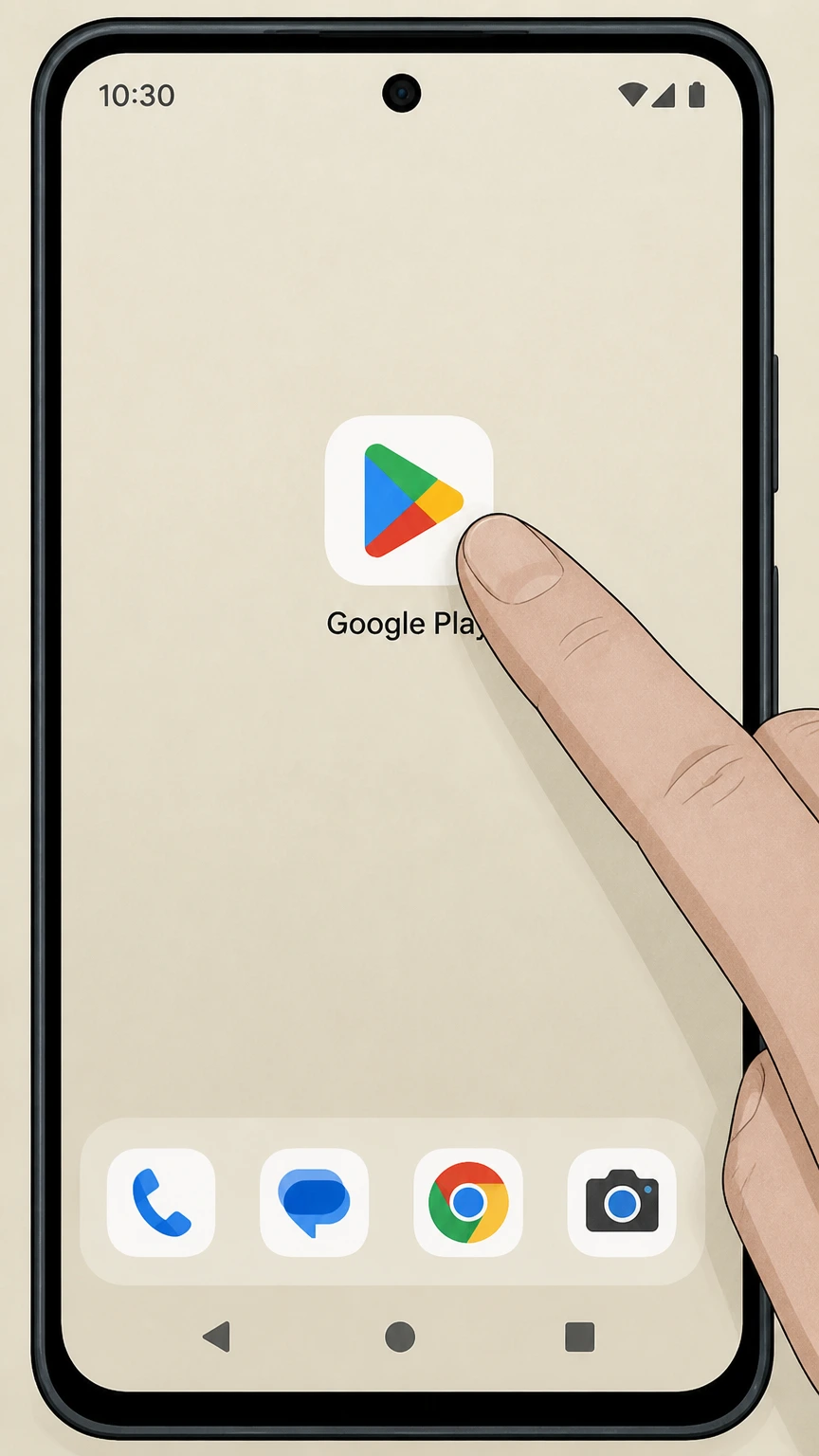
1Open Google Play Store
Open the Google Play Store app on your Android phone or tablet.
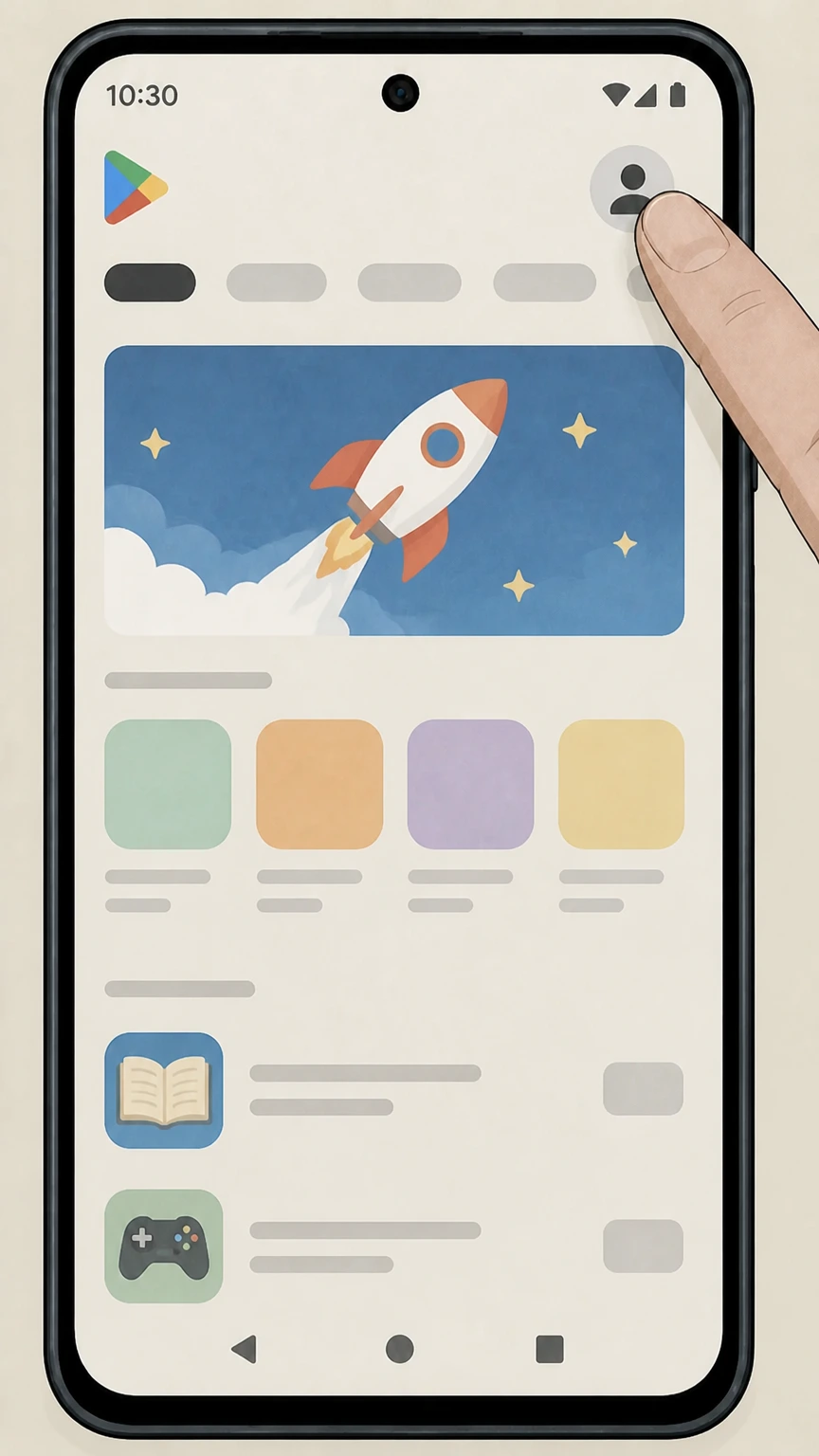 2
2Open your account menu
Tap your profile icon in the top right of Google Play to open the account menu.
- Let Pine handle it
Pine can help
Too many steps?
Pine can find the right Google Play (Android) path and handle the cancellation for you.
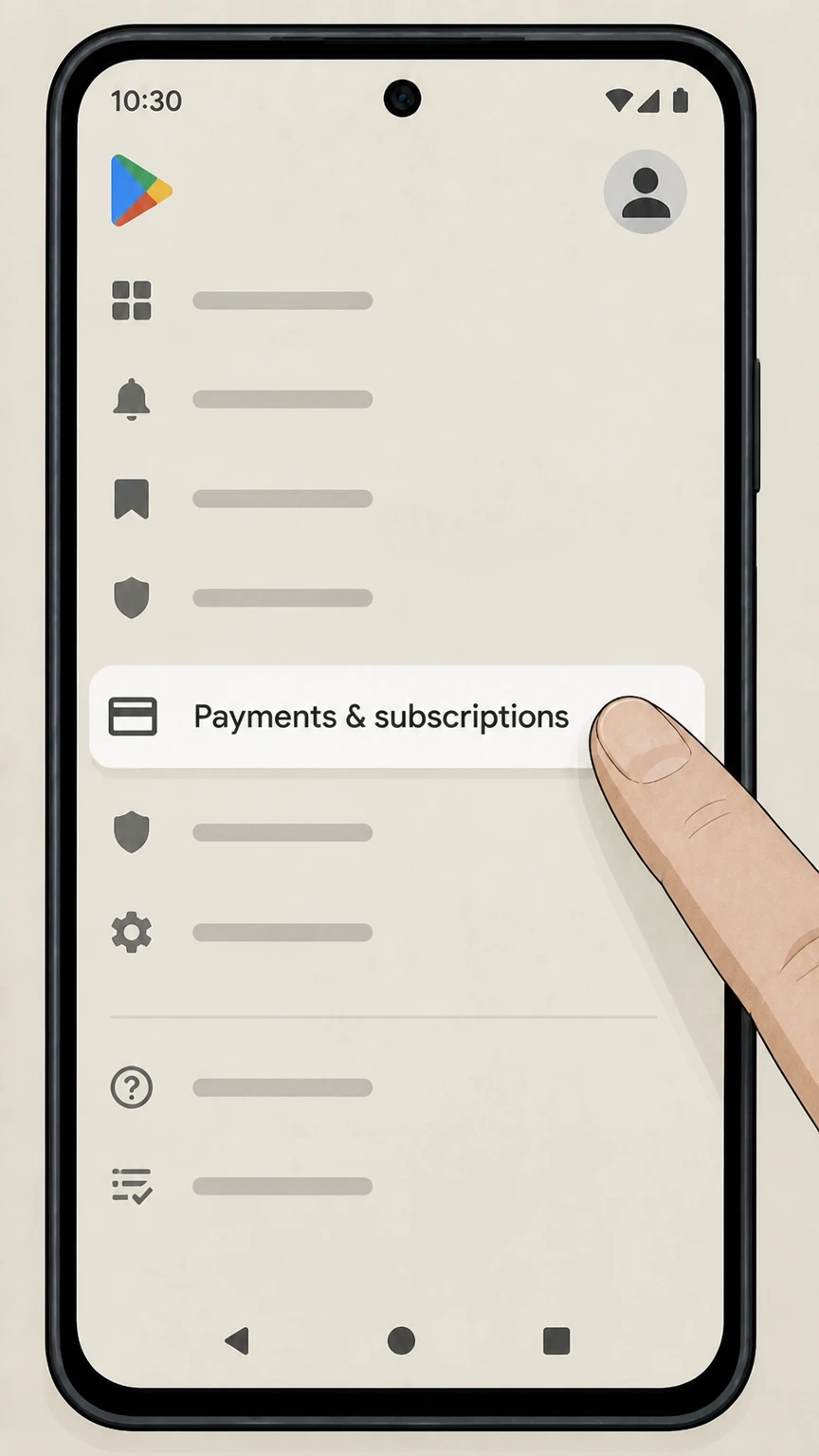 3
3Go to Payments & subscriptions
Tap Payments & subscriptions from the menu options.
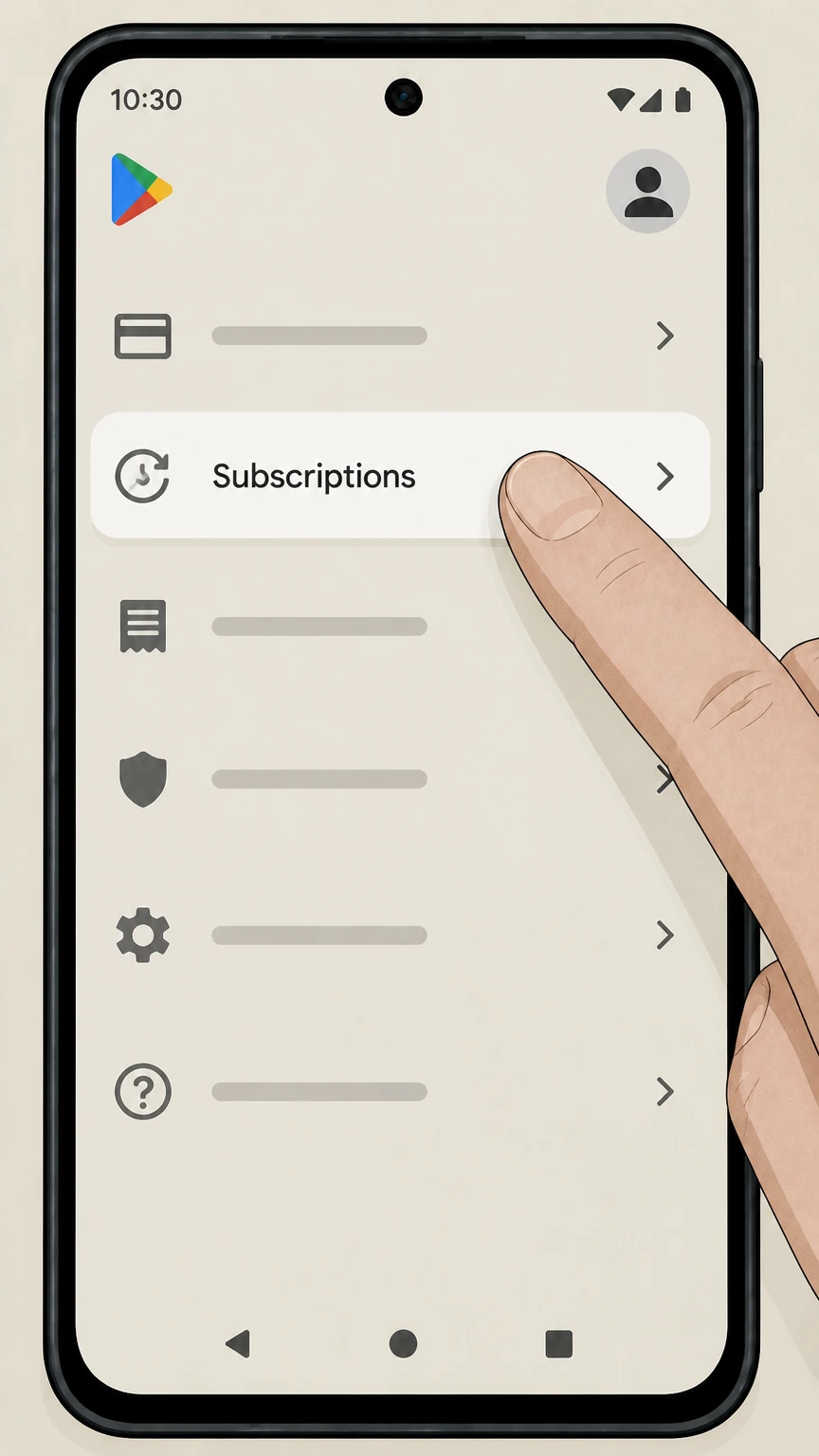 4
4Open Subscriptions
Tap Subscriptions to see all active Google Play subscriptions on this Google account.
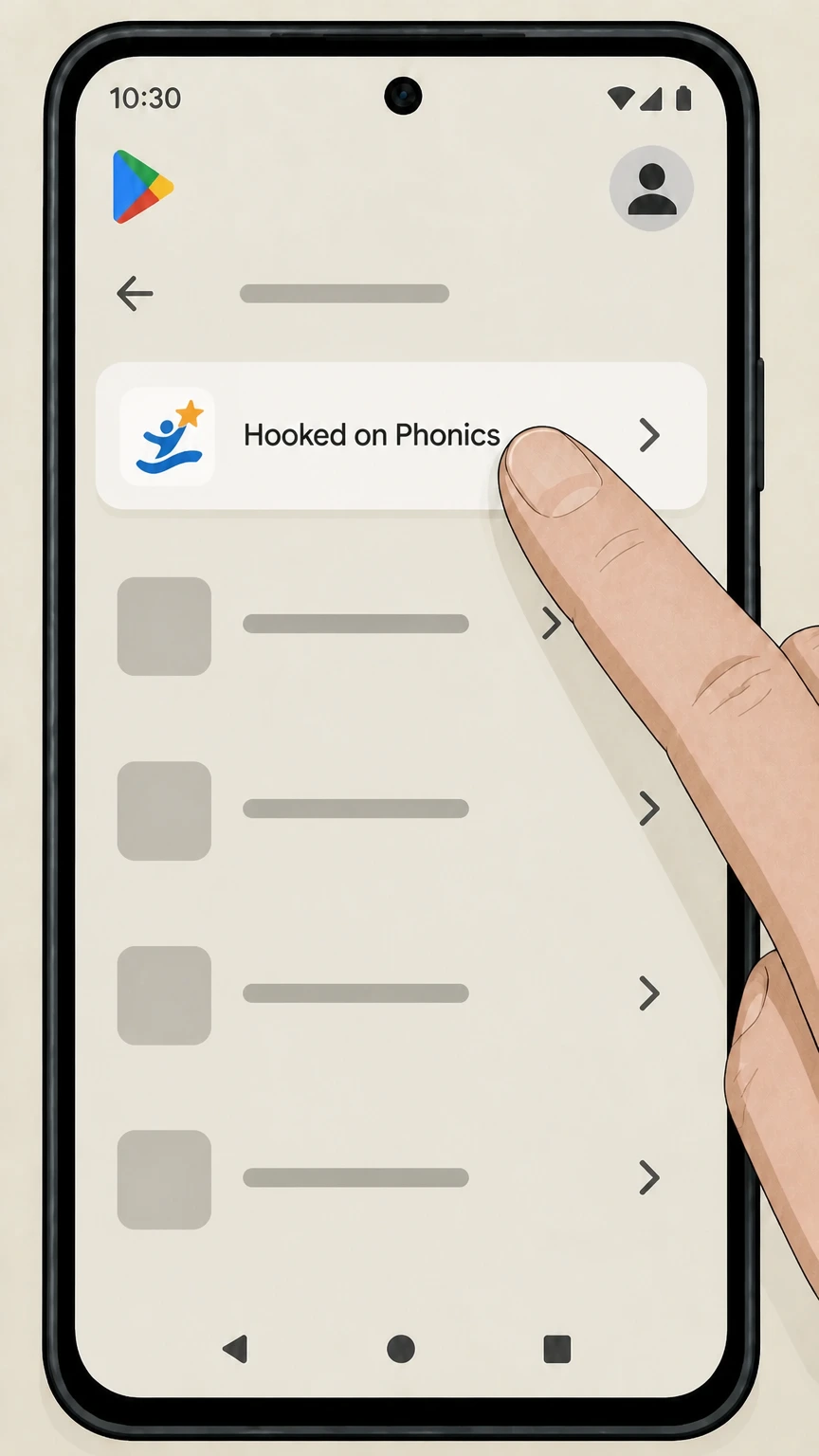 5
5Select Hooked on Phonics
In the Google Play Subscriptions list, tap Hooked on Phonics to open the subscription details for the correct provider.
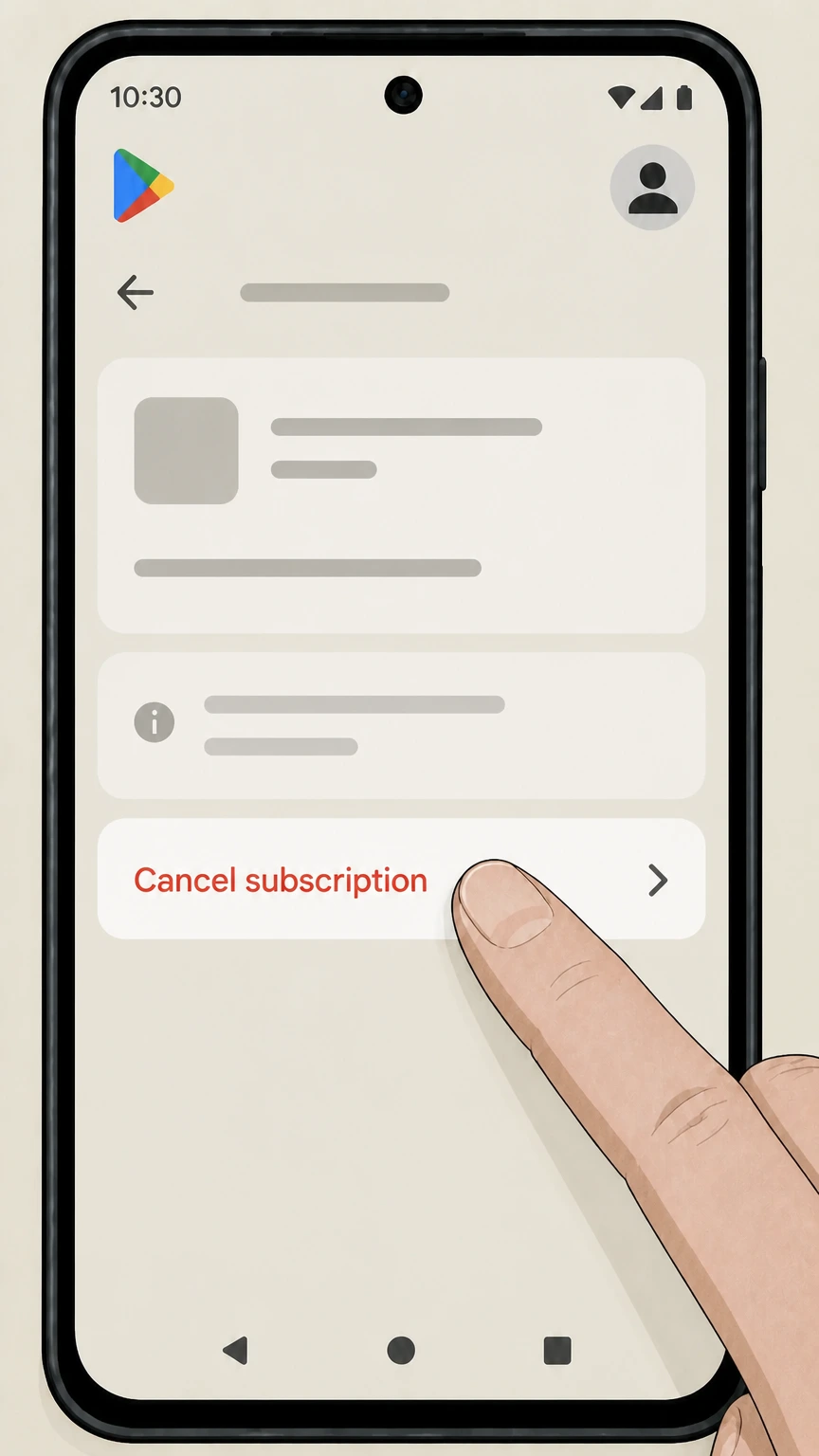 6
6Cancel Hooked on Phonics
On the Hooked on Phonics subscription details screen, tap Cancel subscription and complete Google Play’s prompts. Then keep the canceled status or expiration date shown for Hooked on Phonics.
Hooked & Company account dashboard (direct billing) · verify the billing owner
Hooked & Company account dashboard (direct billing)
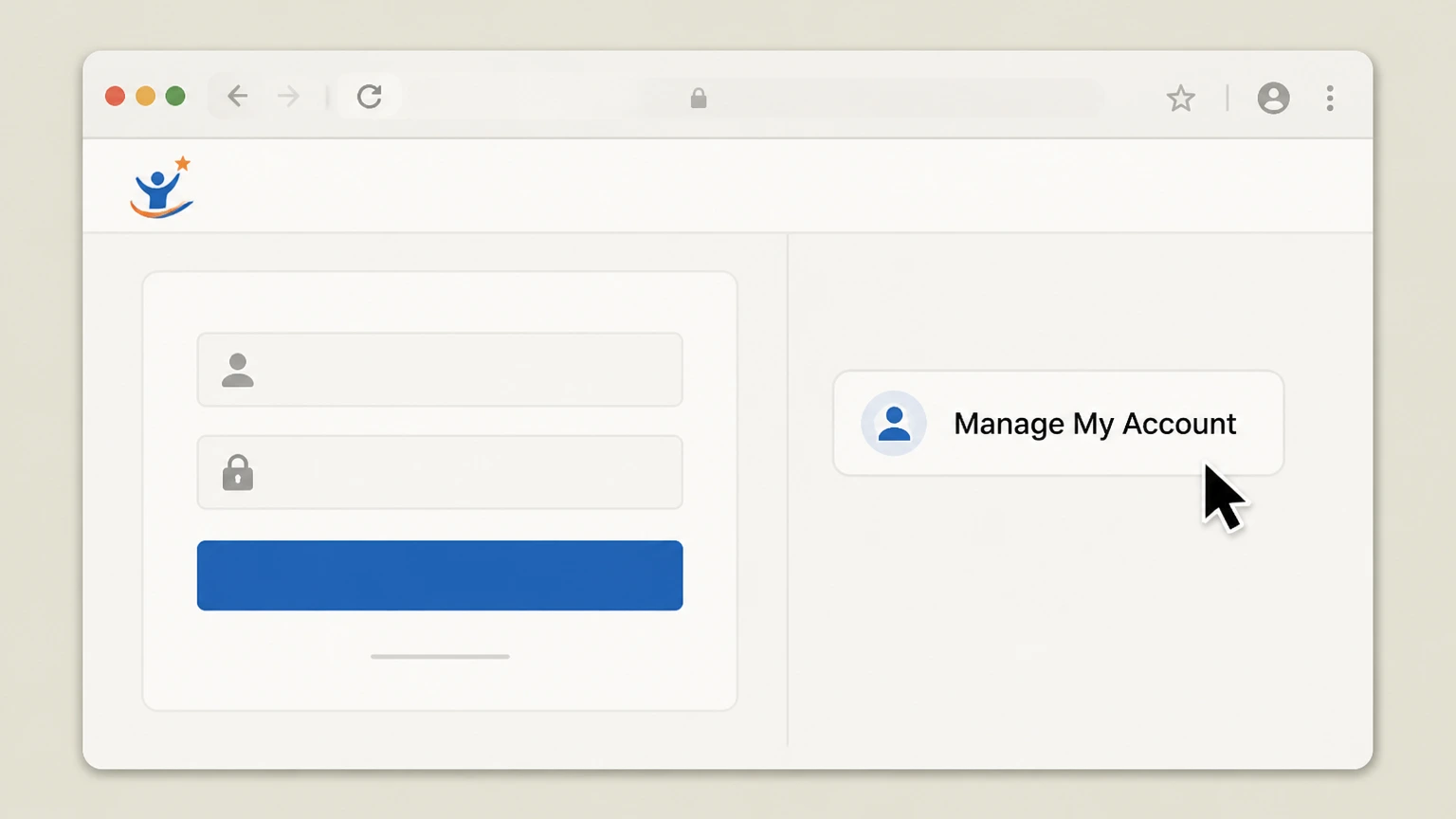 1
1Open the account dashboard
Open the Hooked on Phonics account dashboard and sign in with the email address tied to the directly billed membership.
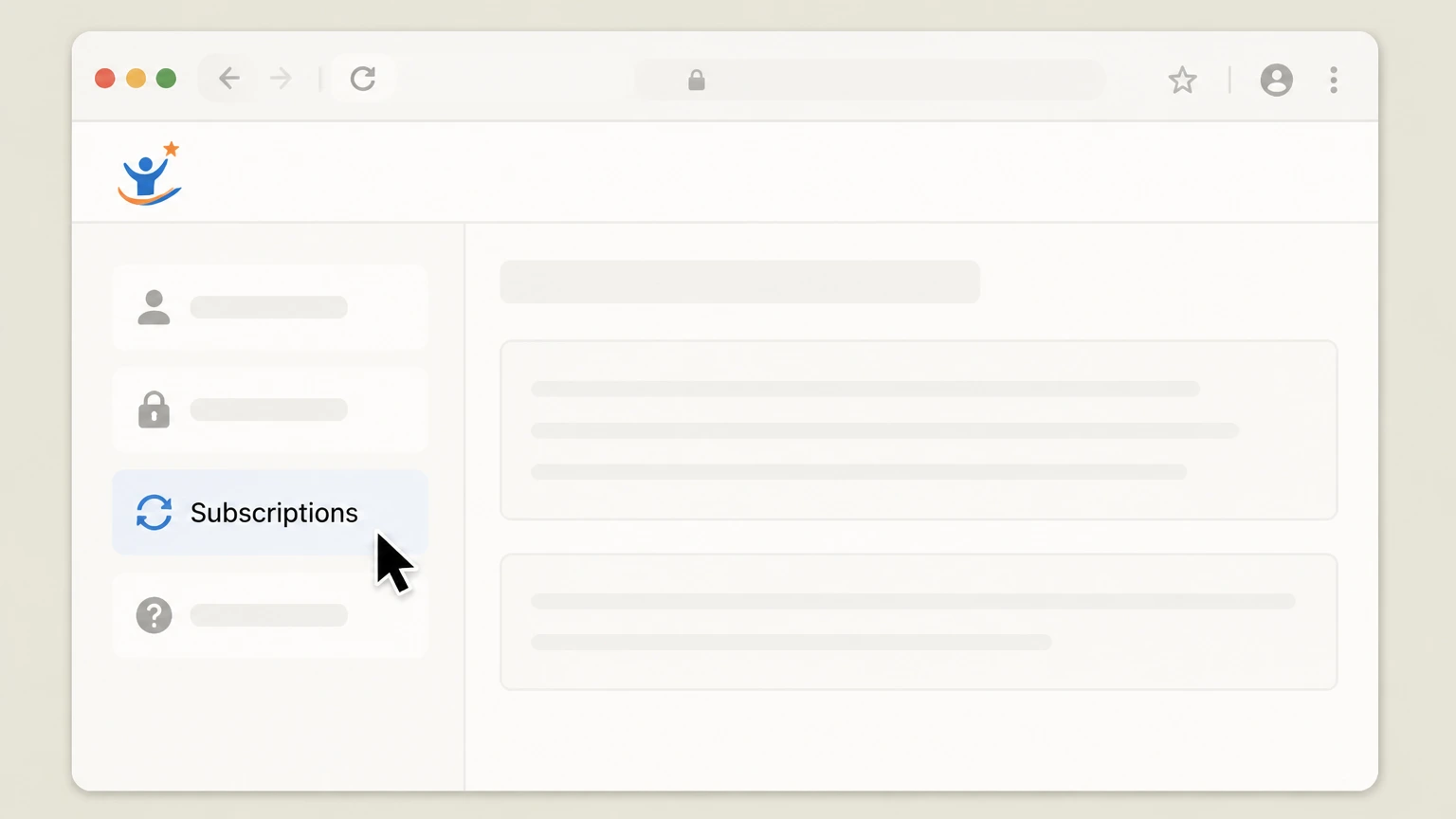 2
2Open Subscriptions
In the signed‑in dashboard, open the Subscriptions tab and locate the account or membership that matches the direct charge.
- Let Pine handle it
Pine can help
Too many steps?
Pine can find the right Hooked & Company account dashboard (direct billing) path and handle the cancellation for you.
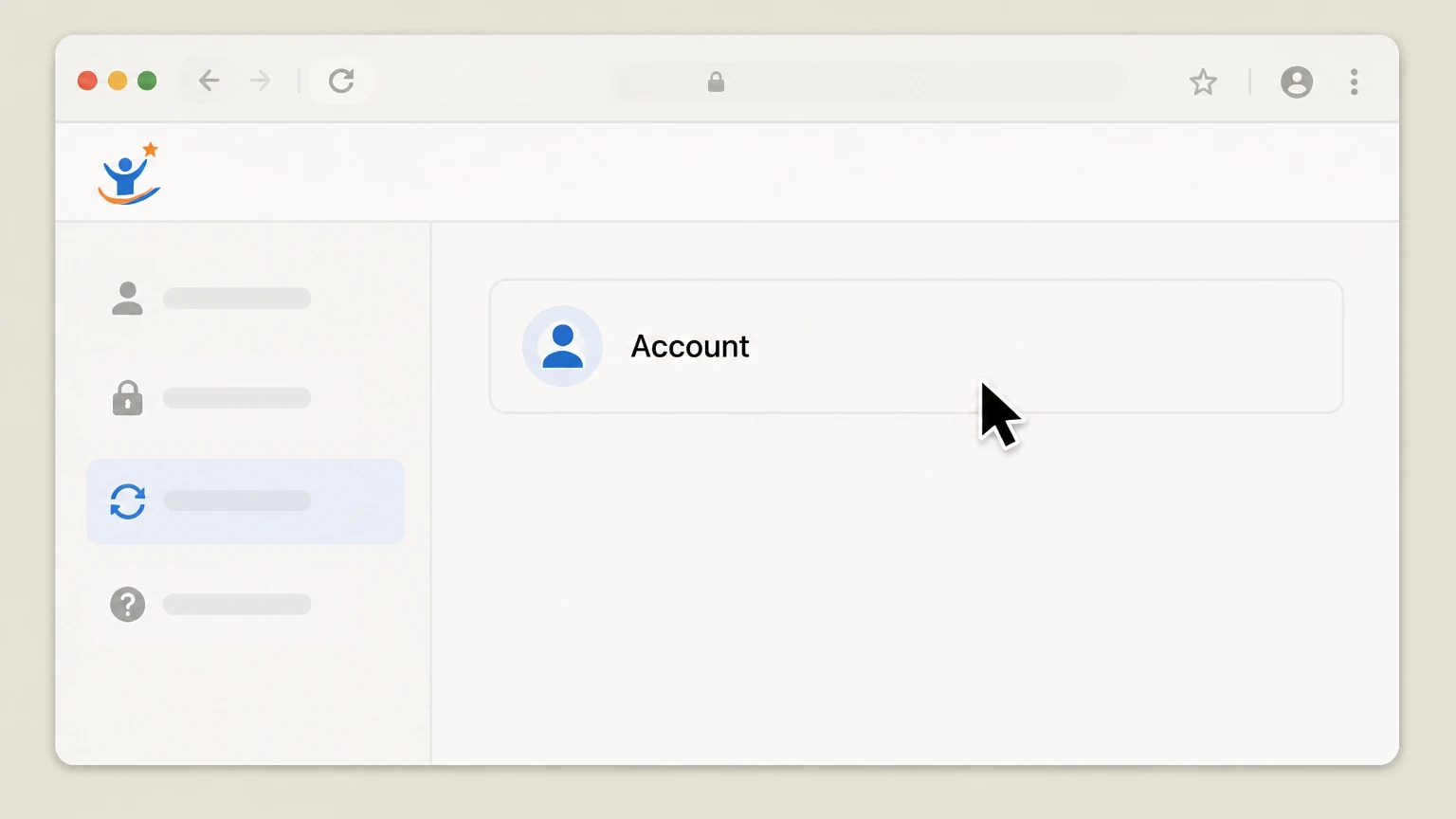 3
3Choose the account
Select the account listed under Subscriptions so the current membership controls are visible before changing renewal.
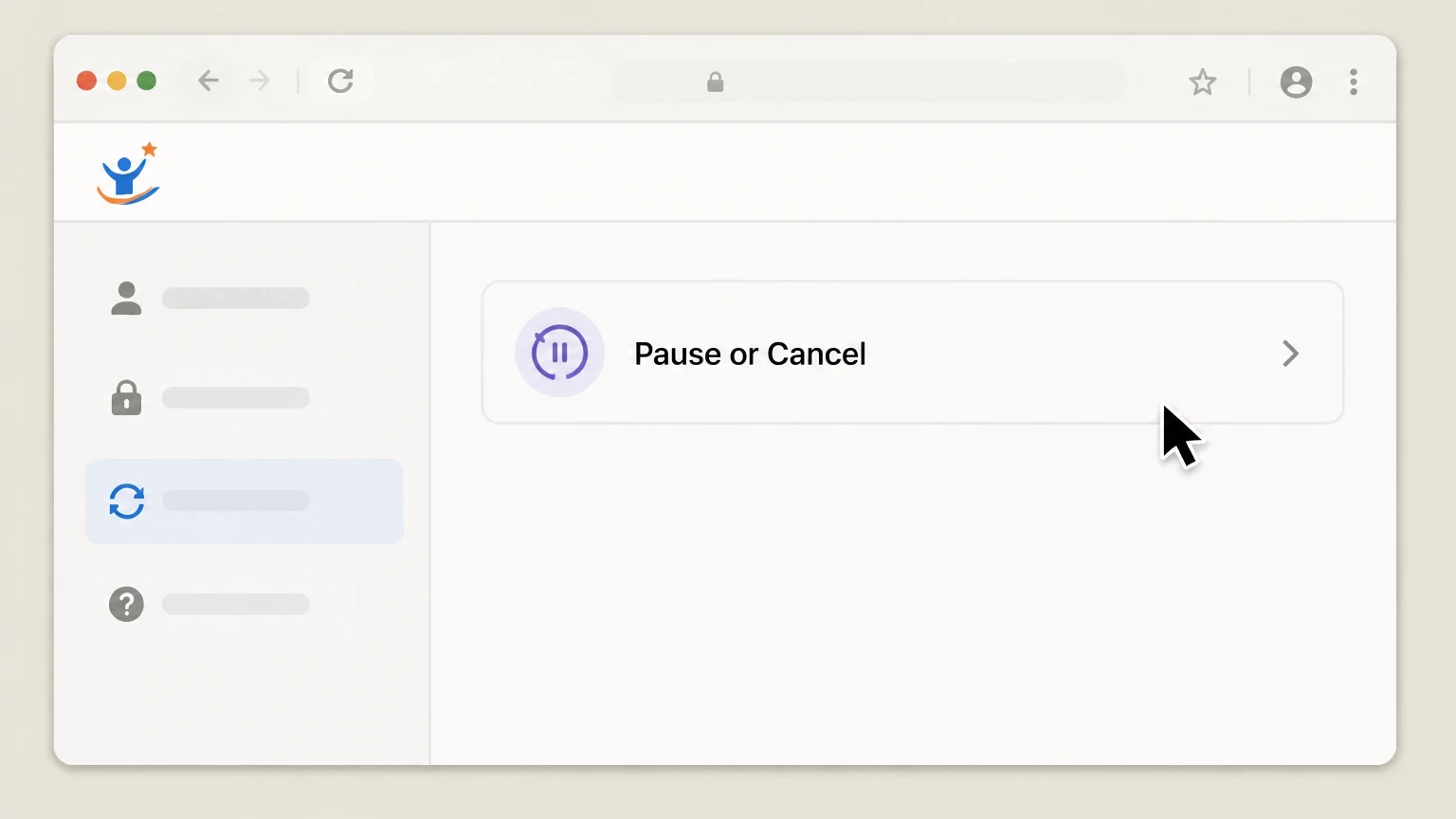 4
4Choose Pause or Cancel
Choose Pause or Cancel for that membership, complete the confirmation shown by the dashboard, and keep the effective date or confirmation.
Refund policy
Refunds after canceling Hooked on Phonics
Hooked & Company publishes a narrow three-day full-refund rule for directly billed memberships; later direct cancellations and store purchases follow different rules.
Check my refund options- Three-day direct-billing refund
- The June 5, 2026 Terms state that contacting Hooked & Company to cancel within the first three days after accepting the offer qualifies for a full membership refund.
- No later partial-period credit
- Outside the stated three-day direct-billing rule, the Terms say already-paid membership fees are non-refundable and no credits are provided for partial periods.
- Store purchases use the store process
- Apple- or Google-billed purchases remain subject to that store’s refund-request process; cancellation itself does not automatically create a refund.
Identify the billing owner first, preserve the offer-acceptance and cancellation dates, and use the provider Terms or the applicable store refund channel. Review Hooked on Phonics Terms
Hooked & Company direct billing
Use the provider dashboard for a direct membership
The current Terms publish the exact dashboard route.
Open Subscriptions
Sign in to the Hooked on Phonics dashboard and open Subscriptions.
Choose the account
Select the account listed under Subscriptions.
Pause or Cancel
Choose Pause or Cancel and keep the effective date shown by the dashboard.
Store billing
Use Apple or Google for store-billed access
The receipt identifies the cancellation owner.
Apple purchase
Cancel Hooked on Phonics in Apple Subscriptions when Apple owns the receipt.
Google purchase
Cancel Hooked on Phonics in Google Play Subscriptions when Google owns the receipt.
Direct purchase
Use the Hooked & Company dashboard only when the provider owns the charge.
Direct membership outcome
Direct cancellation takes effect at period end
The June 5, 2026 Terms state the renewal effect and refund boundary.
Next cycle stops
Cancellation takes effect at the end of the current billing period and prevents the next billing cycle.
Three-day full refund
Contacting Hooked & Company to cancel within the first three days after accepting the offer qualifies for a full membership refund.
No later partial credit
Otherwise, the Terms state that already-paid fees are non-refundable and no partial-period credits are provided.
Confirmation
Confirm with the billing owner
Keep the status produced by the route that owns the charge.
Direct dashboard
Keep the dashboard’s effective date or updated membership status after Pause or Cancel.
Apple status
Keep the expiration or canceled status shown for Hooked on Phonics in Apple Subscriptions.
Google status
Keep the canceled status or end date shown for Hooked on Phonics in Google Play Subscriptions.
Hooked on Phonics cancellation FAQ
Answers about Hooked on Phonics billing ownership, cancellation timing, refunds, and access after cancellation.
Can I cancel my Hooked on Phonics subscription online?
How do I cancel Hooked on Phonics on iPhone or iPad?
How do I cancel Hooked on Phonics on Android through Google Play?
Does deleting the Hooked on Phonics app cancel my subscription?
Can I get a refund for Hooked on Phonics?
What happens to my Hooked on Phonics access after I cancel?
How can I confirm that my Hooked on Phonics subscription is canceled?
When should I cancel Hooked on Phonics to avoid another charge?
Untangle this Hooked on Phonics issue.
Let Pine handle the provider follow-up and keep the confirmation in one place.
