


Financial Times
Cancel subscription
How to Cancel Your Financial Times Subscription
Learn how to cancel Financial Times through the right billing provider. Follow official steps, understand access timing, refunds, and the confirmation to keep.
- Official Financial Times and billing-owner sources
- 3 provider-specific cancellation paths
- Refund and post-cancellation effects separated from renewal
- Verified August 16, 2026
Choose the Financial Times cancellation path that matches who bills you
Financial Times website or help centre (FT-billed) · verify the billing owner
 1
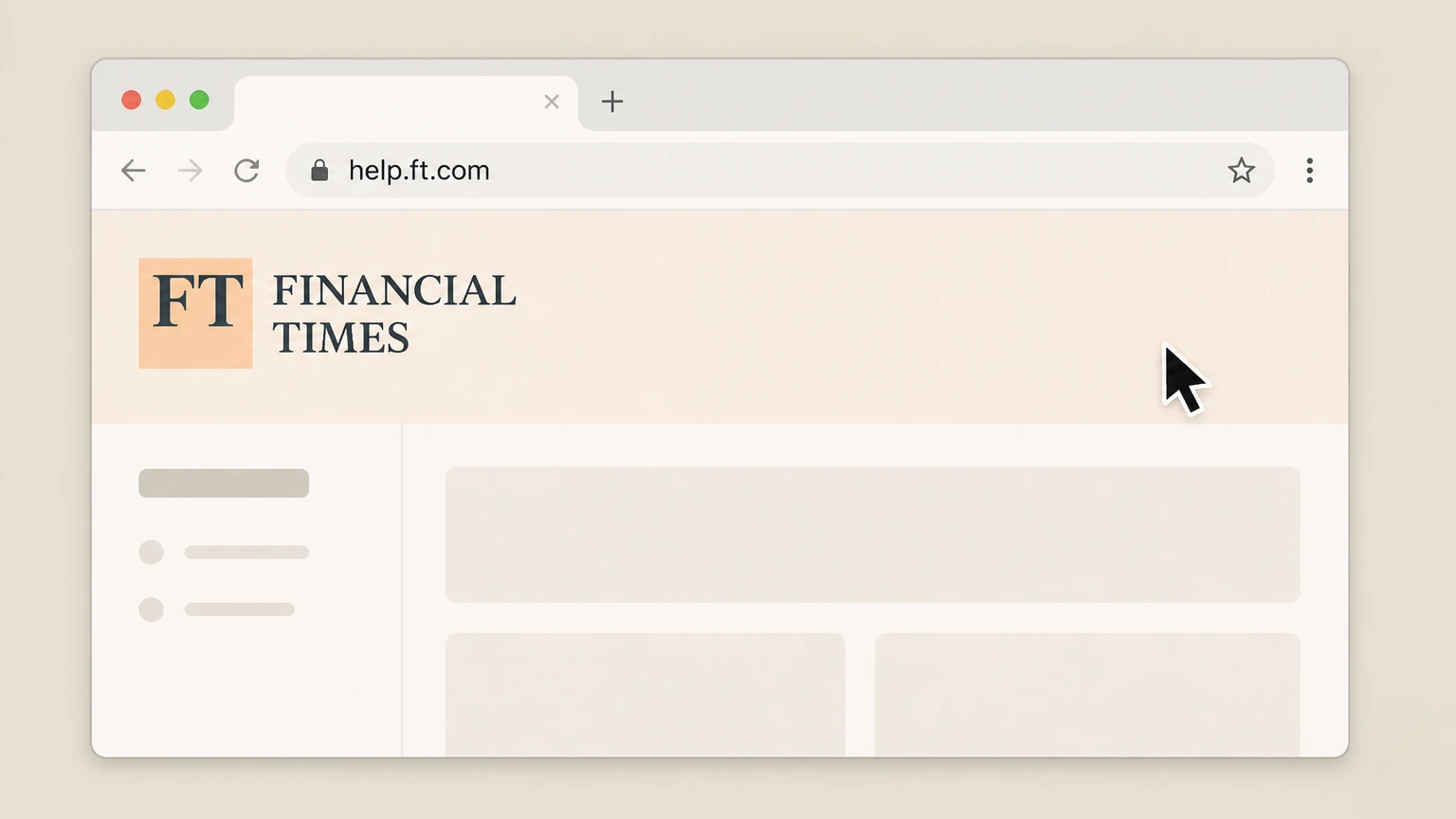
1Open the Financial Times help centre
In a web browser, go to the Financial Times help site at help.ft.com. Use the Financial Times account named on your receipt, and continue only after the next status in this cancellation path is visible.
 2
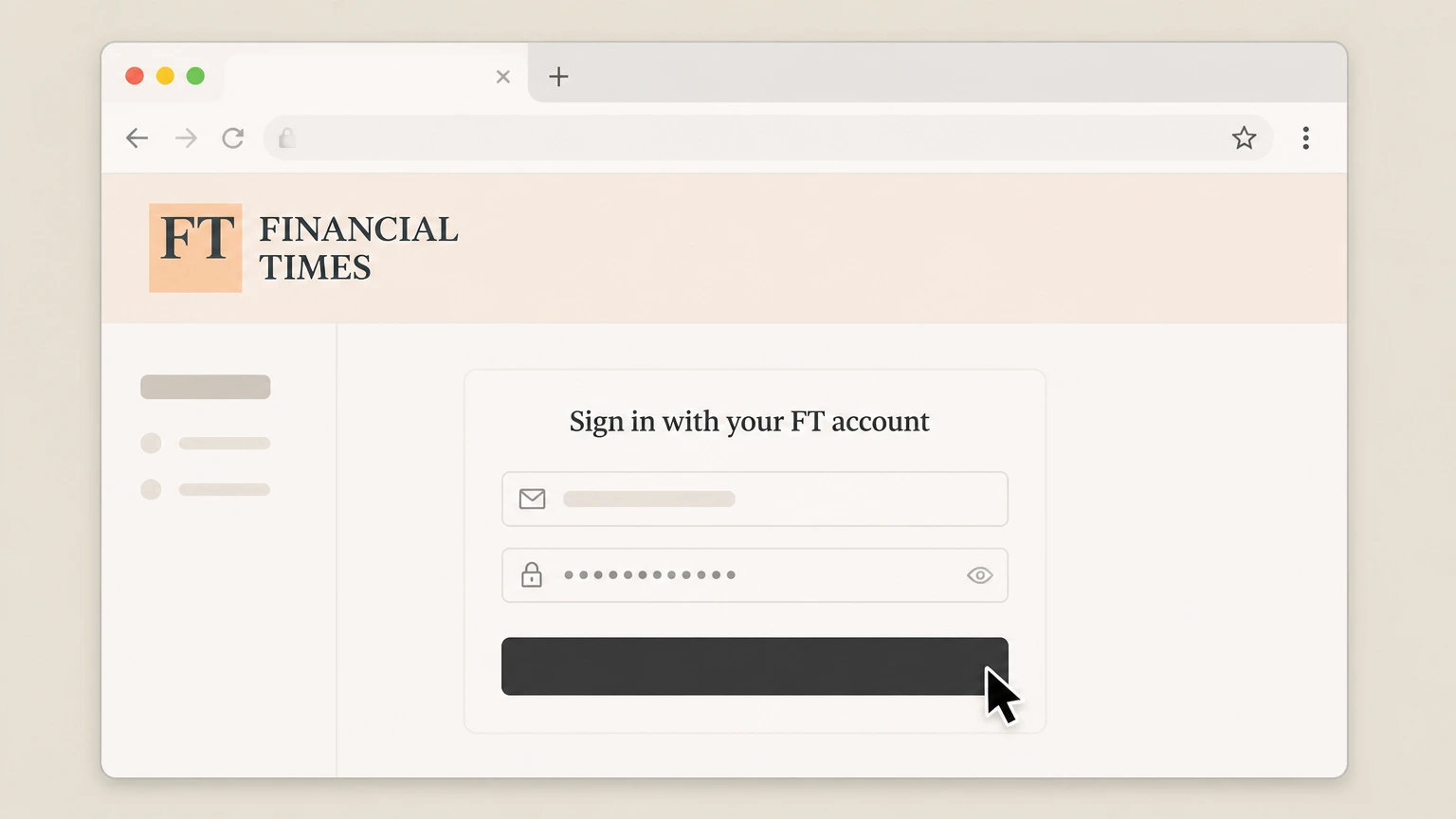
2Sign in with your FT account
If prompted, sign in using the email address and password linked to your Financial Times subscription. Use the Financial Times account named on your receipt, and continue only after the next status in this cancellation path is visible.
- Let Pine handle it
Pine can help
Too many steps?
Pine can find the right Financial Times website or help centre (FT-billed) path and handle the cancellation for you.
 3
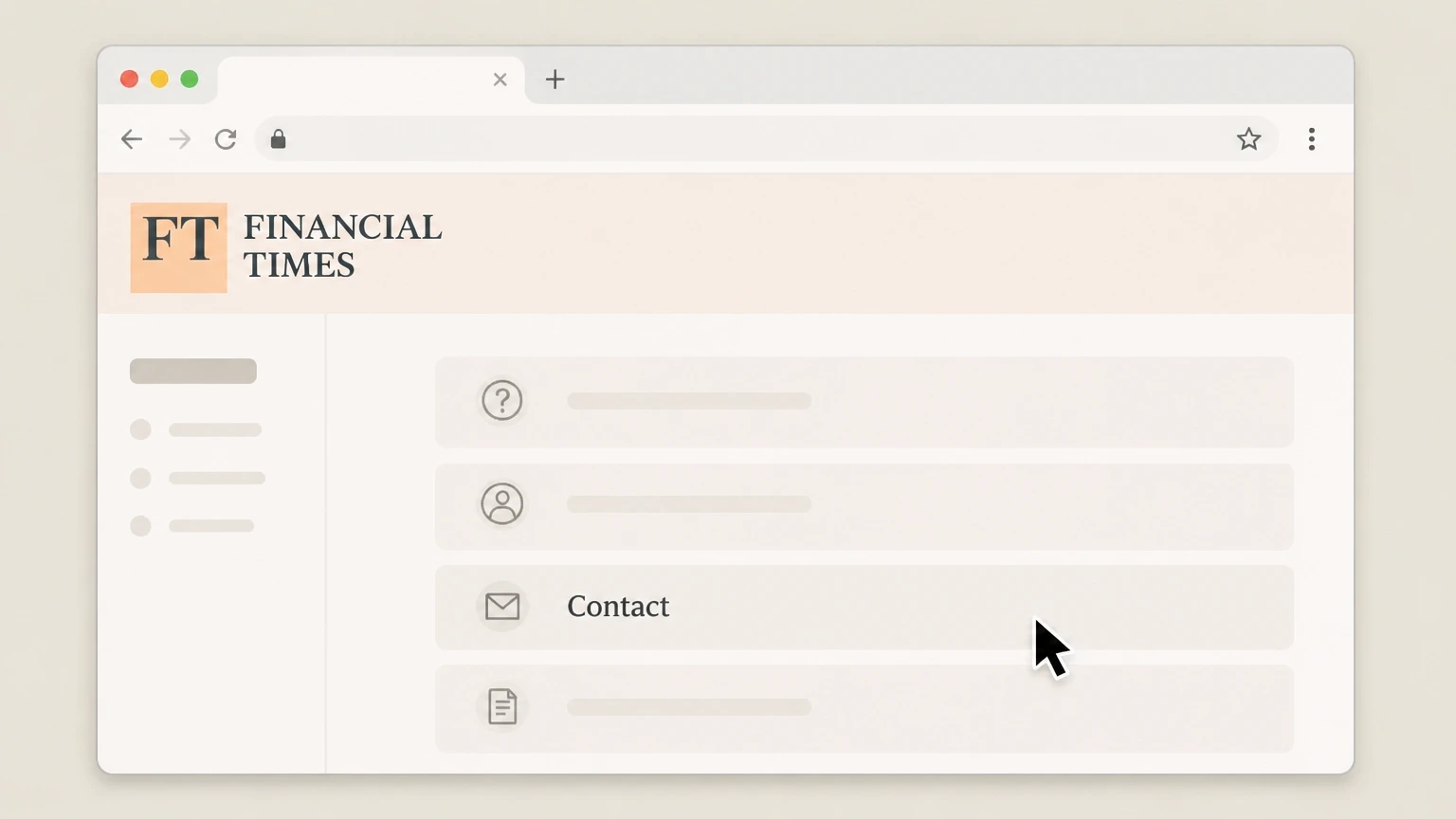
3Open the contact or customer care page
From the help centre navigation, open the Contact or customer care page used to reach Financial Times support. Use the Financial Times account named on your receipt, and continue only after the next status in this cancellation path is visible.
 4
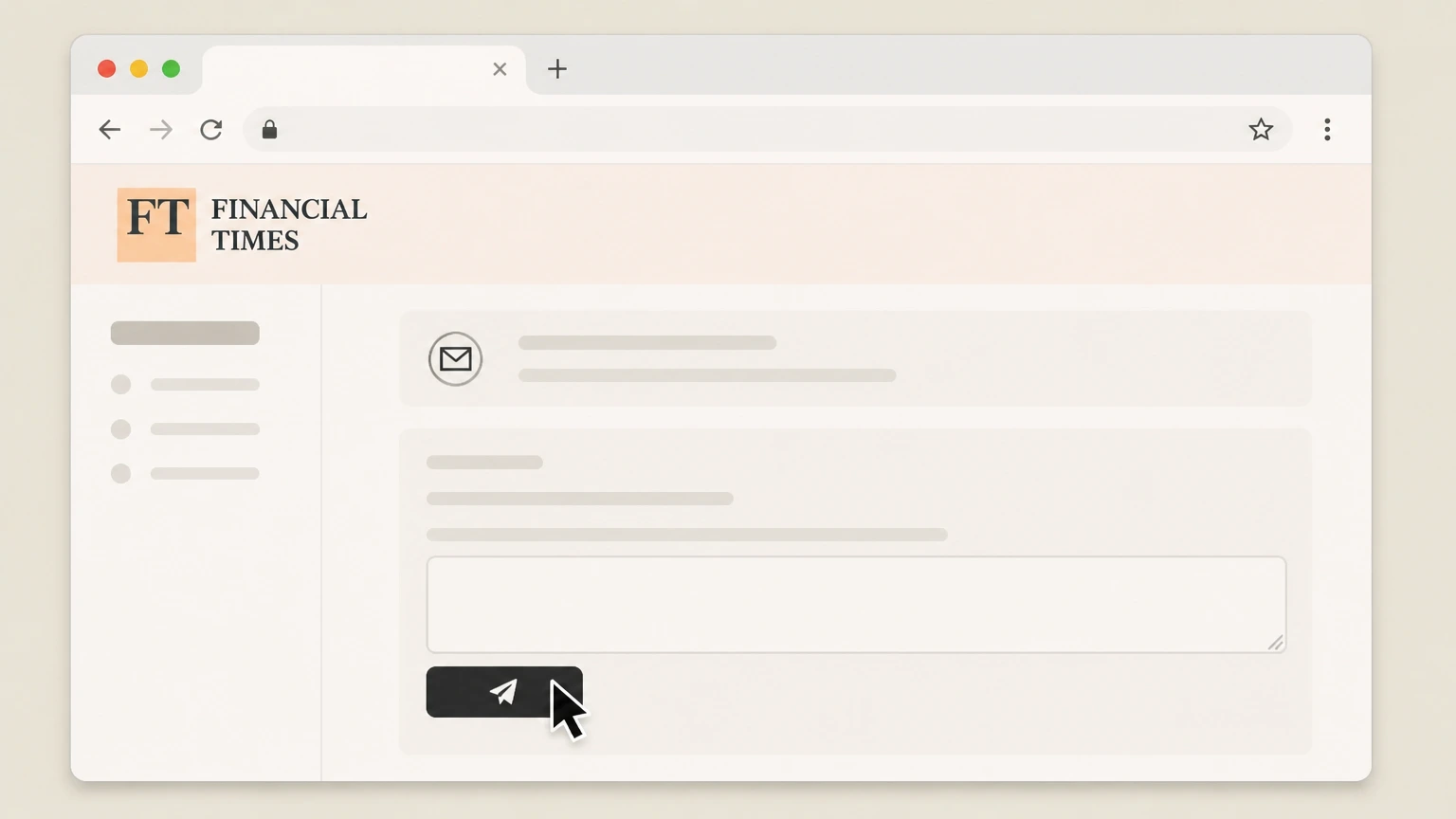
4Submit a cancellation request to FT
Use the contact form to request cancellation of your subscription, clearly stating that you want auto-renewal stopped for your Financial Times subscription and including your account and billing details.
 5
5Save confirmation and monitor billing
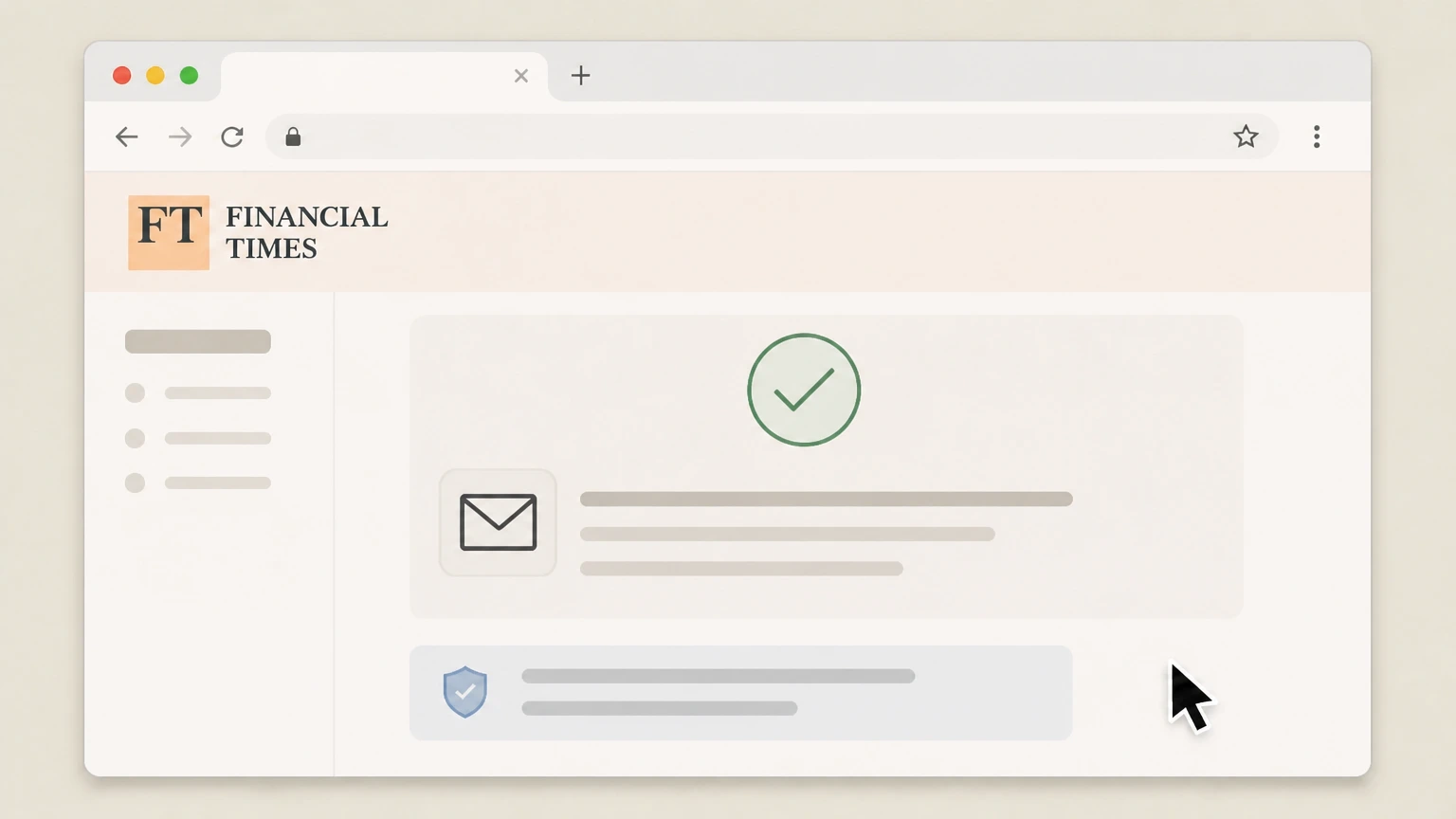
Keep a copy of the confirmation page or email from FT and watch your bank or PayPal statements to ensure future Financial Times subscription charges stop after your current paid period ends.

Apple iPhone or iPad (Apple-billed FT) · verify the billing owner
 1
1Open Settings
Open the Settings app on your iPhone or iPad. Use the Financial Times account named on your receipt, and continue only after the next status in this cancellation path is visible.
 2
2Tap your name
At the top of Settings, tap your name to open your Apple ID settings. Use the Financial Times account named on your receipt, and continue only after the next status in this cancellation path is visible.
- Let Pine handle it
Pine can help
Too many steps?
Pine can find the right Apple iPhone or iPad (Apple-billed FT) path and handle the cancellation for you.
 3
3Open Subscriptions
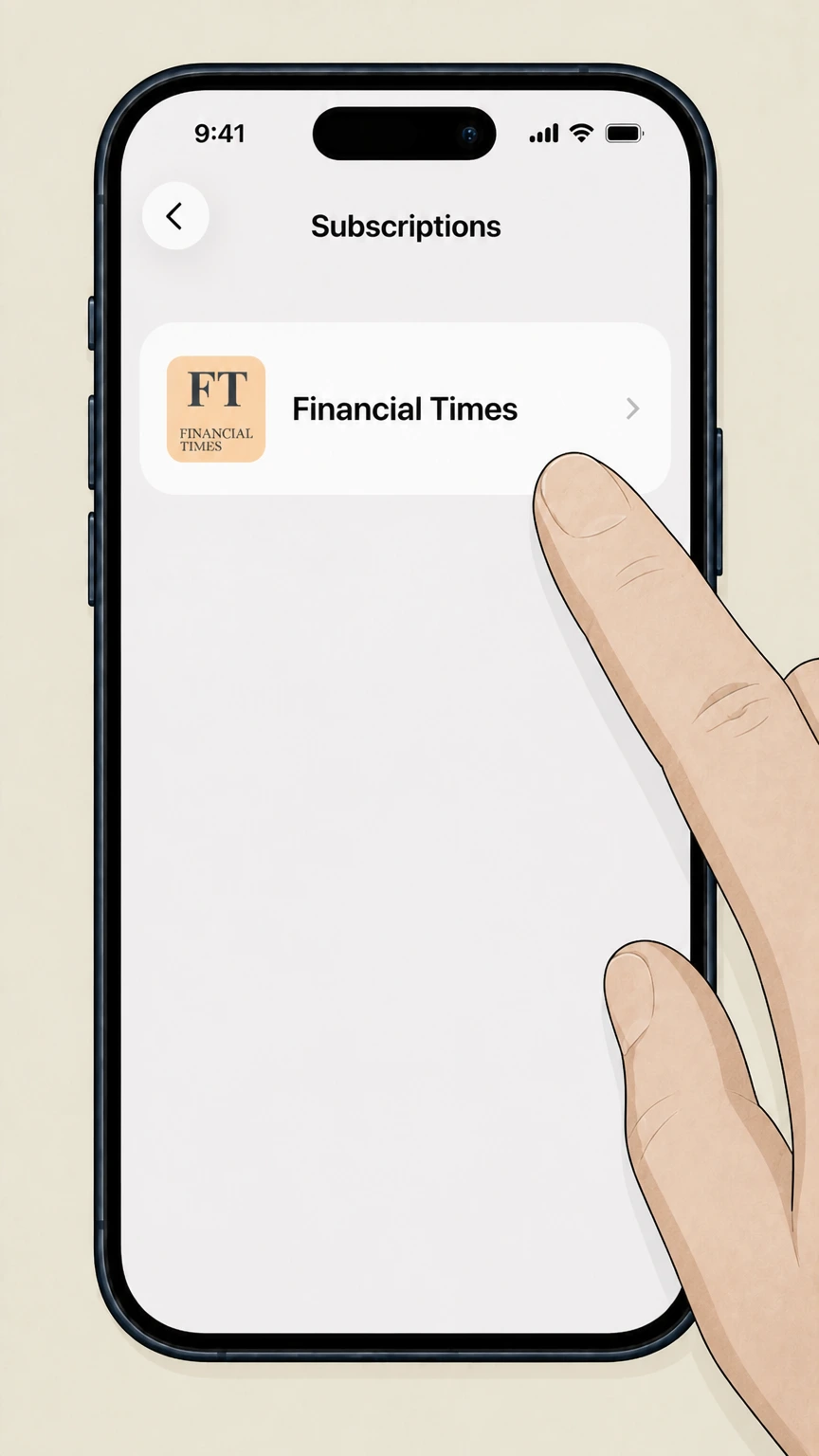
In your Apple ID settings, tap Subscriptions to see your active and expired subscriptions. Use the Financial Times account named on your receipt, and continue only after the next status in this cancellation path is visible.
 4
4Select Financial Times
In the list of subscriptions, tap Financial Times to open its subscription details. Use the Financial Times account named on your receipt, and continue only after the next status in this cancellation path is visible.
 5
5Cancel the subscription
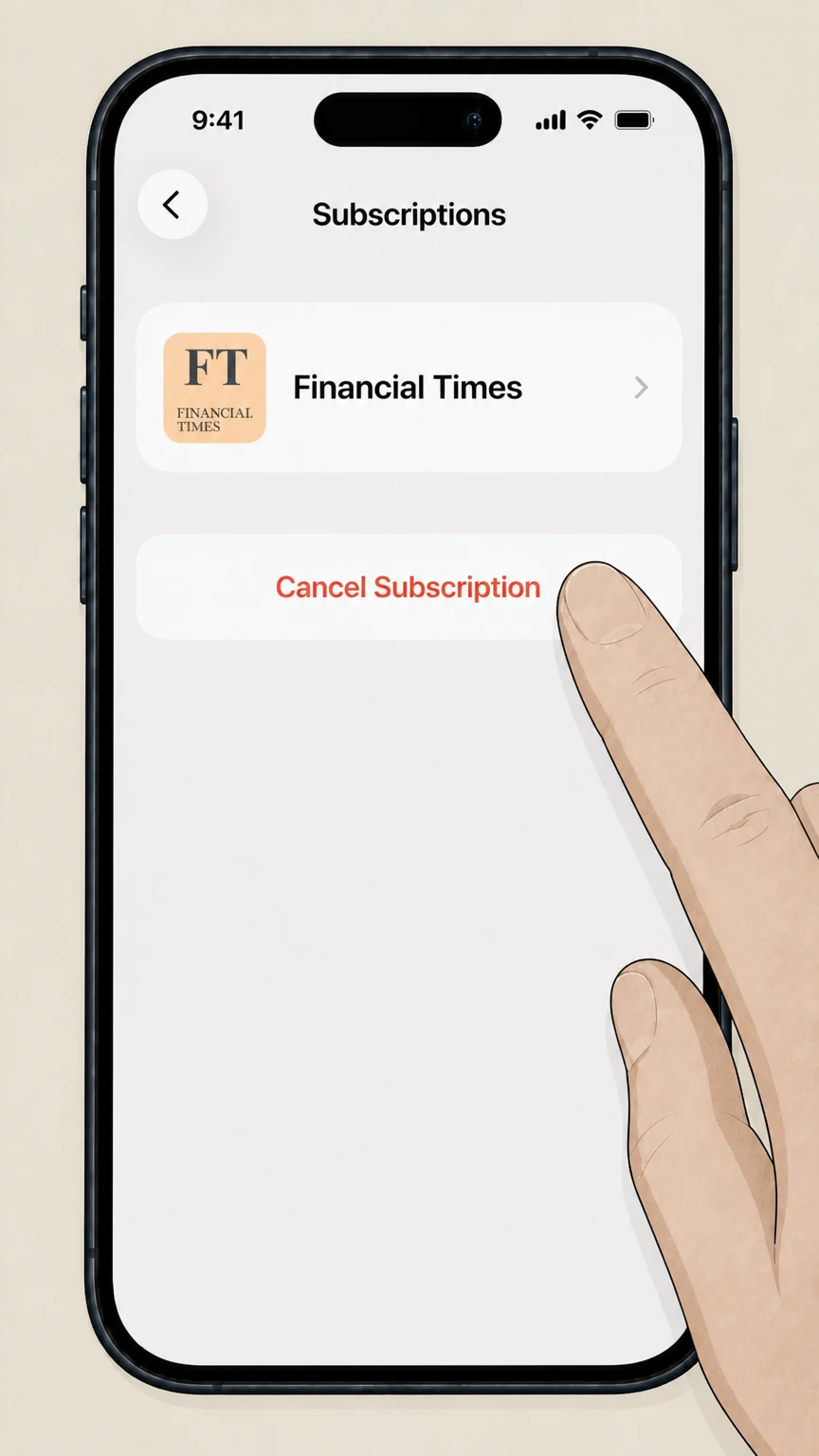
Tap Cancel Subscription and follow any on‑screen prompts; if you only see an expiration date and no Cancel button, the Financial Times subscription has already been cancelled.
Android or web (Google Play / Subscribe with Google billing) · verify the billing owner
 1
1Open Google Play subscriptions
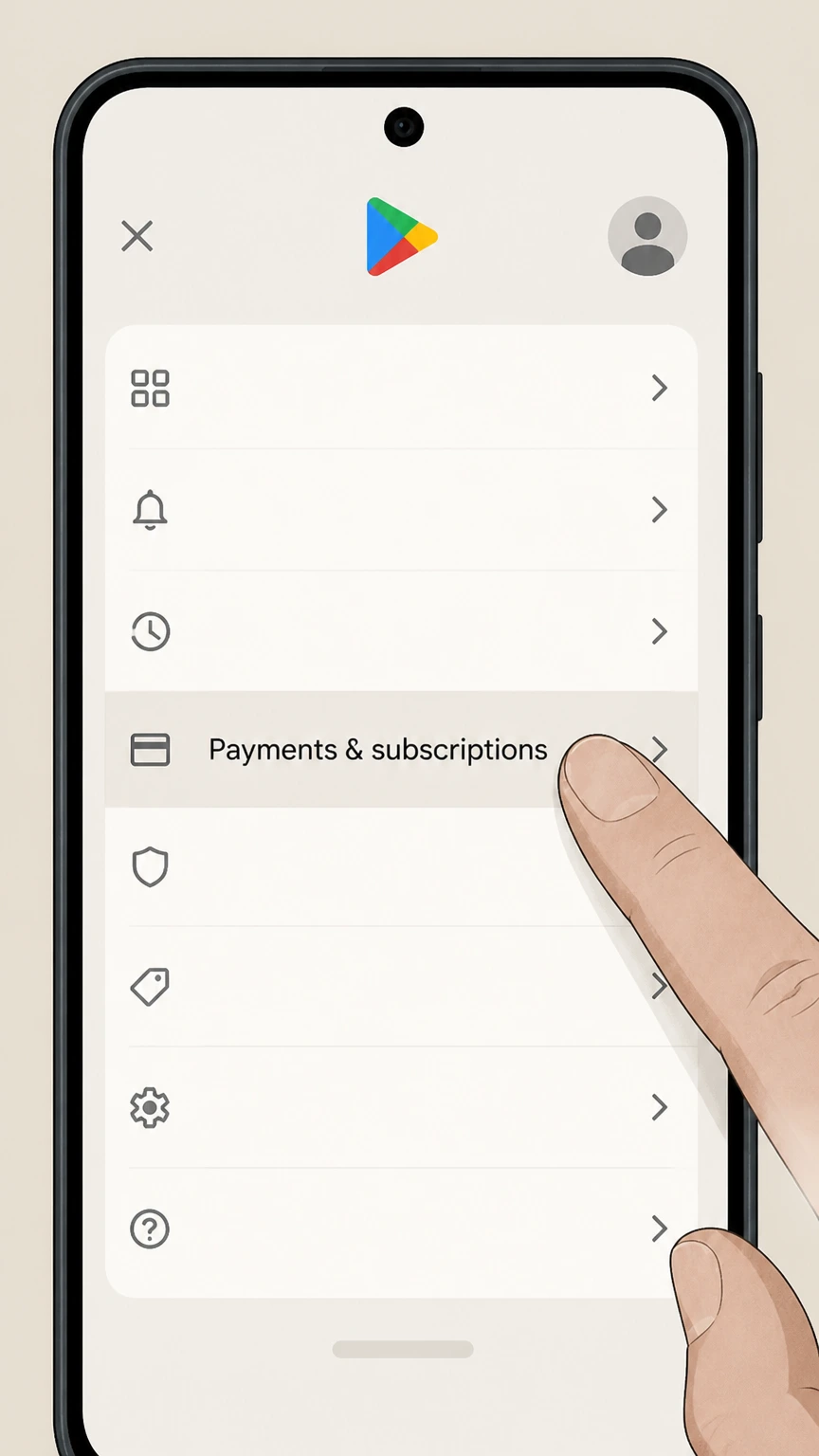
On your Android device, open the Google Play app, tap your profile picture, and then tap Payments & subscriptions followed by Subscriptions.
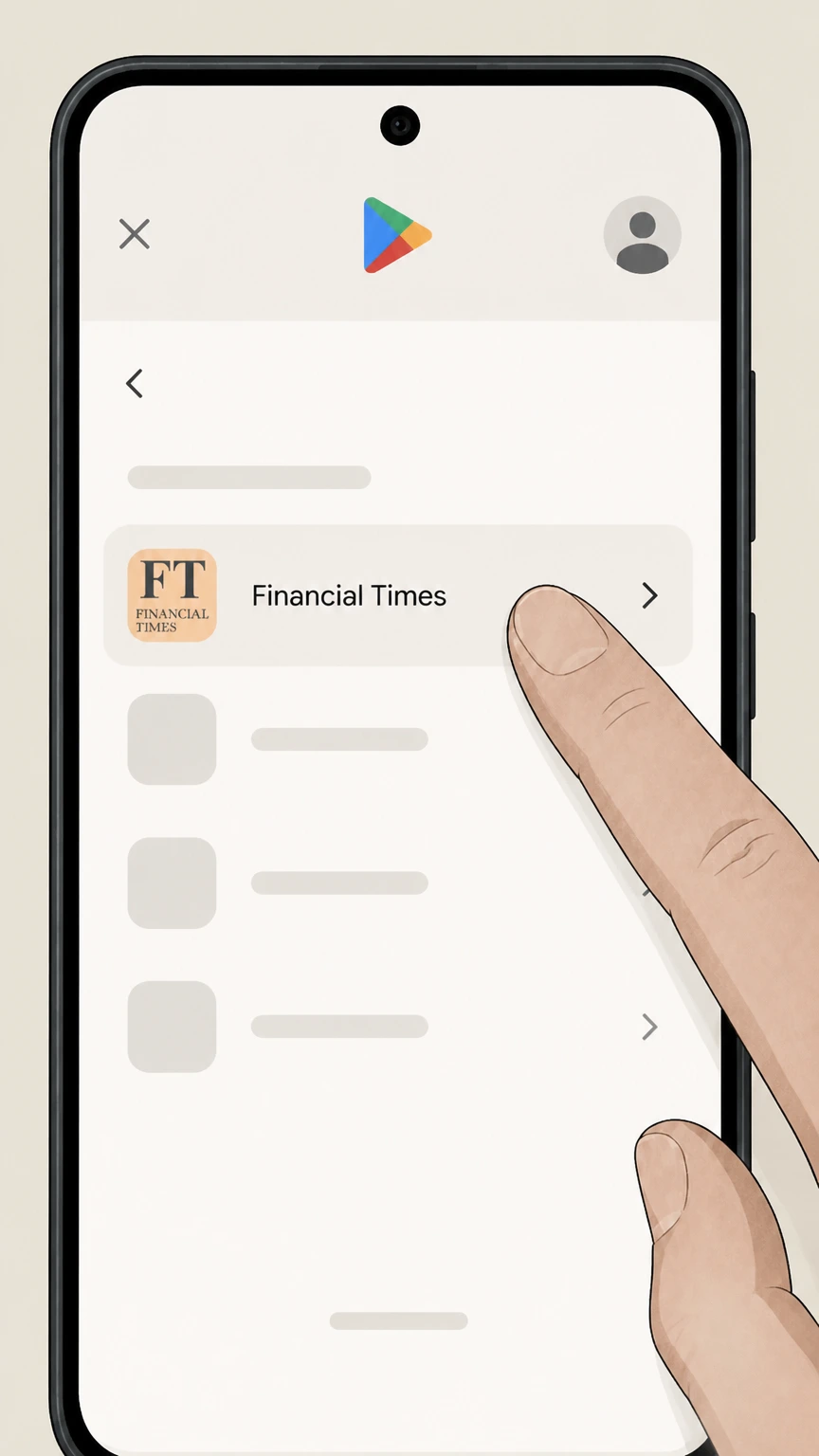 2
2Select your Financial Times subscription
In Subscriptions, tap the Financial Times subscription you want to cancel. Use the Financial Times account named on your receipt, and continue only after the next status in this cancellation path is visible.
- Let Pine handle it
Pine can help
Too many steps?
Pine can find the right Android or web (Google Play / Subscribe with Google billing) path and handle the cancellation for you.
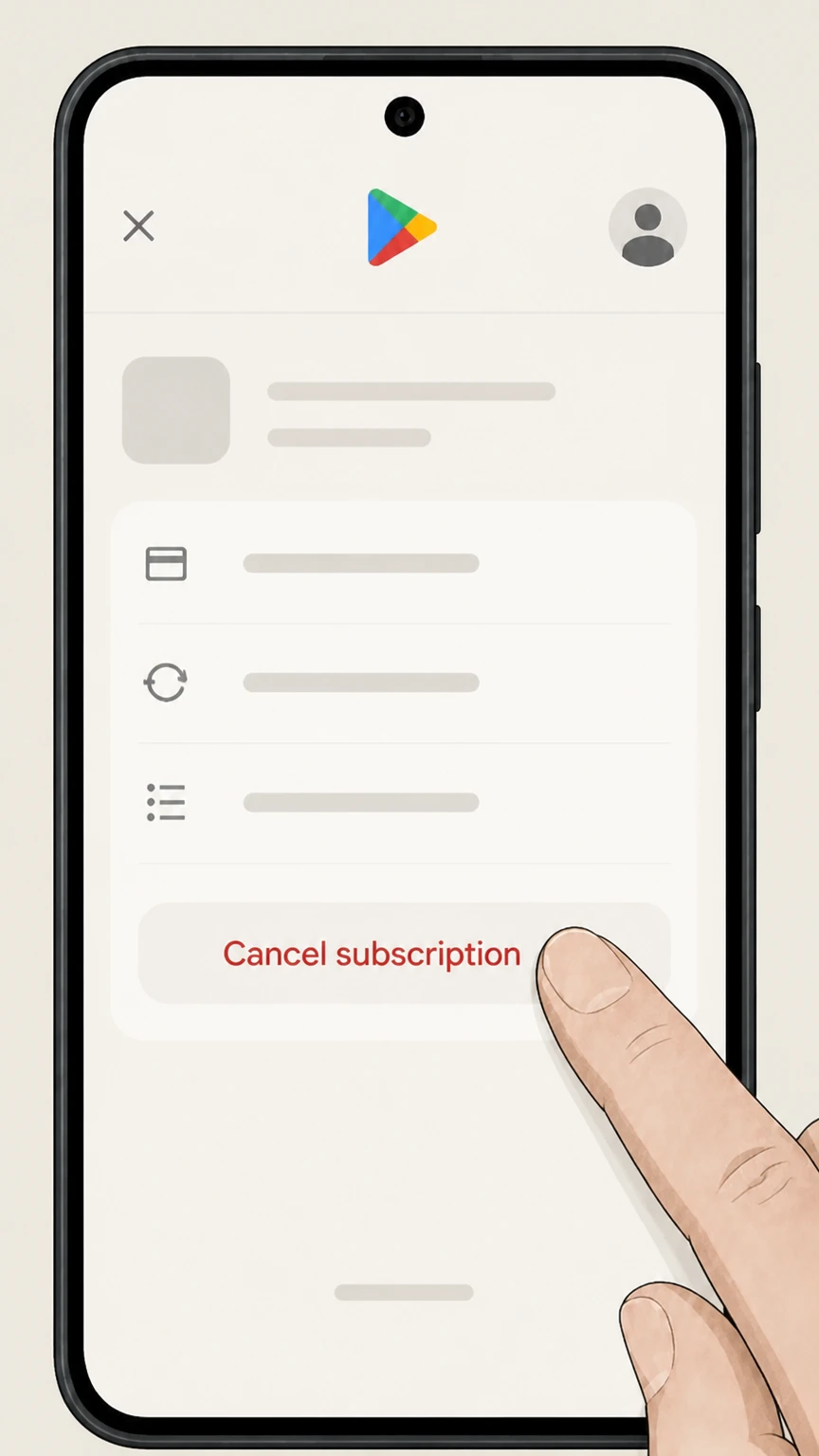 3
3Cancel the subscription in Google Play
Tap Cancel subscription and follow the on‑screen steps to confirm cancellation of your Financial Times subscription. Use the Financial Times account named on your receipt, and continue only after the next status in this cancellation path is visible.
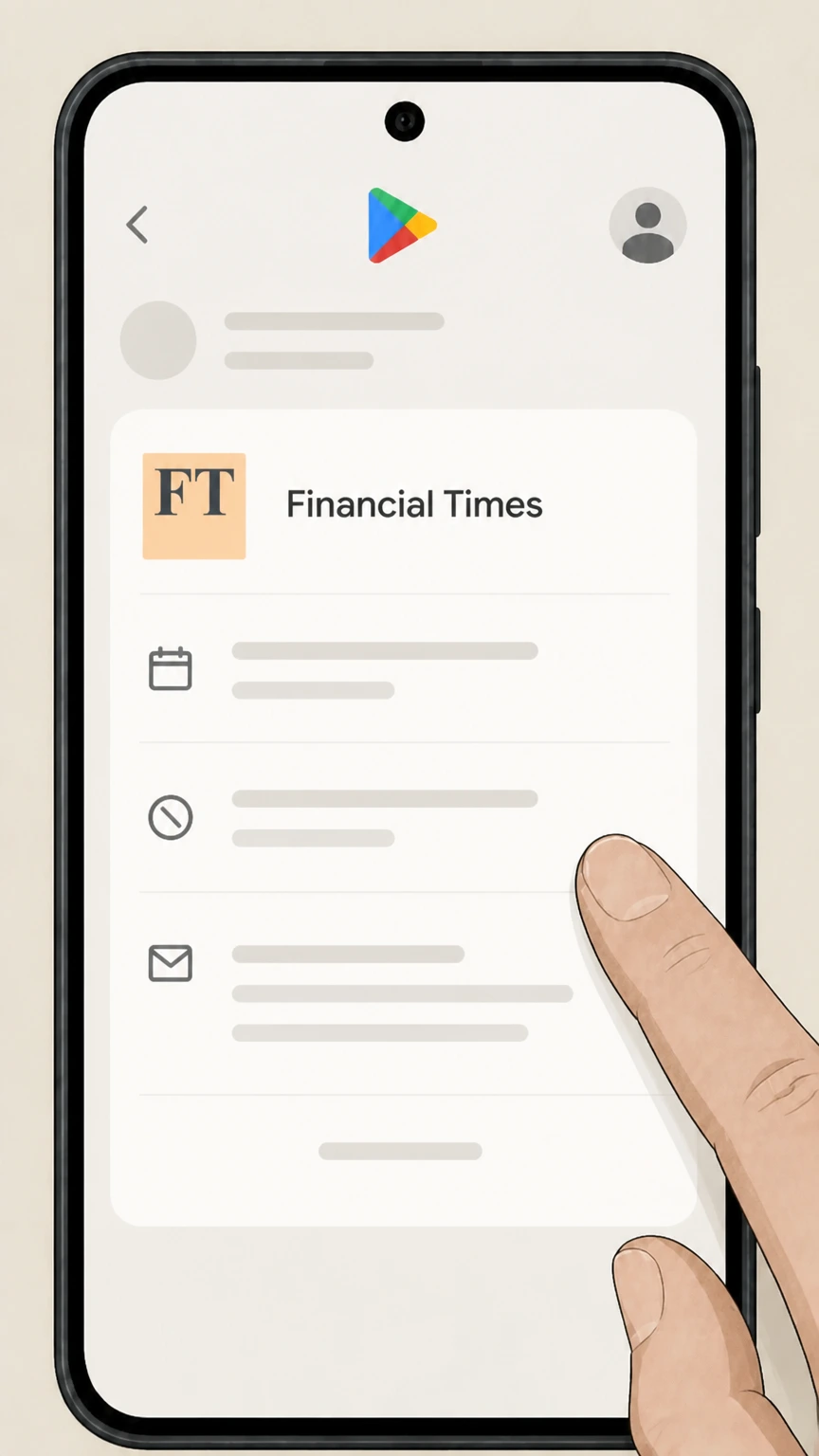 4
4Review the end date and email receipt
Check the confirmation screen and email from Google Play to see the date when your Financial Times access will end and auto‑renewal will stop.
Refund policy
Refunds when cancelling Financial Times
Cancelling Financial Times mainly stops future renewals; refunds of past charges are handled separately by the billing owner under its own rules and applicable law. Neither Apple nor Google promises automatic refunds when you cancel, and Financial Times’ public consumer‑facing materials reviewed here do not advertise automatic pro‑rated refunds either, so you should assume cancellation alone will not generate a refund unless your confirmation or local law says otherwise.
Check my refund options- Cancellation stops renewal, not past charges
- Apple and Google both state that when you cancel a subscription, you keep access for the time you’ve already paid and won’t be charged on the next renewal date; cancelling does not by itself refund amounts already billed.
- Platform-billed subscriptions follow platform refund rules
- If Apple or Google Play billed you for Financial Times, any refunds must be requested through Apple’s or Google’s own refund processes and are evaluated under their respective refund policies, not directly by FT customer care.
- Direct FT refunds depend on FT terms and law
- For FT‑billed subscriptions, whether any refund or partial credit is available depends on the Financial Times subscription terms at ft.com/terms and consumer‑protection laws in your region; you may need to ask FT directly via its help centre if you believe a refund is due.
- Chargebacks are a last resort for ongoing billing
- The FTC advises disputing charges with your credit or debit card company if a business continues to bill you after cancellation or refuses to correct unauthorized renewals; this is separate from any voluntary refund FT or a platform might offer.
If you cancelled Financial Times but believe you were wrongly charged or denied a fair refund, gather your receipts and cancellation confirmations, contact the billing provider again in writing, and then dispute the charge with your card issuer and report the problem to the FTC if it remains unresolved. FTC guidance on cancelling and disputing subscriptions
Who bills you for FT
Work out whether FT, Apple, or Google bills your subscription
How you cancel Financial Times depends on who actually charges you. These checks help you match your account to the right cancellation route.
Check recent subscription receipts
Look at the latest email receipt for your Financial Times subscription. If it says Apple or App Store and links to an Apple invoice, Apple is billing you. If it says Google Play or Subscribe with Google, Google is billing you. If it names Financial Times or ft.com, FT is billing you directly.
Review your card or PayPal statement
On your bank or PayPal statement, identify the merchant name next to the charge. Entries including Apple or GOOGLE* typically indicate platform billing, while entries naming Financial Times or ft.com indicate direct FT billing.
Search for Apple or Google receipts
Apple suggests searching your email for phrases like “receipt from Apple”; if that search surfaces your FT subscription receipts, you should cancel through Apple’s subscription settings instead of ft.com.
Match each billing owner to the right steps
Once you know who bills you, follow the matching route: FT help centre for direct billing, Apple’s Subscriptions settings for App Store billing, or Google Play’s Subscriptions screen for Google billing.
After cancellation
What changes when you cancel Financial Times
Cancelling Financial Times affects billing and paid content access, but not everything about your FT relationship changes at once.
Access usually continues until period end
Apple and Google both state that when you cancel a subscription, you keep access for the time you’ve already paid for and then lose access at the end of that billing cycle; FT-billed subscriptions generally behave the same way, stopping auto‑renewal rather than immediately switching off access.
Your FT login typically remains active
Stopping payment normally changes only your subscription status. You can usually still sign in with your FT account for any free articles, newsletters, or other services that don’t require an active paid subscription, unless you later request full account closure.
Print delivery and add‑ons stop with the subscription
If your plan includes print delivery or add‑ons delivered through your subscription, they typically stop when the subscription term ends. You should review your FT order confirmations or contact FT customer care if you need to confirm a print stop date.
Data and marketing preferences are separate
Cancellation doesn’t automatically erase your personal data or marketing preferences. FT’s apps and legal documents point to a separate privacy policy and data‑rights tools, which you can use to change marketing consents or request data deletion after cancelling.
Apple billing
Details for cancelling FT billed through Apple
If your Financial Times subscription is handled by Apple, Apple’s rules control billing, cancellation timing, and refund options.
Apple requires cancellation in Settings
Apple’s support pages explain that subscriptions billed by Apple must be cancelled through your Apple ID Subscriptions settings on your device or on the web, not on the provider’s own site or app.
End of period, not instant removal
When you cancel an Apple‑billed subscription, Apple shows an end date and notes that the subscription remains active until that date; cancelling only stops future renewals, so you can keep reading FT until the period expires.
Trials must be cancelled early
Apple states that free or discounted trials must be cancelled at least 24 hours before they end if you do not want to convert into a paid Financial Times subscription on your Apple ID.
Refunds go through Apple, not FT
If you were billed by Apple and want a refund, Apple’s guidance is to request it through Apple’s own refund process; FT customer care cannot directly refund Apple’s charges, although they can help with account access and content questions.
Google Play billing
Details for cancelling FT billed through Google
Google Play and Subscribe with Google subscriptions follow Google’s cancellation and refund rules, even for Financial Times content.
Use the Google Play subscriptions screen
Google instructs users to go to the Subscriptions section of Google Play or play.google.com and cancel there; uninstalling the Financial Times app does not cancel the subscription.
Cancellation stops future renewals
Google explains that when you cancel, you won’t be charged on your next subscription renewal date, but you can continue accessing the Financial Times content until the end of the current paid term.
Refunds follow Google Play policy
Google Play notes that it generally does not issue refunds just because you cancelled; any refunds are handled separately under Google Play’s refund policy and may require submitting a refund request.
Subscribe with Google add‑ons are similar
If you added a Financial Times subscription via Subscribe with Google in News or Search, Google’s help articles say you can manage and cancel that subscription from your Google Account subscriptions area in the same way as other Google‑billed subscriptions.
FT customer care
Using Financial Times customer care to cancel
When FT bills you directly, its own customer care team handles subscription changes and cancellations.
Help centre is the main support hub
Financial Times points subscribers with app and subscription issues to its help site at help.ft.com, which hosts customer care contact options for billing and access problems.
Customer care contact for unresolved billing
In App Store developer responses, FT staff invite subscribers having trouble cancelling or being billed unexpectedly to contact the customer care team via the help.ft.com/contact page so they can investigate and resolve the issue.
Explain exactly what you want cancelled
When you contact FT, clearly state which subscription you want to cancel (for example, Digital, Premium, or Digital Edition, and any print components) and confirm you are asking to stop auto‑renewal rather than pause delivery or change address.
Keep written proof of your request
The FTC recommends keeping copies of cancellation requests and related emails; saving FT’s confirmation helps you challenge any charges that might appear after the date you cancelled.
Account vs. billing
Subscription cancellation is different from closing your FT account
Ending payment for Financial Times does not automatically delete your FT account or erase your personal data.
Cancelling stops billing, not your FT ID
Subscription cancellation changes whether your FT account has paid access, but FT’s apps and legal pages refer separately to a privacy policy and data‑rights tools, which indicates account existence and data handling are governed by separate processes.
Data deletion uses privacy tools
FT’s privacy and legal materials, linked from its apps and Google Play listings, specify that data protection and deletion requests are handled under its privacy policy at ft.com/privacy, not automatically when a subscription ends.
You can usually keep using a free account
After your paid subscription ends, your FT account typically still works for free article allowances, newsletters, and other non‑subscriber features unless you actively request deletion.
Closing an account is a separate request
If you want to fully close your FT account, you should both cancel any active subscription and then request account closure or data deletion via FT’s privacy tools or help centre, following the data‑rights instructions for your region.
Trials & renewals
Trials, promotions, and auto-renewing FT subscriptions
Many Financial Times offers auto‑renew after a trial or introductory period; timing matters if you want to avoid the next charge.
Trials convert if you don’t cancel in time
Apple specifies that if you sign up for a free or discounted trial and don’t cancel at least 24 hours before it ends, your subscription automatically renews at the standard rate on your Apple ID.
Google Play subscriptions renew indefinitely
Google Play’s help articles explain that subscriptions run for an indefinite term and you are charged at the beginning of each billing cycle until you cancel, so you must actively stop renewal for your FT subscription.
Mark your renewal date
The FTC advises marking down renewal dates for free trials and subscriptions; checking your Apple, Google, or FT billing page for your Financial Times renewal date helps you time cancellation before the next charge.
Promotional offers may have extra terms
Some FT promotional subscriptions, especially those sold through partners or campaigns, may include specific minimum terms or conditions; review the offer details on ft.com/terms or your order confirmation before cancelling early.
If things go wrong
If you’re still being charged after cancelling Financial Times
Sometimes charges continue even after you cancel; regulators give clear steps for dealing with unwanted renewals.
Contact the billing provider again promptly
If you see a new FT charge after cancellation, first contact the billing owner (Apple, Google, or FT) again with the date and evidence of your previous cancellation and ask them to stop further charges and confirm the status.
Dispute unauthorized charges with your bank
The FTC recommends filing a dispute (chargeback) with your credit or debit card issuer if a company continues to charge after you cancel; your card issuer can reverse unauthorized or improperly continued subscription charges.
Keep a full paper trail
Save emails, chat logs, and screenshots from FT, Apple, or Google that show your cancellation request and any confirmations so you can support a dispute if billing continues.
Report patterns of unfair billing
If repeated attempts to cancel your Financial Times subscription fail and charges continue, the FTC encourages consumers in the US to report the problem at ReportFraud.ftc.gov so regulators can investigate patterns of abusive subscription practices.
What official sources do not confirm
Limits of the public Financial Times cancellation guidance
These points are intentionally qualified because the official sources reviewed on August 16, 2026 do not publish a complete answer.
Documented limitation 1
Could not load the full consumer subscription terms at ft.com/terms or detailed help.ft.com cancellation articles due to technical restrictions, so some direct‑billed FT behaviours (such as exact refund and notice rules) are described at a higher level and may require manual verification.
Documented limitation 2
No official FT source in the allowed domains explicitly documents a self‑service ‘cancel’ button or precise menu labels on ft.com; the direct‑billed web route is therefore framed generically around contacting FT customer care via help.ft.com rather than step‑by‑step account‑page navigation.
Documented limitation 3
Phone numbers and specific email addresses listed in app‑store developer contact sections were not treated as confirmed cancellation channels, so no dedicated phone‑based or email‑only cancellation flow is described and regional phone support details may need manual completion.
Documented limitation 4
Corporate and specialist FT subscription terms on legal.ft.com were treated as out of scope for individual consumer cancellation, so this guide does not attempt to summarise those contracts and a separate B2B flow may be required.
Financial Times cancellation FAQ
Questions people search about canceling Financial Times, answered with official provider or billing-platform sources checked on August 16, 2026.
Can I cancel my Financial Times subscription online?
How do I close my financial times account?
How do I cancel a Financial Times subscription bought through the Apple App Store?
How do I cancel a Financial Times subscription on Android or Google Play?
Can I get a refund from Financial Times after I cancel?
How do I know my Financial Times subscription is cancelled?
Does cancelling Financial Times delete my data or account?
What should I do if Financial Times keeps charging me after I cancel?
Do I need to log in to manage or cancel my Financial Times subscription?
Untangle this Financial Times issue.
Let Pine handle the provider follow-up and keep the confirmation in one place.
