


Carewell
Cancel subscription
How to Cancel Carewell
Learn how to cancel Carewell using verified current routes, confirm who bills you, understand timing and refunds, and keep proof that future renewal stopped.
- 1 current, source-verified cancellation route
- Billing ownership is explicit for each route
- Refund and access timing are separated from cancellation
- Account-specific confirmation is still required
Choose the correct Carewell cancellation route
Email support · verify the billing owner
Cancel Carewell Autoship by email
 1
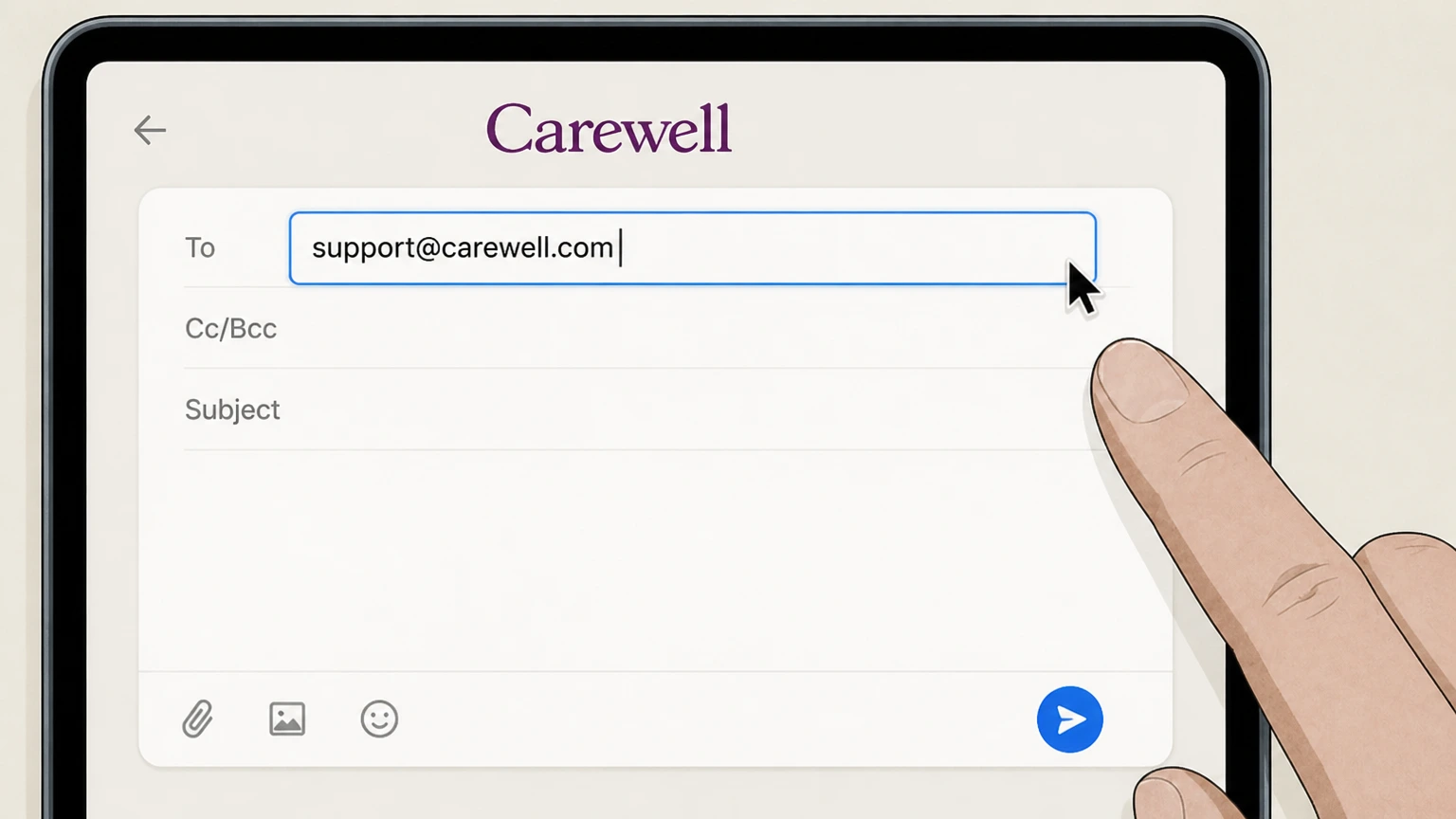
1Compose an email to support@carewell.com
Send an email to support@carewell.com, the support address listed for Autoship cancellations and general customer support.
 2
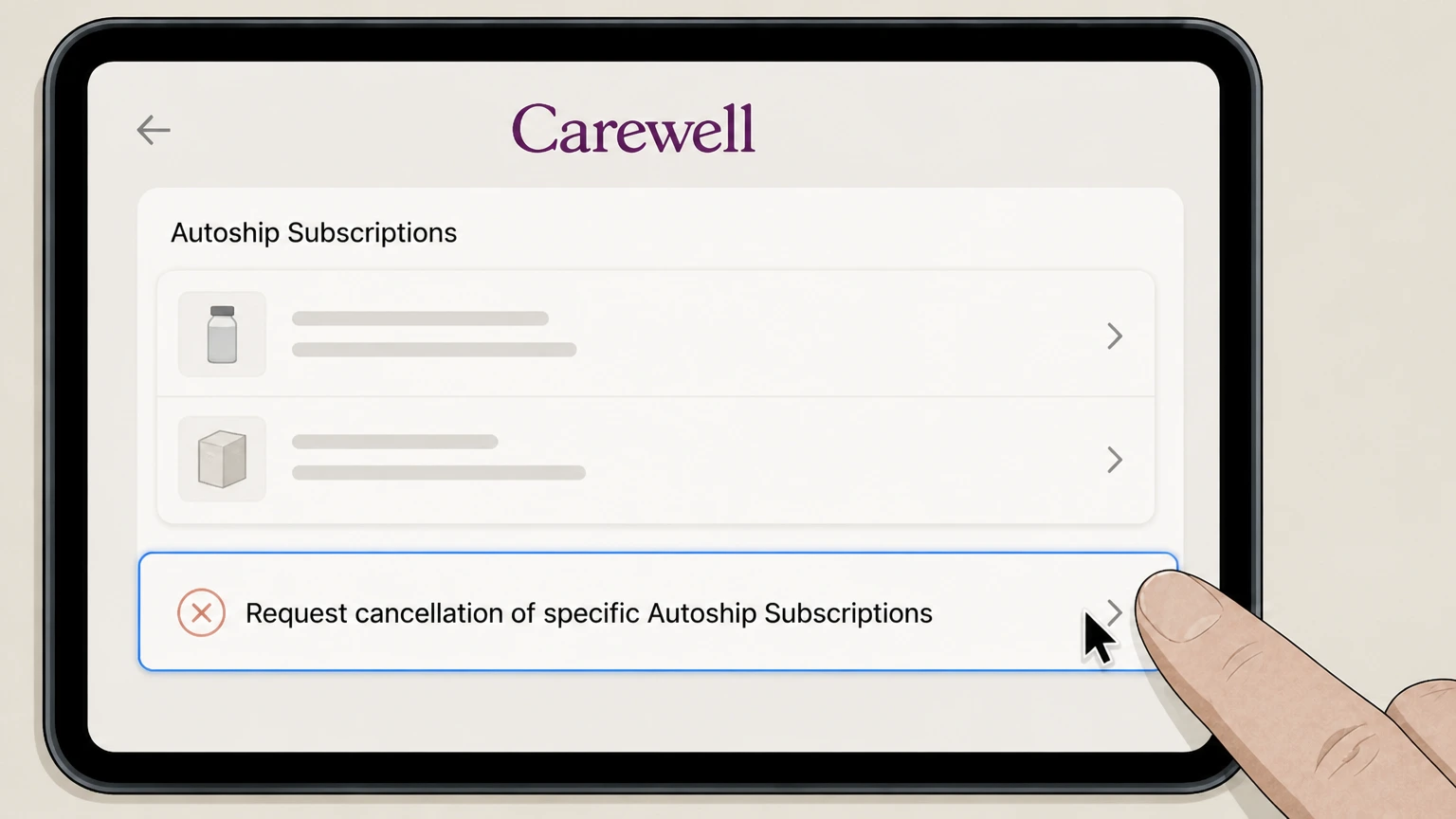
2Request cancellation of specific Autoship Subscriptions
In your message, clearly state that you want to cancel your Carewell Autoship Subscription(s) and, if possible, include relevant details such as the product name or recent Autoship Order information so support can identify them.
- Let Pine handle it
Pine can help
Too many steps?
Pine can find the right Email support path and handle the cancellation for you.
 3
3Watch for a confirmation reply
Monitor your email for a response from Carewell confirming that the Autoship Subscription(s) have been canceled; once confirmed, you should not see new Autoship Orders for those items going forward.

Refund policy
Refunds and returns after canceling Carewell Autoship
Canceling a Carewell Autoship Subscription stops future automatic renewals and Autoship Orders but does not automatically refund any existing order; refunds and returns are governed by Carewell’s standard Orders and Returns terms and its detailed Returns Policy.
Check my refund options- Cancellation does not retroactively void processed or warehouse‑submitted orders
- Under Section 6.2 of the Terms, cancellation "will not apply to any order that has already been submitted to our warehouse for processing," so you remain responsible for such Autoship Orders; any refund would depend on whether the order qualifies under Carewell’s Orders and Returns rules and Returns Policy.
- Returns for most eligible items within 30 days, with category exclusions
- Carewell’s Returns Policy and related Terms provisions state that most products in new condition can be returned within 30 days of the sale date for a refund of the product price, but certain categories (such as food, biohazard items, and some medical equipment) are non‑returnable or more restricted, and high‑value orders over $1,000 may incur a restocking fee and paid return shipping.
- Refunds are issued to the original payment method when possible
- The Returns Policy explains that once Carewell receives and approves a return, the refund is processed back to your original payment method within a stated number of business days, or as store credit if a refund to the original method is not possible; this applies whether the order was part of an Autoship Subscription or a one‑time purchase.
For specific questions about whether a particular Autoship order or product is return‑eligible after cancellation, review Carewell’s Returns Policy and, if unsure, contact the Carewell Customer Care Team using the published phone or email channels. Review Carewell Returns Policy
Scope
What a Carewell Autoship cancellation does—and does not do
Clarifies exactly what stops when you cancel a Carewell Autoship Subscription, and what continues under Carewell’s terms.
Stops future Autoship renewals and orders
Carewell defines an Autoship Subscription as a program where Orders for specified quantities of a Product automatically recur at a selected Autoship Interval, and states that these Autoship Subscriptions automatically renew and generate Autoship Orders until you cancel in accordance with Section 6.2; canceling your Autoship therefore opts you out of future renewals and new Autoship Orders for that subscription.
Does not cancel orders already in warehouse processing
Section 6.2 of the Terms explicitly states that cancellation "will not apply to any order that has already been submitted to our warehouse for processing," so any Autoship Order in that state can still be shipped and charged even if you cancel the underlying Autoship Subscription.
Does not itself delete your Carewell account or Carewell Health services
The Terms explain that terminating your Carewell account will automatically terminate your Autoship Subscriptions, but not vice versa; Autoship cancellation alone does not close your Carewell account or separately governed Carewell Health (Carewell Family Services LLC) care‑coordination services.
Renewal & timing
Autoship renewal cycle, reminders, and timing effects
Details how often Autoship renews, how you are notified, and when changes like cancellation or interval updates take effect.
Autoship renews at your selected interval until canceled
Carewell’s Terms state that Autoship Subscriptions automatically renew at the chosen Autoship Interval and that Autoship Orders will recur at Carewell’s then‑current price for the Autoship Products until you cancel or change the Autoship Interval under Section 6.2.
Email reminders up to 72 hours before each renewal
Section 6.3 explains that for each renewal, Carewell sends an email notification reminding you of the upcoming Autoship Order up to 72 hours before the start of the next Autoship Interval, giving you a short window to adjust or cancel before processing.
Autoship interval changes and cancellations are forward‑looking
The Terms specify that changes to the Autoship Interval take effect immediately on a going‑forward basis but do not apply to any order already submitted to the warehouse; the same limitation applies to cancellations, meaning modifications affect future, not already‑processing, Autoship Orders.
After cancellation
How returns and refunds work for canceled Carewell Autoships
Explains how Carewell handles refunds and returns for products from Autoship Orders after you cancel the subscription.
Returns follow Carewell’s general Returns Policy
Carewell’s Terms state that products are subject to return or exchange only according to its Returns Policy at carewell.com/returns, which provides a general 30‑day window for most unused, unopened items from the sale date, with specific exclusions for certain categories such as food and biohazard items.
Order‑level refunds, not subscription‑level refunds
The Terms note that you are responsible for all Autoship Orders placed before your cancellation request and that fees are generally non‑refundable except as set out in the Agreement; refunds are handled per‑order under the Orders and Returns provisions, rather than as global subscription refunds.
Returns initiated through customer care
The Returns Policy and Shipping & Returns FAQ explain that to request a return you must contact Carewell’s Customer Care Team by phone or email; refunds for accepted returns are issued back to the original payment method within a stated processing timeframe, subject to exclusions and any applicable restocking fee for high‑value orders.
Data & access
Effect of Autoship cancellation on your data and privacy rights
Summarizes how canceling Autoship interacts with your personal data and privacy controls at Carewell.
Canceling Autoship does not erase your personal data by itself
Carewell’s Privacy Policy explains that personal information is used for order processing, support, and other purposes and can be accessed, corrected, or deleted upon request, but Autoship cancellation alone is not described as a data‑deletion mechanism; you must use the privacy rights channels if you want data deleted.
Separate privacy handling for Carewell Health services
The Privacy Policy distinguishes between Carewell’s retail and e‑commerce operations and Carewell Family Services LLC d/b/a Carewell Health, noting that protected health information associated with Carewell Health is subject to separate HIPAA‑governed notices and is segregated from retail operations, so Autoship changes do not directly control that data.
Clear contact channels for privacy and account requests
Carewell lists support@carewell.com and a toll‑free number as contact points for access, correction, deletion, and other privacy requests, which can be used alongside account or Autoship changes if you need additional control over your information.
Carewell cancellation FAQ
Current, source-backed answers about cancellation, billing ownership, refunds, and access timing.
Will canceling my Carewell Autoship stop an order that already shows as processing or submitted to the warehouse?
Can I start a new Autoship after I cancel my current Carewell Autoship Subscription?
Does canceling a Carewell Autoship affect my Carewell account or Carewell Health services?
Untangle this Carewell issue.
Let Pine handle the provider follow-up and keep the confirmation in one place.
