


Body Groove
Cancel subscription
How to Cancel Body Groove: Official Steps & Timing
Cancel Body Groove through the correct billing route. Follow official steps, understand renewal timing and refunds, and keep proof of the final result.
- 1 verified cancellation route
- Billing ownership and renewal timing explained
- Provider-specific refund boundaries included
- A confirmation check follows every route
Choose the correct Body Groove cancellation route
Body Groove cancellation form · verify the billing owner
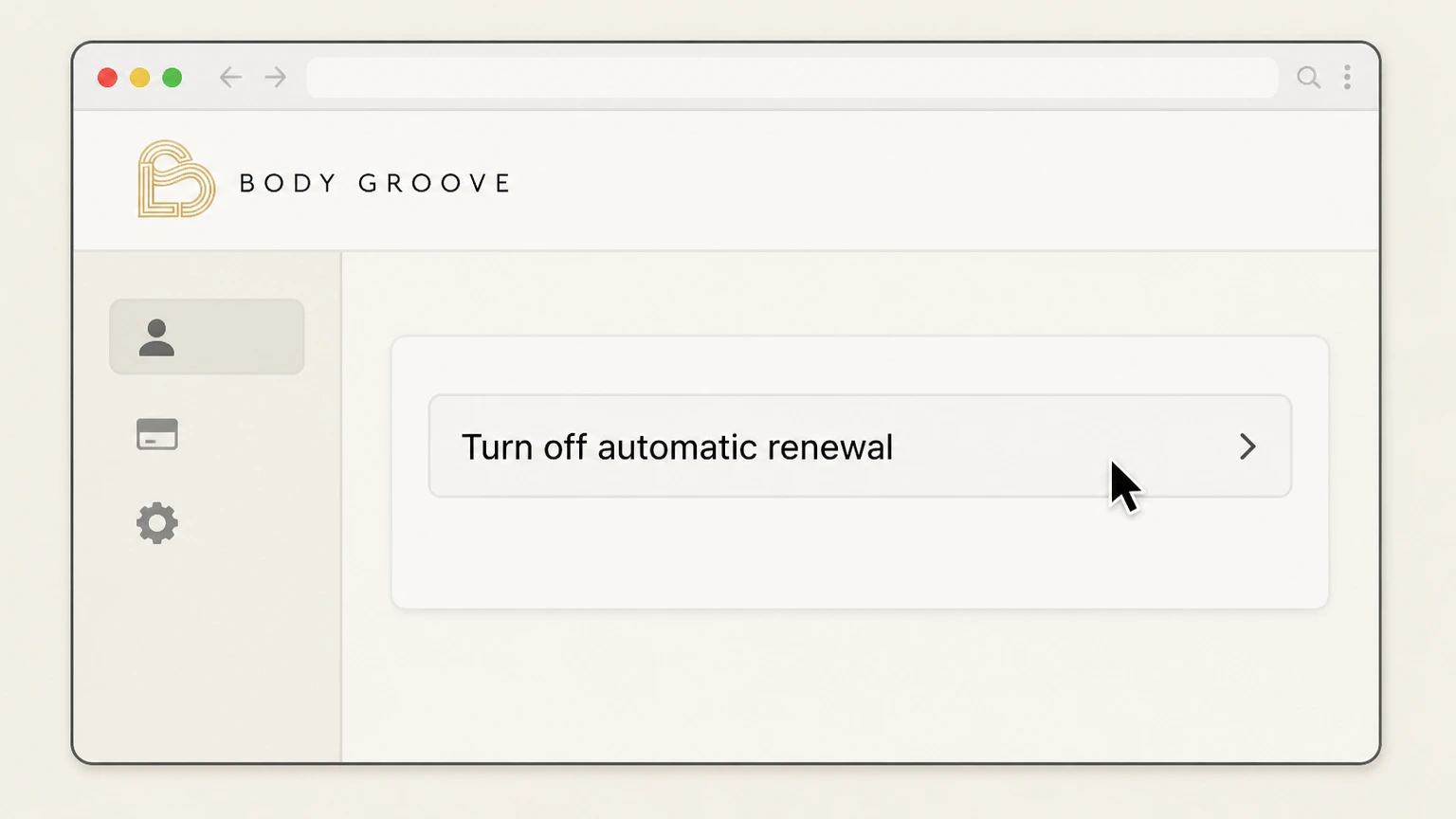
Turn off Body Groove automatic renewal
 1
1Open the cancellation form
Open Body Groove’s “Turn off automatic renewal” page.
 2
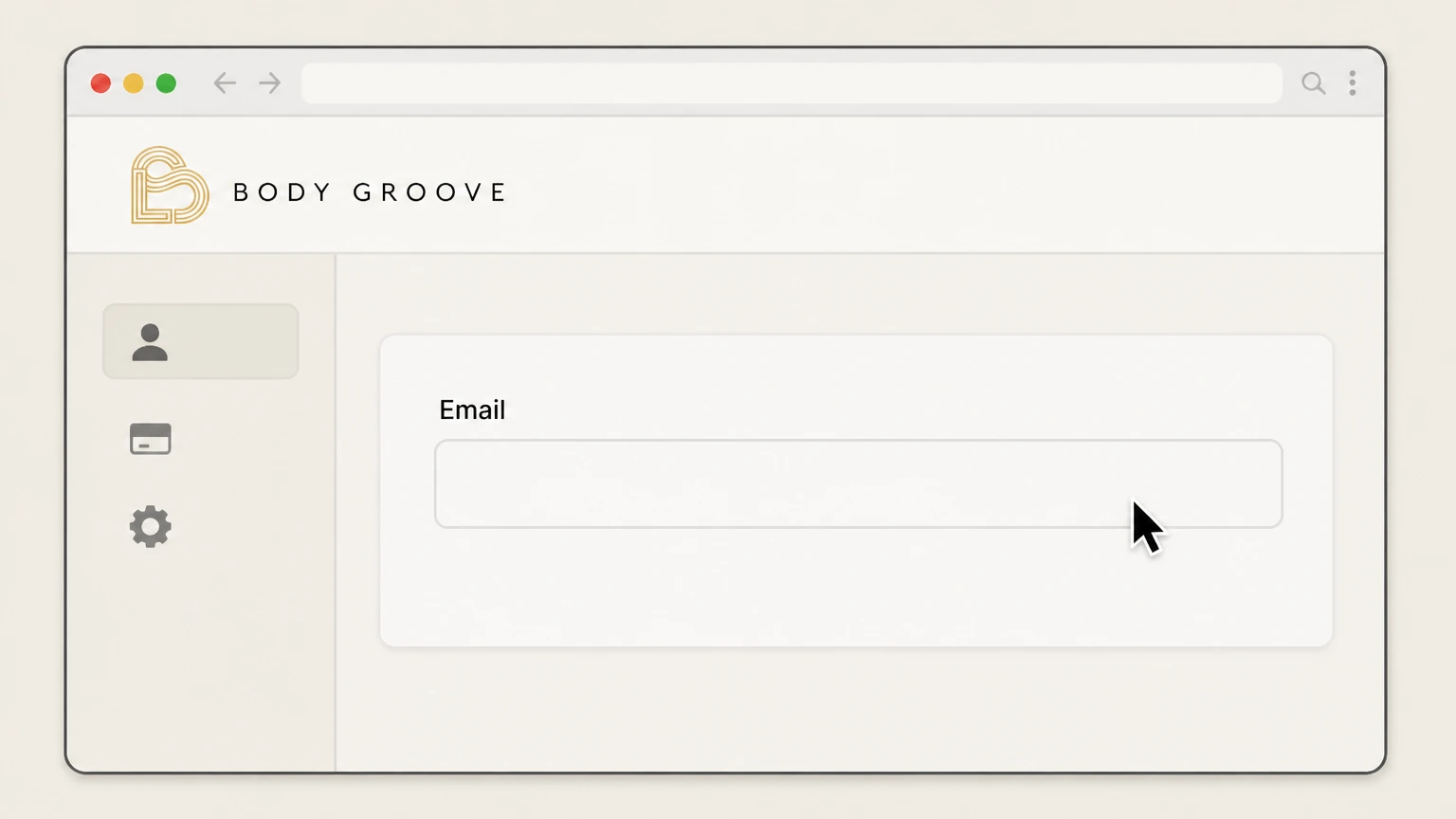
2Enter the account email
Enter the email address used for the Body Groove membership.
- Let Pine handle it
Pine can help
Too many steps?
Pine can find the right Body Groove cancellation form path and handle the cancellation for you.
 3
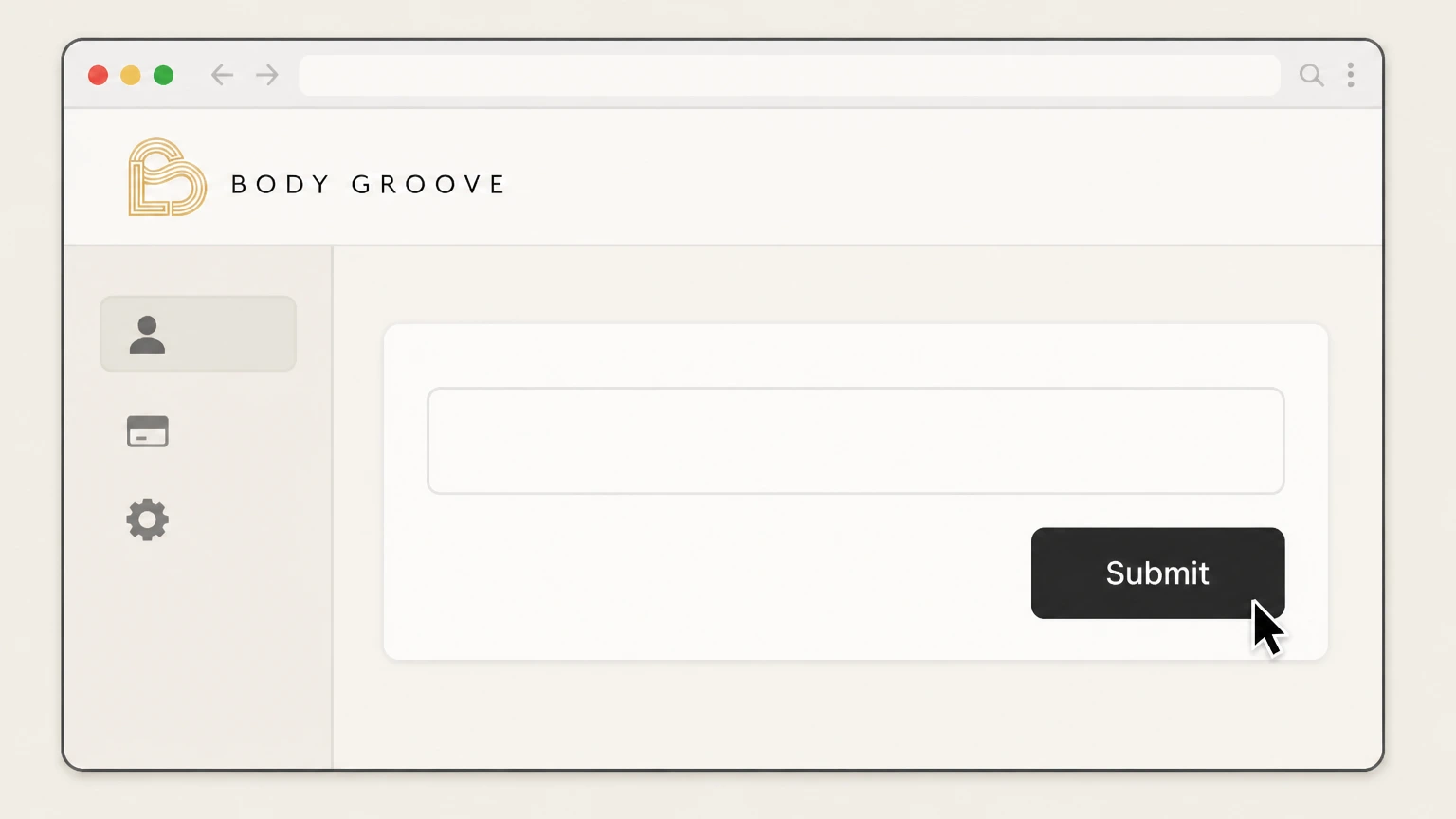
3Submit the form
Submit the cancellation request.
 4
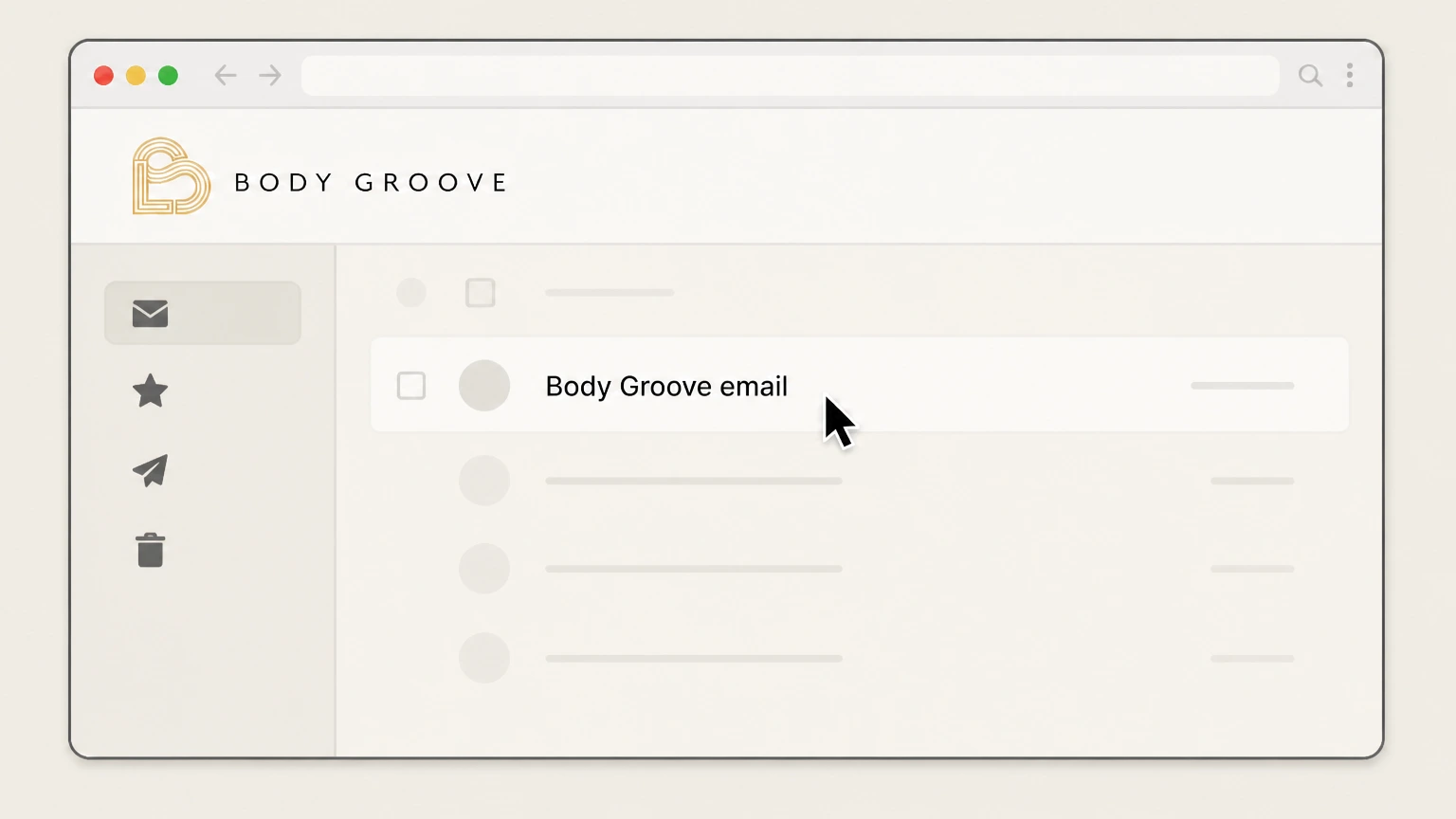
4Follow the Body Groove email
Open the provider reply and complete any requested confirmation.

Refund policy
Body Groove refund boundary
The current cancellation page supports turning off automatic renewal but does not publish a refund promise.
Check my refund options- Use the provider response
- Ask Body Groove about an account-specific charge or effective date.
Retain the form result and Body Groove email. Open Body Groove cancellation form
Current membership
Body Groove sells recurring access
The current Journey page advertises monthly and yearly membership options.
Cancel any time
The provider says members can cancel in account settings or with its cancellation form.
Requested effect
The form turns off automatic renewal
The public cancellation page does not publish a separate refund or paid-through promise.
Do not infer access timing
Use the provider reply for the effective date shown on the account.
Proof
Keep the Body Groove email
The form says Body Groove follows up by email.
Support fallback
Use help@bodygroove.com if the form does not complete.
Body Groove cancellation FAQ
Provider-specific answers about billing, timing, refunds, and confirmation.
How do I cancel Body Groove?
What does the Body Groove form cancel?
What if the Body Groove form does not work?
Untangle this Body Groove issue.
Let Pine handle the provider follow-up and keep the confirmation in one place.
