


All You Can Books
Cancel subscription
How to Cancel Your All You Can Books Subscription
Learn how to cancel All You Can Books, manage your trial or subscription online, and contact support if you can’t log in or see the account cancellation page.
- Official All You Can Books and billing-owner sources
- 2 provider-specific cancellation paths
- Refund and post-cancellation effects separated from renewal
- Verified August 16, 2026
Choose the All You Can Books cancellation path that matches who bills you
Website account cancellation · verify the billing owner
 1
1Open the All You Can Books cancellation page
In a web browser, go to https://www.allyoucanbooks.com/account/cancel; you will be redirected to the login screen if you are not already signed in.
 2
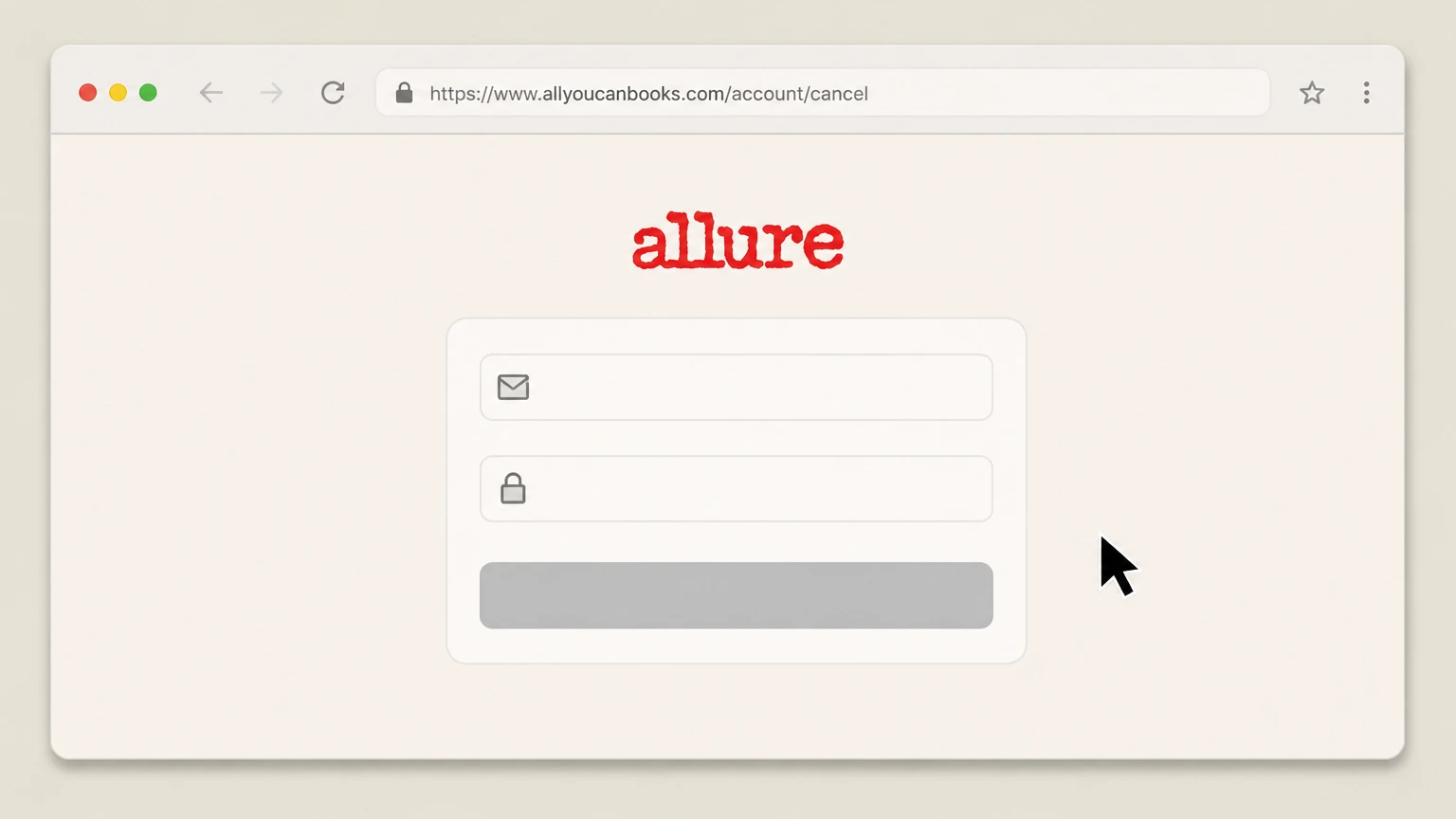
2Enter your account email and password
On the login screen, type the email address and password associated with your All You Can Books trial or subscription into the email and password fields.
- Let Pine handle it
Pine can help
Too many steps?
Pine can find the right Website account cancellation path and handle the cancellation for you.
 3
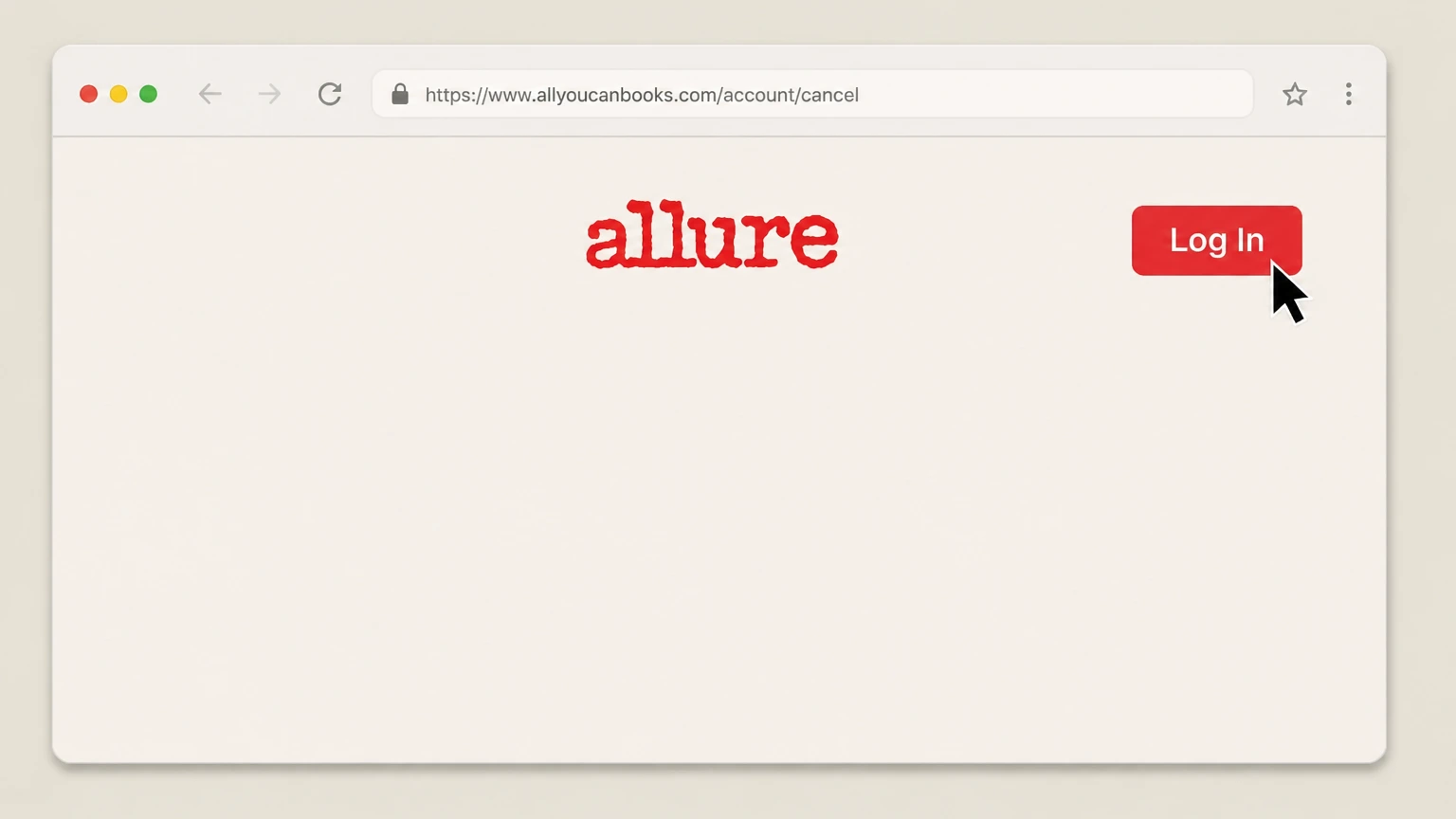
3Select the "Log In" button
Click or tap the "Log In" button to sign in and open your All You Can Books account area. Use the All You Can Books account named on your receipt, and continue only after the next status in this cancellation path is visible.
 4
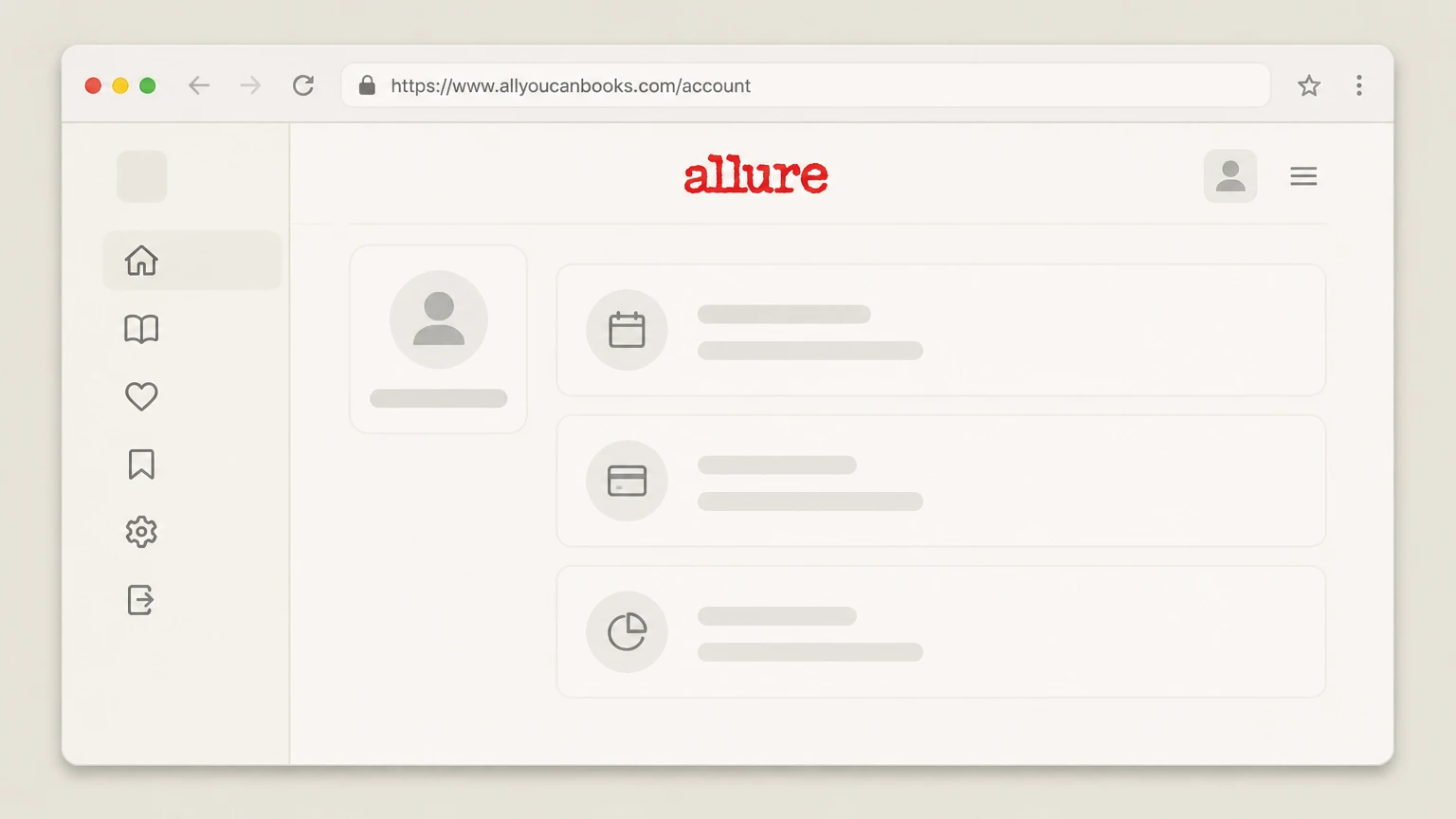
4Review your trial or subscription status
Once signed in, review the account page to confirm whether you are still in the 30‑day free trial or on a paid monthly plan and note any next billing date shown.
 5
5Follow the on‑screen cancellation prompts
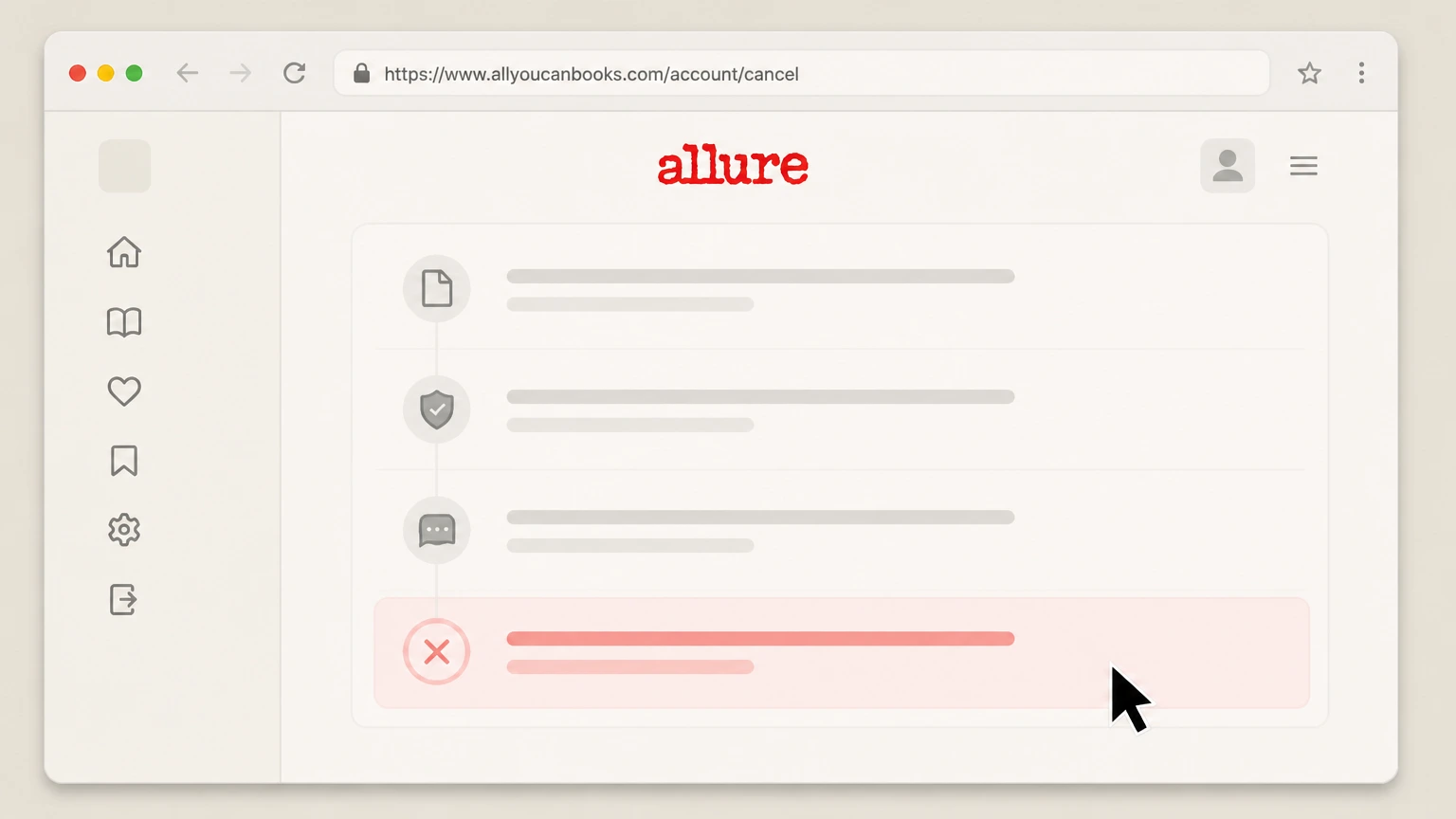
From the account area reached via /account/cancel, follow the on‑screen instructions to cancel your All You Can Books membership and confirm when asked.
 6
6Save your cancellation confirmation
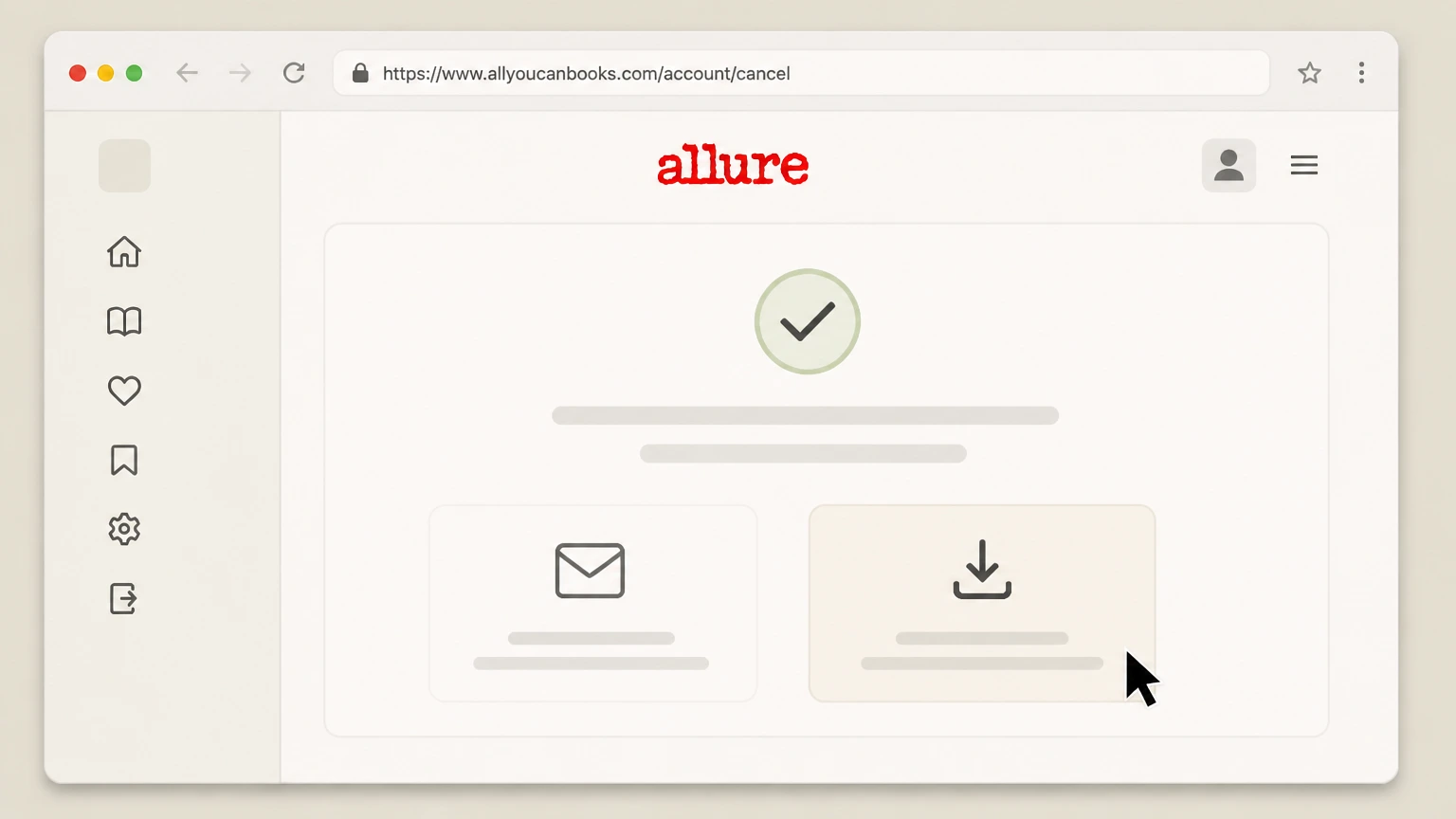
After cancelling, save a copy of the final confirmation screen or any cancellation email for your records, along with the date and time of cancellation.

Email customer support cancellation request · verify the billing owner
 1
1Locate the official All You Can Books help email
Open the All You Can Books contact or help page, or the Android app’s Google Play listing, and note the support email address listed for customer service.
 2
2Compose an email from your account address
From the email address you used for your All You Can Books account, compose a new message addressed to the listed help email for All You Can Books customer service.
- Let Pine handle it
Pine can help
Too many steps?
Pine can find the right Email customer support cancellation request path and handle the cancellation for you.
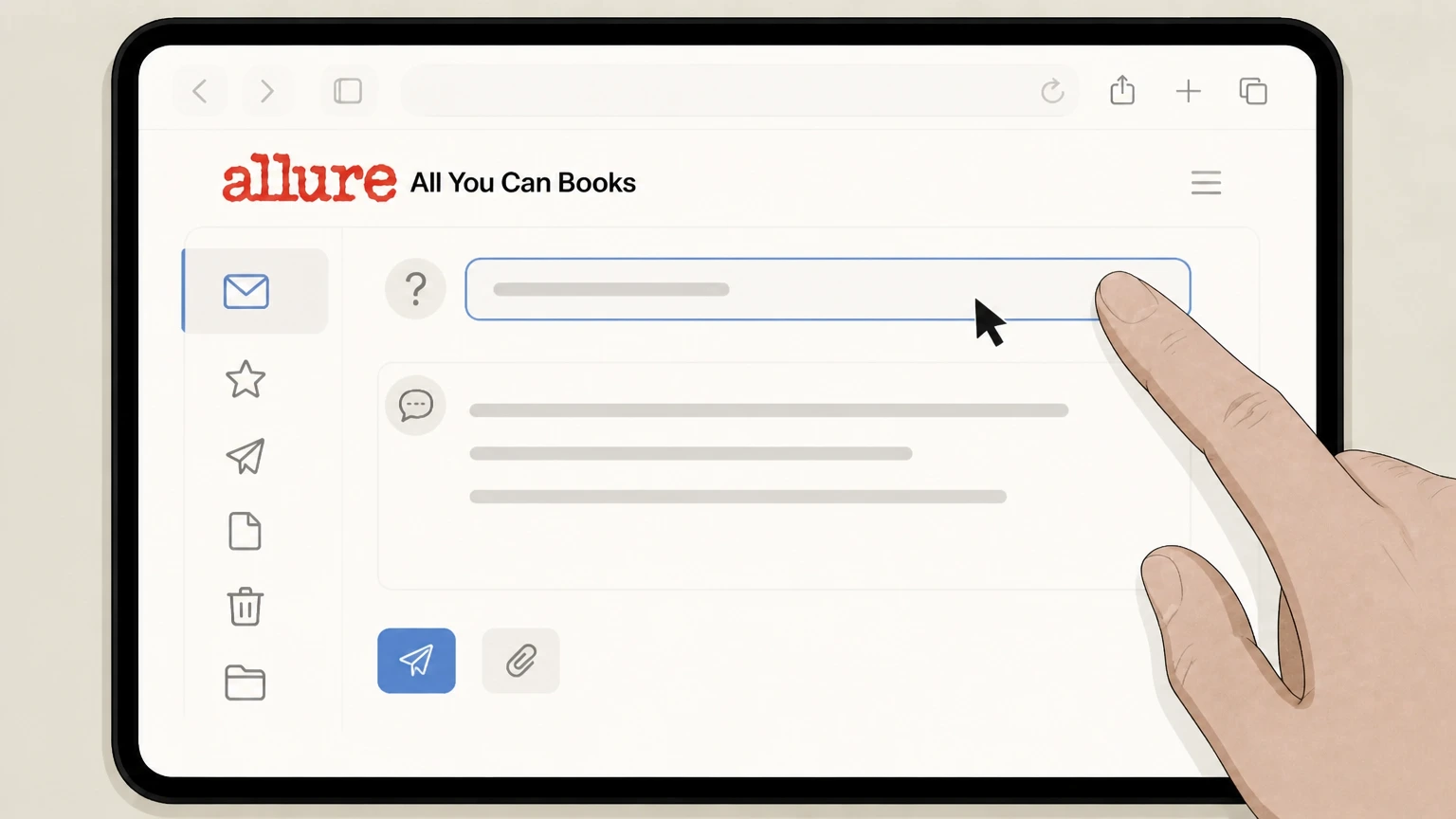 3
3State that you want to cancel your membership
In the subject line and opening sentence, clearly request cancellation of your All You Can Books trial or subscription and ask for written confirmation.
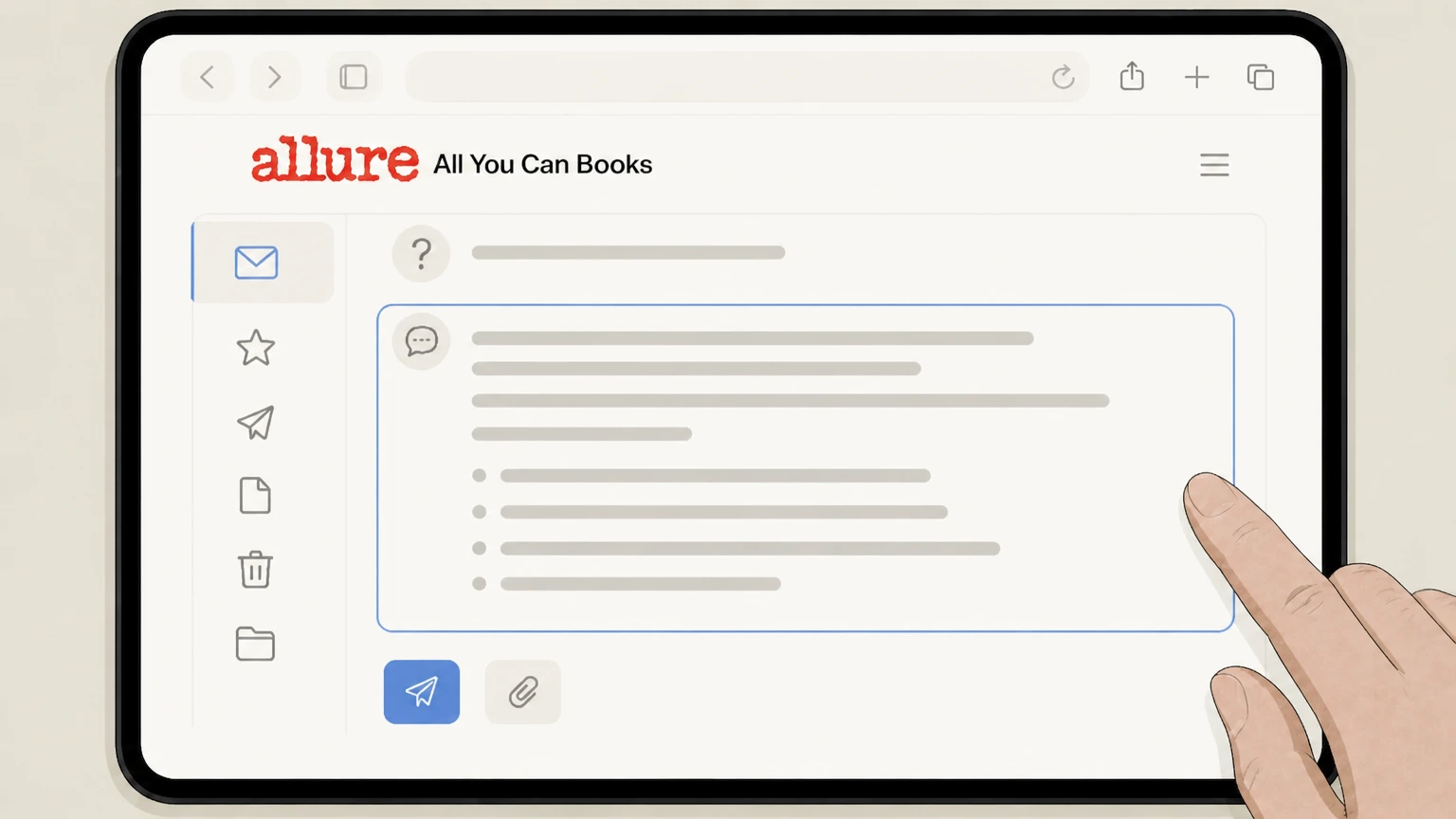 4
4Include identifying and billing details
In the email body, include your All You Can Books account email, full name, and the date and amount of your most recent charge, and specify whether you are in a free trial or paid plan.
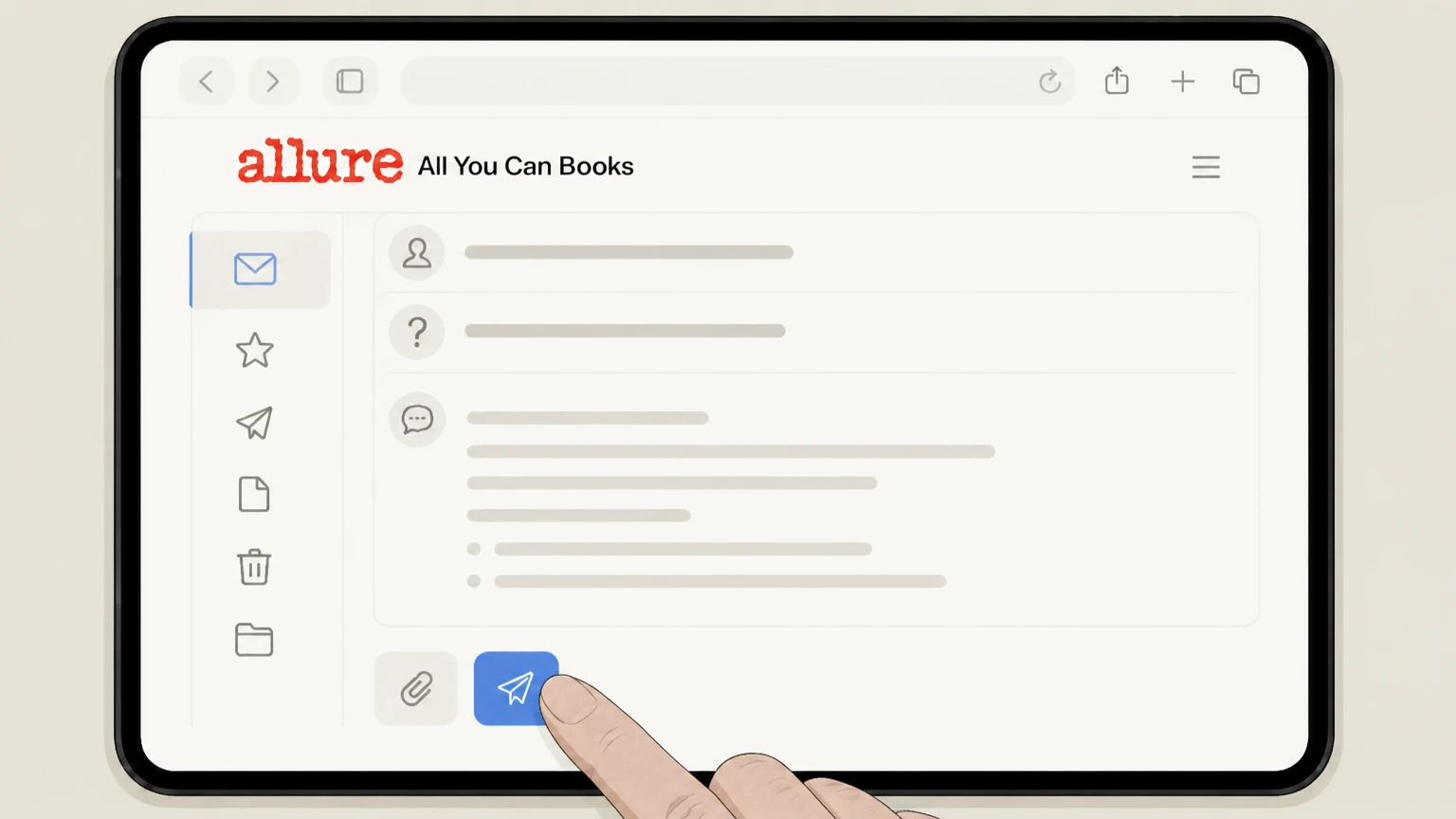 5
5Send the email cancellation request
Send the email to All You Can Books customer service and keep a copy of the sent message and any automated acknowledgement that it was received.
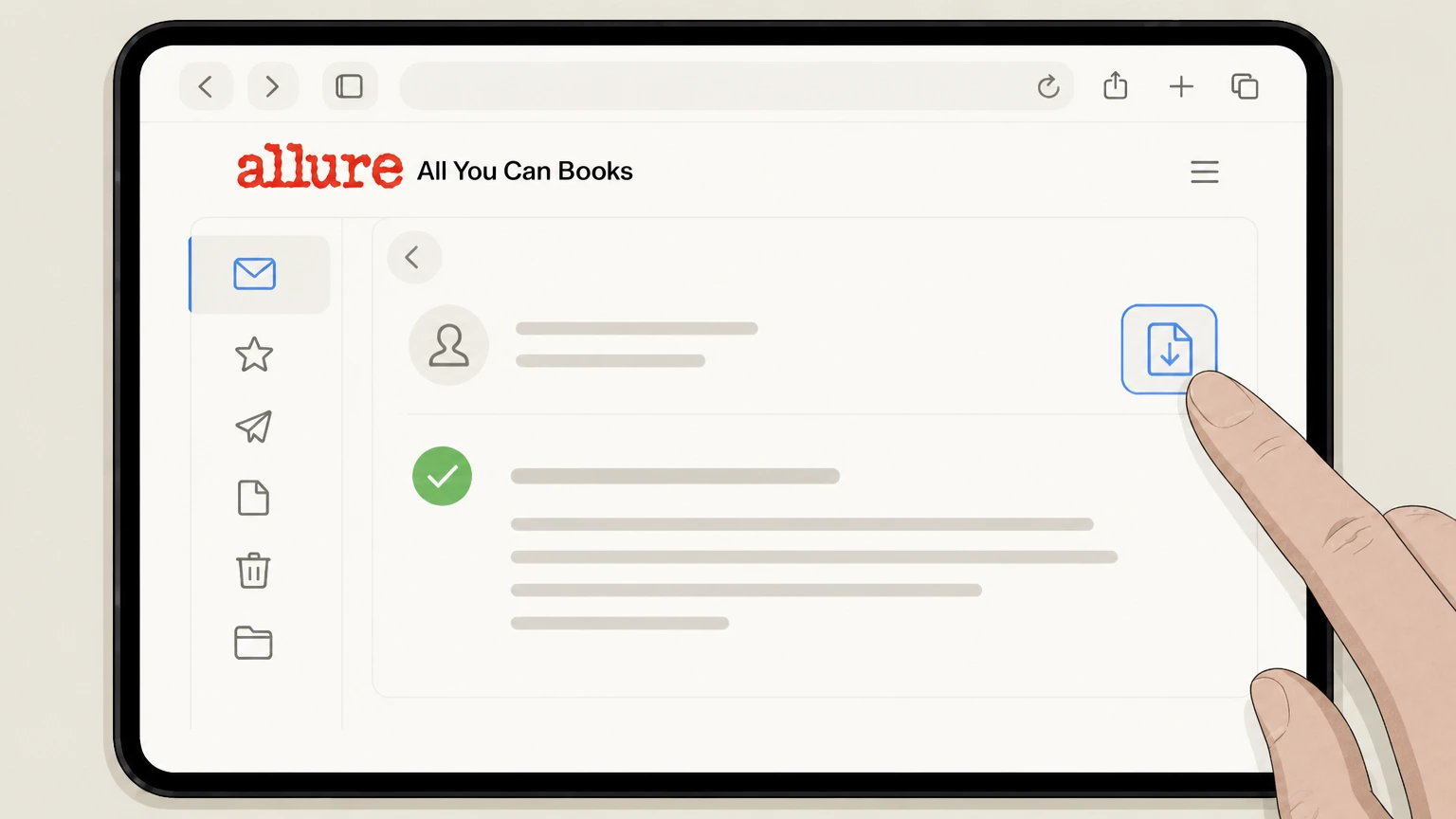 6
6Confirm cancellation and monitor your statements
When you receive a reply confirming cancellation, save it and check upcoming card or PayPal statements to confirm that no further All You Can Books charges appear.
Refund policy
Refunds and billing disputes for All You Can Books
All You Can Books markets a 30‑day free trial and “Cancel Anytime” memberships but does not publicly promise automatic refunds for unused time or dissatisfaction. In practice, cancellation generally stops future renewals rather than refunding charges that have already posted. If you believe you were billed in error, first ask All You Can Books support to investigate and correct the charge, and if that fails, use your credit‑card or PayPal dispute rights within the timelines set by your card issuer or payment provider.
Check my refund options- No explicit general refund policy published
- Current public pages describe the trial, ongoing monthly access, and “Cancel Anytime” language but do not set out a detailed refund schedule for partial months or dissatisfaction, so you should not assume that cancelling will automatically trigger a refund.
- Cancellation usually affects future, not past, charges
- Marketing and terms focus on stopping membership fees after cancellation and on keeping downloads, rather than on returning prior charges, which suggests that cancelling mainly prevents future renewals rather than refunding completed billing periods.
- Work with All You Can Books before disputing
- If you see a charge you disagree with—such as a trial that converted earlier than expected—contact All You Can Books support with your cancellation date, account email, and statement details and ask whether they can reverse or explain the charge.
- Deadline for credit‑card billing‑error disputes
- According to the Consumer Financial Protection Bureau, you generally must send a written billing‑error notice to your credit‑card issuer within 60 calendar days after the statement showing the disputed charge was sent in order to receive full protections while they investigate.
- Dispute procedures do not replace cancellation
- Even if you plan to dispute a charge with your card issuer or PayPal, you should still cancel your All You Can Books access through the account or support channels so that future renewals do not continue while the dispute is pending.
Review official federal guidance on disputing card charges so you understand the 60‑day written‑notice window and what to include in a dispute letter if All You Can Books does not resolve a billing problem. How to dispute a charge on your credit card bill (CFPB)
Current service and apps
How All You Can Books operates today
Key facts about the current All You Can Books service, trial, and apps that affect how cancellation works.
Active subscription service with 30‑day free trial
All You Can Books promotes a 30‑day free trial with unlimited access to over 200,000 ebooks, audiobooks, courses, podcasts, and more, followed by an ongoing paid membership if you do not cancel before the trial ends.
“Cancel Anytime” marketing promise
Across its main site and content pages, All You Can Books highlights “Cancel Anytime. No risk. No obligations.” alongside the trial and membership offer, indicating that users can end recurring access without a fixed contract term.
Unlimited downloads and “Forever Downloads”
Official marketing states that downloaded content is yours to keep, and that everything you download during the trial is yours “to keep and enjoy for free” even if you cancel, which shapes what stays available after cancellation.
iOS and Android apps as access tools
The All You Can Books apps on the Apple App Store and Google Play are described as free apps that provide unlimited access to content when you have an active account; the listings do not describe separate app‑store billing plans.
Billing ownership
Trials, renewals, and who bills you
Understanding All You Can Books’ billing model helps you choose the right place to cancel and know when charges stop.
Free trial converts automatically unless cancelled
All You Can Books’ terms explain that you receive 30 days of unlimited access and that membership fees begin at the end of the free trial unless you cancel before the trial period ends.
Direct billing by All You Can Books
The privacy policy specifies that All You Can Books collects payment information, including credit card numbers and PayPal account information, in connection with orders and account access, meaning the company (or its processors) bills you directly.
No evidence of Apple or Google as merchant of record
The All You Can Books iOS and Android listings do not show in‑app purchase or subscription sections, and instead link back to allyoucanbooks.com, suggesting that the app is an access point while billing remains on All You Can Books’ systems.
Monthly subscription pricing may change over time
Some current All You Can Books marketing pages quote a monthly price for ongoing access after the trial; because pricing can change, your definitive rate is the amount shown in your account and on your latest payment statement.
After you cancel
What happens to access and downloads after cancellation
Cancellation changes what you can reach through the service but does not remove previously downloaded files from your devices.
Downloaded content is advertised as yours to keep
The homepage and “How It Works” sections state that downloaded content is yours to keep forever and that everything downloaded during the trial remains yours even if you cancel, indicating that files saved to your devices should remain usable.
Unlimited library access ends when membership ends
While downloads remain, the promise of “unlimited access” to the full library is tied to your active trial or paid membership. Once cancelled and the access period passes, you should expect to lose the ability to make new downloads or stream content.
Account login may remain available
The privacy policy allows you to access or update certain account information through your account or by contacting support, which suggests that your login and basic account profile may persist after cancelling unless you separately request closure or deletion.
Use the Help resources for device‑specific playback
All You Can Books’ Help page describes how to download and play books on Windows, Mac, iOS, Android, Kindle, and other devices, which can be useful for continuing to use previously downloaded files after you cancel.
Account management
Managing your All You Can Books account and login
You often need working credentials to cancel online or retrieve billing details, so account‑management tools matter for cancellation.
Dedicated login and cancellation entry point
Visiting https://www.allyoucanbooks.com/account/cancel redirects you to the All You Can Books login page and instructs you to log in to access the account, confirming that the primary cancellation flow sits inside the authenticated account area.
Standard email and password login
The login page shows email and password fields along with a “Log In” button and a “Forgot password?” link, allowing existing customers to regain access before cancelling if they no longer remember their password.
Updating account details through account or support
The privacy policy explains that you may access, update, or remove certain account information either through your account or by contacting All You Can Books at the help email address, which is relevant if your login details are outdated.
Signup page highlights flexible access and cancellation
The account setup page reiterates that you get a 30‑day free trial, that you can cancel anytime, and that everything you download can be kept, reinforcing that your account profile is central to both access and cancellation.
Getting help
Support channels for cancellation questions
Official contact points you can use if the web cancellation flow fails or you need written confirmation.
Dedicated customer service contact page
The All You Can Books contact page states that Customer Service is available 24 hours a day and provides a contact form and a help email address, indicating a formal path for support requests including cancellation issues.
Help center for self‑service questions
The same contact page points users to a Help site (allyoucanbooks.com/Help), and the Help page includes instructions for using the apps and downloading content, which can assist with access questions related to cancelling.
Support email listed in Google Play
The Unlimited AudioBooks listing on Google Play includes support and developer email addresses and links back to allyoucanbooks.com, confirming that email support is an official channel maintained by All You Can Books.
Privacy and data contact separate from billing
The privacy policy gives a dedicated privacy email for privacy questions and indicates that account information can be updated by contacting the help address; this is distinct from billing cancellation but relevant if you later seek data access or deletion.
When charges stop
Cancellation timing for trials and paid memberships
Knowing when to cancel helps you avoid unwanted conversion from trial to paid or another monthly charge.
Cancel before the end of the 30‑day trial
All You Can Books’ terms of use explain that membership fees begin after the 30‑day free trial unless you cancel prior to the end of the free trial period, so you should complete cancellation before day 30 if you do not want to continue.
Paid membership renews monthly until cancelled
Official marketing describes a monthly price for ongoing unlimited access after the trial, which implies that charges recur each billing period until you cancel through your account or support.
Check your next billing date in your account
Because the specific billing day can vary by signup date and promotions, the safest source of your next billing date is the information shown inside your All You Can Books account or on your latest payment statement.
Save proof of when you cancelled
After completing cancellation via the account page or support, save confirmation screens or emails showing the date and time; this evidence is important if you believe you were billed after cancelling and need to dispute the charge.
If charges continue
Handling unexpected All You Can Books charges
If you see charges after cancelling or believe you were billed in error, you should first work with All You Can Books, then, if needed, use your credit‑card or PayPal protections.
Contact All You Can Books first with documentation
If a renewal posts after you believe you cancelled, contact All You Can Books support using the help email or contact form, include your cancellation proof and statement screenshot, and ask them to explain or correct the charge.
Use credit‑card billing‑error rights if needed
For credit‑card payments, the CFPB explains that to preserve your federal billing‑error rights you generally must send a written dispute to your card issuer within 60 days of the statement that first showed the error, even if you already called.
Follow your issuer’s dispute instructions carefully
Consumerfinance.gov and the FTC both note that billing‑dispute addresses often differ from payment addresses; use the dispute address and include the information your issuer requests so your rights are protected during the investigation.
Pay undisputed charges on time
Guidance from consumerfinance.gov emphasizes that while a disputed charge can be withheld during investigation, you still must pay non‑disputed parts of your bill on time to avoid late fees or interest unrelated to the dispute.
Data after cancellation
Account data, privacy, and cancellation
Cancelling billing does not automatically erase your data; you may need to take additional steps for privacy or deletion.
Account data may be retained after cancellation
The privacy policy states that All You Can Books retains and uses information as necessary to comply with legal obligations, resolve disputes, and enforce agreements, so some records may remain even after you cancel your subscription.
You can request access or updates to your data
All You Can Books explains that you may access, update, or remove certain account information via your account or by contacting the help address, which may be useful if information associated with your cancelled account needs correction.
Separate privacy contact for privacy questions
The privacy policy provides a dedicated privacy email for questions or concerns about privacy practices, which you can use for rights such as access, deletion, or objections under certain state or international privacy laws, apart from billing issues.
Cancellation and privacy requests are different steps
Because the privacy policy treats account information, billing data, and legal obligations separately, you should cancel your subscription through the account or support path first, and then submit any privacy or deletion request through the channels described in the policy.
What official sources do not confirm
Limits of the public All You Can Books cancellation guidance
These points are intentionally qualified because the official sources reviewed on August 16, 2026 do not publish a complete answer.
Documented limitation 1
The exact labels and button text on the post‑login cancellation screens inside the All You Can Books account area are not publicly visible, so step wording for in‑account prompts is kept generic rather than naming specific buttons beyond the documented "Log In" control.
Documented limitation 2
All You Can Books’ full terms of use could not be retrieved in complete form due to a technical error; only the excerpted language about the 30‑day free trial and automatic billing after the trial is relied on, and no additional contract clauses are assumed.
Documented limitation 3
The provider does not publish a detailed refund policy for partial months or dissatisfaction, so the guide cannot state when refunds are granted and instead focuses on stopping renewals and using general credit‑card dispute rights when necessary.
Documented limitation 4
It is not publicly documented whether all subscriptions paid with PayPal are set up as cancellable PayPal billing agreements, so PayPal account cancellation steps are not listed as a primary route; customers paying via PayPal may still have additional options within their PayPal account.
Documented limitation 5
Phone support details appear on some official pages, but because call routing and hours can change and aren’t essential to completing cancellation, the guide emphasizes web and email routes rather than reproducing specific phone numbers or call expectations.
All You Can Books cancellation FAQ
Questions people search about canceling All You Can Books, answered with official provider or billing-platform sources checked on August 16, 2026.
Can I cancel my All You Can Books membership?
How do I cancel my trial on All You Can Books?
How do I cancel All You Can Books online?
Can I cancel All You Can Books through the iOS App Store or Google Play Store?
What happens to my downloads if I cancel All You Can Books?
How do I contact All You Can Books customer service about cancellation?
Will I get a refund when I cancel All You Can Books?
What should I do if All You Can Books keeps charging me after I cancel?
Does canceling All You Can Books delete my account and data?
Untangle this All You Can Books issue.
Let Pine handle the provider follow-up and keep the confirmation in one place.
