

G-Plans (Goglia Nutrition)
Cancel subscription
How to Cancel G-Plans (Goglia Nutrition)
Learn how to cancel G-Plans (Goglia Nutrition) using verified current routes, confirm who bills you, understand timing and refunds, and keep proof that future.
- 3 current, source-verified cancellation routes
- Billing ownership is explicit for each route
- Refund and access timing are separated from cancellation
- Account-specific confirmation is still required
Choose the correct G-Plans (Goglia Nutrition) cancellation route
G-Plans website or app (direct billing) · verify the billing owner
Cancel through your G-Plans account (direct billing)
 1
1Sign in to your G-Plans account
Go to g-plans.com or open the G-Plans mobile app, and log in with the email and password associated with your subscription. G-Plans’ Terms define the website and mobile app together as the Platform for accessing its subscription Services.
 2
2Open your account or plan area to locate cancellation instructions
In your logged-in account, go to the area where your plan or billing details appear and locate the cancellation instructions provided there; G-Plans’ Terms specify that subscription cancellation is completed by logging into your account and following these instructions.
- Let Pine handle it
Pine can help
Too many steps?
Pine can find the right G-Plans website or app (direct billing) path and handle the cancellation for you.
 3
3Follow the on-screen cancellation instructions at least one day before renewal
Complete the cancellation steps shown in your account at least one day before the next billing cycle so that auto-renewal stops and G-Plans no longer charges the subscription fee.

Phone or chat with G-Plans support · verify the billing owner
Cancel by contacting G-Plans support (including guarantee)
 1
1Gather your G-Plans account and billing details
Have your G-Plans account email, full name, and recent billing information ready so support can locate your subscription and verify your identity.
 2
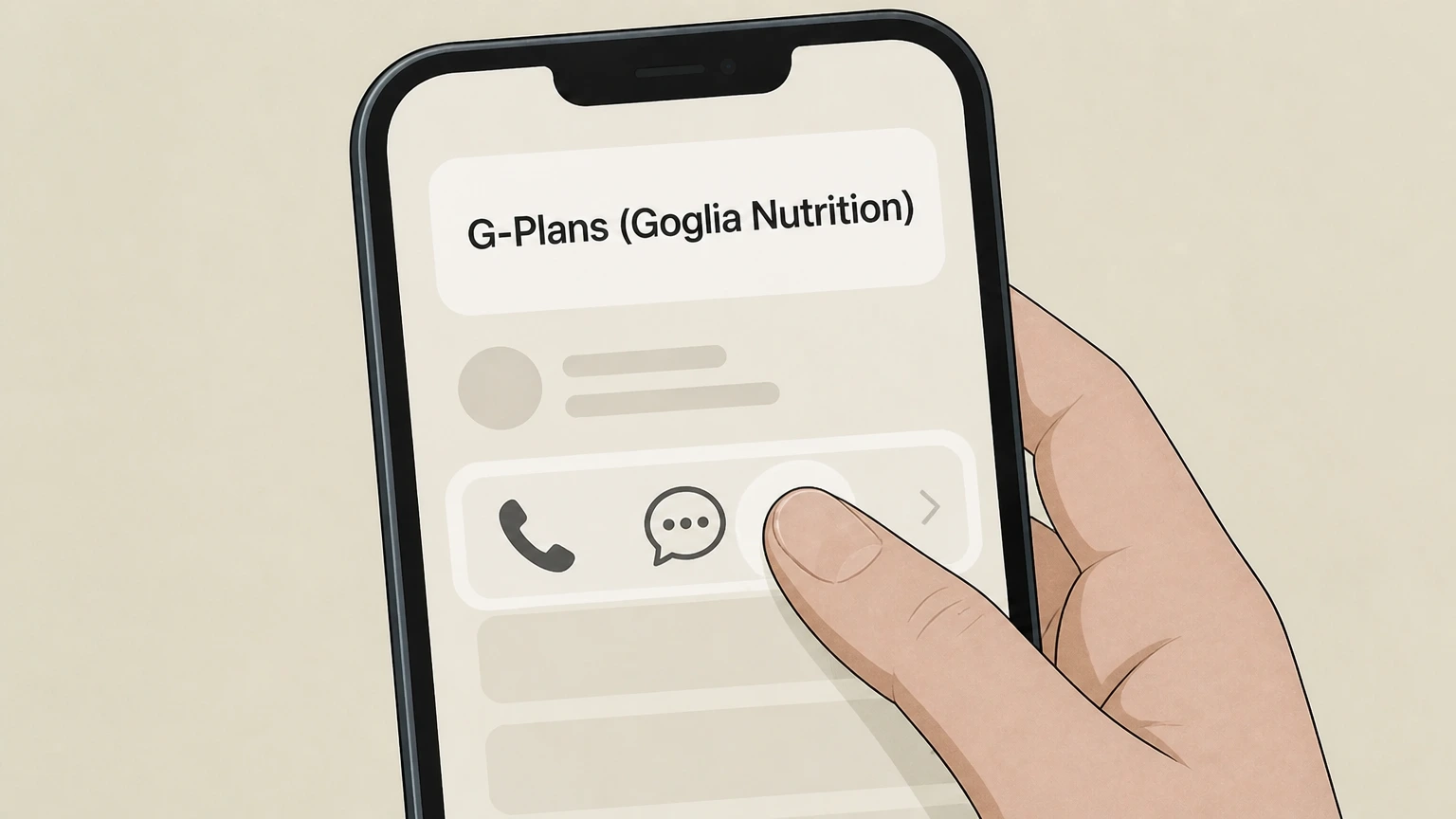
2Contact G-Plans customer support by phone or site chat
Use the customer support phone number or the chat function on g-plans.com, as specified in G-Plans’ Terms (Membership Satisfaction Guarantee) and Billing & Refunds policy, which both direct members to call or chat to cancel or change a plan.
- Let Pine handle it
Pine can help
Too many steps?
Pine can find the right Phone or chat with G-Plans support path and handle the cancellation for you.
 3
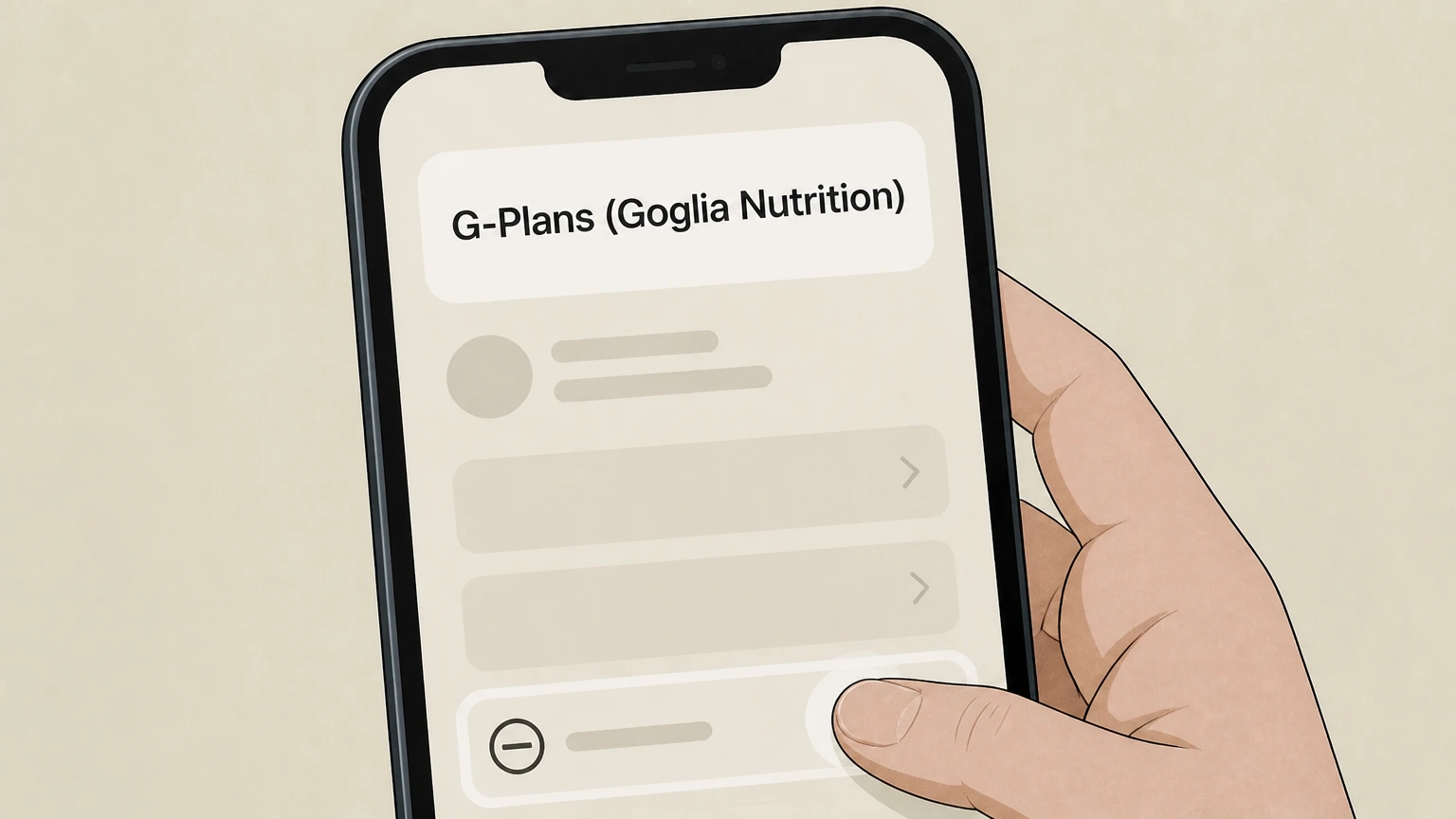
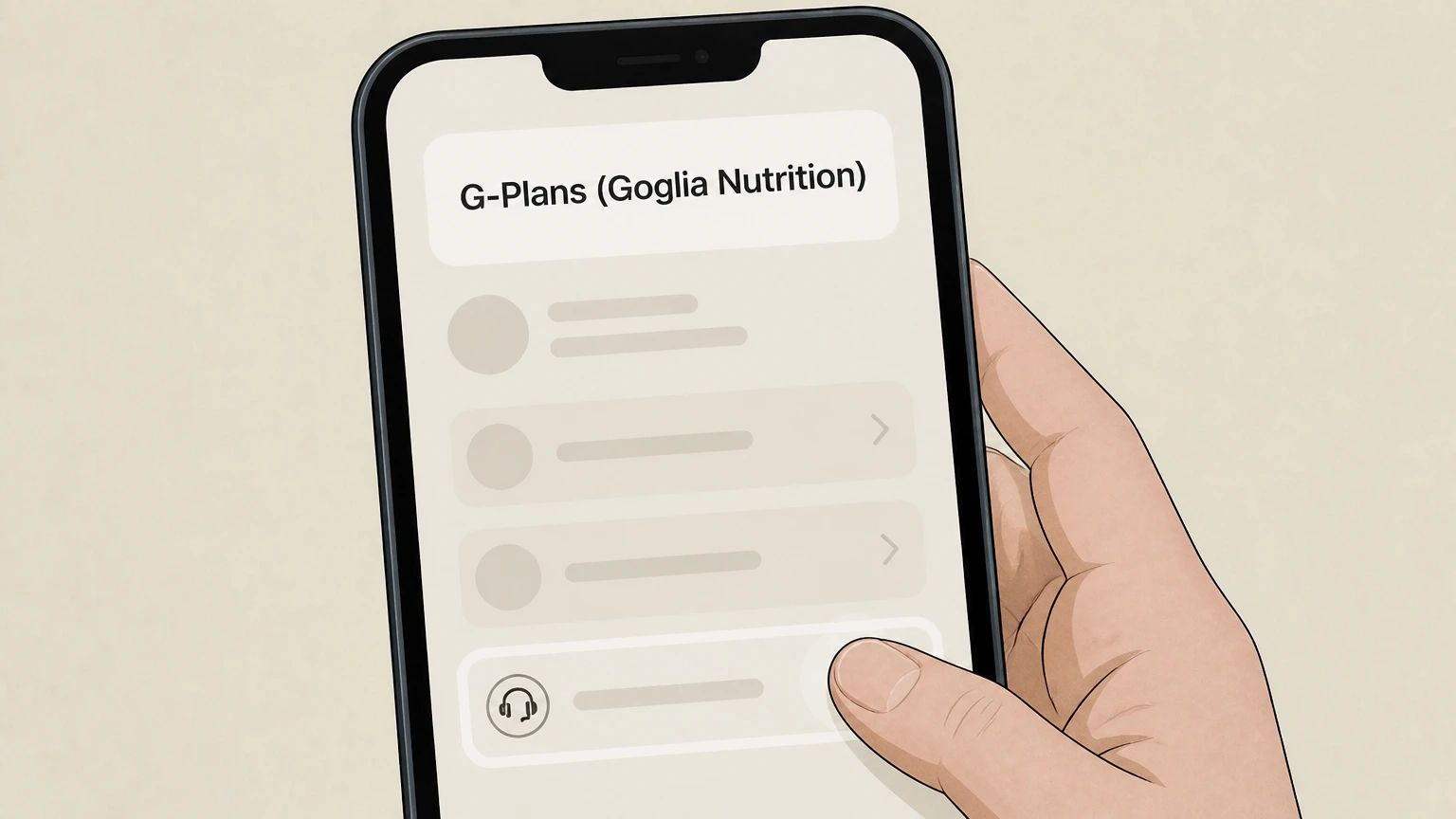
3Request cancellation of your plan or membership
Tell the agent you want to cancel your G-Plans membership or specific plan and stop future recurring membership charges. Under the Membership Satisfaction Guarantee, G-Plans states it will immediately cancel your membership when you contact customer support.
 4
4Ask about refunds under the Membership Satisfaction Guarantee, if applicable
If you are within the scope of the Membership Satisfaction Guarantee, ask the agent to confirm whether you qualify for a refund of G-Plans membership fees you paid in the six months before cancellation and clarify that medication costs and provider/medical fees are excluded, as stated in the Terms and Billing & Refunds policy.
Apple iOS (App Store billing) · verify the billing owner
Cancel an Apple-billed G-Plans subscription
 1
1Open Settings
Open the Settings app on your iPhone or iPad.
 2
2Tap your name
At the top of Settings, tap your name to open your Apple Account settings.
- Let Pine handle it
Pine can help
Too many steps?
Pine can find the right Apple iOS (App Store billing) path and handle the cancellation for you.
 3
3Open Subscriptions
Tap Subscriptions to view subscriptions billed by Apple for this Apple Account.
 4
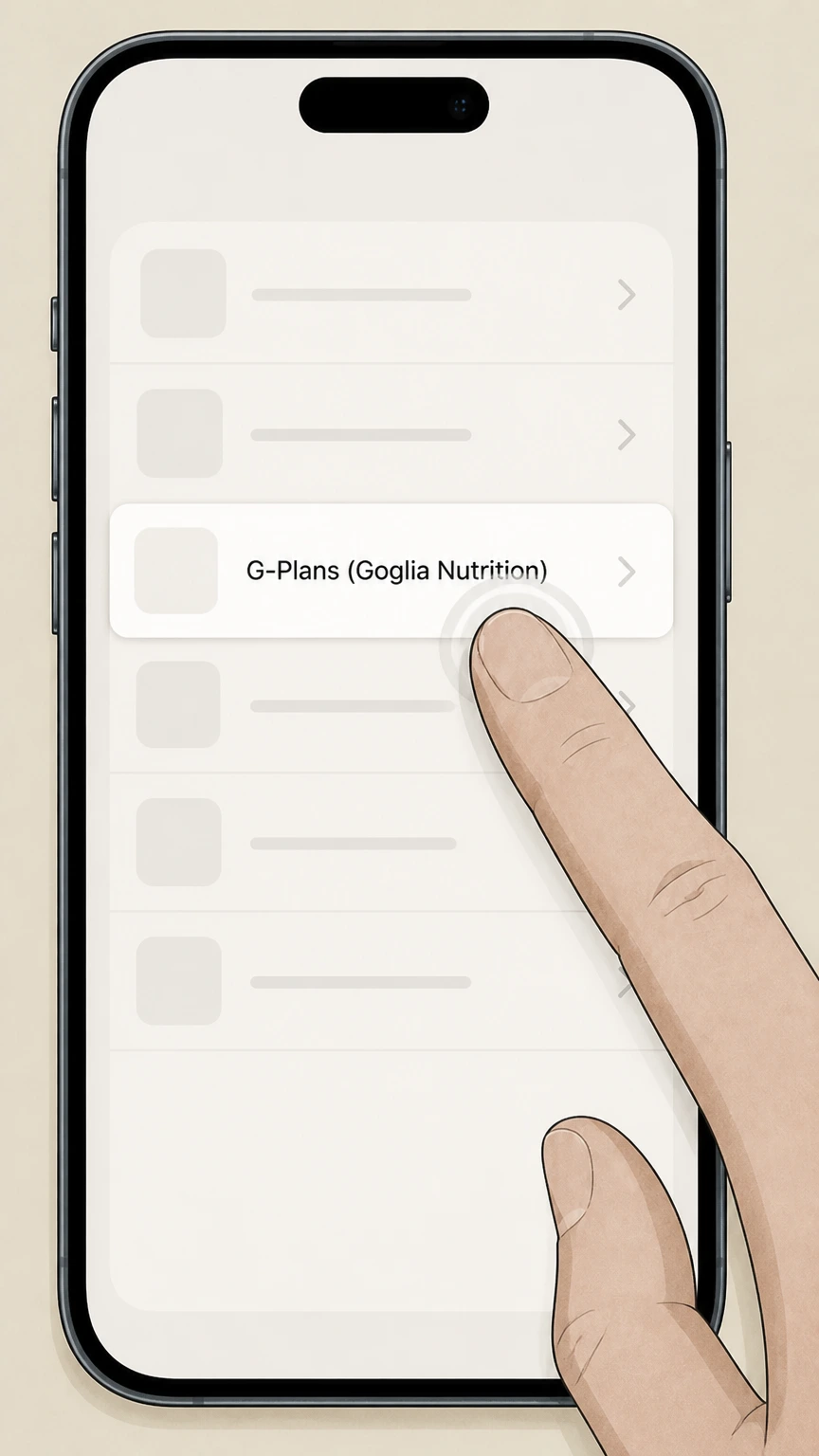
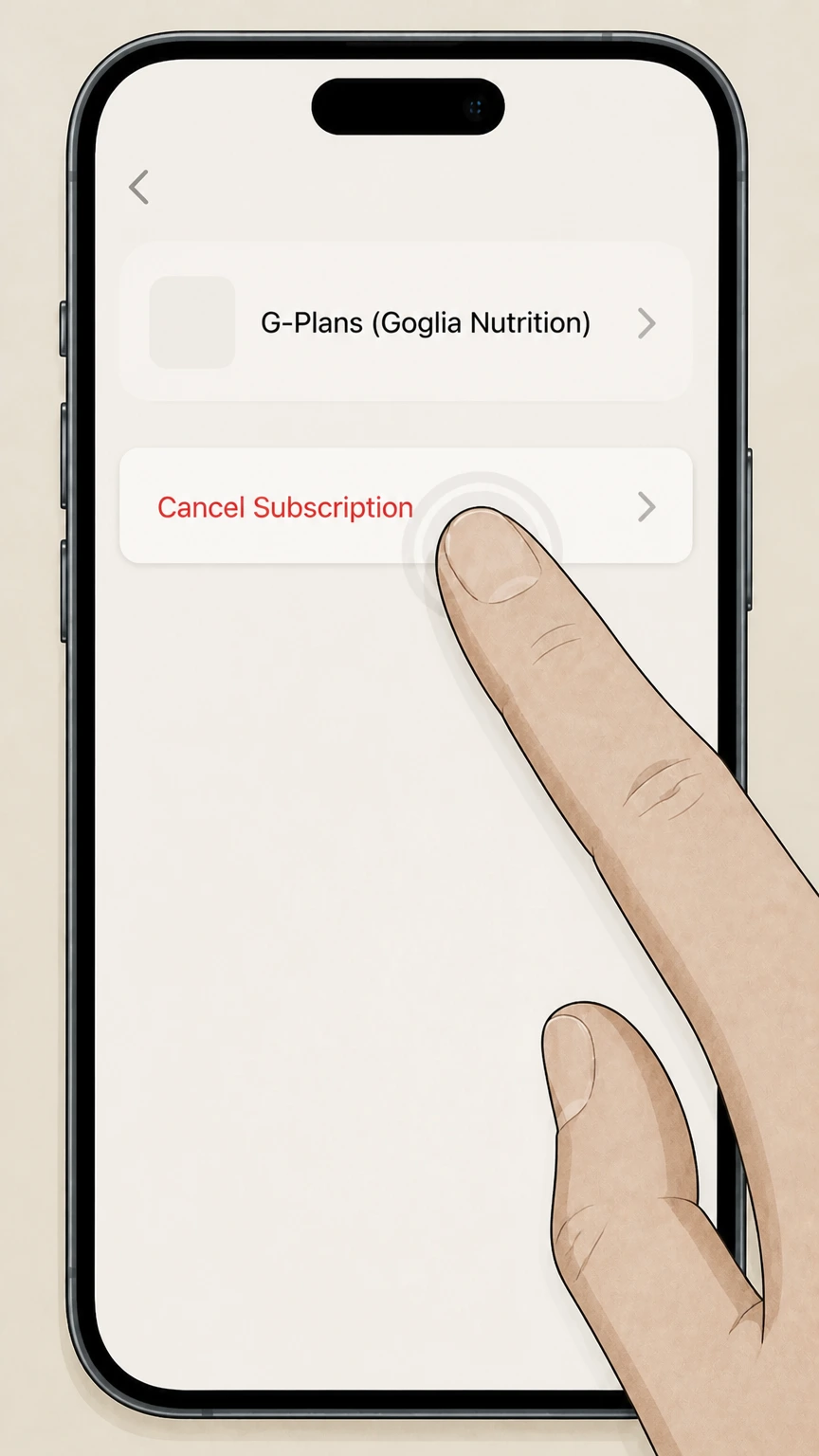
4Select G-Plans (Goglia Nutrition)
In the Subscriptions list, select the G-Plans (Goglia Nutrition) subscription you want to stop renewing.
 5
5Tap Cancel Subscription
Tap Cancel Subscription and follow the confirmation prompt. If no cancel button appears or an expiration message is shown, Apple says the subscription is already canceled.
Refund policy
Refunds, recurring billing, and what G-Plans will return
G-Plans’ Billing & Refunds policy and Membership Satisfaction Guarantee define how recurring billing works, when you can cancel or change plans, which amounts are non-refundable, and when you may receive refunds of past membership fees.
Check my refund options- Recurring billing and plan descriptor
- The Billing & Refunds policy states that if you elected automatic payments, fees are deducted from your selected account on an ongoing basis under your plan terms, and your banking or payment statements will list G-Plans as the descriptor (with a phone number), confirming that these are direct G-Plans charges.
- Cancelling or changing a plan at any time via support
- G-Plans’ Billing & Refunds policy explicitly tells members they can cancel or change their plan at any time by calling the published toll-free number or using chat on g-plans.com, indicating that support-assisted cancellation is always available alongside any in-account tools.
- Non-refundable products and months
- The Billing & Refunds policy explains that plans with processed orders for meals, medications, supplements, or scheduled medical and nutritional appointments are not eligible for refunds, and that G-Plans Plans are non-refundable for months in which medication orders, medical consultations, or appointments have been scheduled or occurred.
- Membership fee refunds under the guarantee
- Under the Membership Satisfaction Guarantee, if you contact customer support, G-Plans will cancel your membership and refund any G-Plans membership fees you paid in the six months immediately before the cancellation date, excluding medication and provider/medical fees.
- Apple versus G-Plans refund handling
- For subscriptions purchased via the App Store, Apple’s support materials indicate that these are subscriptions “from Apple,” and refund requests for those charges are handled through Apple’s refund process, while G-Plans’ own Billing & Refunds policy governs refunds only for charges it bills directly.
If you believe a G-Plans charge does not match these policies—for example, a G-Plans-billed plan that was not canceled as requested—first escalate with G-Plans support using phone or chat; if the charge is Apple-billed, use Apple’s subscription help and refund tools. Apple billing & subscription help
Scope
What this G-Plans cancellation guide covers
This guide applies to G-Plans subscription plans sold to U.S.-based consumers through g-plans.com or the official G-Plans mobile apps and focuses on how to stop recurring membership fees and request refunds where G-Plans’ own policies allow.
Provider and platform identity
G-Plans’ Terms of Use identify Goglia Nutrition LLC as the operator of the G-Plans Platform, defined as g-plans.com and the G-Plans mobile application, which together deliver subscription-based Services.
U.S.-only service scope
The Terms state that G-Plans limits access and use of its Platform and Services to users located in U.S. states where the Platform is available, and that Services are not available to users outside the United States.
Direct versus Apple billing
G-Plans’ Billing & Refunds page describes recurring billing where plans are paid by card and appear on statements as G-Plans, while the iOS App Store listing describes an in-app, auto-renewing Weight Loss RX Program with monthly subscription pricing, evidencing both direct G-Plans billing and Apple-billed subscription options.
Refunds
G-Plans Membership Satisfaction Guarantee specifics
G-Plans offers a Membership Satisfaction Guarantee that is tightly scoped to G-Plans membership fees and has clear limits on what is refundable and what is not.
Triggering the guarantee
The Terms explain that if you are less than 100% pleased with G-Plans, you may contact customer support by phone or chat on g-plans.com, and G-Plans will “immediately cancel your membership” under this guarantee.
Six-month membership fee refund window
Under the guarantee, G-Plans promises to refund any G-Plans membership fees you have paid in the six months immediately before the date of cancellation, crediting the refund back to your original payment method.
Exclusion of medication and provider fees
Both the Membership Satisfaction Guarantee and Billing & Refunds policy clarify that medication costs and provider or medical fees for Services offered through contracted providers are non-refundable and not covered by the guarantee, and that plans with processed orders for meals, medications, supplements, or scheduled appointments are not eligible for refunds.
Impact
What cancelling a G-Plans plan affects (and what it doesn’t)
Because G-Plans bundles app access, telehealth services, and medication shipments, cancelling your plan has different effects on different parts of the bundle.
Stopping future recurring membership billing
G-Plans’ Terms state that subscription Services are billed monthly by default and will automatically continue unless you cancel by logging into your account and following cancellation instructions at least one day before the next billing cycle; cancelling as directed stops further subscription fee charges.
Non-refundable months with processed products or appointments
The Billing & Refunds policy specifies that G-Plans Plans are non-refundable for months in which medication orders, medical consultations, or medical appointments have been scheduled or have occurred, and that if you cancel your plan after you begin receiving products or services you may still incur fees for those products or services.
Relationship to clinician appointments and self-service tools
The Billing & Refunds policy distinguishes plan cancellation from cancelling individual medical appointments, noting that appointments cancelled within 72 hours of the scheduled time are non-refundable and that appointment changes should be made using self-service features in the G-Plans app—not by canceling the entire plan.
G-Plans (Goglia Nutrition) cancellation FAQ
Current, source-backed answers about cancellation, billing ownership, refunds, and access timing.
Can I cancel my G-Plans subscription at any time?
Does cancelling my G-Plans plan stop medication shipments and clinician services immediately?
How do I know if my G-Plans subscription is billed by Apple or directly by G-Plans?
Untangle this G-Plans (Goglia Nutrition) issue.
Let Pine handle the provider follow-up and keep the confirmation in one place.
