


Washington Post
Cancel subscription
How to Cancel a Washington Post Digital Subscription
Cancel a Washington Post digital subscription through My Post, Apple, Amazon, or Google. Check add-ons, billing ownership, access timing, and refund handling.
- Direct subscriptions are canceled through My Post
- Apple, Amazon, and Google purchases stay with those stores
- Add-ons can be canceled separately from the main plan
- Digital access continues through the current billing period
Cancel Washington Post through the company that bills you
Web · Washington Post billing
Cancel a directly billed Washington Post digital subscription
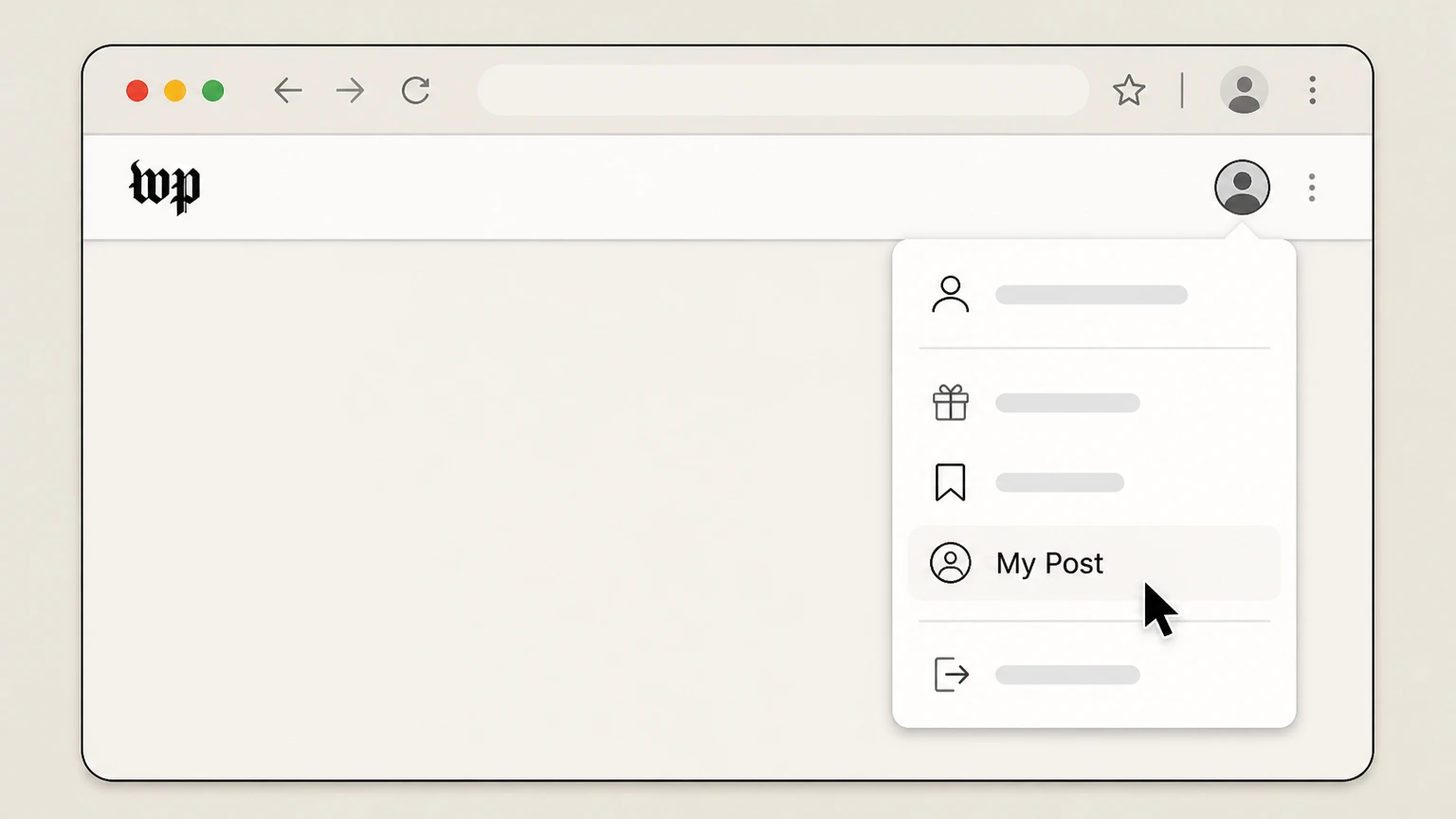 1
1Open My Post
Sign in and open the My Post subscription page.
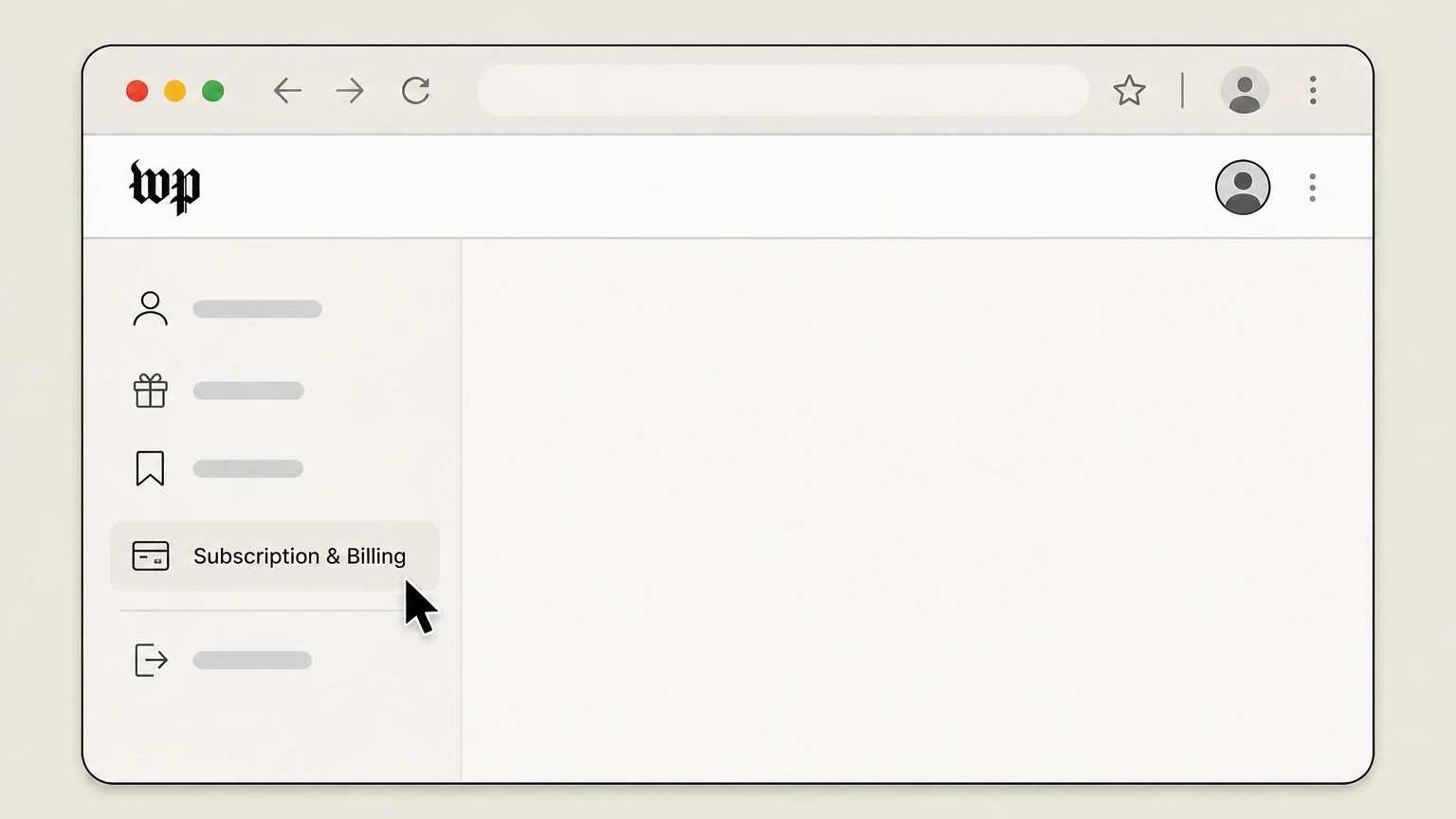 2
2Open Subscription & Billing
Open Subscription & Billing and select the directly billed digital plan.
- Let Pine handle it
Pine can help
Too many steps?
Pine can find the right Web path and handle the cancellation for you.
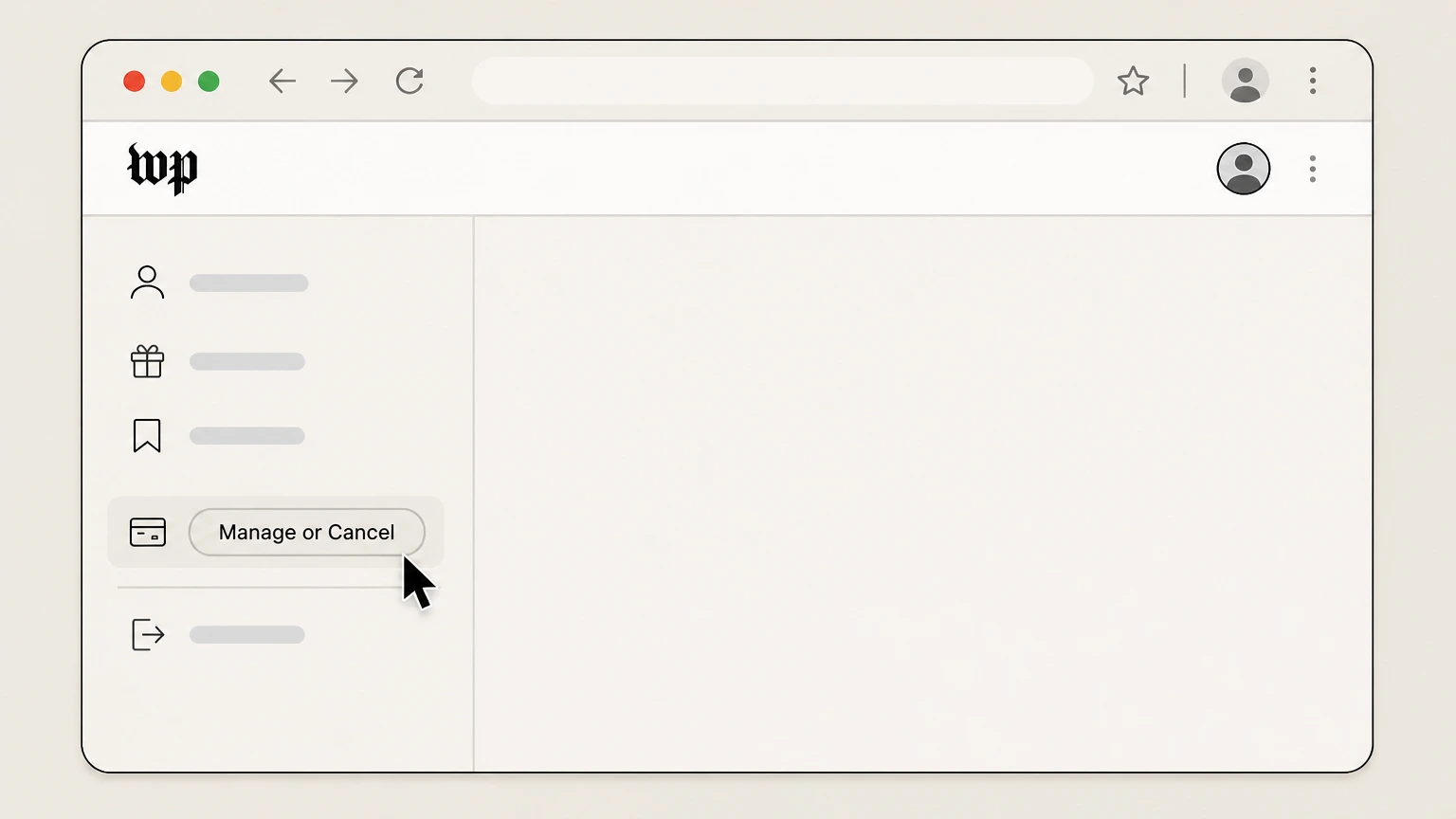 3
3Choose Manage or Cancel
Select Manage or Cancel, complete the prompts, and retain the final status.

Refund policy
Washington Post refunds, access, and charge follow-up
The public cancellation help focuses on stopping the following billing cycle and continuing current-period access; it does not promise an automatic mid-period refund.
Check my refund options- Future billing stops after cancellation
- The Help Center says the account will stop being charged in the following billing cycle.
- Current access continues
- Digital access remains for the rest of the current period rather than ending with an automatic prorated refund.
- Store charges are reviewed by the store
- Apple, Amazon, and Google own billing and related charge handling for purchases made through those stores.
If the billing owner or plan scope remains unclear, use the official Washington Post Help Center support options while signed in. Open Washington Post cancellation help
Billing route
Use My Post only for a directly billed subscription
Store-owned subscriptions do not move to Washington Post billing merely because the same email is used.
Direct Washington Post billing
Open My Post, then Subscription & Billing, and use Manage or Cancel for the plan.
Apple, Amazon, or Google billing
The Help Center directs app-store purchases to the applicable store’s subscription controls and terms.
Check the receipt
If My Post has no cancellation control, use the original receipt or store subscription list to identify the owner before contacting support.
Subscription scope
Core plans and add-ons can be canceled separately
An add-on cancellation does not necessarily stop the main news plan.
Cancel an add-on alone
In Subscription & Billing, Manage or Cancel beside an add-on can end that add-on while the Primary Core or Premium subscription remains active.
Cancel both when intended
The Help Center says the account also offers an option to cancel both the add-on and the primary subscription.
Digital access continues to period end
For a digital-only plan, the Help Center says access continues for the remainder of the current billing period.
Washington Post cancellation questions
Questions discovered from current search behavior are answered only with the official sources checked on August 16, 2026.
How do I contact The Washington Post about my subscription?
How do I cancel my digital subscription?
Can I cancel a Washington Post add-on without canceling the main subscription?
When does Washington Post digital access end?
Why is there no cancel button in My Post?
Untangle this Washington Post issue.
Let Pine handle the provider follow-up and keep the confirmation in one place.
