


WeightWatchers
Cancel subscription
How to Cancel a WeightWatchers Membership or App
Learn how to cancel WeightWatchers through the right billing provider. Follow official steps, understand access timing, refunds, and the confirmation to keep.
- Official WeightWatchers and billing-owner sources
- 3 provider-specific cancellation paths
- Refund and post-cancellation effects separated from renewal
- Verified August 16, 2026
Choose the WeightWatchers cancellation path that matches who bills you
WeightWatchers website · verify the billing owner
 1
1Open the WeightWatchers cancellation page
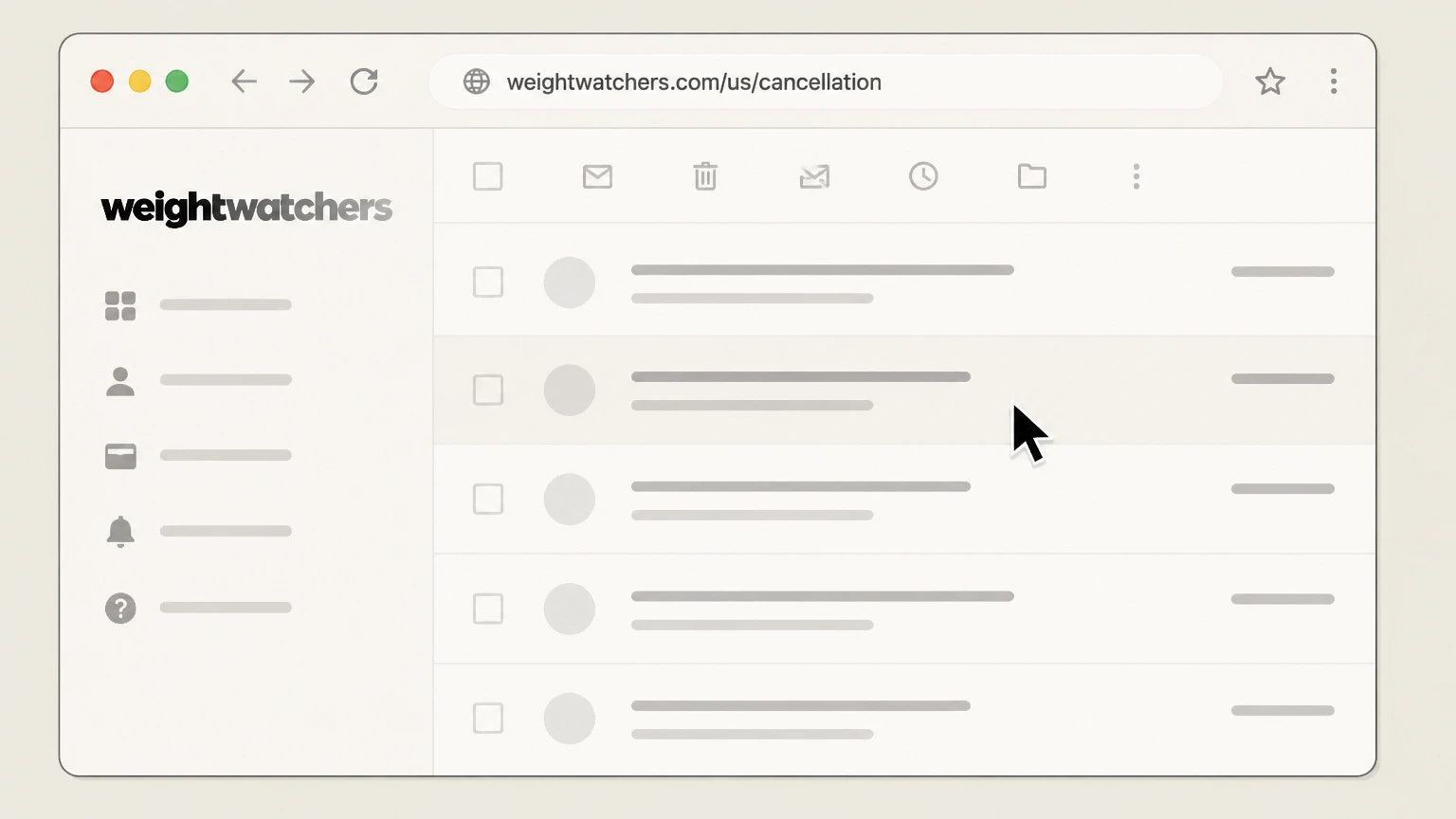
In a web browser, go to weightwatchers.com/us/cancellation. Use the WeightWatchers account named on your receipt, and continue only after the next status in this cancellation path is visible.
 2
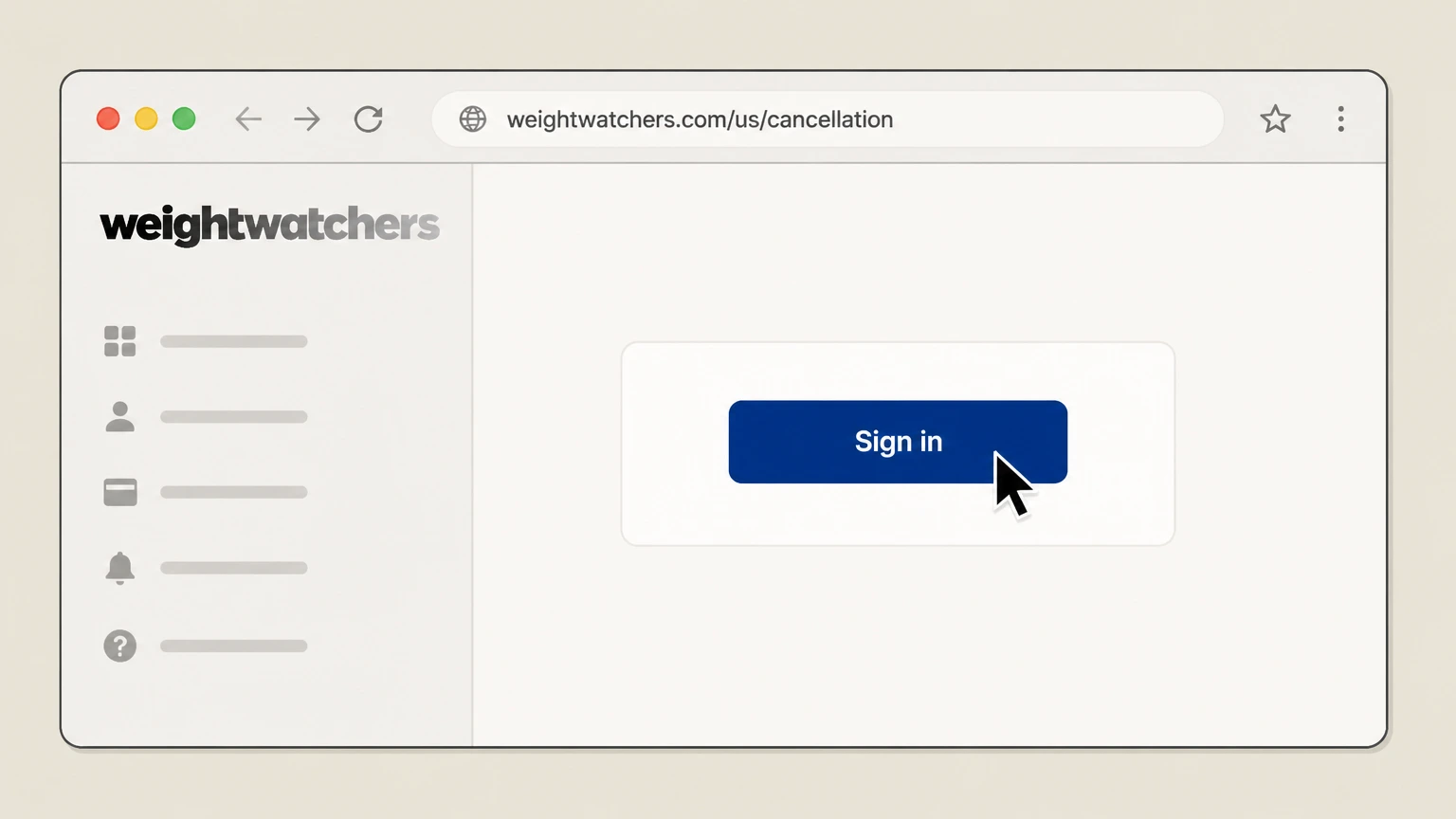
2Sign in to your WW account
If prompted, sign in with the email and password associated with your WeightWatchers membership. Use the WeightWatchers account named on your receipt, and continue only after the next status in this cancellation path is visible.
- Let Pine handle it
Pine can help
Too many steps?
Pine can find the right WeightWatchers website path and handle the cancellation for you.
 3
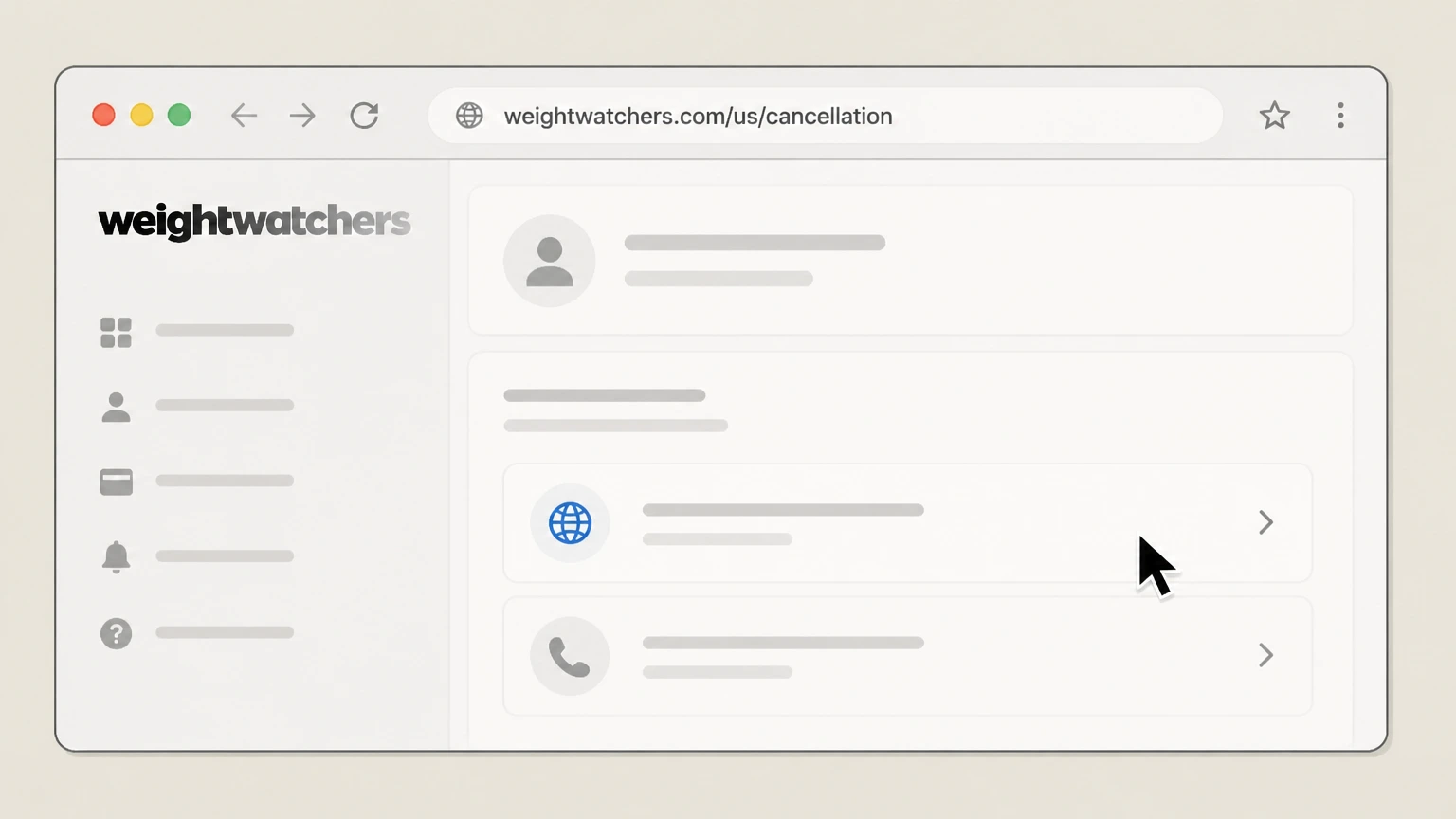
3Start the online cancellation flow
On the Manage Your WW Membership page, choose the online option to cancel or switch your membership, which sends you into the secure cancellation flow.
 4
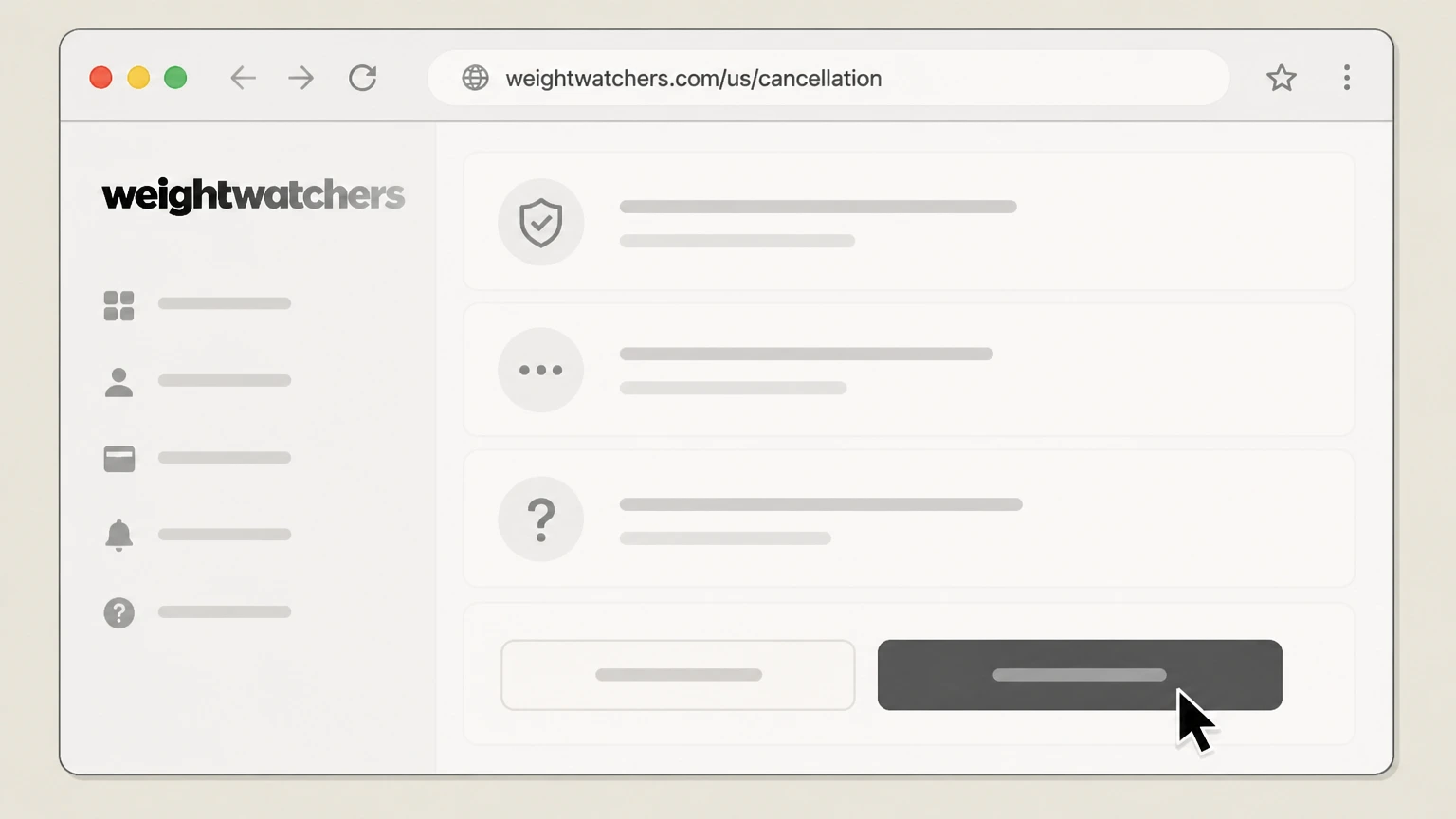
4Confirm cancellation through all prompts
In the protected account area, follow the on‑screen steps to confirm that you want to cancel and review the date your membership will end.
 5
5Check for your WW cancellation email
Check the email address on your WW account for a message confirming that your membership has been cancelled and when access will stop.

Apple App Store (iPhone/iPad) · verify the billing owner
 1
1Open Settings
On your iPhone, open the Settings app. Use the WeightWatchers account named on your receipt, and continue only after the next status in this cancellation path is visible.
 2
2Tap your name
At the top of Settings, tap your name to open your Apple ID settings. Use the WeightWatchers account named on your receipt, and continue only after the next status in this cancellation path is visible.
- Let Pine handle it
Pine can help
Too many steps?
Pine can find the right Apple App Store (iPhone/iPad) path and handle the cancellation for you.
 3
3Open Subscriptions
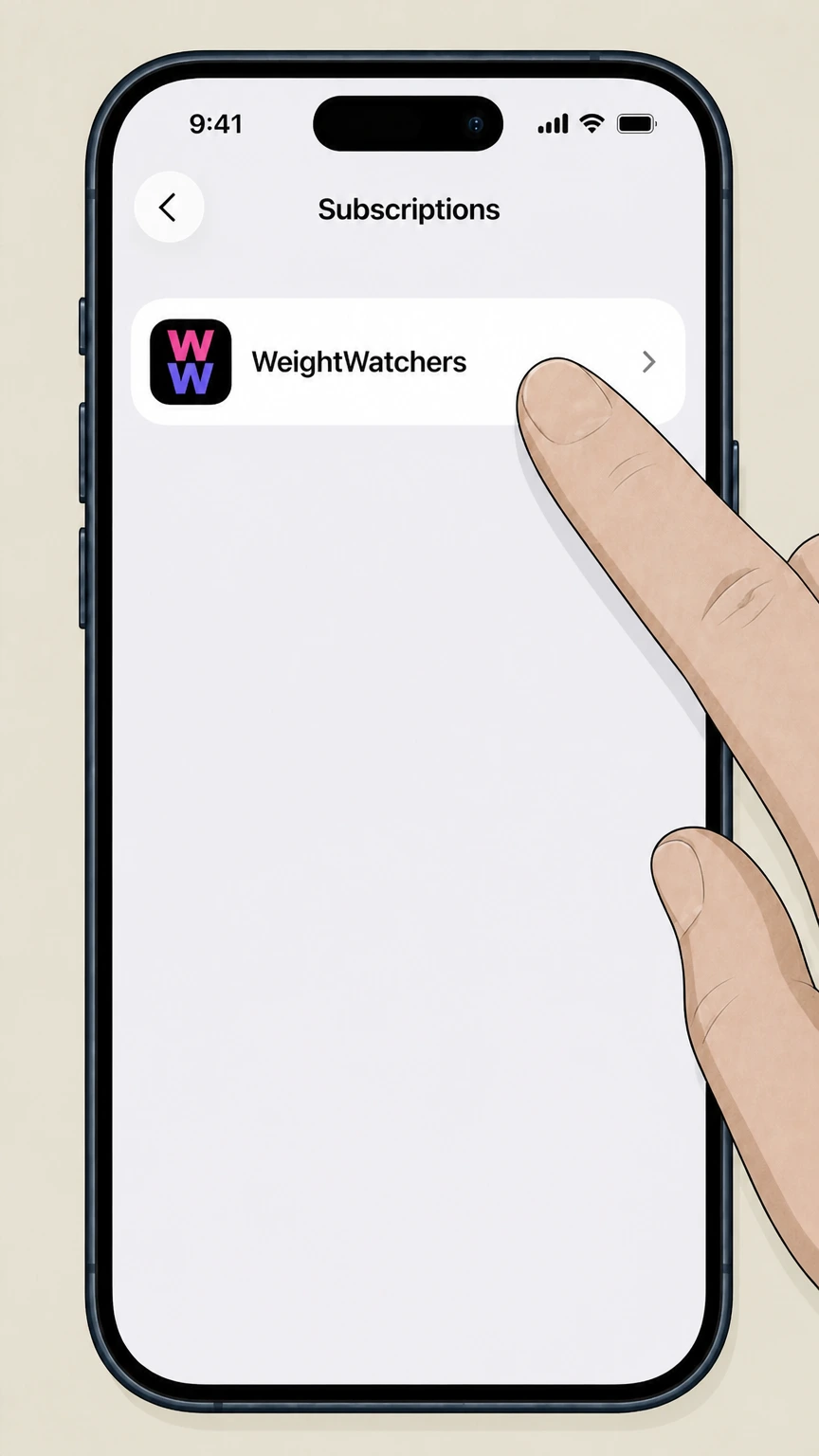
Tap Subscriptions to see the list of active and expired Apple-billed subscriptions. Use the WeightWatchers account named on your receipt, and continue only after the next status in this cancellation path is visible.
 4
4Select WeightWatchers
In the list of active subscriptions, tap the WeightWatchers entry. Use the WeightWatchers account named on your receipt, and continue only after the next status in this cancellation path is visible.
 5
5Cancel the subscription
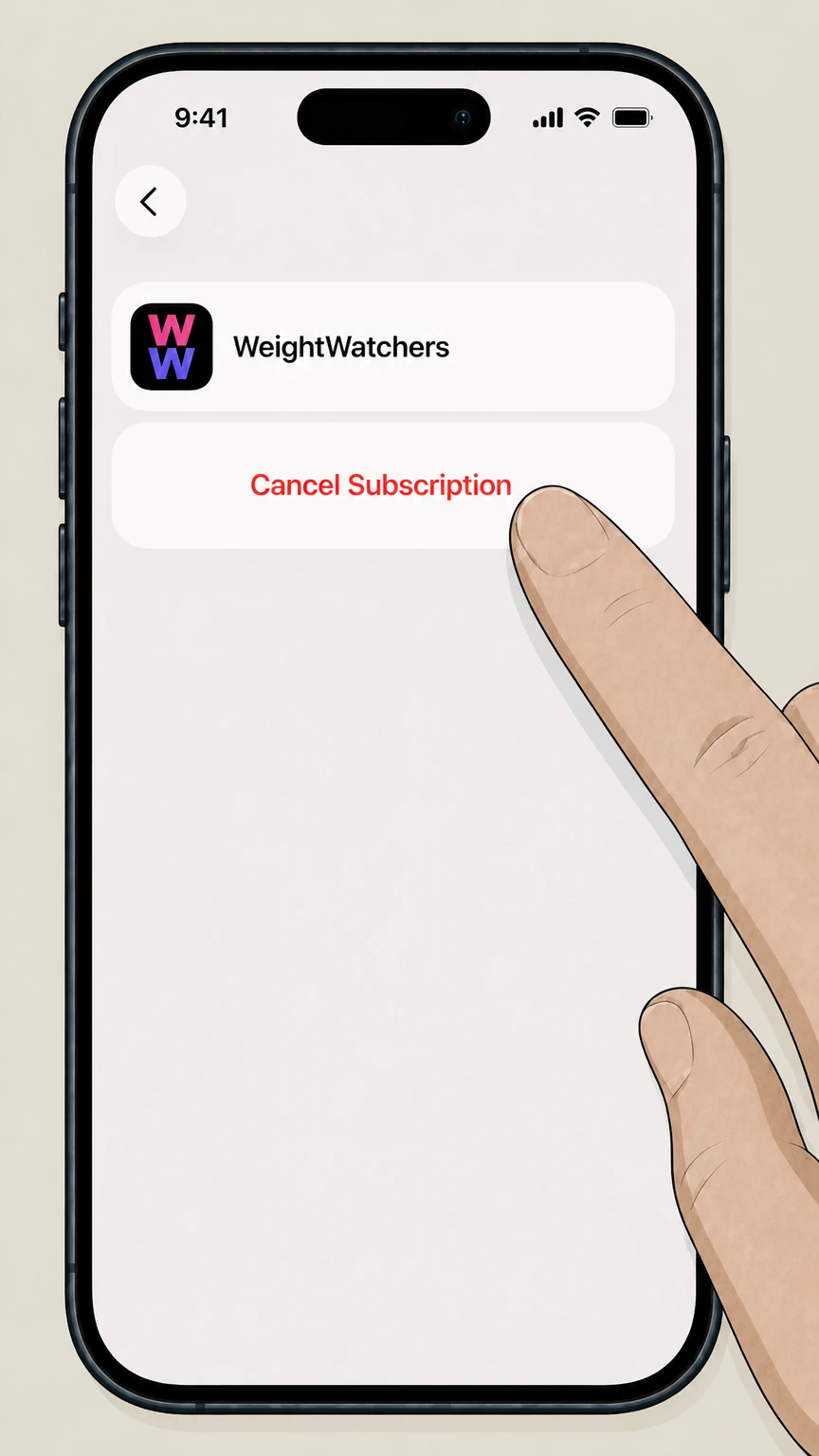
Tap Cancel Subscription and complete the on‑screen confirmation so that Apple stops renewing your WeightWatchers subscription. Use the WeightWatchers account named on your receipt, and continue only after the next status in this cancellation path is visible.
Google Play (Android) · verify the billing owner
 1
1Open the Google Play Store app
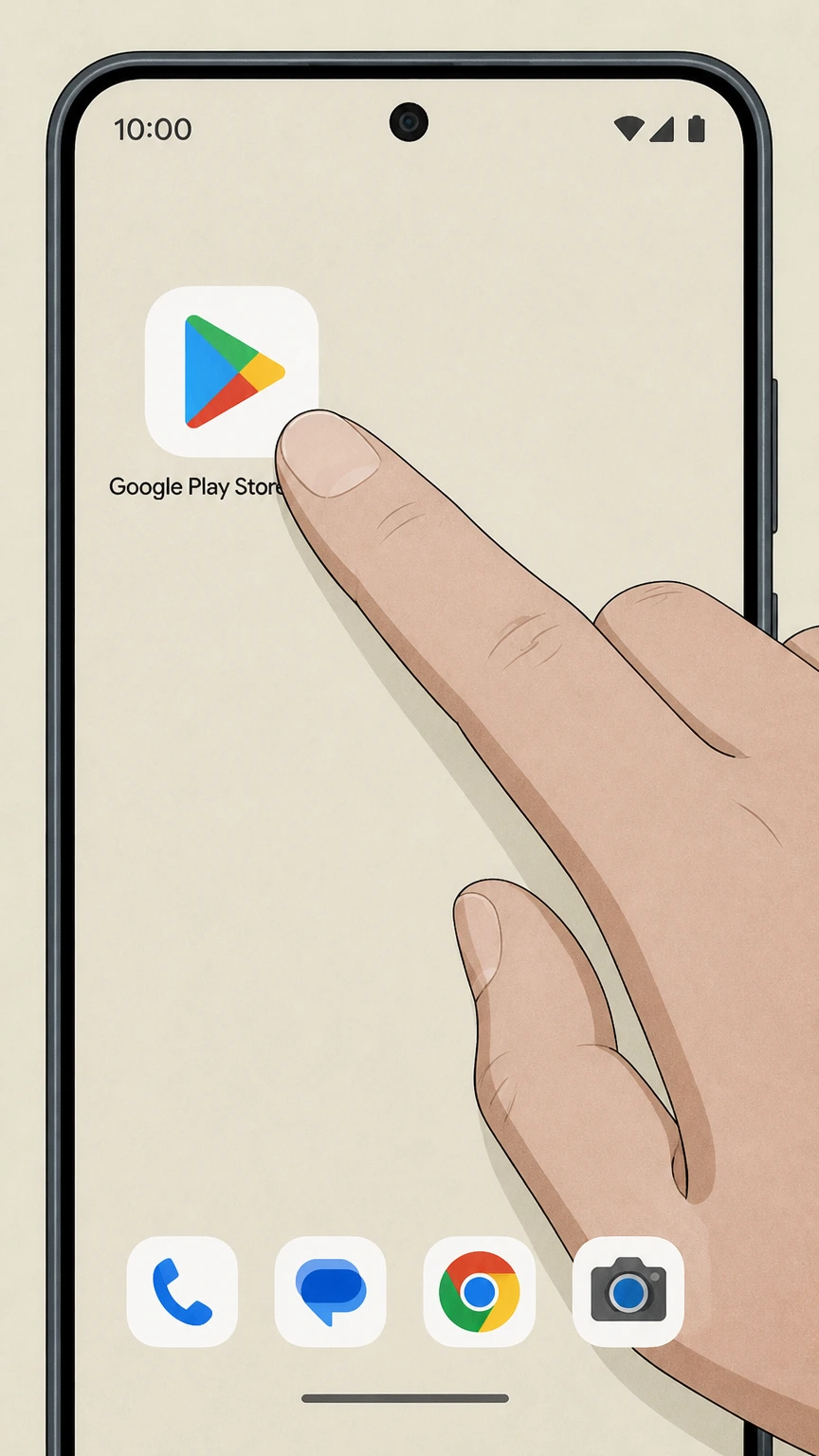
On your Android device, open the Google Play Store app. Use the WeightWatchers account named on your receipt, and continue only after the next status in this cancellation path is visible.
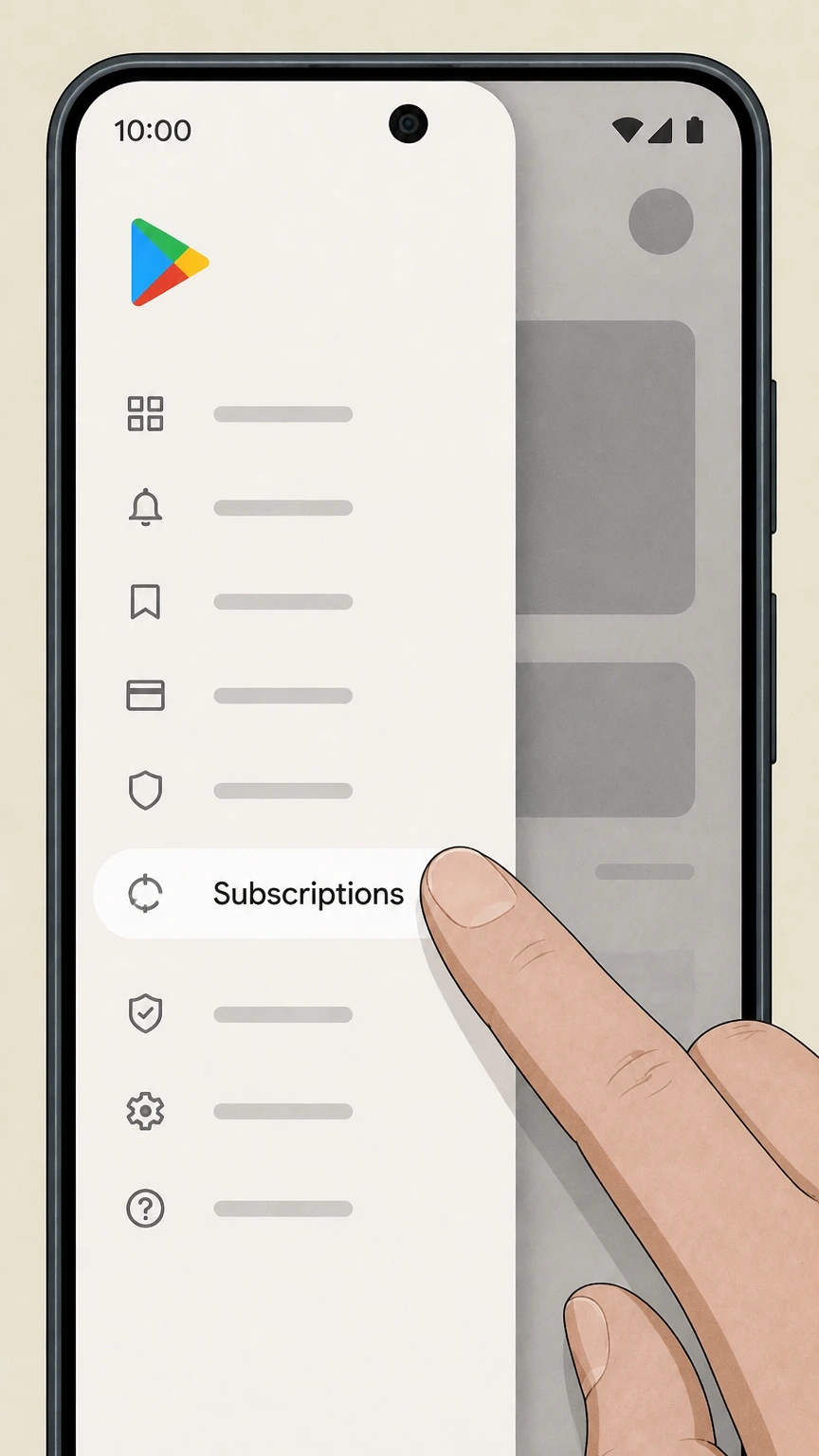 2
2Open the Subscriptions screen
From the Google Play menu, go to the section that shows your Subscriptions. Use the WeightWatchers account named on your receipt, and continue only after the next status in this cancellation path is visible.
- Let Pine handle it
Pine can help
Too many steps?
Pine can find the right Google Play (Android) path and handle the cancellation for you.
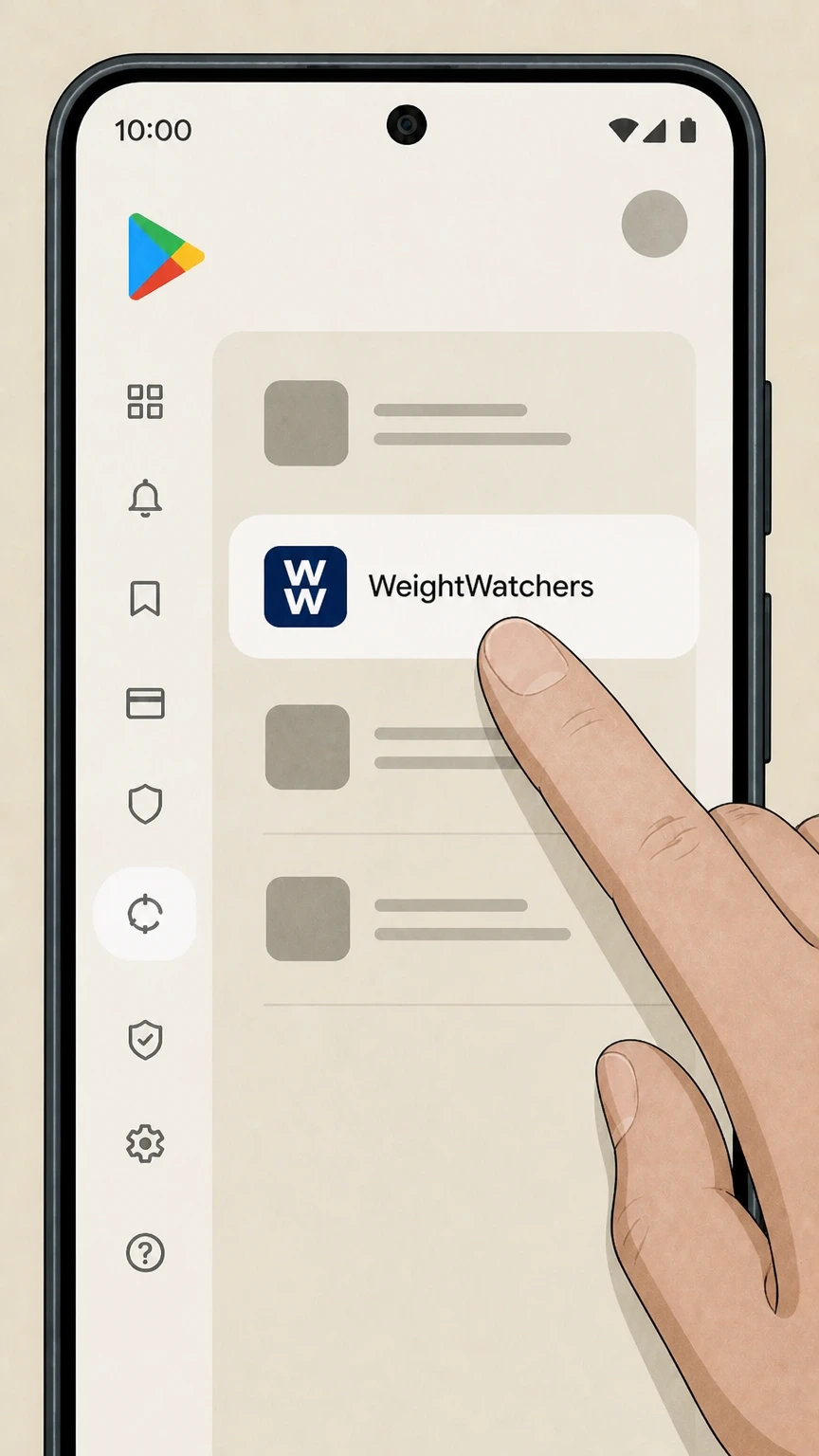 3
3Select the WeightWatchers subscription
In your list of subscriptions, tap the WeightWatchers entry you want to cancel. Use the WeightWatchers account named on your receipt, and continue only after the next status in this cancellation path is visible.
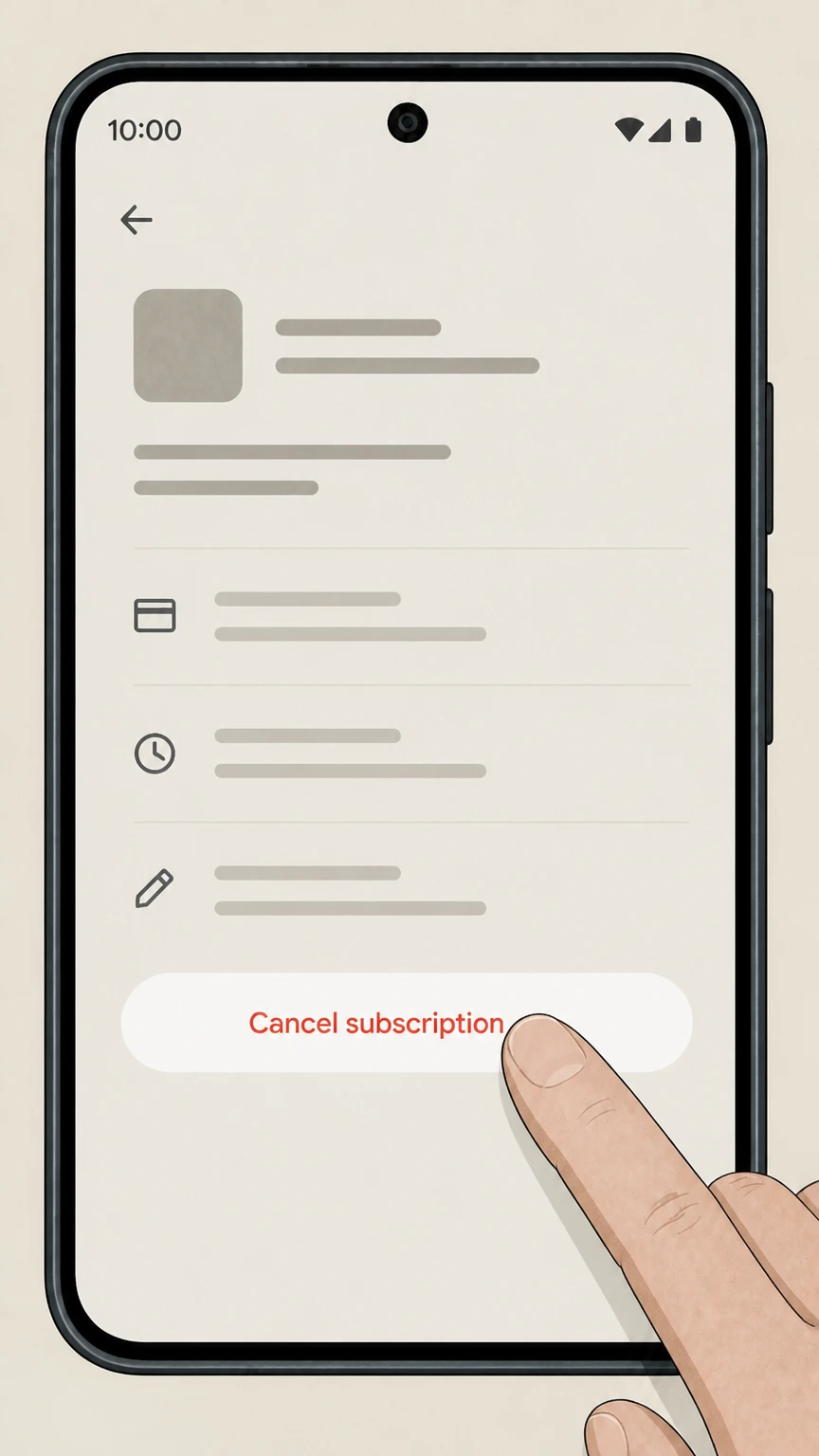 4
4Tap Cancel subscription
On the WeightWatchers subscription screen, tap Cancel subscription and let Google Play process the cancellation. Use the WeightWatchers account named on your receipt, and continue only after the next status in this cancellation path is visible.
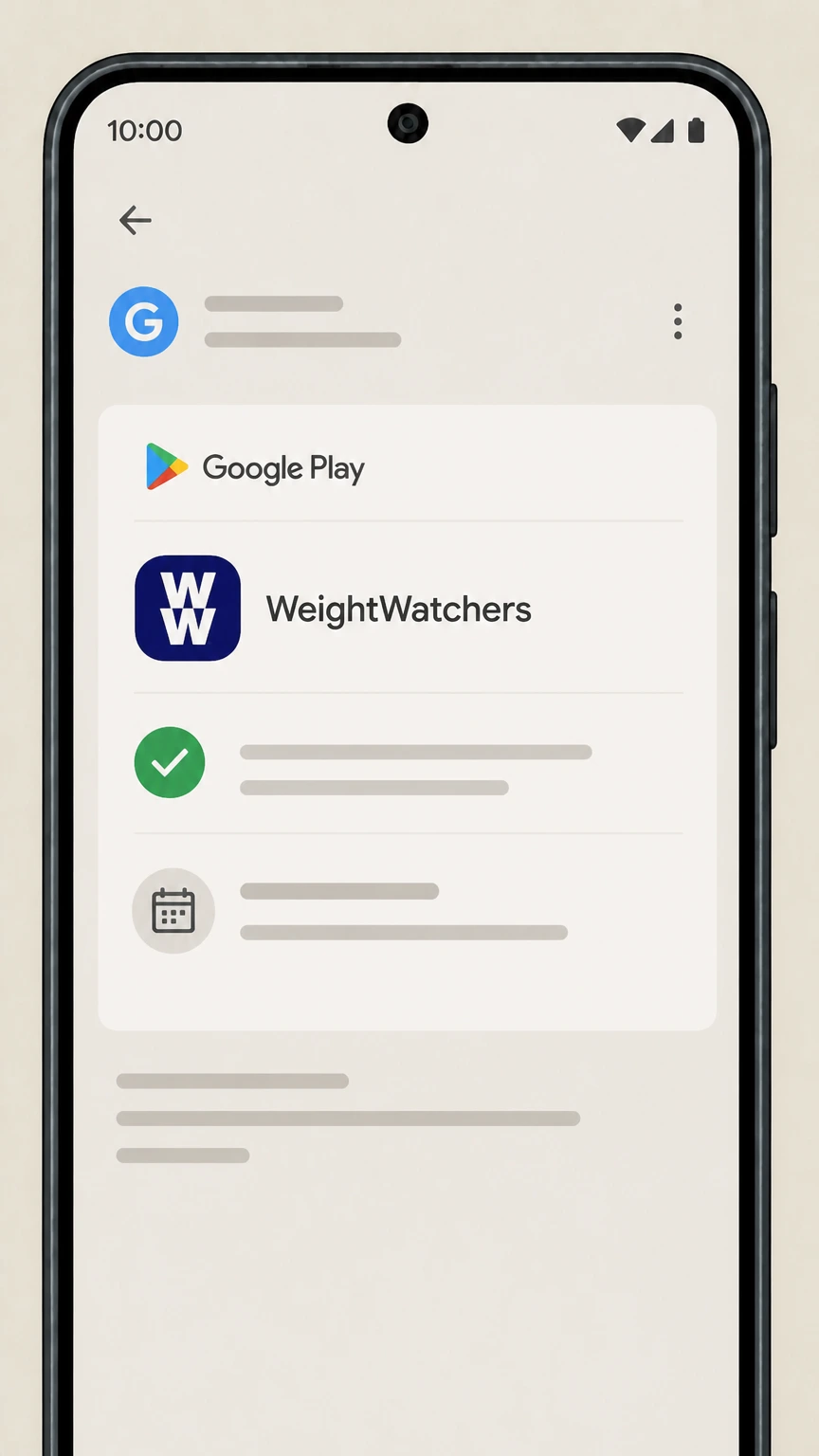 5
5Review Google’s confirmation
Check the on‑screen message and any email from Google Play confirming the cancellation and the date when access will end.
Refund policy
WeightWatchers refunds and billing after cancellation
WW’s contracts treat cancellation and refunds separately. Cancelling usually stops future renewals but does not automatically entitle you to money back for the current billing or commitment period.
Check my refund options- Subscription fees usually non‑refundable for current period
- The Membership and WW Clinic Terms state that subscription fees are generally not refundable once a billing period (for monthly plans) or commitment period (for long‑term plans) has started; you remain responsible for fees until that period ends, even if you cancel mid‑cycle. weightwatchers.com
- Defined exceptions in WW’s own policies
- WW’s Membership and Clinic Terms list limited situations where some portion of paid fees may be refunded, such as qualifying medical circumstances, relocation or Workshop closure without a comparable alternative, WW‑initiated termination, or cancellations made within a short window after initial purchase, sometimes minus an administrative fee. weightwatchers.com
- App‑store purchases follow store refund rules
- For subscriptions bought via Apple’s App Store, WW specifies that they are not refundable by WW and are governed by Apple’s terms and refund framework. Google Play subscriptions similarly follow Google’s refund policies rather than WW’s own refund process. weightwatchers.com
- Promotional free trials and offers
- Some WW promotions, such as digital free trials, specify that if you cancel by the end of the free‑trial period stated in the offer, you will not be charged; if you do not cancel in time, normal subscription billing and the standard refund policy apply. weightwatchers.com
- Contacting WW about mistaken post‑cancellation charges
- WW’s Terms explain that if you cancel near the end of a billing period and are inadvertently charged for the next period, you should contact Customer Service to request that charges be reversed; if you use the service in that extra period, you may not be eligible for a refund. weightwatchers.com
For the most precise and current refund language that applies to your specific plan, review the full WW Membership Terms & Conditions (and WW Clinic Terms, if applicable) directly on WeightWatchers’ site. View WW Membership Terms
WW plan structure
How WeightWatchers memberships and commitments work
WeightWatchers runs on auto‑renewing subscriptions with several plan types. Understanding your plan helps you predict what cancellation will do.
Auto‑renewing subscriptions
WW’s Membership Terms state that subscription products are billed at the start of each billing period and automatically renew until you cancel, for both standard monthly and longer commitment plans. weightwatchers.com
Standard vs. commitment plans
WW sells standard monthly plans and long‑term commitment plans that run for multiple months before converting to standard monthly pricing; both auto‑renew unless you cancel before the relevant renewal period. weightwatchers.com
Pre‑pay savings plans
Some offers let you pre‑pay for several months upfront at a discounted rate. WW’s cancellation page explains that cancellation for these plans takes effect at the end of the initial pre‑paid period, then at the end of the membership month in which you cancel. weightwatchers.com
WW Clinic subscriptions
WW Clinic (for GLP‑1 and related care) is also sold on a subscription basis under separate Clinic Terms. Billing and cancellation for Clinic plans follow the same general pattern of auto‑renewing periods until you cancel. weightwatchers.com
When it takes effect
When WW cancellations actually stop billing
WW focuses on when in the billing or commitment cycle you cancel, not the exact calendar day you click the button.
End of current subscription period
For both Membership and Clinic Terms, WW states that when you cancel, the change takes effect at the end of your then‑current subscription period, or at the end of the commitment plan period for long‑term plans. weightwatchers.com
Standard one‑month plans
The Manage Your WW Membership page explains that for standard one‑month plans, cancellation takes effect at the end of the membership month in which you cancel—access and billing continue until that date. weightwatchers.com
Multi‑month commitment plans
For multi‑month commitment plans, WW says that cancellation takes effect at the end of the commitment plan period; after that, cancellations take effect at the end of the membership month in which you cancel. weightwatchers.com
Pre‑pay savings plans
For pre‑pay savings plans, WW’s cancellation page notes that cancellation takes effect at the end of the initial plan period you purchased, then at the end of the relevant membership month for later cancellations. weightwatchers.com
Processing time and stray charges
WW’s Terms say they attempt to process cancellation requests within about 72 hours. If you cancel near the end of your billing period and are mistakenly charged for the next period, you can contact Customer Service to seek a reversal, but using the service in that extra period may forfeit a refund. weightwatchers.com
Who bills you
Who owns billing for your WW subscription
Your cancellation path depends on whether WW, Apple, or Google is billing you.
Direct WW billing
If you bought on weightwatchers.com, in a Workshop, through WW Clinic, or via most WW promotions, your card or account is billed by WW. The Membership and Clinic Terms say you cancel by using the option in the protected areas of the Site or Mobile App or by contacting Customer Service. weightwatchers.com
Apple App Store billing
WW’s Clinic Terms explicitly state that purchases made within apps downloaded from the Apple iTunes Store are not refundable by WW and are subject to Apple’s terms. Apple’s support pages show that these subscriptions must be managed and cancelled in Apple’s Subscriptions settings, not on WW’s site. weightwatchers.com
Google Play billing
If you subscribed through the Google Play Store on Android, the subscription is held by Google. Google Play Help explains that you cancel such subscriptions from the Subscriptions section of Google Play rather than inside the WW app itself. support.google.com
Employer, insurer, or partner offers
Some WW memberships are provided through employers or insurers under separate terms (for example, UHC or corporate programs). Those FAQs and membership terms point you either to WW’s online cancellation tools or to program‑specific support; members must follow the instructions in their particular offer. weightwatchers.com
What changes
What changes after you cancel WeightWatchers
Cancelling stops future renewals but doesn’t immediately erase your account or data.
Access usually continues until period end
WW’s Membership and Clinic Terms specify that when you cancel, you typically retain access to the subscribed services until the end of the current billing period or commitment period; there is no pro‑rated cut‑off mid‑period. weightwatchers.com
Workshops and WW Clinic care end after term
Once the effective cancellation date passes, Workshop access and WW Clinic healthcare services tied to that subscription end unless you re‑enroll or hold a different active plan. weightwatchers.com
Your WW account usually stays active
WW’s Privacy Policy and help content describe accounts, logins, and profile settings that persist even when billing stops; you can continue to sign in, manage settings, and, where offered, reactivate or purchase a new membership. weightwatchers.com
Data and privacy controls
WW explains that you can request access, correction, or deletion of personal information via Account Settings or privacy contacts, but it may retain some data as allowed or required by law (for example for billing records and legal obligations). weightwatchers.com
Biometric and health data
For features like body‑scan biometrics and health tracking, WW’s US Privacy Policy and Biometric Information Privacy Policy describe how long such data is kept and how it is destroyed; these policies continue to govern even after membership cancellation until data is deleted. weightwatchers.com
Verification
How to confirm your WeightWatchers cancellation
WW and the major app stores provide several confirmation points that your membership really ended.
WW on‑screen confirmation
When you complete the cancellation flow in WW’s protected site or app areas, you should see a message indicating that your membership has been cancelled and the date when it will end; do not close the browser or app until you see this. weightwatchers.com
WW email confirmation
WW’s terms and help content indicate that account communications, including changes to subscriptions, are sent by email. After cancelling, check the email address in your profile for a confirmation and save it as proof. weightwatchers.com
Account Status and billing view
WW’s Billing and Technical help explains that you can view your Account Status, payment plan and next billing date from your profile, which lets you verify that your subscription is set to end and will not renew. weightwatchers.com
Apple subscription status
Apple’s support pages explain that in iOS Settings > your name > Subscriptions, an active subscription shows renewal details, while a cancelled one will show an expiry date in red and no Cancel button. support.apple.com
Google Play receipts and subscription list
Google Play Help notes that after cancelling, the subscription remains listed with an expiry date, and you generally receive an email from Google about the change; the app itself may continue working until that date. support.google.com
Special cases
WW Clinic, promotions, and pregnancy-related cancellation
Some WW products and life events have tailored cancellation notes in WW’s own terms and policies.
WW Clinic cancellation options
WW Clinic Terms say Clinic subscribers can cancel by choosing the cancellation option in the protected Site or Mobile App areas, by contacting their Care Team or Customer Service, or via other methods in the Clinic Cancellation Policy. weightwatchers.com
Promotional and free-trial offers
Certain offers, such as digital free trials, give a dedicated cancellation URL and explain that if you do not cancel by the stated date, your membership converts to a paid subscription under the standard Membership Terms. weightwatchers.com
Pregnancy and Med+ programs
The Clinic Terms discuss pregnancy and explain that you may cancel your membership at any time during pregnancy by using the WW cancellation page, which links back into the same account‑based tools used for other members. weightwatchers.com
Corporate and insurer programs
Corporate and insurer WW programs (for example, certain employer or health‑plan offerings) publish their own FAQs that may require you to contact a dedicated wellness support team or to cancel via WW’s standard online tools; always follow the instructions in your specific FAQ. cmx.weightwatchers.com
Money and rights
Refund boundaries and state-specific WW rights
WW defines its own refund policy in addition to any rights you may have under state law.
Default: fees are not refundable mid‑period
Both Membership and Clinic Terms say subscription fees are generally not refundable or cancellable once a billing or commitment period has started; you must pay through the end of that period even if you cancel earlier. weightwatchers.com
Limited refund exceptions
WW’s Membership and Clinic Terms outline narrow exceptions, such as certain medical circumstances, relocation or Workshop closure situations, WW‑initiated termination, and short early‑cancellation windows near initial purchase, often subject to administrative fees. weightwatchers.com
Apple and other app‑store purchases
WW’s terms specify that purchases made within apps downloaded from the Apple iTunes Store are not refundable by WW and are instead governed by Apple’s own refund rules; similar app‑store policies apply if you subscribed via Google Play. weightwatchers.com
State-specific cooling‑off rights
The US Membership Terms contain state addenda (for example, Ohio, Mississippi, Rhode Island and others) describing additional cancellation and refund rights shortly after signup; these vary by state and should be read directly in the current contract text. weightwatchers.com
Data and privacy rights separate from billing
Regardless of refund outcomes, WW’s US Privacy Policy explains how you can request access to, deletion of, or restrictions on your personal information and how long different types of information may be retained. weightwatchers.com
What official sources do not confirm
Limits of the public WeightWatchers cancellation guidance
These points are intentionally qualified because the official sources reviewed on August 16, 2026 do not publish a complete answer.
Documented limitation 1
The secure WW cancellation flow at cmx.weightwatchers.com requires member login and cannot be inspected directly, so this guide describes the supported paths and timing rules rather than exact internal button labels or screen order.
Documented limitation 2
State‑specific statutory cancellation and refund rights in the WW Membership Terms are summarized only at a high level; members should read the full current text of the section that applies to their state for precise legal rights and deadlines.
Documented limitation 3
Employer, insurer, or other partner‑sponsored WW programs may impose additional or different cancellation steps; where partner materials conflict with this guide, members should follow the most recent official instructions provided in their specific offer.
WeightWatchers cancellation FAQ
Questions people search about canceling WeightWatchers, answered with official provider or billing-platform sources checked on August 16, 2026.
Why is Weight Watchers still charging me even though I cancelled my account?
Can you cancel Weight Watchers anytime?
How do I fully cancel a subscription on my iPhone?
How do I cancel my WW membership online
How do I access my Weight Watchers account?
How do I cancel WeightWatchers if I subscribed through Google Play on Android?
How to cancel Weight Watchers Clinic membership
What happens to my data and app access after I cancel WeightWatchers?
Can I get a refund after cancelling my WeightWatchers membership?
Untangle this WeightWatchers issue.
Let Pine handle the provider follow-up and keep the confirmation in one place.
